

مدير الملفات السحابية
العب على الكمبيوتر الشخصي مع BlueStacks - نظام أندرويد للألعاب ، موثوق به من قبل أكثر من 500 مليون لاعب.

Run Cloud File Manager on PC or Mac
What’s better than using Cloud File Manager by DriveHQ.com & CameraFTP.com Cloud Services? Well, try it on a big screen, on your PC or Mac, with BlueStacks to see the difference.
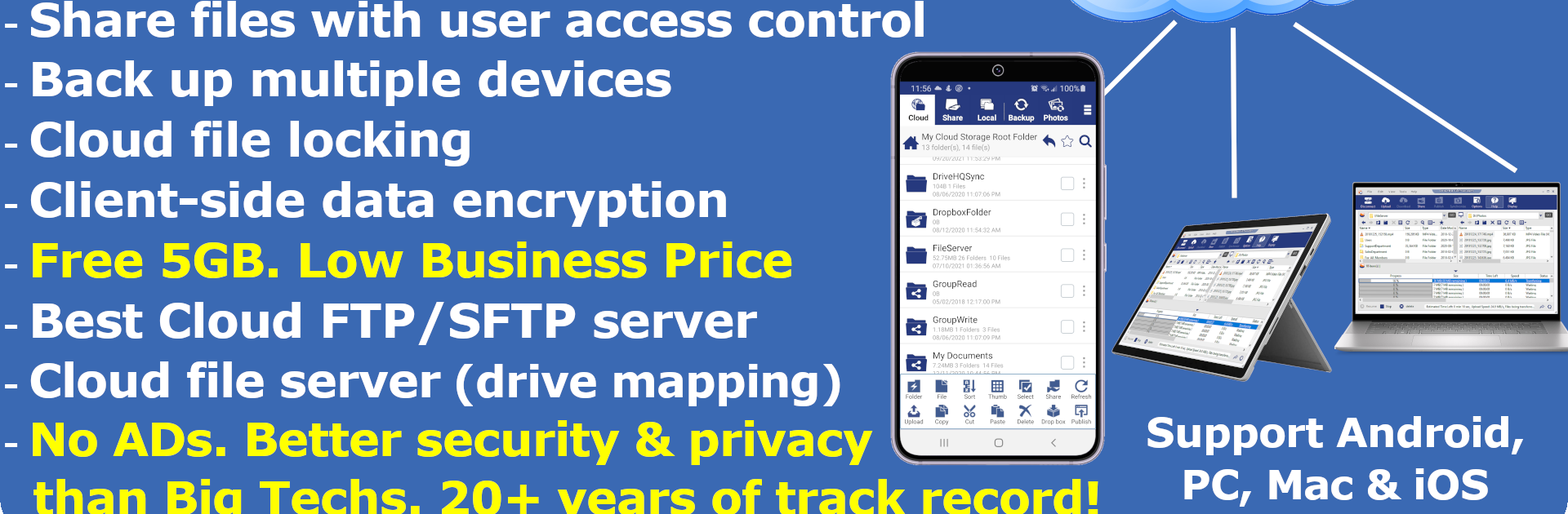
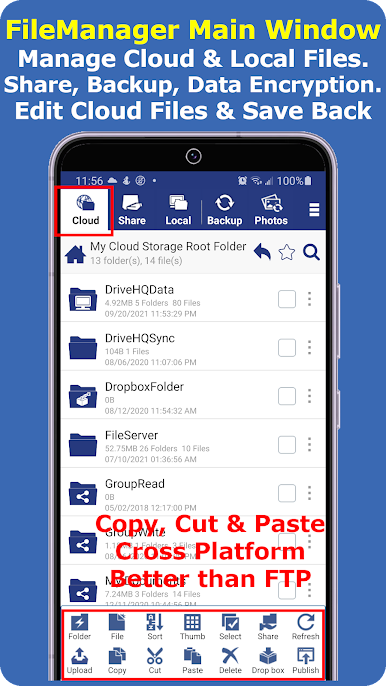
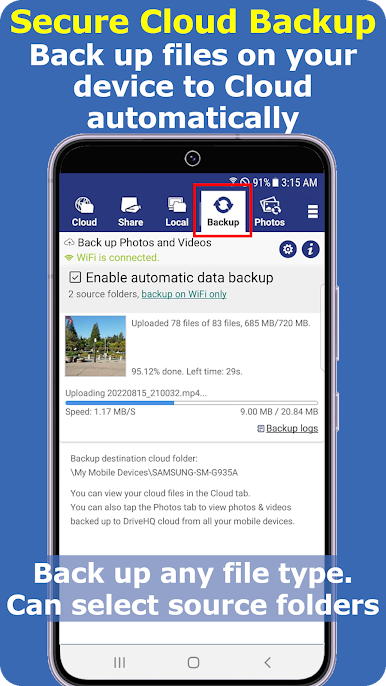
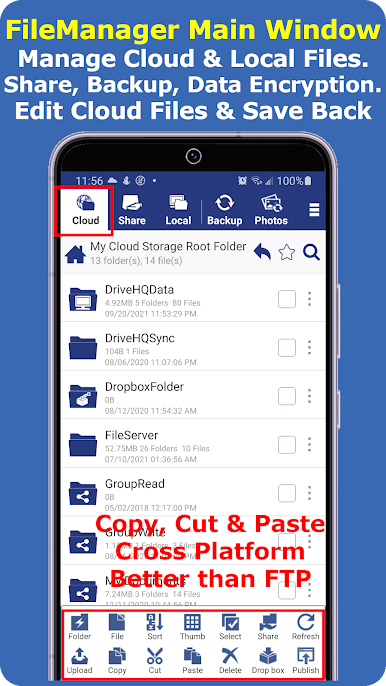
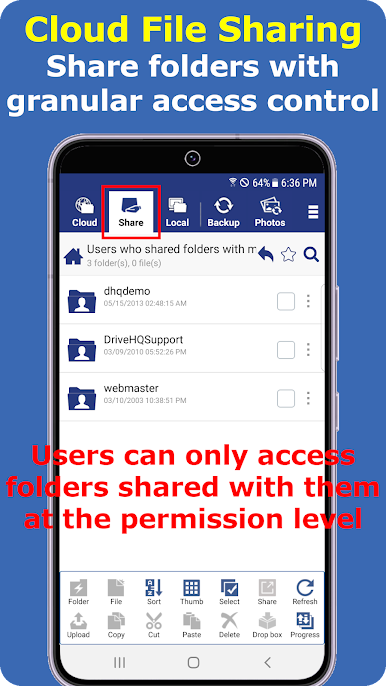
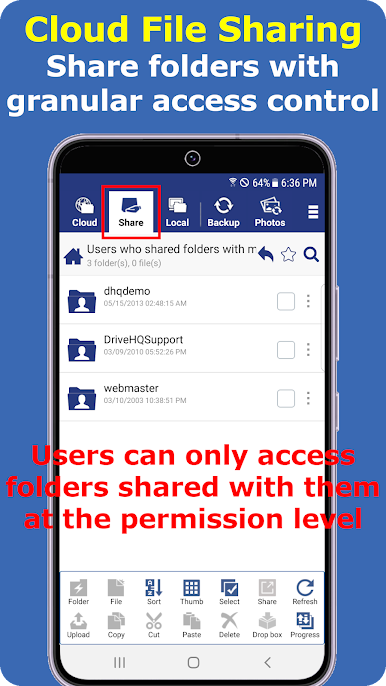
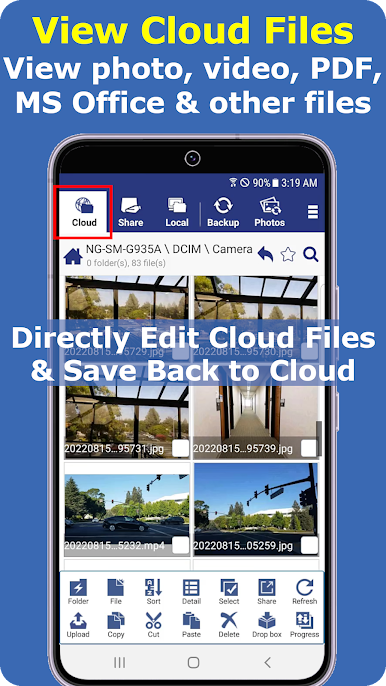
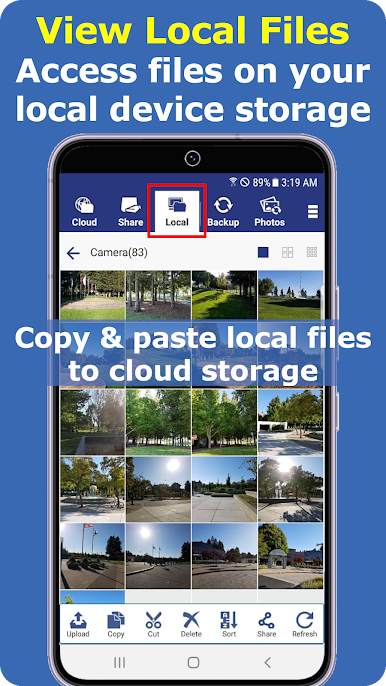
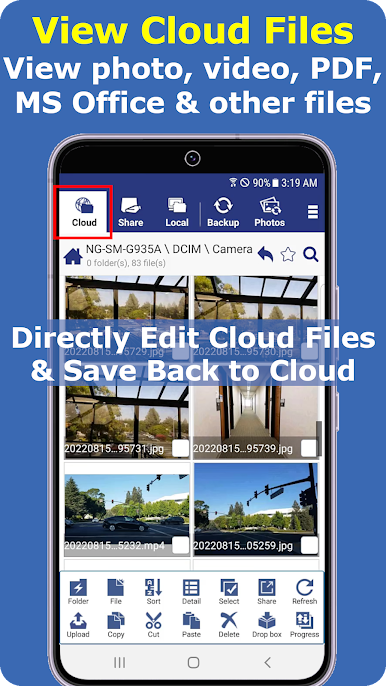
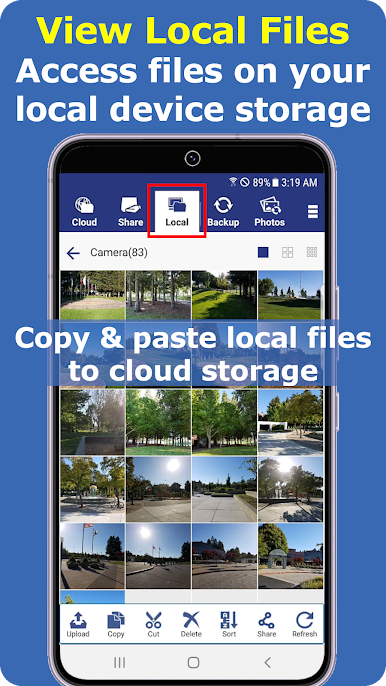
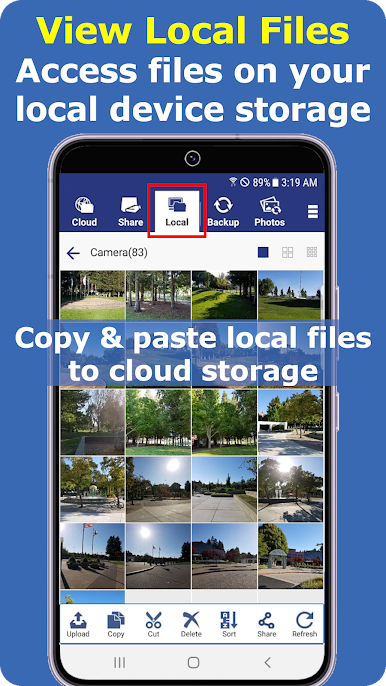
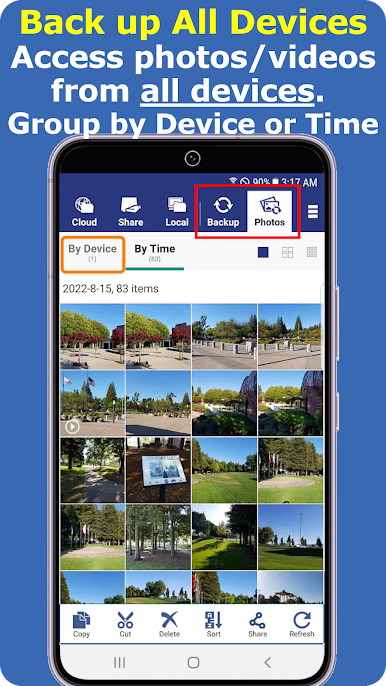
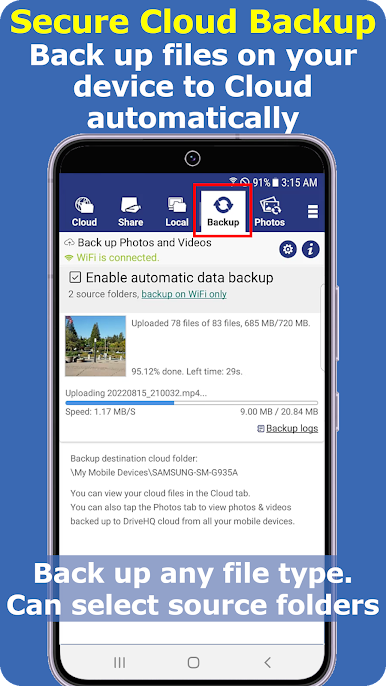
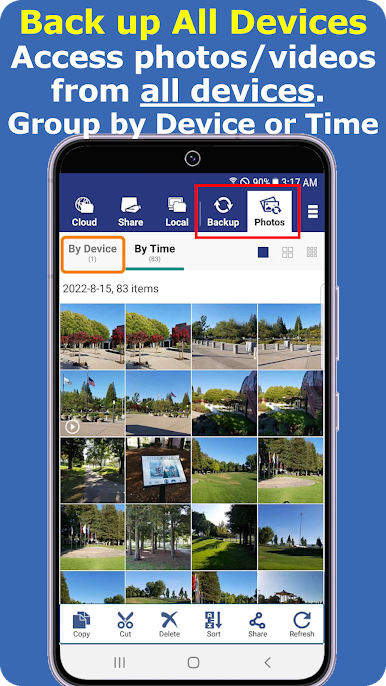
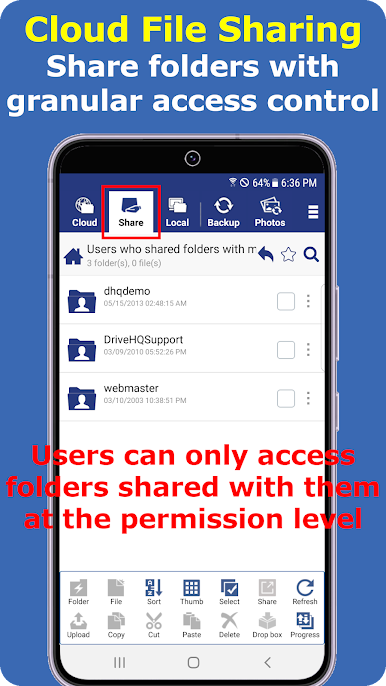
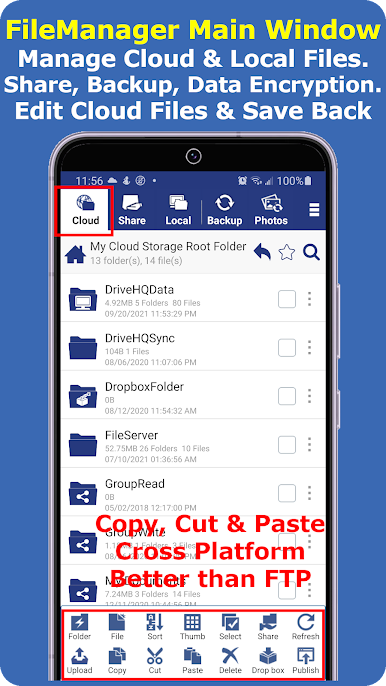
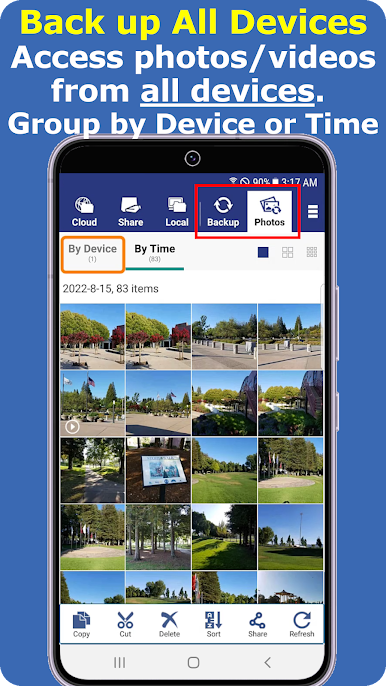
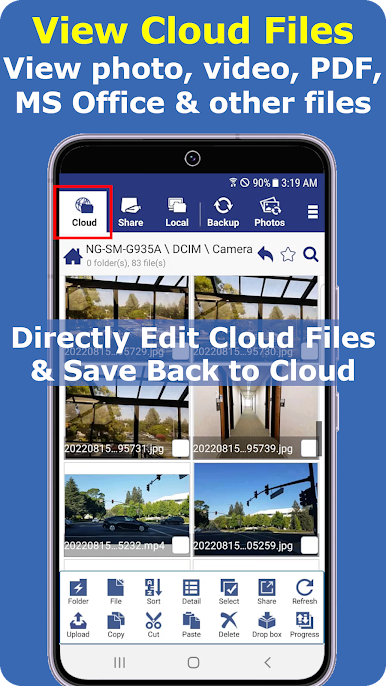
Cloud File Manager feels like a straight up file explorer that also reaches into the cloud. It shows local folders and cloud folders side by side, so moving things around is simple. Copy, cut, paste, delete, open, edit, it all works the way a normal file manager does, just with the option to upload or download entire folders without drama. Backups for photos, videos, or any files can run quietly, and sharing does not stop at a single public link. Permissions can be set so certain people only view, others can edit, and it actually respects those rules.
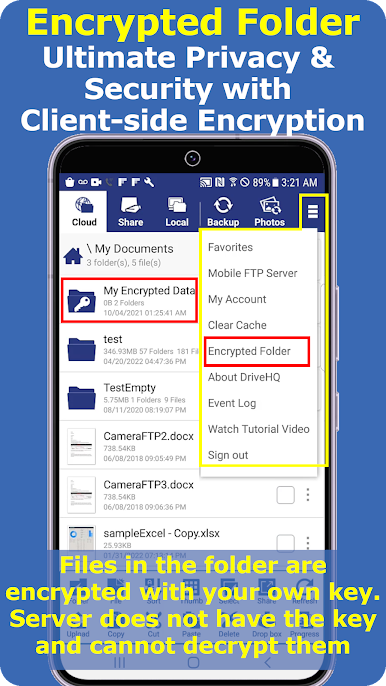
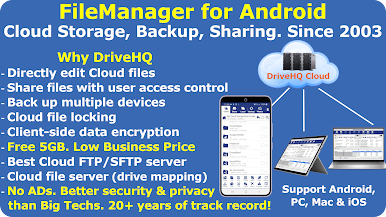
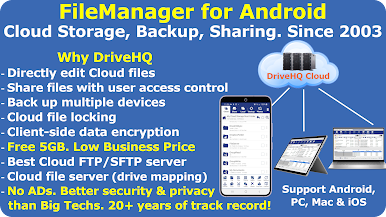
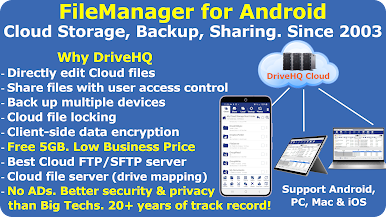
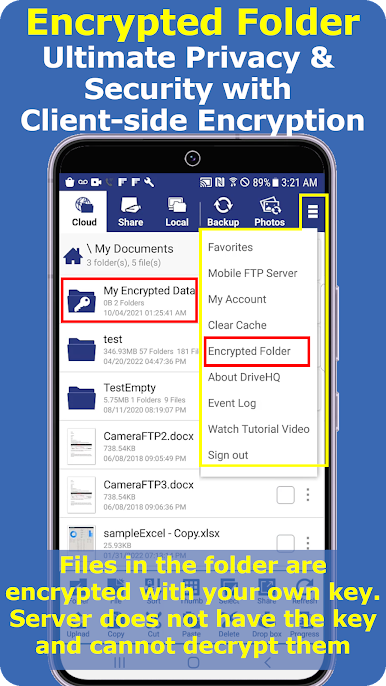
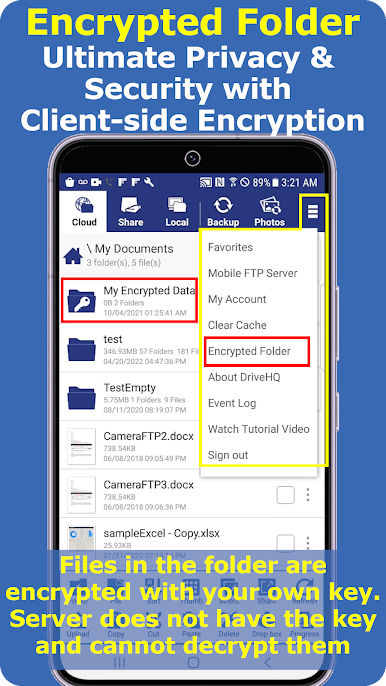
What stands out is how it edits cloud files directly and saves them back without forcing a sync folder. For teams, file locking keeps someone else from overwriting changes mid-work, which saves alot of headache. Privacy is handled with client side encryption, so files are encrypted with a personal key before upload. More advanced folks will like the WebDAV drive mapping and FTP or SFTP support, so it can act like a cloud file server without being stuck in one device. There are extras like scheduled backups, folder sync, and group management that make it feel more like a toolkit than a single feature app.
Running it on a PC with BlueStacks makes it feel closer to a desktop file browser. The big screen and mouse help when selecting a bunch of files, organizing big folders, or editing documents right in place. It is practical, not flashy, and focuses on getting files where they need to be without fuss.
Eager to take your app experience to the next level? Start right away by downloading BlueStacks on your PC or Mac.
العب مدير الملفات السحابية على جهاز الكمبيوتر. من السهل البدء.
-
قم بتنزيل BlueStacks وتثبيته على جهاز الكمبيوتر الخاص بك
-
أكمل تسجيل الدخول إلى Google للوصول إلى متجر Play ، أو قم بذلك لاحقًا
-
ابحث عن مدير الملفات السحابية في شريط البحث أعلى الزاوية اليمنى
-
انقر لتثبيت مدير الملفات السحابية من نتائج البحث
-
أكمل تسجيل الدخول إلى Google (إذا تخطيت الخطوة 2) لتثبيت مدير الملفات السحابية
-
انقر على أيقونة مدير الملفات السحابية على الشاشة الرئيسية لبدء اللعب

