


Simple Control
在電腦上使用BlueStacks –受到5億以上的遊戲玩家所信任的Android遊戲平台。

Run Simple Control on PC or Mac
Let BlueStacks turn your PC, Mac, or laptop into the perfect home for Simple Control, a fun Tools app from ddoriNori.
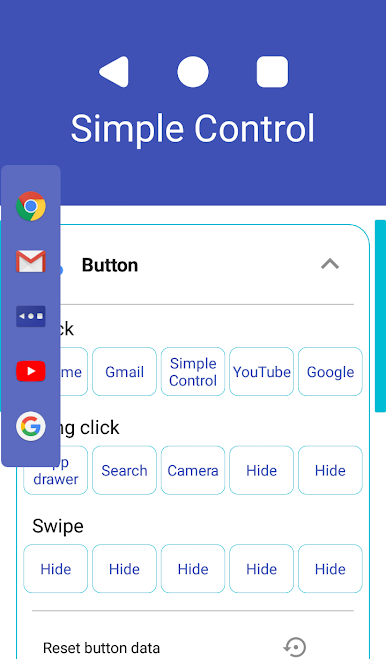
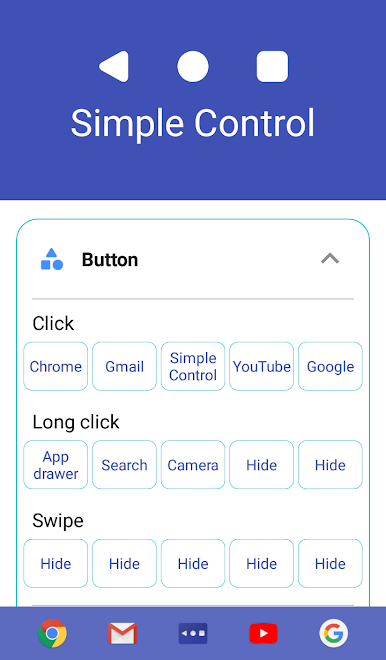
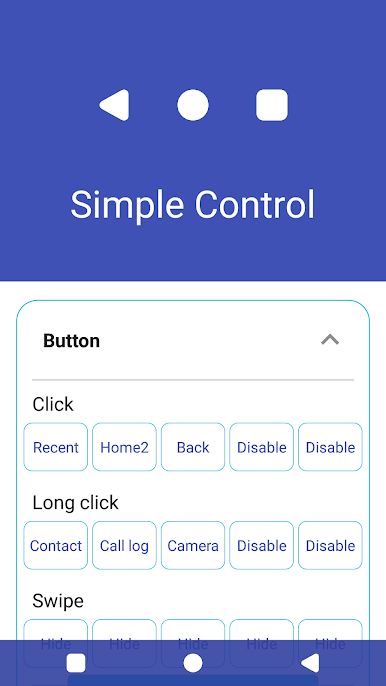
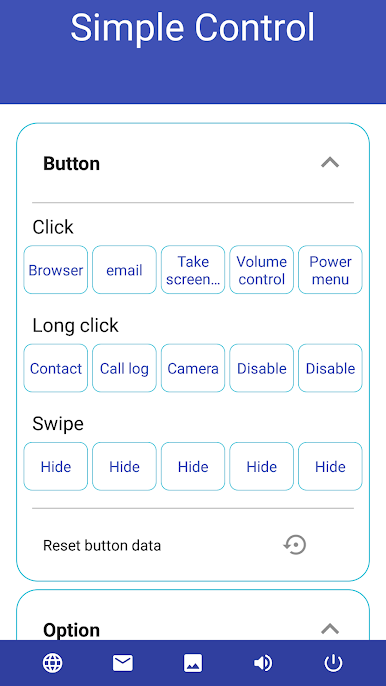
Simple Control feels like a practical shortcut bar that lives on the screen and does the everyday stuff fast. It puts a custom navigation bar wherever it is needed, with the usual back, home, and recent buttons, plus handy extras like opening the app drawer, taking a screenshot, search, voice commands, a power menu, and quick app launches. If a phone’s physical buttons are flaky or broken, this basically steps in and replaces them without fuss. It runs fine on a PC with BlueStacks too, so those on a keyboard and mouse still get easy taps for back or screenshots without digging through menus.
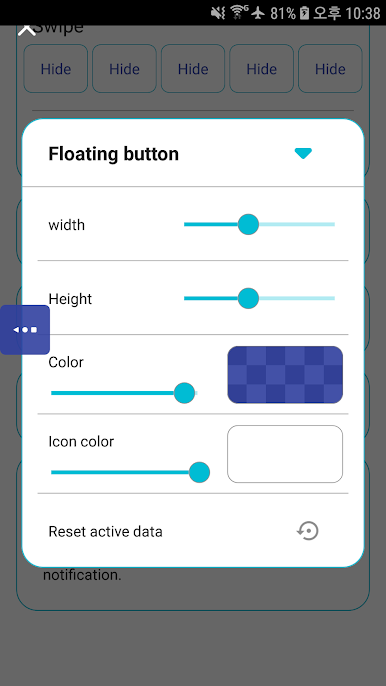
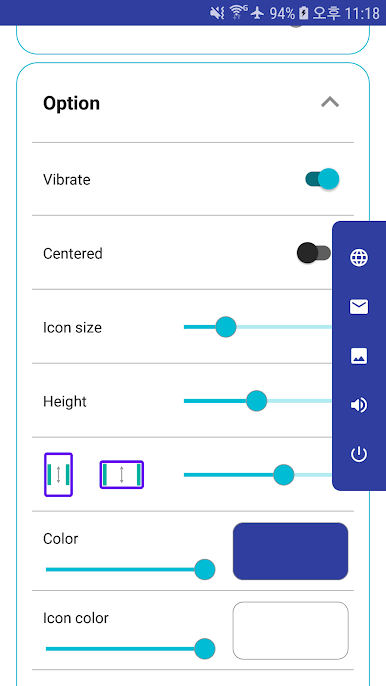
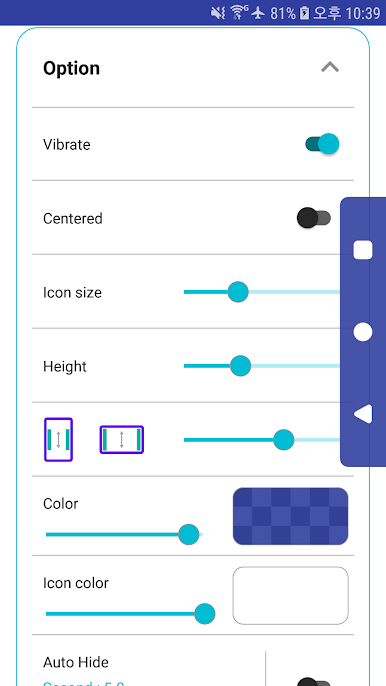
Setup is straightforward. Turn it on in the device Accessibility settings, then pick which buttons to show and how they should appear. Because it uses Accessibility, it needs that access to handle things like back, recent, screenshots, pulling down the notification panel, the power menu, and split screen. The app is clear about not collecting personal info through that service, which helps take the worry down. Day to day, it keeps navigation consistent and quick. No flashy fluff, just solid on-screen controls that stay where they are needed. The little extras are what stand out: snapping a screenshot without juggling hardware keys, opening notifications with a tap, or launching an app straight from the bar when time matters.
Big screen. Bigger performance. Use BlueStacks on your PC or Mac to run your favorite apps.

在電腦上遊玩Simple Control . 輕易上手.
-
在您的電腦上下載並安裝BlueStacks
-
完成Google登入後即可訪問Play商店,或等你需要訪問Play商店十再登入
-
在右上角的搜索欄中尋找 Simple Control
-
點擊以從搜索結果中安裝 Simple Control
-
完成Google登入(如果您跳過了步驟2),以安裝 Simple Control
-
在首頁畫面中點擊 Simple Control 圖標來啟動遊戲

