


Zimsec Biology Revision
在電腦上使用BlueStacks –受到5億以上的遊戲玩家所信任的Android遊戲平台。

Run Zimsec Biology Revision on PC or Mac
Multitask effortlessly on your PC or Mac as you try out Zimsec Biology Revision, a Education app by Age-X Development on BlueStacks.
About the App
If you’re knee-deep in O level Biology prep, Zimsec Biology Revision might just make your study sessions a whole lot smoother. This handy app from Age-X Development puts all your revision materials in one spot, so you can review the entire syllabus at your own pace—no wi-fi drama required. Expect well-organized notes, visual explanations, and a way to test your understanding whenever you need a quick knowledge check.
App Features
-
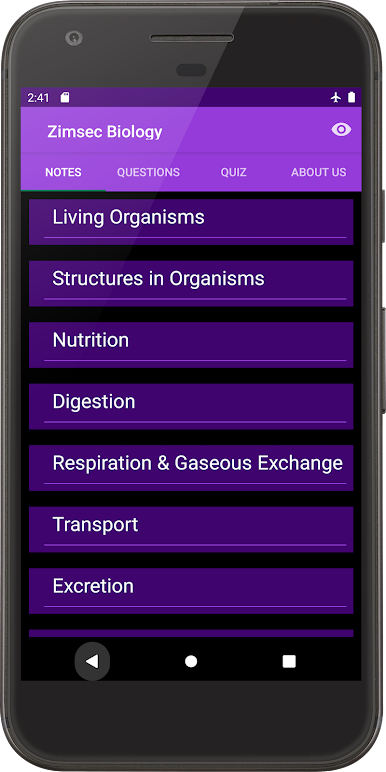
Complete Syllabus Coverage
Every major topic from the Zimsec O level Biology curriculum is laid out in clear, easy-to-read notes. Getting lost in textbooks? This app gives you everything right where you want it. -
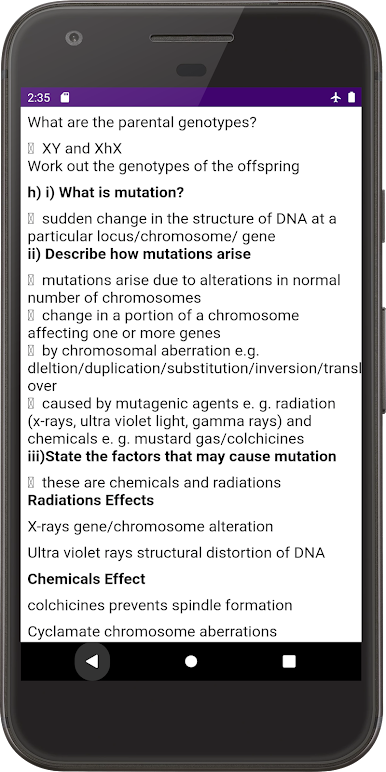
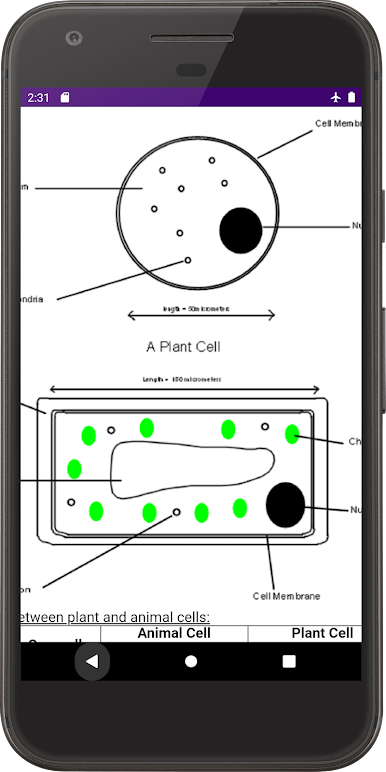
Easy-to-Follow Diagrams
It’s got plenty of diagrams and illustrations—think cell structures, biological processes, and tricky concepts—so you can actually see what you’re studying. -
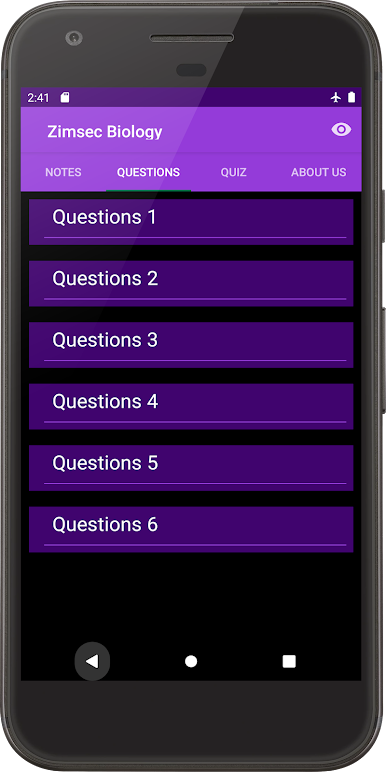
Practice Questions with Answers
Want to test what you know? Take a shot at exam-style questions and see right away where you’re nailing it and where you might need a little more review. There are explanations, too, so you’re not just guessing what went wrong. -
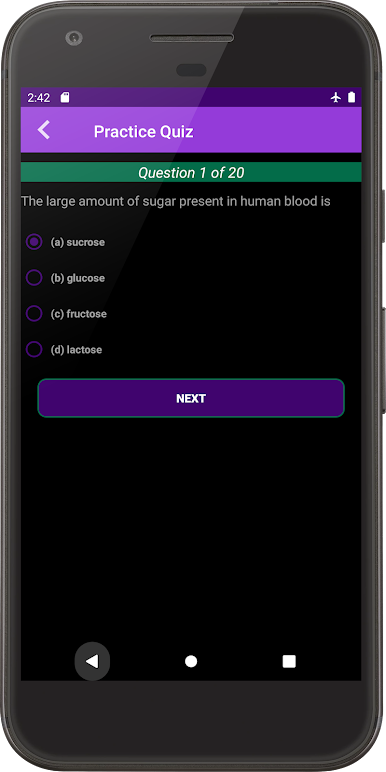
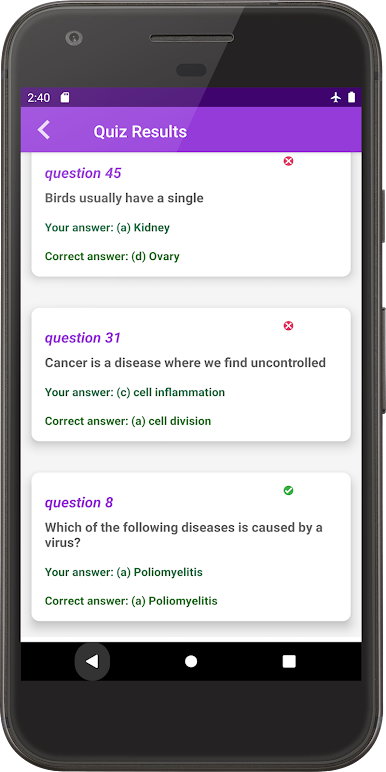
Multiple Choice Quiz
Get some quick practice with built-in multiple choice quizzes. The app marks your answers instantly, so you know if you’re on track—no waiting around. -
No Internet Needed
Once it’s on your device, you won’t need to hunt for Wi-Fi. Just open it up anytime, anywhere—whether you’re in class or stuck on the bus. -
Great with BlueStacks
Prefer a bigger screen? You can even use Zimsec Biology Revision with BlueStacks for some extra desktop study comfort.
BlueStacks gives you the much-needed freedom to experience your favorite apps on a bigger screen. Get it now.
在電腦上遊玩Zimsec Biology Revision . 輕易上手.
-
在您的電腦上下載並安裝BlueStacks
-
完成Google登入後即可訪問Play商店,或等你需要訪問Play商店十再登入
-
在右上角的搜索欄中尋找 Zimsec Biology Revision
-
點擊以從搜索結果中安裝 Zimsec Biology Revision
-
完成Google登入(如果您跳過了步驟2),以安裝 Zimsec Biology Revision
-
在首頁畫面中點擊 Zimsec Biology Revision 圖標來啟動遊戲

