


Topography APP
5억명 이상의 게이머가 신뢰하는 안드로이드 게임 플랫폼 BlueStacks으로 PC에서 플레이하세요.

Run Topography APP on PC or Mac
Upgrade your experience. Try Topography APP, the fantastic Tools app from Aguiar Engenharia Inteligente, from the comfort of your laptop, PC, or Mac, only on BlueStacks.
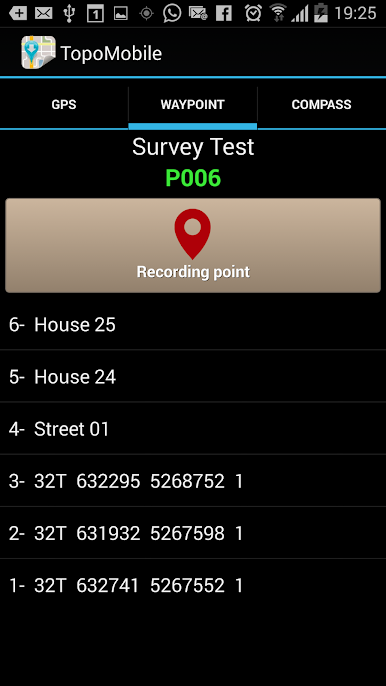
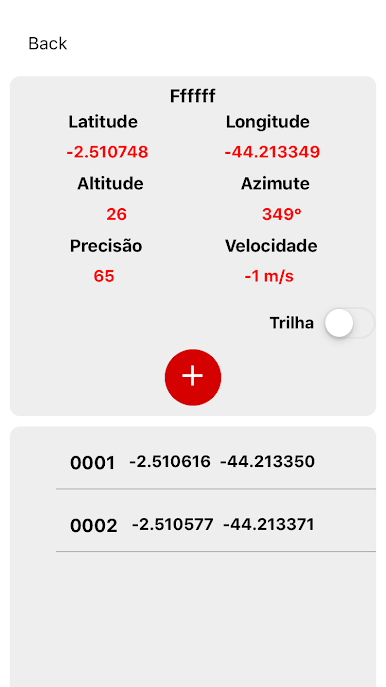
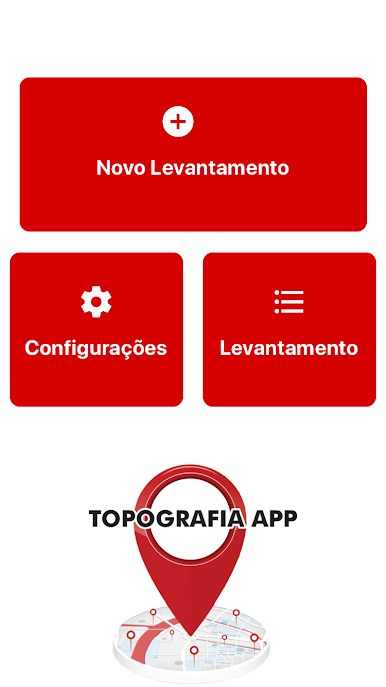
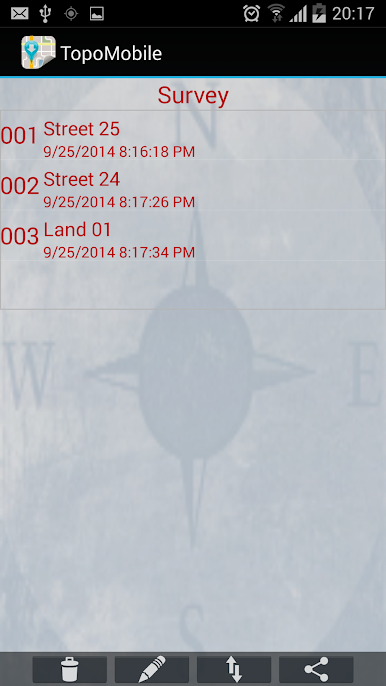
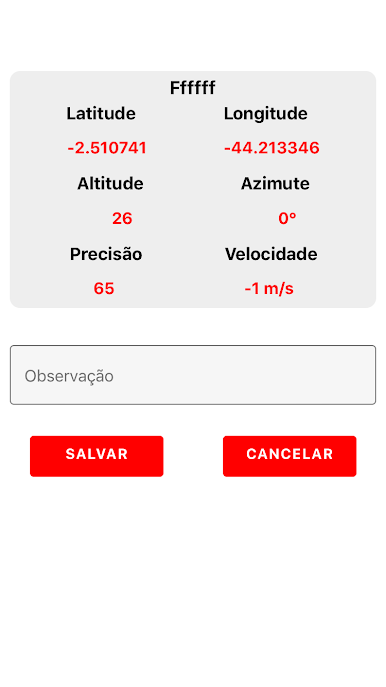
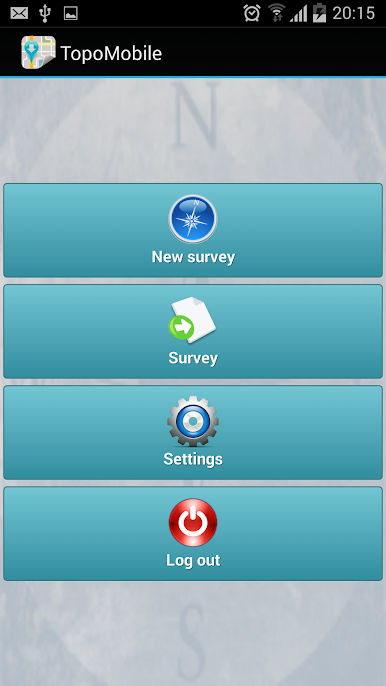
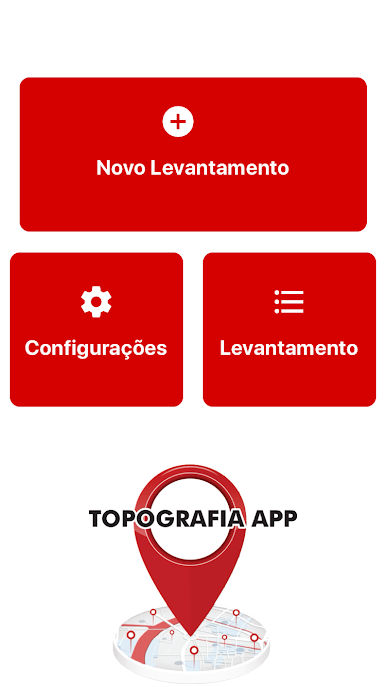
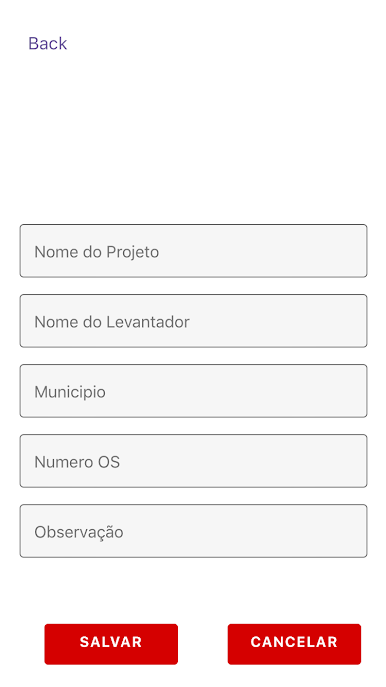
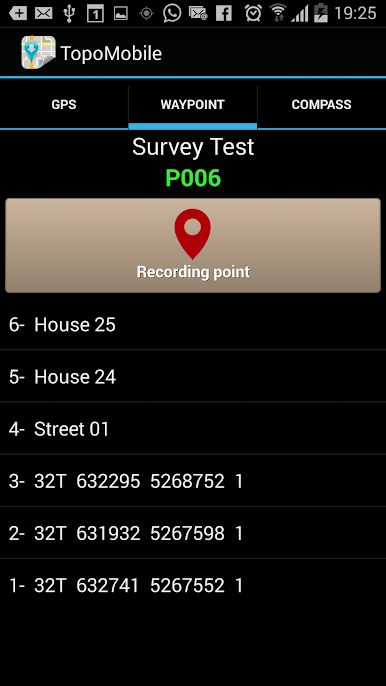
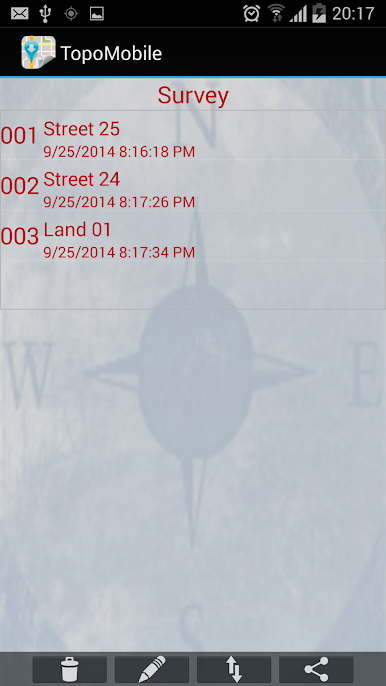
Topography APP feels like a field notebook with GPS that happens to live on a phone. It is built for people who do georeferencing or land surveying, and it also has enough drawing tools to sketch power lines, street alignments, small subdivisions, and quick study layouts without hauling a laptop to the site. The flow is simple enough: set up a survey, tap in points, give them codes, draw lines between what matters, and watch the map take shape as the coordinates come in. Nothing fancy in the look, but it is practical, the buttons do what they should and do not get in the way.
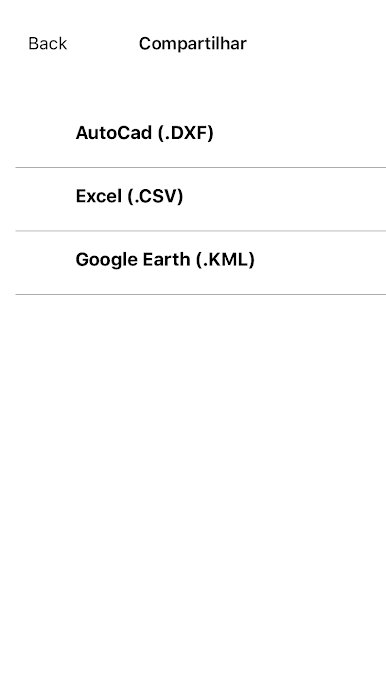
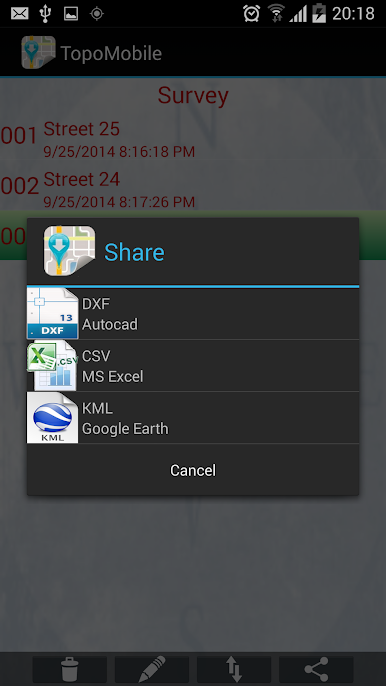
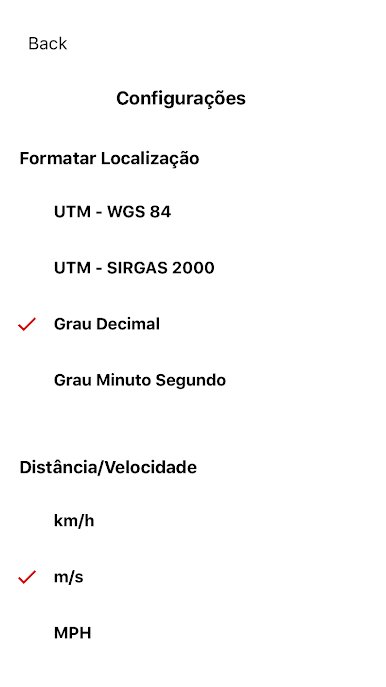
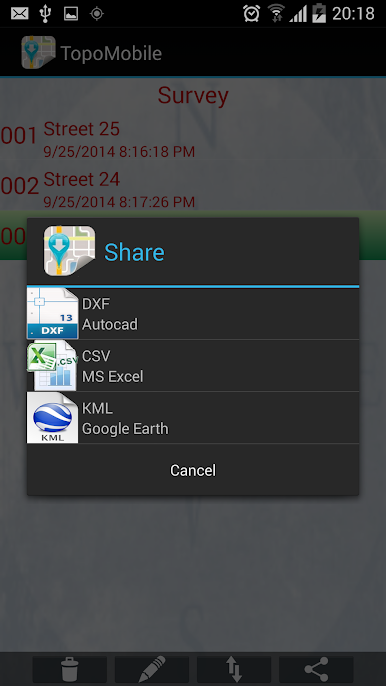
What stands out is how clean the handoff to other software feels. Exports pop out as DXF for AutoCAD, KML for Google Earth, or CSV for Excel, so whoever is waiting back at the office can open the file without drama. There is built in emailing of the collected points and lines, so data moves from field to desk fast. The Professional version lets users mark up to 5000 points, which is enough for bigger sites or longer days out.
Running it on a PC with BlueStacks is actually nice if a larger screen is preferred. Picking points with a mouse, typing codes on a real keyboard, and checking layers at full size makes the little edits and exports feel easier, especially when there are lots of points to manage.
BlueStacks gives you the much-needed freedom to experience your favorite apps on a bigger screen. Get it now.
PC에서 Topography APP 플레이해보세요.
-
BlueStacks 다운로드하고 설치
-
Google Play 스토어에 로그인 하기(나중에 진행가능)
-
오른쪽 상단 코너에 Topography APP 검색
-
검색 결과 중 Topography APP 선택하여 설치
-
구글 로그인 진행(만약 2단계를 지나갔을 경우) 후 Topography APP 설치
-
메인 홈화면에서 Topography APP 선택하여 실행

