


Eredan Arena PVP
Juega en PC con BlueStacks: la plataforma de juegos Android, en la que confían más de 500 millones de jugadores.

Página modificada el: Sep 24, 2024
Play Eredan Arena PVP on PC or Mac
Step into the World of Eredan Arena PVP, a thrilling Card game from the house of Feerik Games. Play this Android game on BlueStacks App Player and experience immersive gaming on PC or Mac.
About the Game
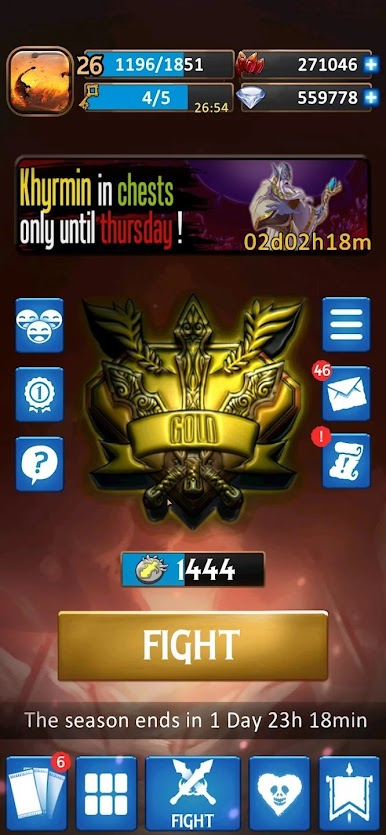
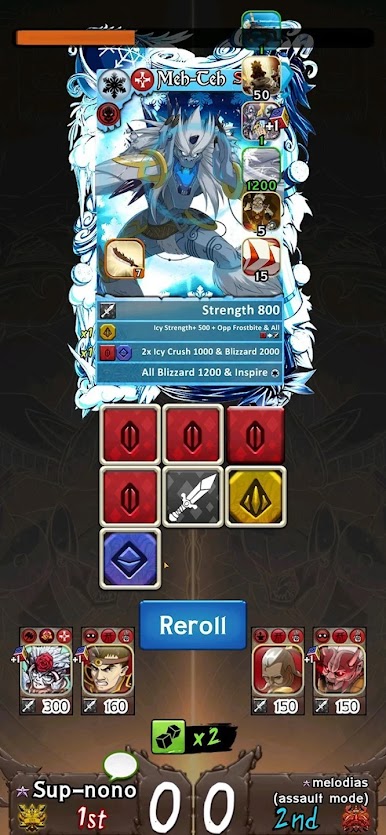
Jump into Eredan Arena PVP and get ready for quick bursts of competitive card action. This isn’t your average card game—it’s all about building a team, making snap decisions, and battling real opponents for bragging rights. If you love fast-paced matches where every move counts, this one will grab your attention and keep you guessing.
Game Features
-
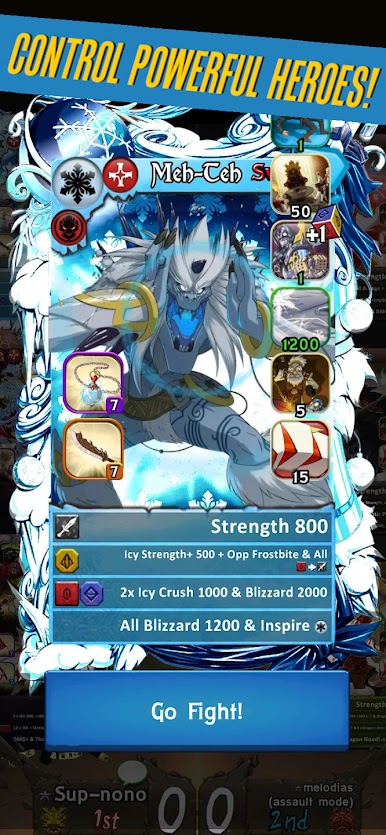
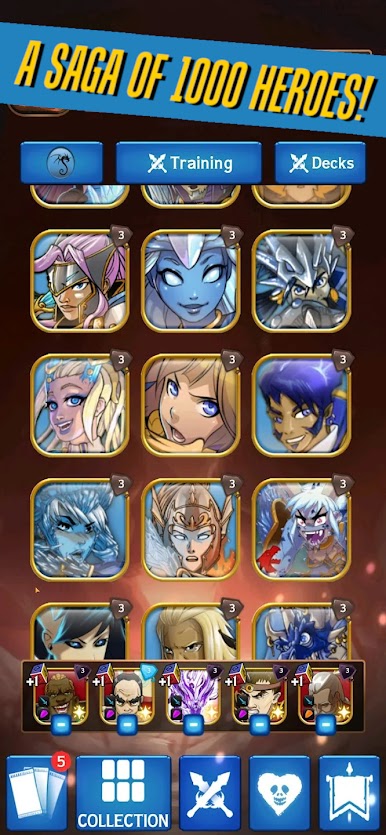
Build Your Dream Squad
Pick five unique heroes from a huge roster and try out different combos. Your choices before each fight can completely turn the tide—so experiment and see what feels right! -
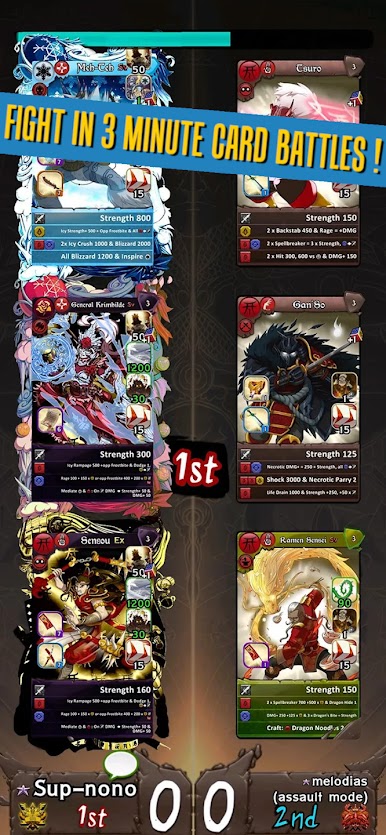
Snappy Battles, Big Payoff
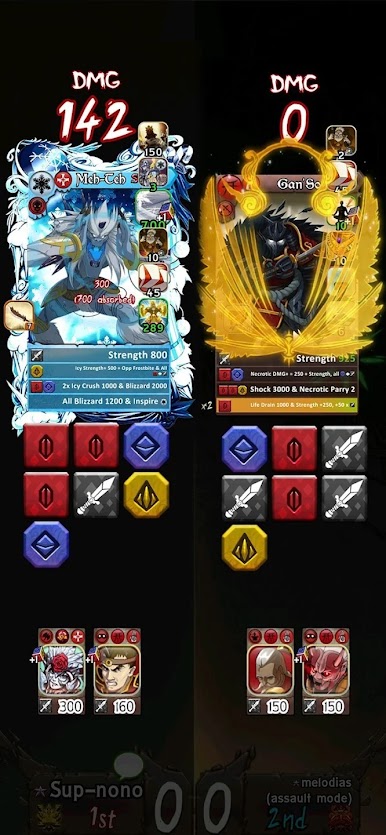
No waiting around here. Matches are short, intense, and full of tough calls. Every round can completely flip with the right decision—sometimes luck, sometimes pure strategy. -
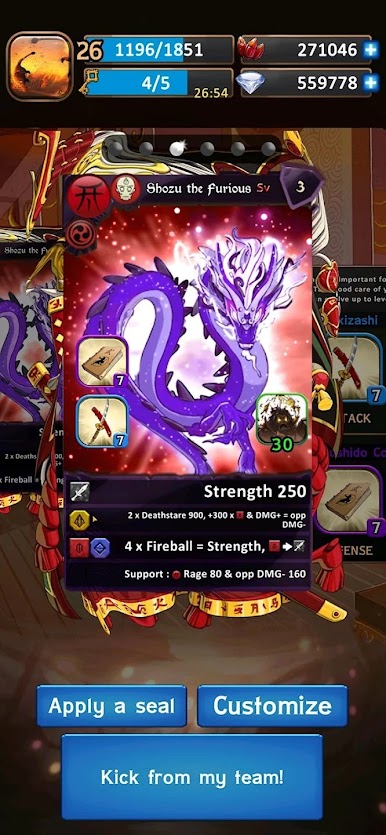
Evolving Heroes
The more you play, the stronger your favorites get. Heroes level up and gain new skills, so the game feels fresh even after tons of matches. It’s fun seeing your team get better over time. -
Simple Start, Deep Challenge
You don’t need to be a card game pro to get hooked. The mechanics are straightforward but you’ll quickly spot all sorts of ways to outsmart rivals once you dig in. -
Climb the Competition
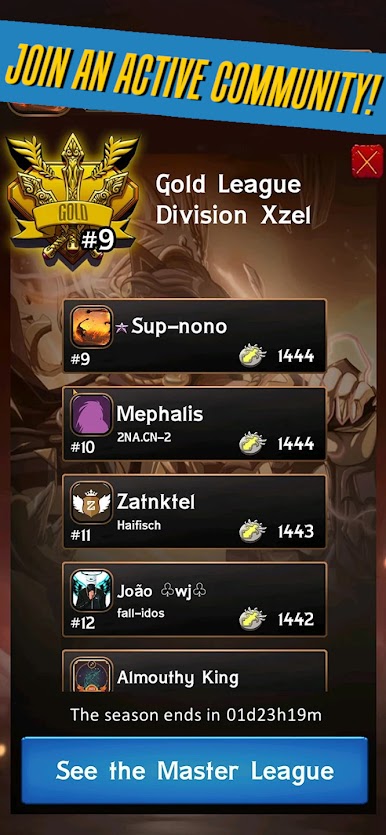
Ready to see how you stack up? Jump into leagues, fight for prizes, and show the world your skills. -
A Fresh Experience on BlueStacks
Play Eredan Arena PVP on BlueStacks for a smooth experience—easy controls and plenty of screen real estate to strategize in style.
Get ready for a buttery smooth, high-performance gaming action only on BlueStacks.

Juega Eredan Arena PVP en la PC. Es fácil comenzar.
-
Descargue e instale BlueStacks en su PC
-
Complete el inicio de sesión de Google para acceder a Play Store, o hágalo más tarde
-
Busque Eredan Arena PVP en la barra de búsqueda en la esquina superior derecha
-
Haga clic para instalar Eredan Arena PVP desde los resultados de búsqueda
-
Complete el inicio de sesión de Google (si omitió el paso 2) para instalar Eredan Arena PVP
-
Haz clic en el ícono Eredan Arena PVP en la pantalla de inicio para comenzar a jugar

