


Backgammon Arena
Chơi trên PC với BlueStacks - Nền tảng chơi game Android, được hơn 500 triệu game thủ tin tưởng.

Trang đã được sửa đổi vào: Jul 18, 2025
Play Backgammon Arena on PC or Mac
From the innovators and creators at LazyLand SA, Backgammon Arena is another fun addition to the World of Board games. Go beyond your mobile screen and play it bigger and better on your PC or Mac. An immersive experience awaits you.
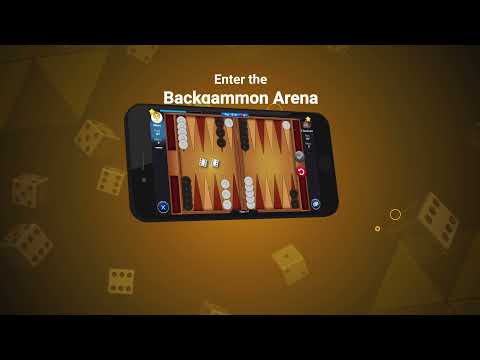
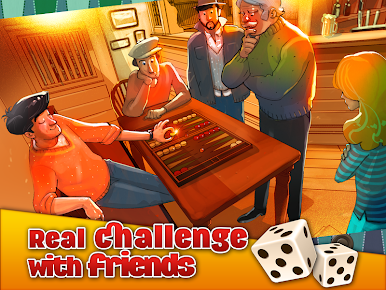
Backgammon Arena feels like classic backgammon with a slick online twist. Players roll, move, try not to leave singles hanging, and race to bear off before the other side does. Blots matter, doubles feel great, and a clean gammon stings in the best way. The game splits matches into themed rooms that open up as someone progresses, starting calm and getting tougher and faster. Higher rooms shorten the turn timer and raise the stakes, so decisions have weight and there is that little knot in the stomach when a risky hit could swing everything.
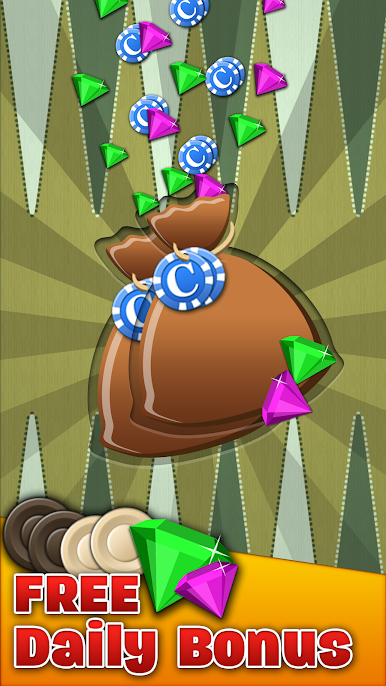
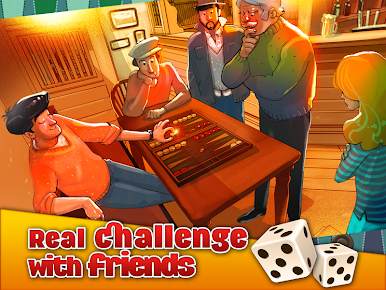
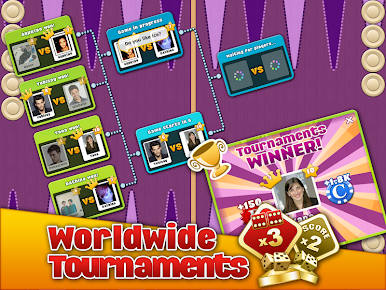
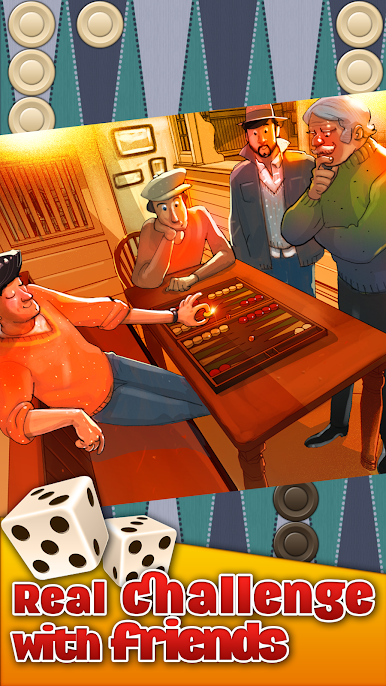
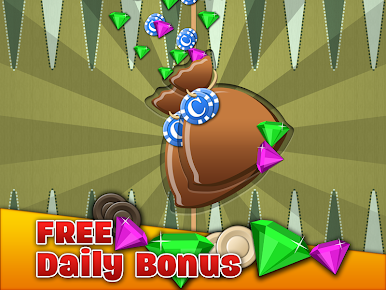
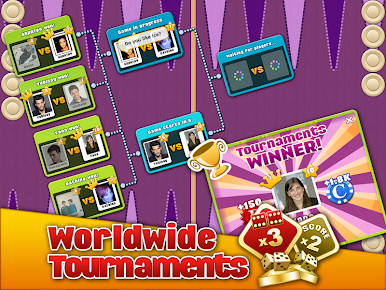
It is all live opponents, not bots, and the dice use a serious random system, the kind people know from OpenSSL, so the rolls feel fair even when luck laughs. There are tournaments, daily coin drops, and a straight play-with-friends option that is perfect for quick grudge matches. There is in-game chat, leaderboards that reset daily, weekly, and monthly, and goofy fireworks when a match ends, which is silly but fun. The board is clean and readable, the chips snap into place nicely, and on PC through BlueStacks the mouse drag is smooth and the bigger screen helps spot safe points. Everything can be unlocked just by playing, no real money wins or casino stuff, and the community pulls in fans from places where backgammon is basically a daily ritual, so queues are quick and matches have personality.
Get ready for a buttery smooth, high-performance gaming action only on BlueStacks.






Chơi Backgammon Arena trên PC. Rất dễ để bắt đầu
-
Tải và cài đặt BlueStacks trên máy của bạn
-
Hoàn tất đăng nhập vào Google để đến PlayStore, hoặc thực hiện sau
-
Tìm Backgammon Arena trên thanh tìm kiếm ở góc phải màn hình
-
Nhấn vào để cài đặt Backgammon Arena trong danh sách kết quả tìm kiếm
-
Hoàn tất đăng nhập Google (nếu bạn chưa làm bước 2) để cài đặt Backgammon Arena
-
Nhấn vào icon Backgammon Arena tại màn hình chính để bắt đầu chơi

