


Fantasy Escape
在電腦上使用BlueStacks –受到5億以上的遊戲玩家所信任的Android遊戲平台。

Play Fantasy Escape on PC or Mac
Fantasy Escape brings the Puzzle genre to life, and throws up exciting challenges for gamers. Developed by Trapped, this Android game is best experienced on BlueStacks, the World’s #1 app player for PC and Mac users.
Fantasy Escape drops a player into a string of dream-rooms that feel like someone stitched together a surreal storybook and an escape-room. Each space has its own odd rules and little tricks — riddles that hinge on how the scene is arranged, puzzles that ask for a new way of looking at objects, and moments where a tiny detail suddenly matters. The art and sound lean mystical rather than scary, so the atmosphere stays strange and curious more than tense. Puzzles vary enough that it never feels repetitive; there are mechanical brainteasers, visual illusions, and logic stumps that reward careful observation.
On PC, running it with BlueStacks makes inspecting and dragging things nicer than on a small phone screen, so the pace feels relaxed. A player who enjoys thinking through problems, noticing hidden clues, and following an odd little story will probably enjoy the steady, thoughtful play. It is not about fast reactions or constant action, it is about patience and that satisfying click when a puzzle finally makes sense. The creative puzzle design and dream logic are what stand out, so someone who likes atmosphere and clever challenges will find plenty to like.
Get ready for a buttery smooth, high-performance gaming action only on BlueStacks.

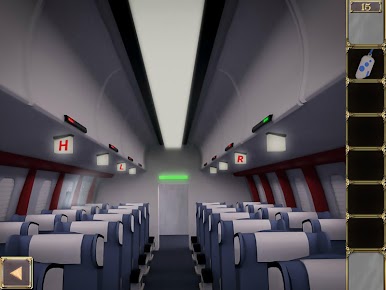
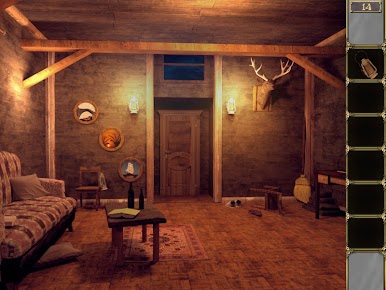
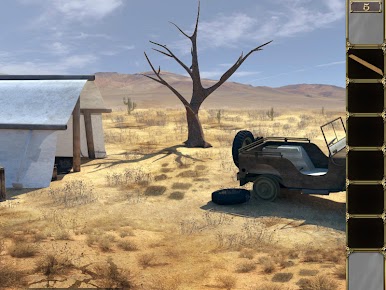
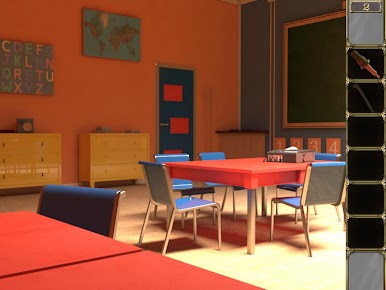
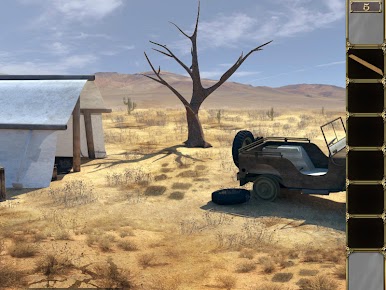
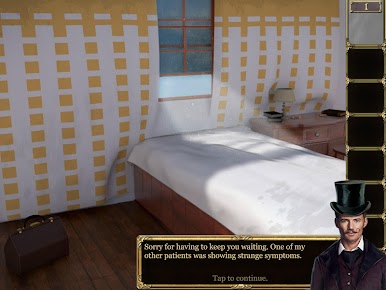
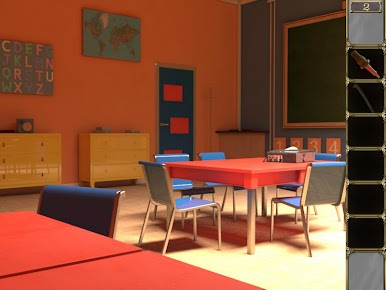
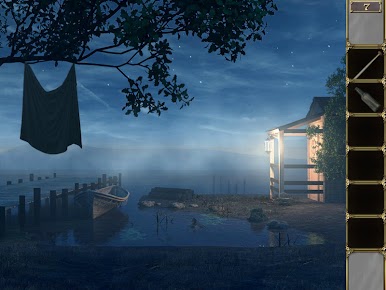
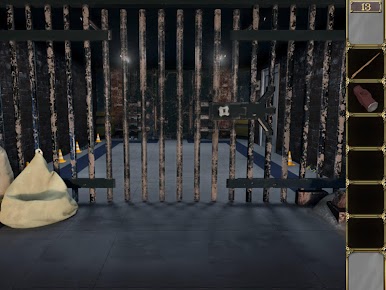
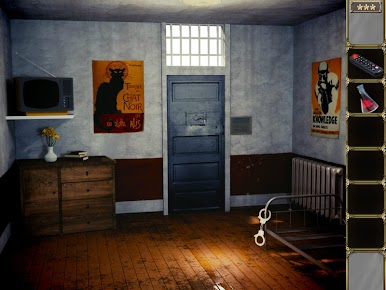
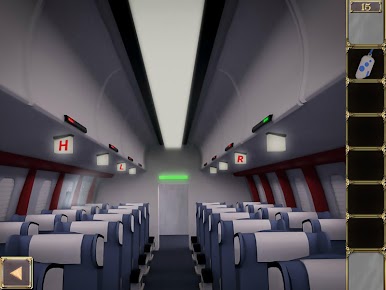
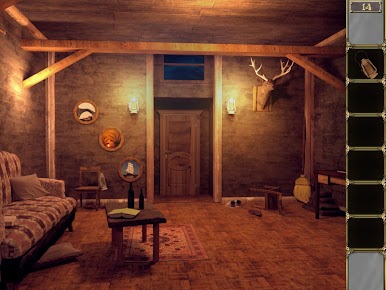
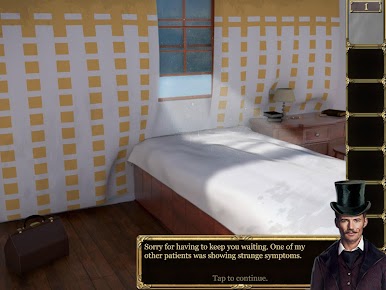
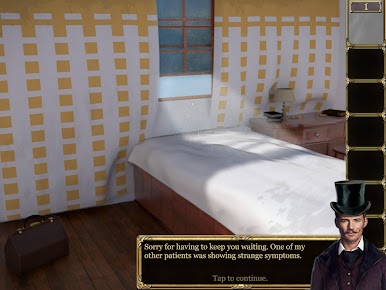
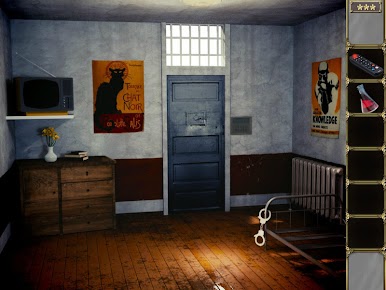
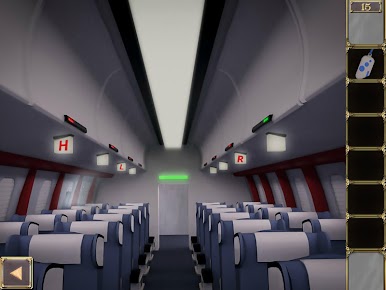
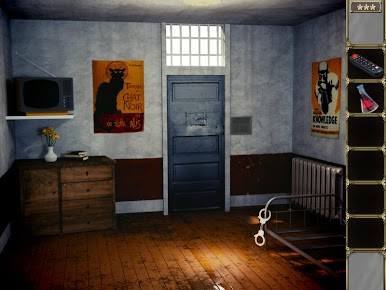
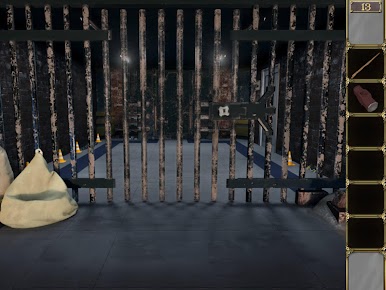
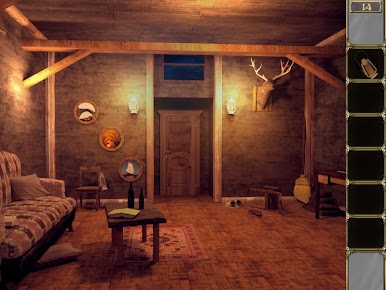
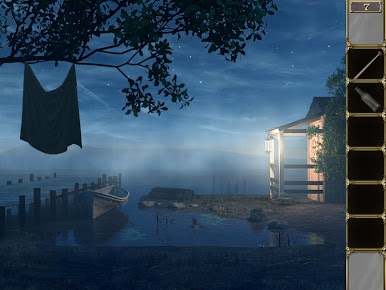
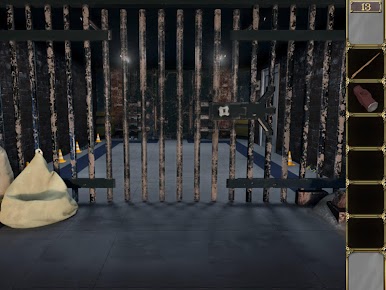
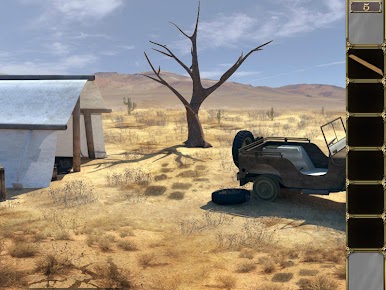
在電腦上遊玩Fantasy Escape . 輕易上手.
-
在您的電腦上下載並安裝BlueStacks
-
完成Google登入後即可訪問Play商店,或等你需要訪問Play商店十再登入
-
在右上角的搜索欄中尋找 Fantasy Escape
-
點擊以從搜索結果中安裝 Fantasy Escape
-
完成Google登入(如果您跳過了步驟2),以安裝 Fantasy Escape
-
在首頁畫面中點擊 Fantasy Escape 圖標來啟動遊戲

