

Match Block 3D - 2048 Merge
BlueStacksを使ってPCでプレイ - 5憶以上のユーザーが愛用している高機能Androidゲーミングプラットフォーム

Play Match Block 3D on PC or Mac
Step into the World of Match Block 3D, a thrilling Puzzle game from the house of Voxel Cube Games. Play this Android game on BlueStacks App Player and experience immersive gaming on PC or Mac.
About the Game
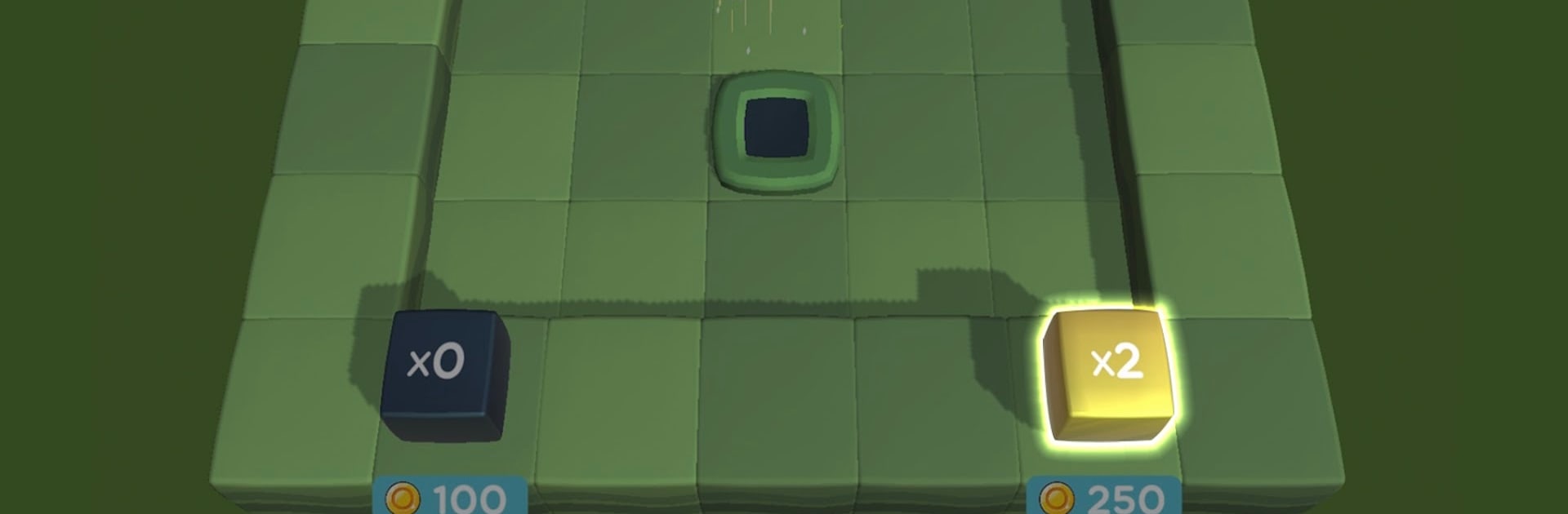
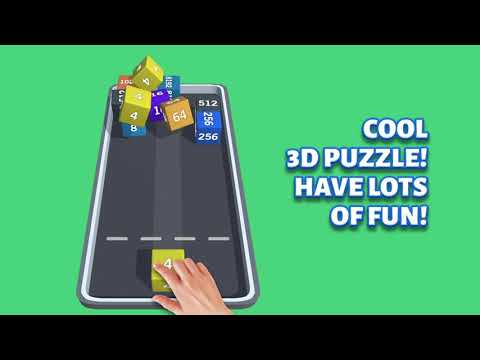
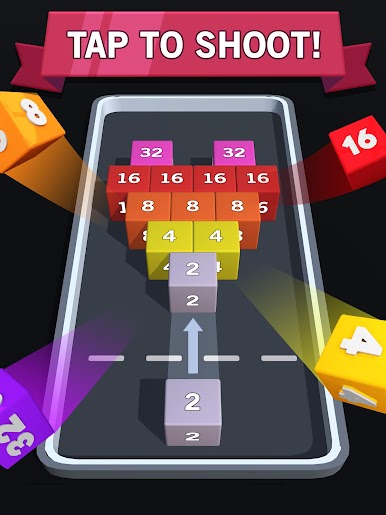
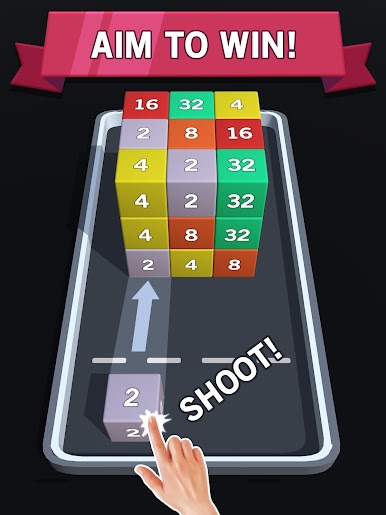
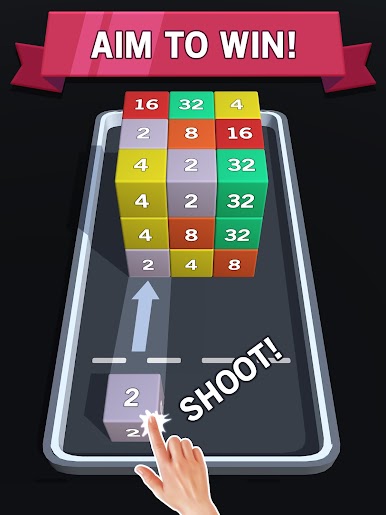
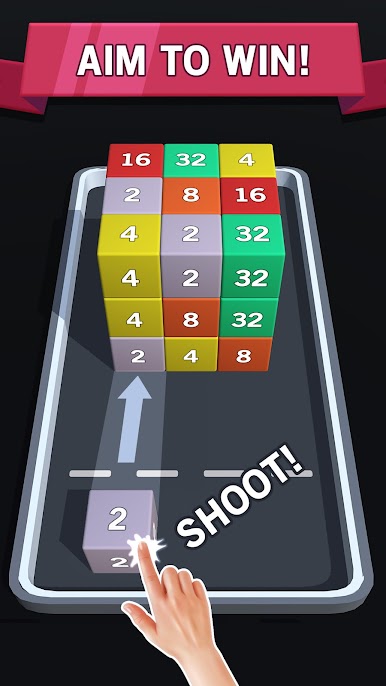
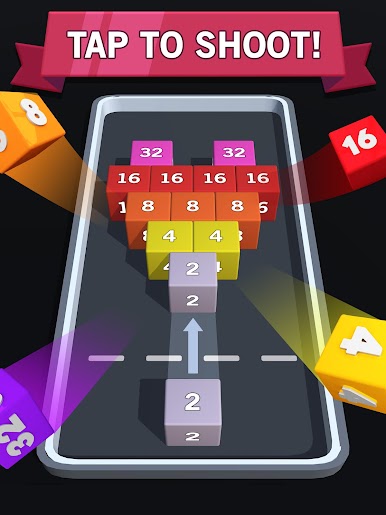
Match Block 3D from Voxel Cube Games is a Puzzle that turns quick taps into oddly satisfying number merges in a sleek 3D space. It blends the snap-and-combine feel of 2048 with the aim-and-shoot rhythm of bubble shooting and a hint of match-3 strategy. You’ll fire blocks, line up matches, and watch the board transform as numbers climb and combos pop off.
Game Features
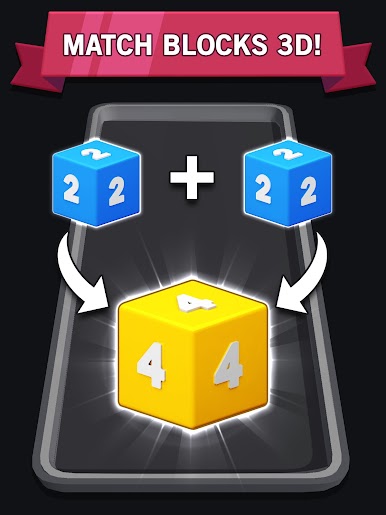
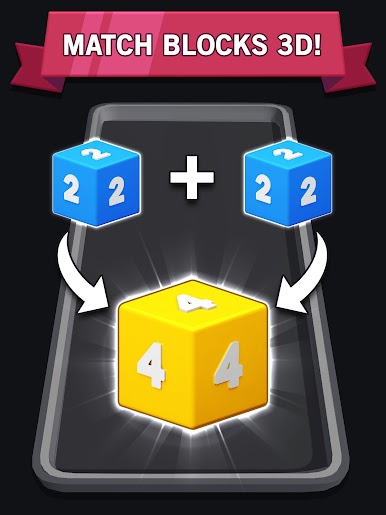
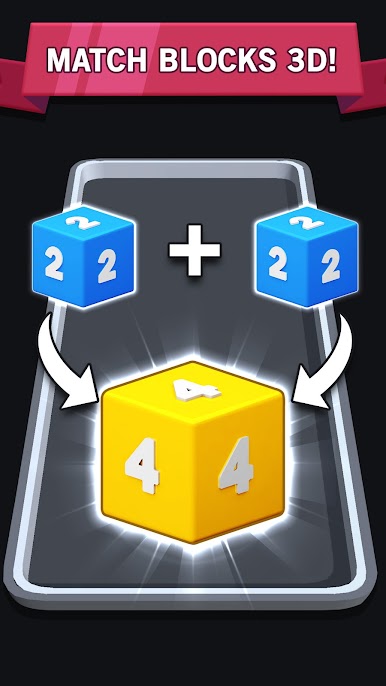
- Shoot and Merge: Tap to launch blocks, line up identical numbers, and fuse them into higher-value cubes. Simple move, big payoffs when your angles are right.
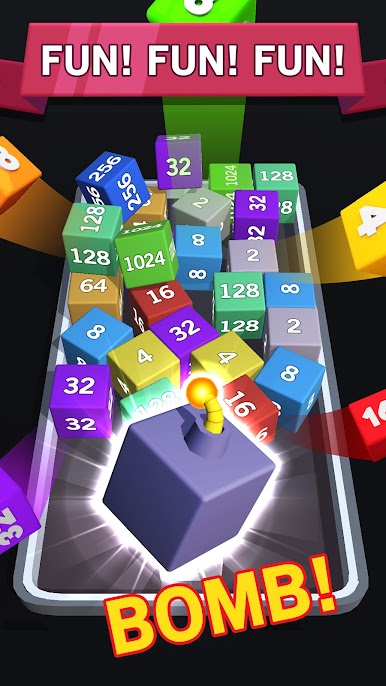
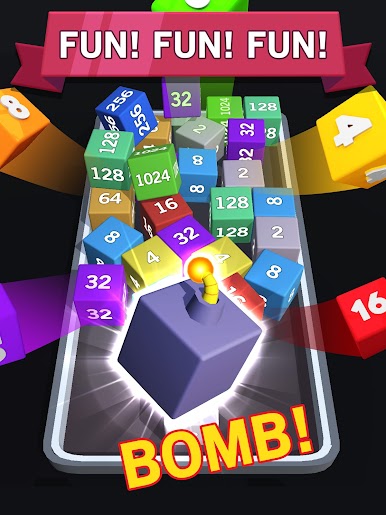
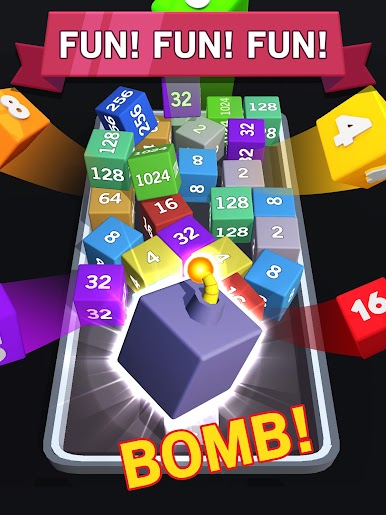
- Tactile 3D Board: Cubes stack, slide, and settle in a physical-feeling space, turning every shot into a tiny puzzle of position and momentum.
- No Timers, No Rush: Think through your next move without a countdown breathing down your neck. It’s all about your pace and your strategy.
- Clean, Minimal Look: Crisp visuals and clear effects keep the screen readable, so you can focus on planning chain reactions.
- Easy Start, Real Depth: You’ll get the basics fast, but mastering angles, cascades, and space management takes practice.
- Genre Mash-Up: A fresh mix of number merge, match-3 instincts, and 2048-style growth—with a light bubble shooting twist to keep things dynamic.
- Friendly Competition: Chase your personal bests and compare scores with friends for bragging rights.
- Play Your Way: Like a bigger screen and smooth controls? It runs great on BlueStacks when you want to relax at your desk.
Make your gaming sessions memorable with precise controls that give you an edge in close combats and visuals that pop up, bringing every character to life.
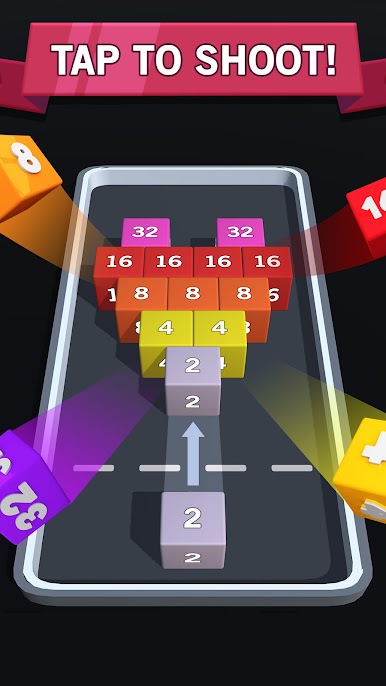
Match Block 3D - 2048 MergeをPCでプレイ
-
BlueStacksをダウンロードしてPCにインストールします。
-
GoogleにサインインしてGoogle Play ストアにアクセスします。(こちらの操作は後で行っても問題ありません)
-
右上の検索バーにMatch Block 3D - 2048 Mergeを入力して検索します。
-
クリックして検索結果からMatch Block 3D - 2048 Mergeをインストールします。
-
Googleサインインを完了してMatch Block 3D - 2048 Mergeをインストールします。※手順2を飛ばしていた場合
-
ホーム画面にてMatch Block 3D - 2048 Mergeのアイコンをクリックしてアプリを起動します。

