

Quintenzirkel
Spiele auf dem PC mit BlueStacks - der Android-Gaming-Plattform, der über 500 Millionen Spieler vertrauen.

Seite geändert am: Mar 24, 2020
Run Circle of 5ths on PC or Mac
What’s better than using Circle of 5ths by Anton Zhvakin? Well, try it on a big screen, on your PC or Mac, with BlueStacks to see the difference.
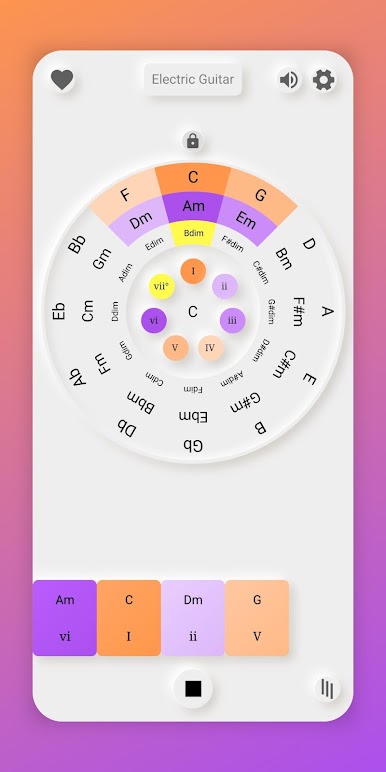
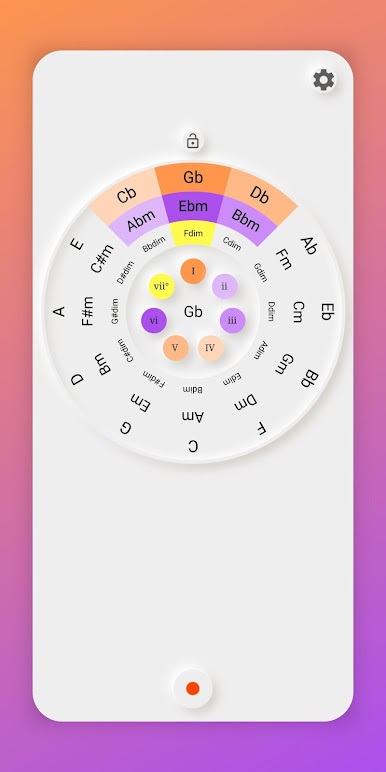
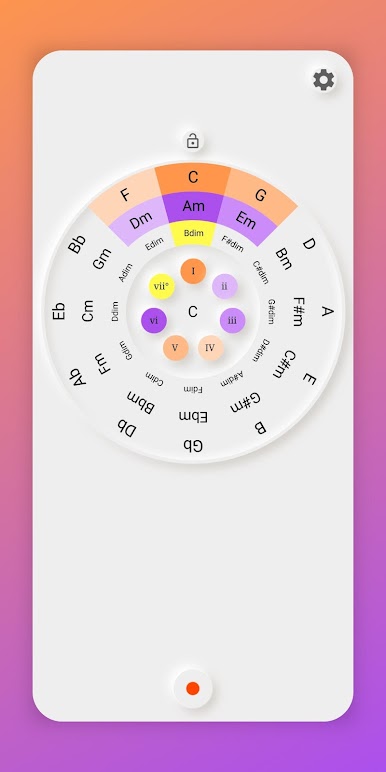
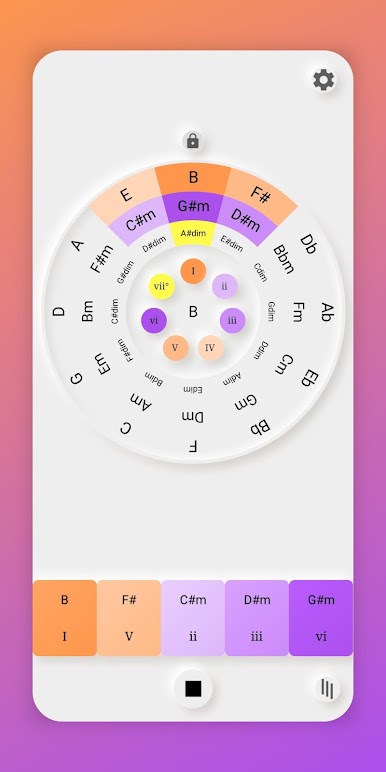
Circle of 5ths is a simple little tool that lays out the classic music theory wheel and makes it easy to see how keys connect. The screen shows all the major keys around a circle, and with a quick click a person can see the matching minor and the closest neighbors. That alone helps a lot with understanding key signatures, how many sharps or flats are in play, and why some transitions feel smooth while others do not. It is not trying to teach a full course. It feels more like a fast reference that sits open while practicing, writing, or transposing.
What stands out is how direct it is. No clutter, just the circle doing its job. Moving around the wheel makes modulation make sense in a very visual way. Pick a key, look at the next one on the ring, and it becomes clear which directions are safe and which ones are a stretch. For anyone who writes songs, plays piano or guitar, or needs a reminder on parallel major and minor pairs, it is handy. Running it on a PC with BlueStacks is nice because the circle gets some breathing room, clicking feels quick, and it is easy to leave on a second screen while working through chords or planning a change of key without getting lost.
Eager to take your app experience to the next level? Start right away by downloading BlueStacks on your PC or Mac.
Spiele Quintenzirkel auf dem PC. Der Einstieg ist einfach.
-
Lade BlueStacks herunter und installiere es auf deinem PC
-
Schließe die Google-Anmeldung ab, um auf den Play Store zuzugreifen, oder mache es später
-
Suche in der Suchleiste oben rechts nach Quintenzirkel
-
Klicke hier, um Quintenzirkel aus den Suchergebnissen zu installieren
-
Schließe die Google-Anmeldung ab (wenn du Schritt 2 übersprungen hast), um Quintenzirkel zu installieren.
-
Klicke auf dem Startbildschirm auf das Quintenzirkel Symbol, um mit dem Spielen zu beginnen

