


Sampld
العب على الكمبيوتر الشخصي مع BlueStacks - نظام أندرويد للألعاب ، موثوق به من قبل أكثر من 500 مليون لاعب.

Run Sampld on PC or Mac
Get freedom from your phone’s obvious limitations. Use Sampld, made by The Chord Genius, a Music & Audio app on your PC or Mac with BlueStacks, and level up your experience.
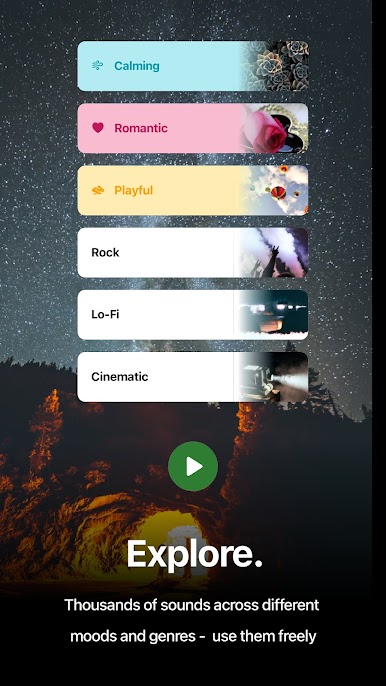
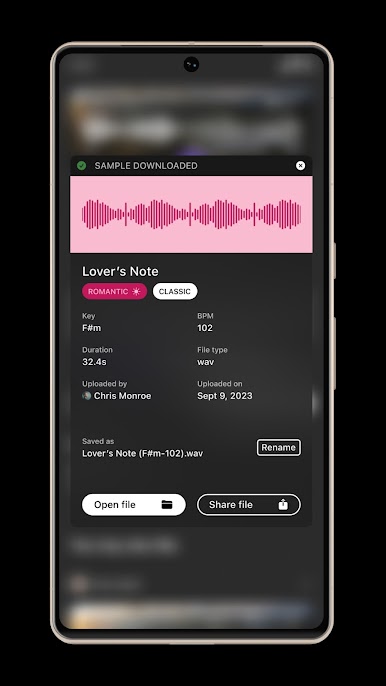
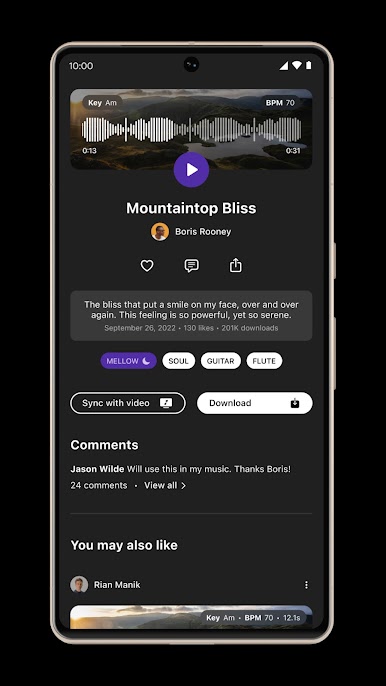
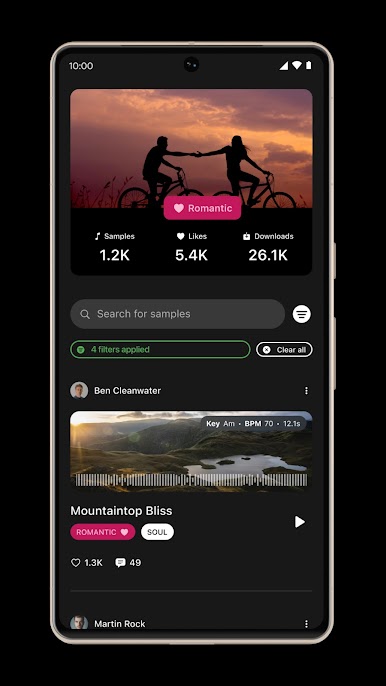
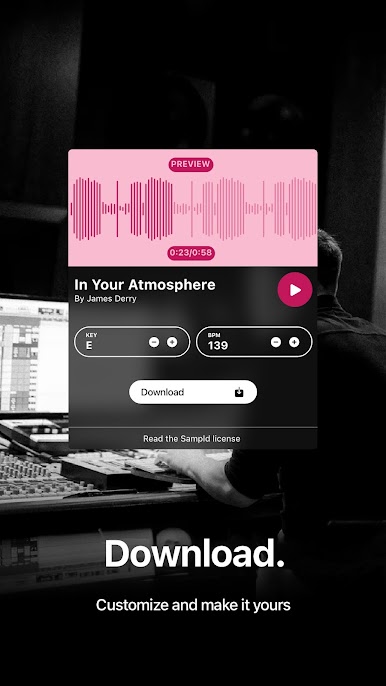
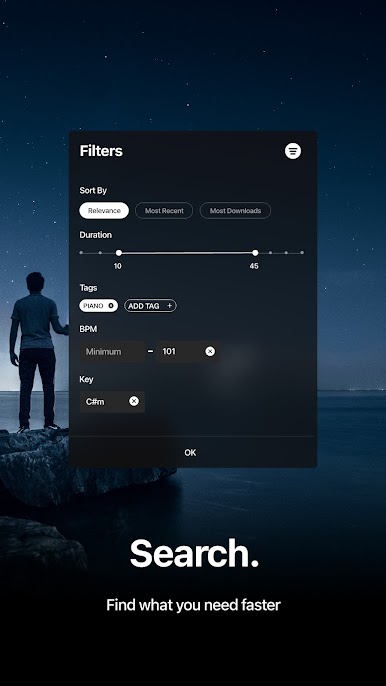
Sampld is one of those apps that’s handy for anyone messing around with music, videos, or even just little projects needing background sounds. It feels more like a toolkit than a social feed — you hop in and there’s a huge library of sounds people have shared, and you don’t have to dig through complicated licensing stuff since everything’s royalty-free and free to download. The search is simple, so if someone’s after a certain genre or mood, it’s quick to filter and find guitar riffs, beats, or just random SFX for a video or podcast. For folks making content, it’s useful that they can tweak things like the key or tempo before downloading — helps if a sample’s almost perfect but needs a little adjustment.
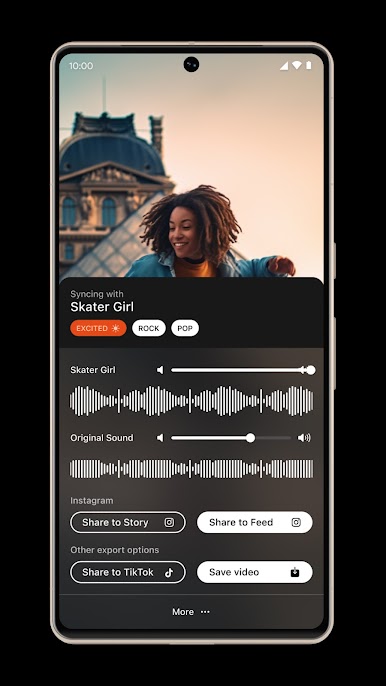
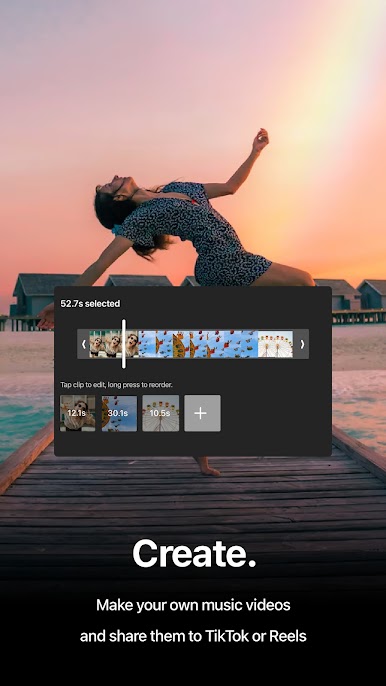
There’s a feature for matching samples to videos right in the app, which is cool for those who want to put together an Instagram or TikTok video without hopping between a bunch of different editors. People can grab a sample, sync it, and go straight to posting, so it saves some hassle. Using Sampld with BlueStacks on PC means the layout feels bigger and it’s easier to mess with files or just preview things without squinting at a phone. There’s no pressure to create an account or pay; you just grab what you need and use it for music, social posts, podcasts, whatever. For anyone tired of copyright headaches or getting lost in complicated apps, this one feels straightforward and practical.
Ready to experience Sampld on a bigger screen, in all its glory? Download BlueStacks now.
العب Sampld على جهاز الكمبيوتر. من السهل البدء.
-
قم بتنزيل BlueStacks وتثبيته على جهاز الكمبيوتر الخاص بك
-
أكمل تسجيل الدخول إلى Google للوصول إلى متجر Play ، أو قم بذلك لاحقًا
-
ابحث عن Sampld في شريط البحث أعلى الزاوية اليمنى
-
انقر لتثبيت Sampld من نتائج البحث
-
أكمل تسجيل الدخول إلى Google (إذا تخطيت الخطوة 2) لتثبيت Sampld
-
انقر على أيقونة Sampld على الشاشة الرئيسية لبدء اللعب

