


Online Compiler:Code on Mobile
Gioca su PC con BlueStacks: la piattaforma di gioco Android, considerata affidabile da oltre 500 milioni di giocatori.

Pagina modificata il: Feb 12, 2025
Play Online Compiler:Code on Mobile on PC
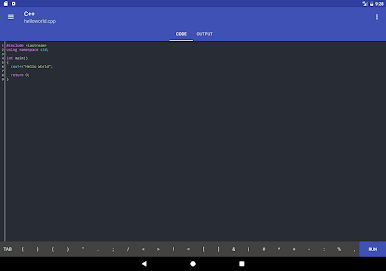
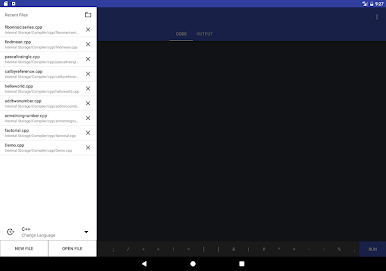
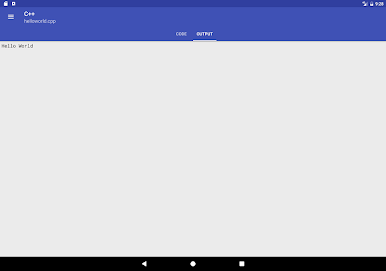
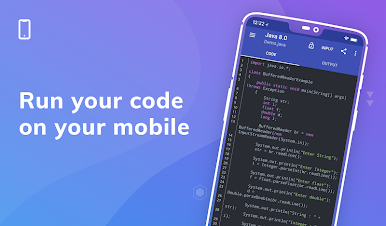
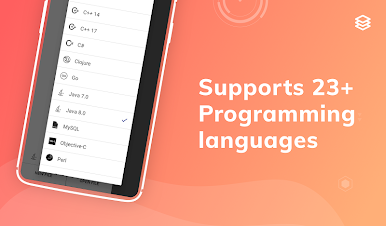
Online Console Compiler - Code on Mobile is the fastest online compiler and IDE to compile and run programs/code snippets on your smartphone for 23 programming languages.
The best way to practice coding on the go, anytime, anywhere.
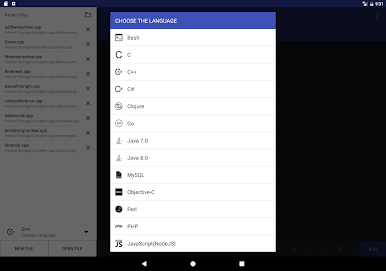
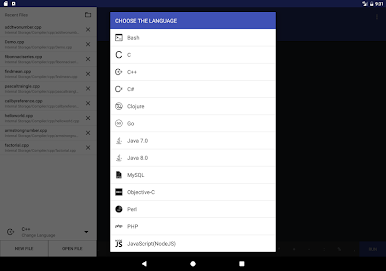
Languages supported include:
1. Bash (Shell Script)
2. C - GCC Compiler
3. C++ - GCC Compiler
4. C++ 14 - GCC Compiler
5. C++ 17 - GCC Compiler
6. C# (C Sharp) - Mono compiler
7. Clojure
8. Go Language
9. Java 7
10. Java 8
11. MySQL
12. Objective-C
13. Perl
14. PHP
15. NodeJS
16. Python 2.7
17. Python 3.0
18. R Language
19. Ruby
20. Scala
21. Swift 1.2
22. VB.Net - Mono Compiler
23. Pascal
Features included are:
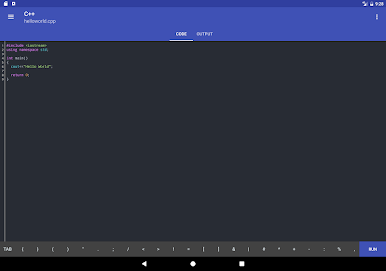
1. Code Syntax Highlighting
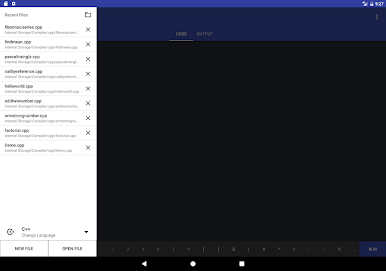
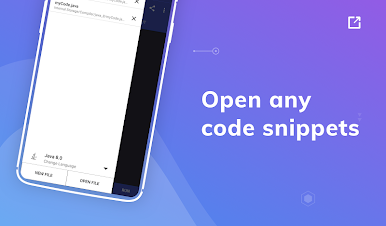
2. Open your existing code snippet from Internal storage,
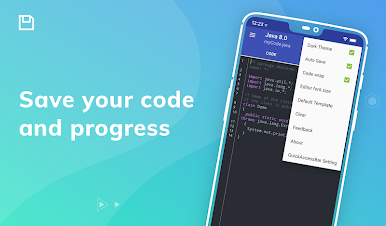
3. Auto Save your code as you type.
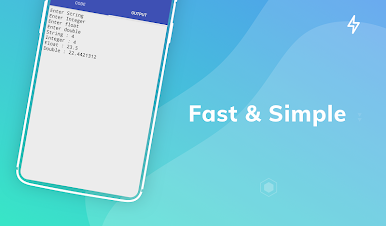
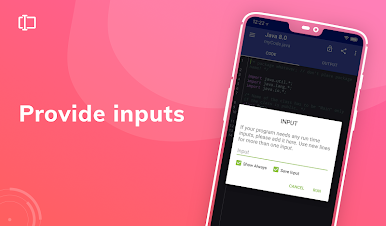
4. Add single and multiple Inputs to your code.
Disclaimer: Online Console Compiler uses strong cloud based compilers to compile the code and display output, it is the fastest code compiler and app size is just ~1.7 MB.
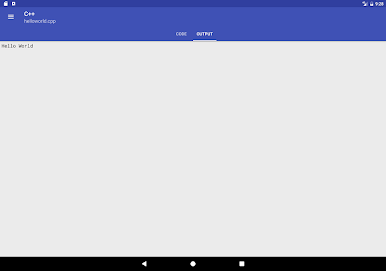
Simply type or copy the source code of your favourite programming language in the IDE and run it within seconds.
Practice your coding skills and see your code snippets come to life.
Instead of rating us low, you can write your problems to us at hello@prghub.com; that will help us help you better.
Your love, guidance, and support are greatly appreciated!
Visit our website : https://compiler.run
Gioca Online Compiler:Code on Mobile su PC. È facile iniziare.
-
Scarica e installa BlueStacks sul tuo PC
-
Completa l'accesso a Google per accedere al Play Store o eseguilo in un secondo momento
-
Cerca Online Compiler:Code on Mobile nella barra di ricerca nell'angolo in alto a destra
-
Fai clic per installare Online Compiler:Code on Mobile dai risultati della ricerca
-
Completa l'accesso a Google (se hai saltato il passaggio 2) per installare Online Compiler:Code on Mobile
-
Fai clic sull'icona Online Compiler:Code on Mobile nella schermata principale per iniziare a giocare

