


Legentibus: Learn Latin
Spiele auf dem PC mit BlueStacks - der Android-Gaming-Plattform, der über 500 Millionen Spieler vertrauen.

Seite geändert am: Nov 25, 2025
Play Legentibus: Learn Latin on PC or Mac
Let BlueStacks turn your PC, Mac, or laptop into the perfect home for Legentibus: Learn Latin, a fun Education app from Latinitium.
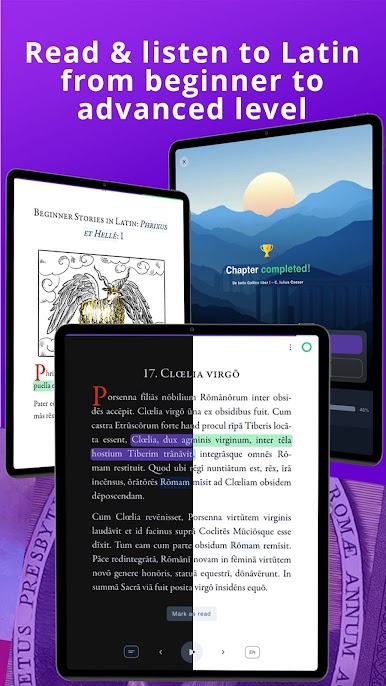
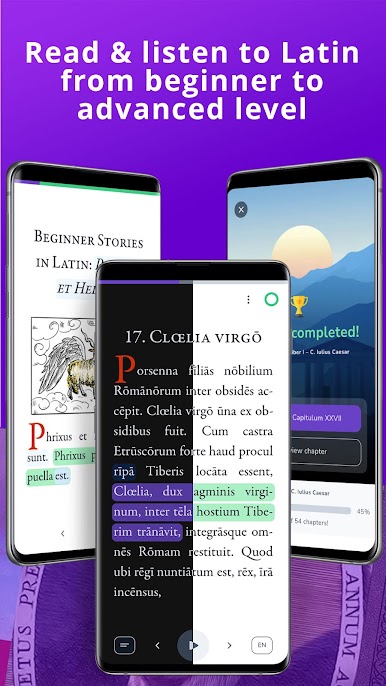
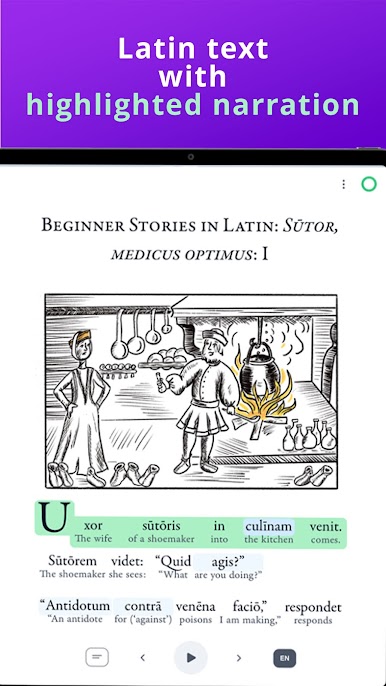
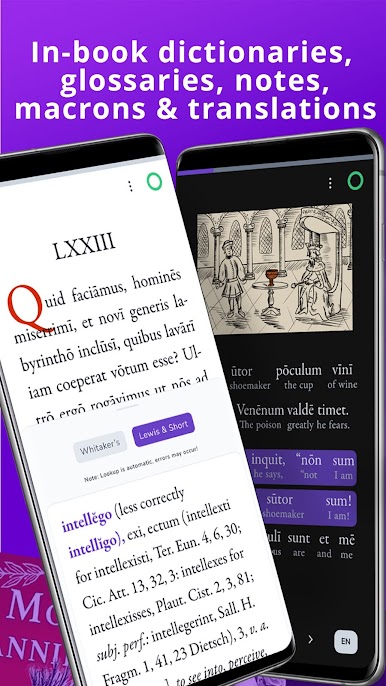
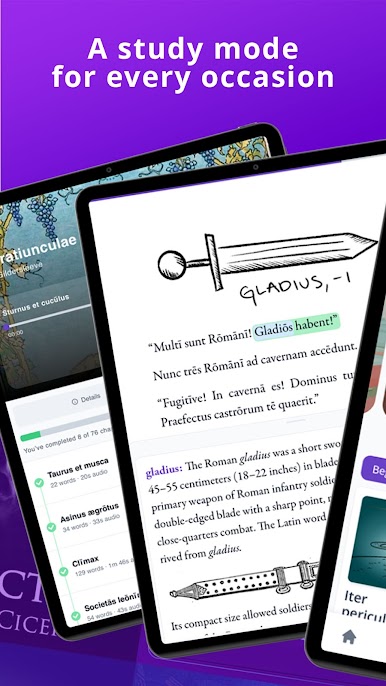
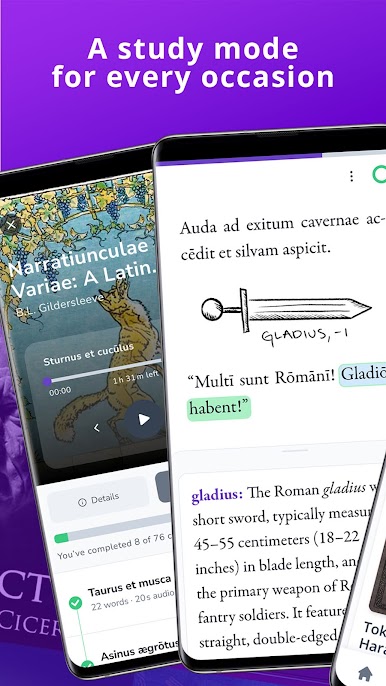
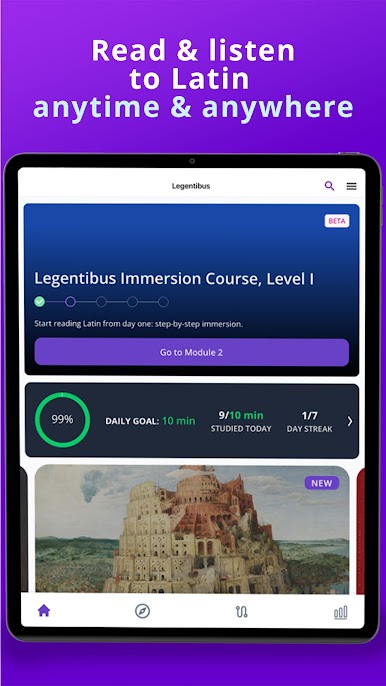
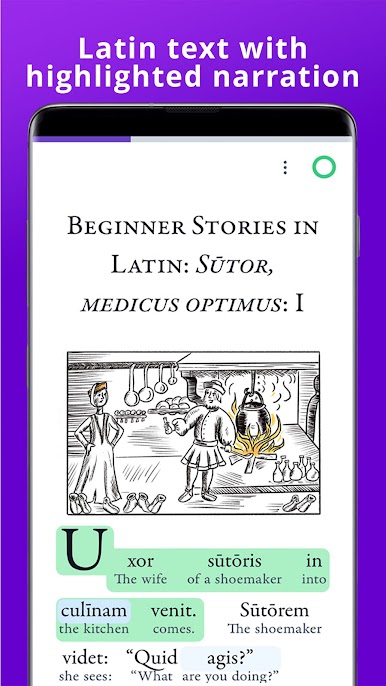
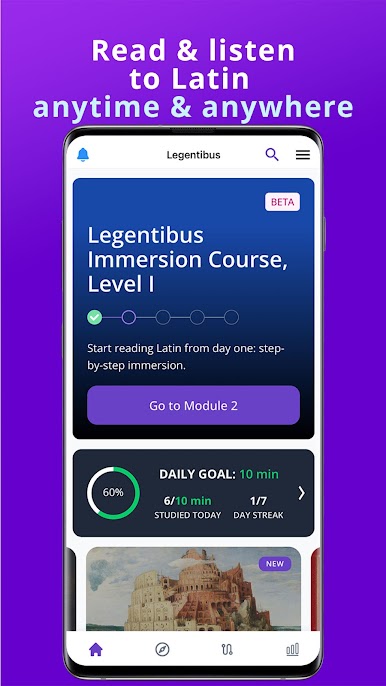
Legentibus feels like a Latin library that happens to live in an app, with reading and listening working side by side. Open a text and the audio follows the lines, so the eyes and ears stay together without fiddling. On a PC with BlueStacks, the bigger screen makes long sessions nicer, and the audio controls are easy to keep within reach while scrolling. It works offline too, so books and audiobooks can be downloaded ahead of time and used on the go without worry.
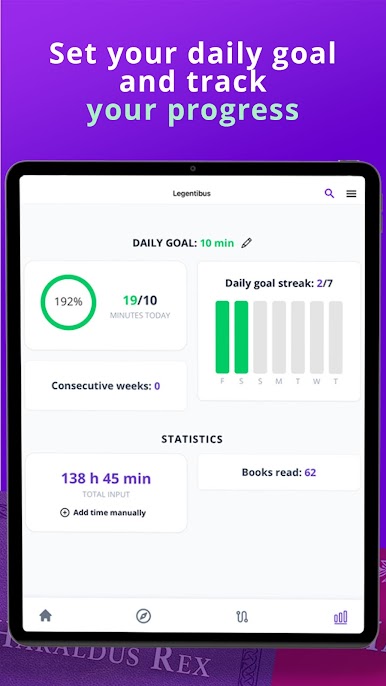
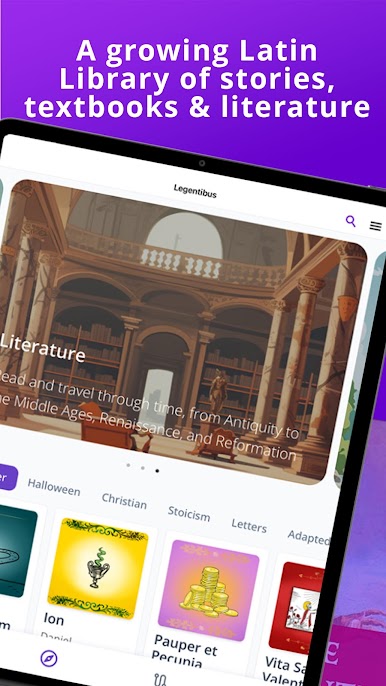
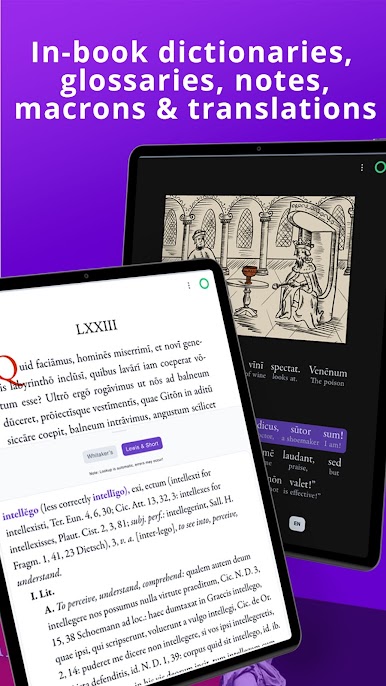
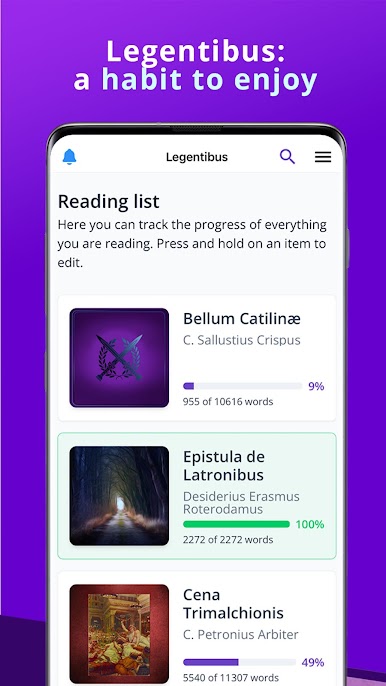
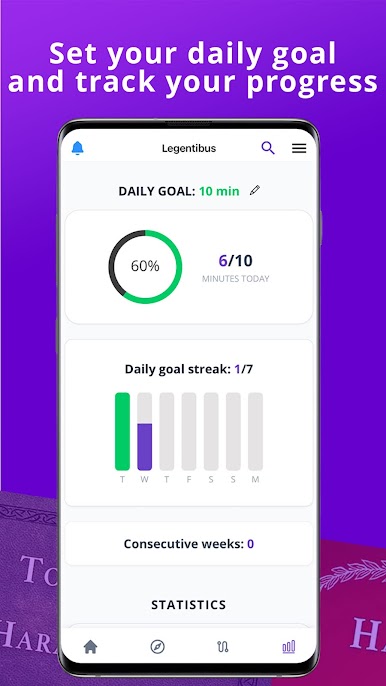
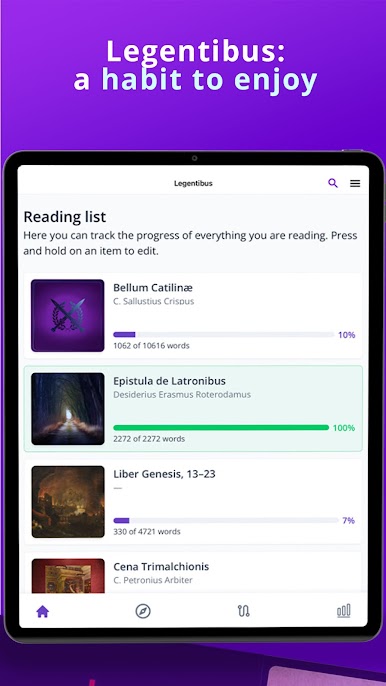
What stands out is the range. There are gentle starter stories with very small vocab sets, then textbooks like Familia Romana and Ritchie’s Fabulae Faciles, and after that the heavy hitters like Caesar, Cicero, Sallust, even Erasmus. Many titles come with helpful extras: full English or interlinear translations, glossaries, short grammar notes, and commentaries. Every text has macrons, which is rare and genuinely helpful. There is light and dark mode, and a simple reading plan that nudges progress without feeling like a chore. The original beginner tales are fun and grounded in real myths and history, things like Orpheus and Eurydice or medieval bits about knights and odd mysteries, so the language lands with context, not just drills.
The whole idea here is reading and listening from day one, not memorizing tables for weeks. That makes it friendly for complete beginners and still useful for students or researchers who want clean texts with notes. New titles appear often, there is a small free shelf to sample, and the paid stuff runs on monthly, semi-annual, or annual plans with a short trial. It is not gamified, it is a calm study space that treats Latin like a language people actually use.
Big screen. Bigger performance. Use BlueStacks on your PC or Mac to run your favorite apps.

Spiele Legentibus: Learn Latin auf dem PC. Der Einstieg ist einfach.
-
Lade BlueStacks herunter und installiere es auf deinem PC
-
Schließe die Google-Anmeldung ab, um auf den Play Store zuzugreifen, oder mache es später
-
Suche in der Suchleiste oben rechts nach Legentibus: Learn Latin
-
Klicke hier, um Legentibus: Learn Latin aus den Suchergebnissen zu installieren
-
Schließe die Google-Anmeldung ab (wenn du Schritt 2 übersprungen hast), um Legentibus: Learn Latin zu installieren.
-
Klicke auf dem Startbildschirm auf das Legentibus: Learn Latin Symbol, um mit dem Spielen zu beginnen

