


WeightFit: Pelacak Berat Badan
Mainkan di PC dengan BlueStacks – platform Game-Game Android, dipercaya oleh lebih dari 500 juta gamer.

Play WeightFit: Weight Loss Tracker on PC
Use the following features:
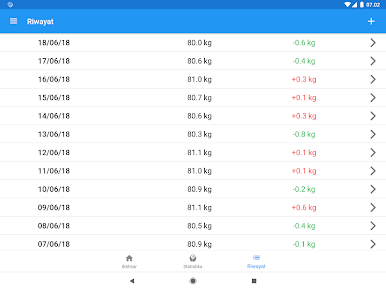
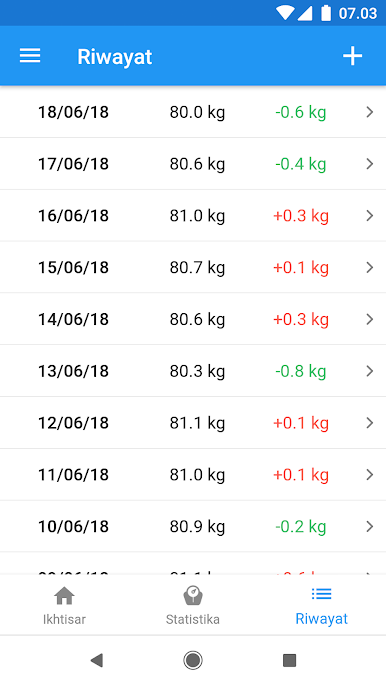
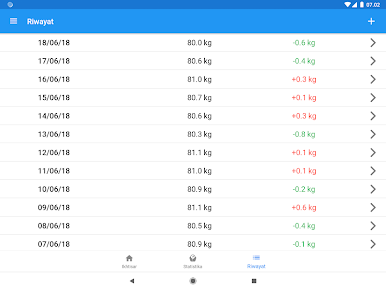
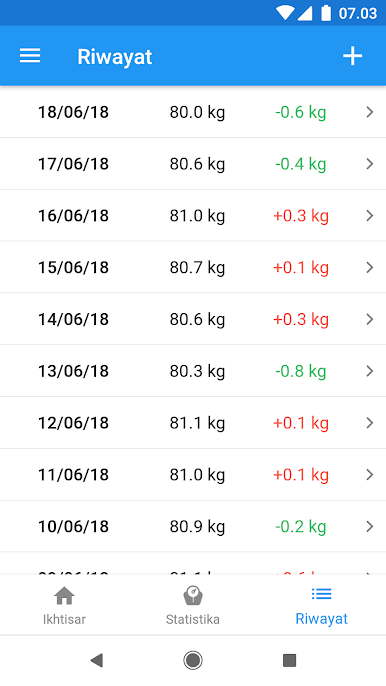
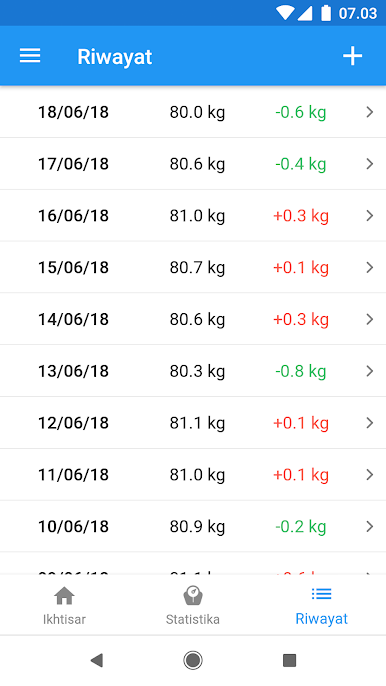
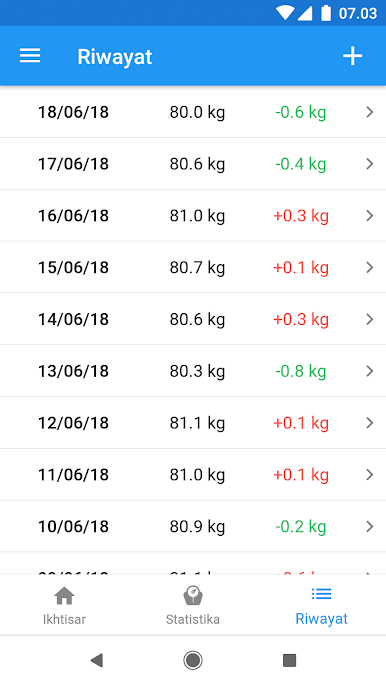
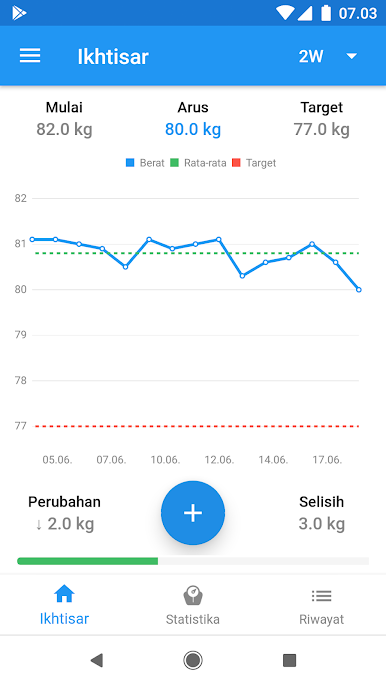
• Track your daily weight
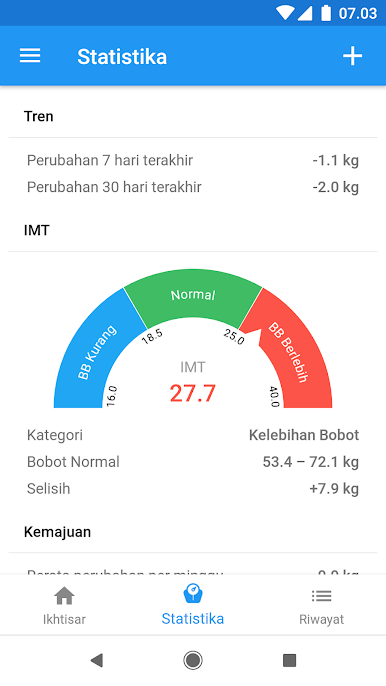
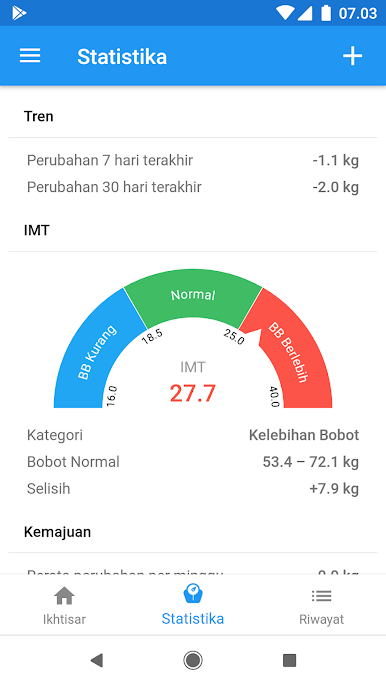
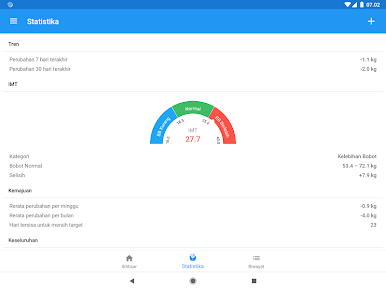
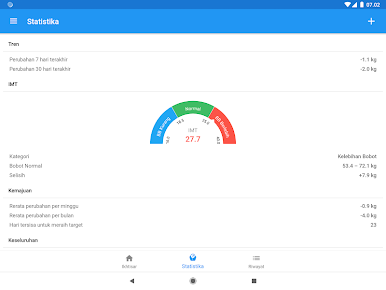
• Integrated BMI Calculator
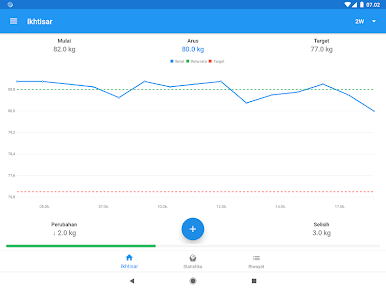
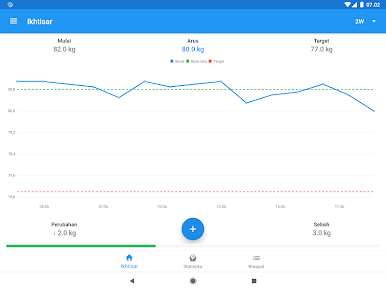
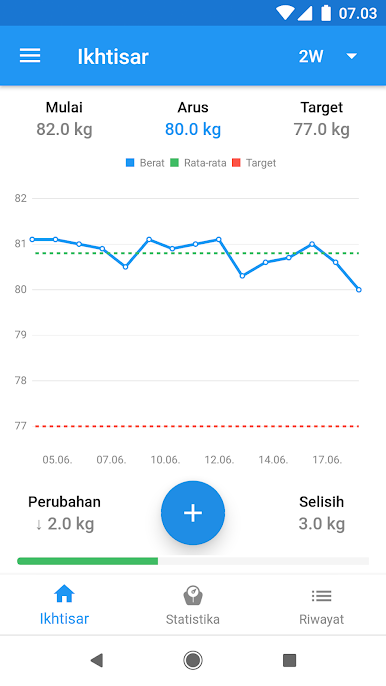
• Analyze your weight history in various charts and visualizations to gain insights on the way to a better body image
• Set a desired weight and follow your progress
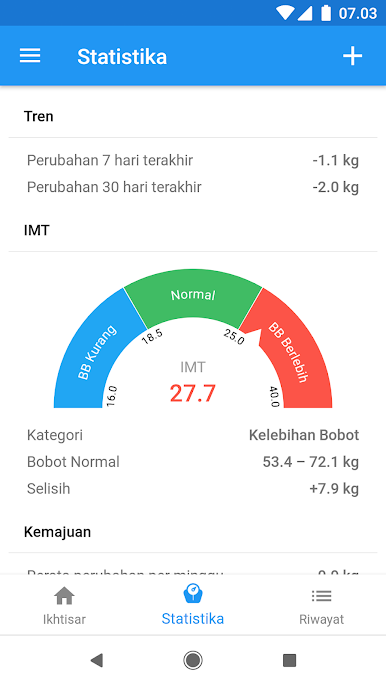
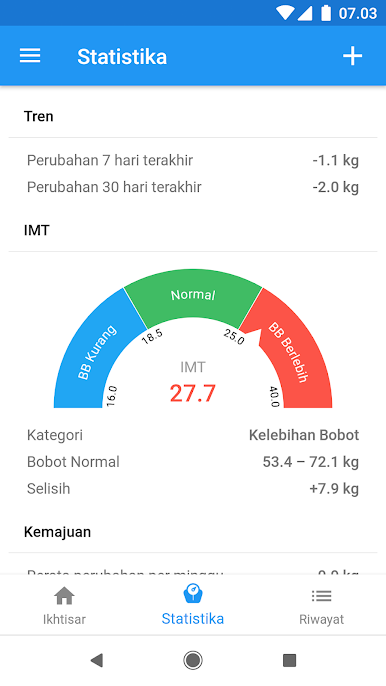
• Take a look on statistics about your weight, i.e. average weight, Body Mass Index (BMI), difference to the starting weight and even more.
• Optional the app will remind you to track your weight in our diary
• Input weights in the metric or imperial unit system
• Sync your weight data with your Google Fit account
Track your weight and reach your desired weight because overweight and obesity are risk factors for diseases such as hypertension, heart disease and diabetes.
If you like our app, please leave a ★★★★★-review!
If you have any feedback or suggestions, feel free to contact us via email: info@appovo.com.
Mainkan WeightFit: Pelacak Berat Badan di PC Mudah saja memulainya.
-
Unduh dan pasang BlueStacks di PC kamu
-
Selesaikan proses masuk Google untuk mengakses Playstore atau lakukan nanti
-
Cari WeightFit: Pelacak Berat Badan di bilah pencarian di pojok kanan atas
-
Klik untuk menginstal WeightFit: Pelacak Berat Badan dari hasil pencarian
-
Selesaikan proses masuk Google (jika kamu melewati langkah 2) untuk menginstal WeightFit: Pelacak Berat Badan
-
Klik ikon WeightFit: Pelacak Berat Badan di layar home untuk membuka gamenya

