


Pasapalabra
Chơi trên PC với BlueStacks - Nền tảng chơi game Android, được hơn 500 triệu game thủ tin tưởng.

Trang đã được sửa đổi vào: Jul 14, 2025
Play Alphabet Game on PC or Mac
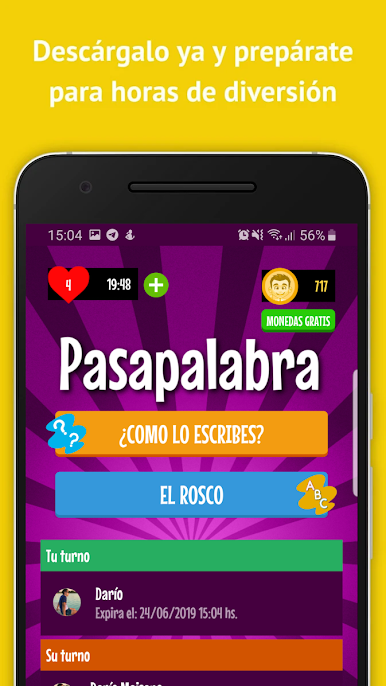
Bring your A-game to Alphabet Game, the Trivia game sensation from develUp Games. Give your gameplay the much-needed boost with precise game controls, high FPS graphics, and top-tier features on your PC or Mac with BlueStacks.
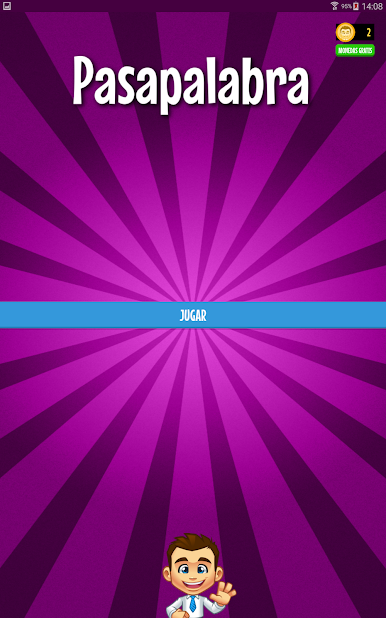
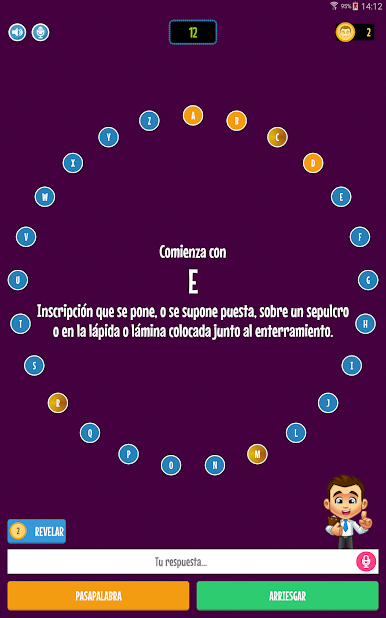
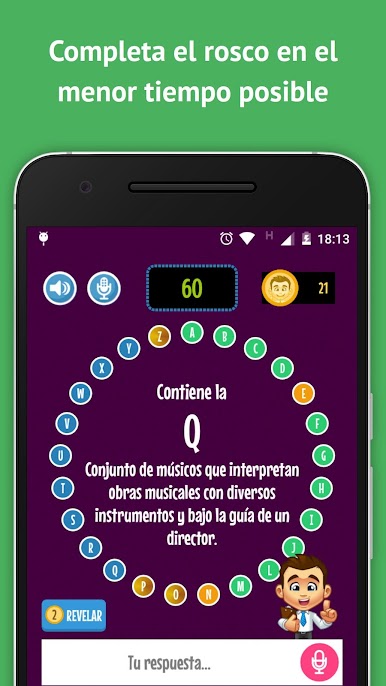
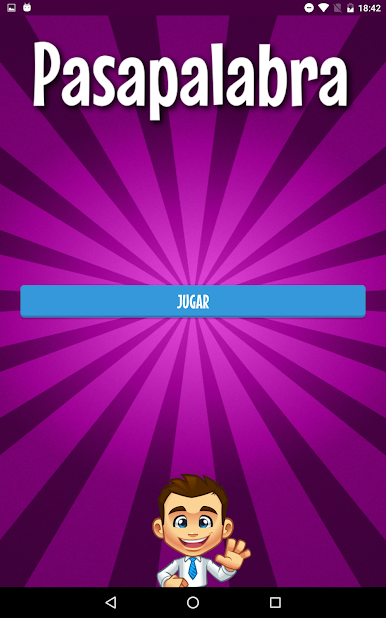
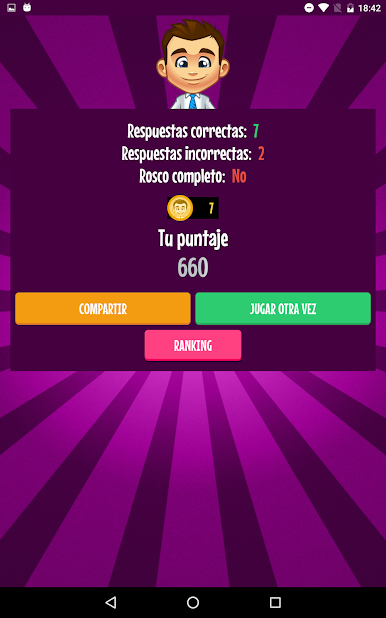
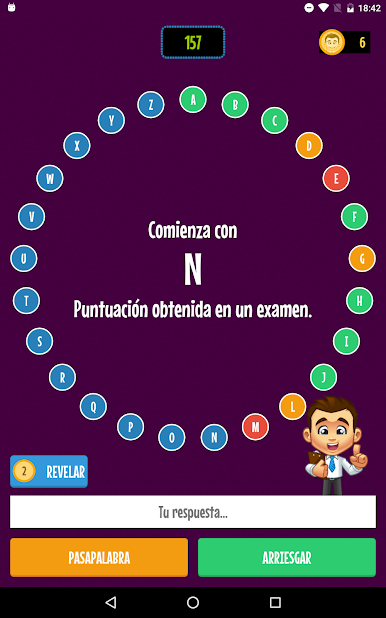
Alphabet Game is a fast, no-nonsense word quiz built around the A to Z loop. Each letter pops up with a short clue, and the answer either starts with that letter or includes it. There is a countdown, and a pass button for when the brain blanks, then the same letter comes back later. That pass rhythm is straight up Pasapalabra style, easy to grasp and oddly tense when the clock gets low. Rounds can be super quick, but going for a full alphabet in one go turns into a little pressure cooker, especially when two stubborn letters refuse to click.
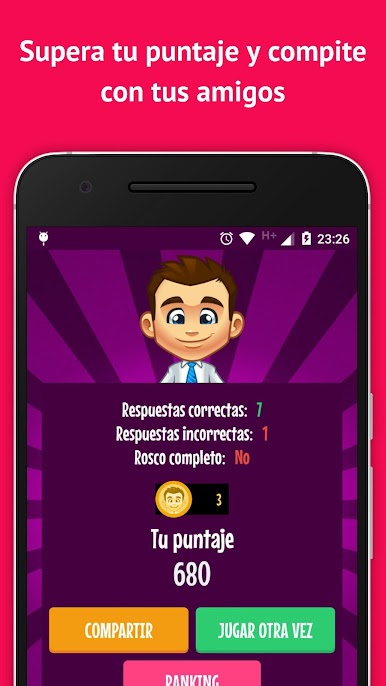
There is solo play for practicing and a simple friends challenge that compares who clears more letters or finishes faster. Since it is available worldwide, clues lean on everyday words rather than niche local trivia, so it feels fair and learnable. The layout is clean and readable, big ring of letters, snappy animations, and it restarts a new round fast after a miss. No complicated rules, just read, think, answer, repeat.
On PC with BlueStacks, the keyboard makes a big difference. Typing answers is quicker than tapping a phone screen, hitting pass or submit on keys keeps the flow steady, and the bigger display makes longer hints easier on the eyes. It suits short breaks, but it can also grab attention for longer runs when the streak starts building.
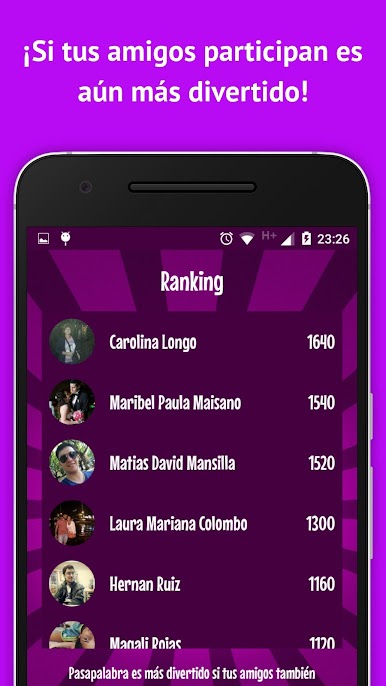
Ready to top the leaderboard? We bet you do. Let precise controls and sharp visuals optimized on BlueStacks lead you to victory.
Chơi Pasapalabra trên PC. Rất dễ để bắt đầu
-
Tải và cài đặt BlueStacks trên máy của bạn
-
Hoàn tất đăng nhập vào Google để đến PlayStore, hoặc thực hiện sau
-
Tìm Pasapalabra trên thanh tìm kiếm ở góc phải màn hình
-
Nhấn vào để cài đặt Pasapalabra trong danh sách kết quả tìm kiếm
-
Hoàn tất đăng nhập Google (nếu bạn chưa làm bước 2) để cài đặt Pasapalabra
-
Nhấn vào icon Pasapalabra tại màn hình chính để bắt đầu chơi

