


Astrological Charts
Jouez sur PC avec BlueStacks - la plate-forme de jeu Android, approuvée par + 500M de joueurs.

Page Modifiée le: Nov 7, 2025
Play Astrological Charts on PC
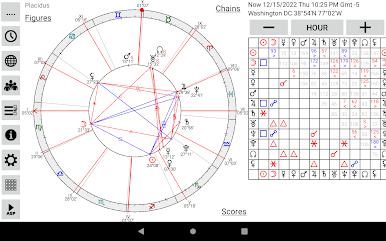
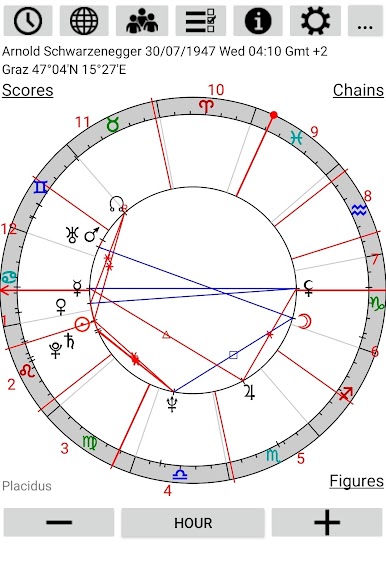
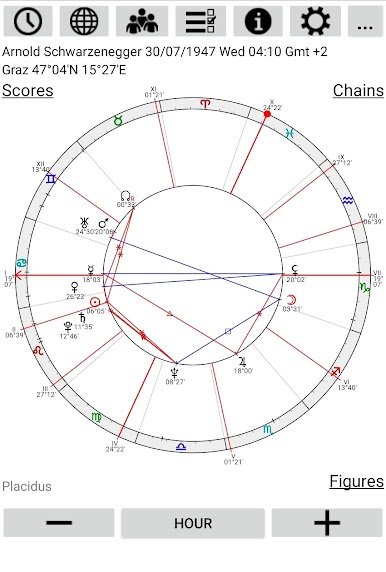
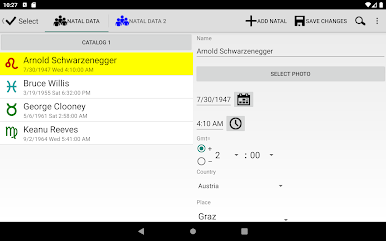
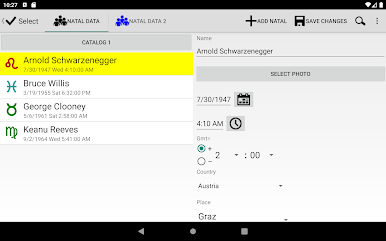
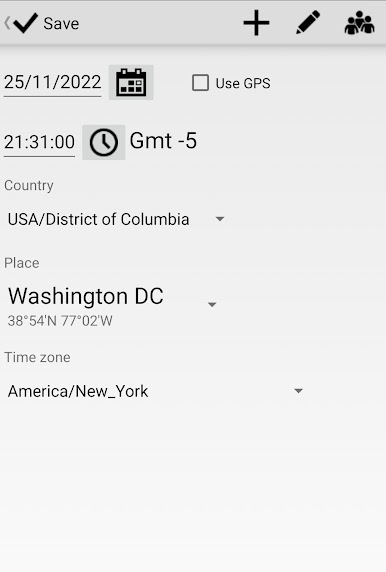
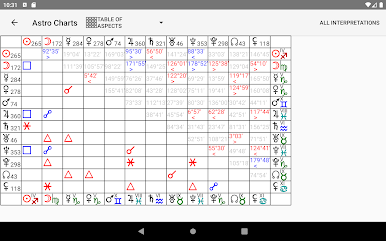
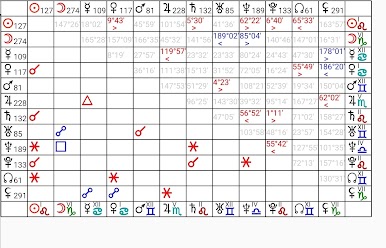
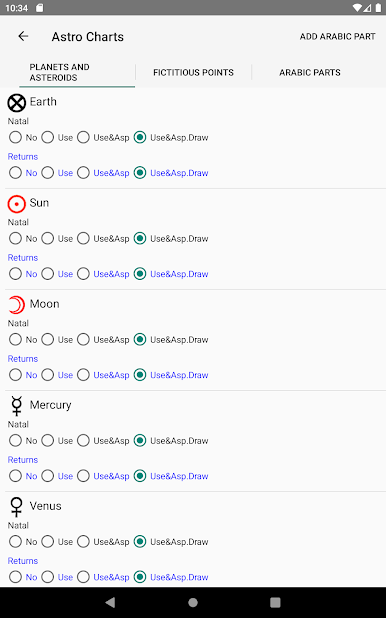
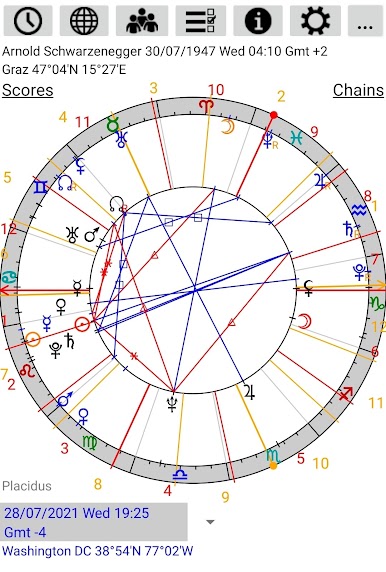
There is a choice of 12 house systems, 24 types of aspect with customizable orbs and database of about 100000 places with specified time zones, so the difference with GMT is determined automatically, besides, you can add new place.
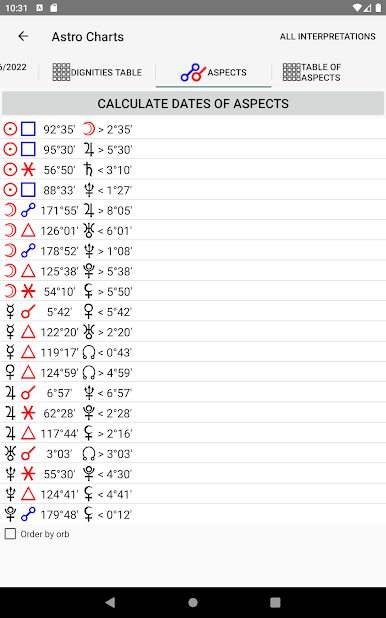
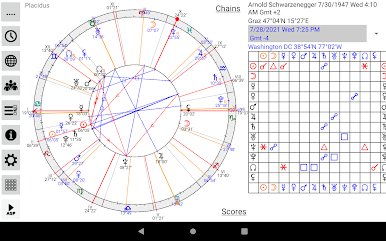
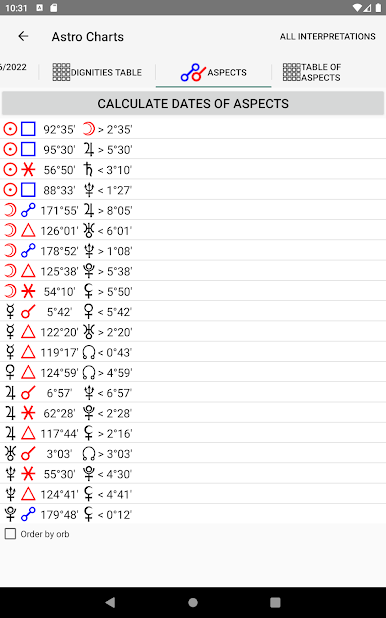
The program calculates exact dates of triggering aspects, periods of aspects by orb, moments of sign changes, lunar phases, eclipses, void of course Moon, midpoints and planetary hours in menu of main page. There are Tropical and Sidereal zodiac in program.
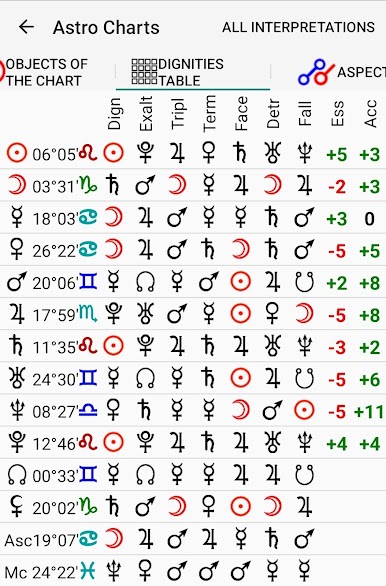
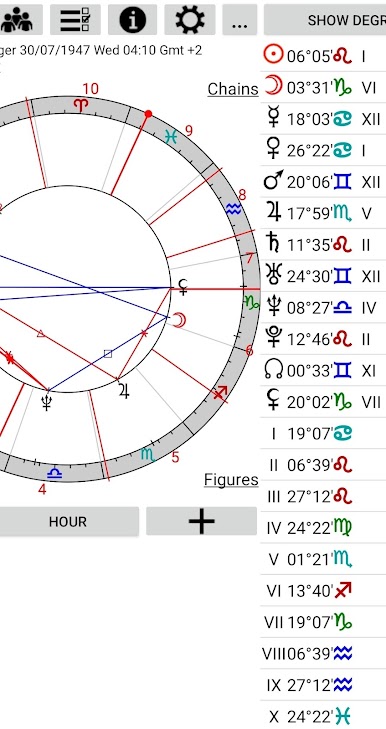
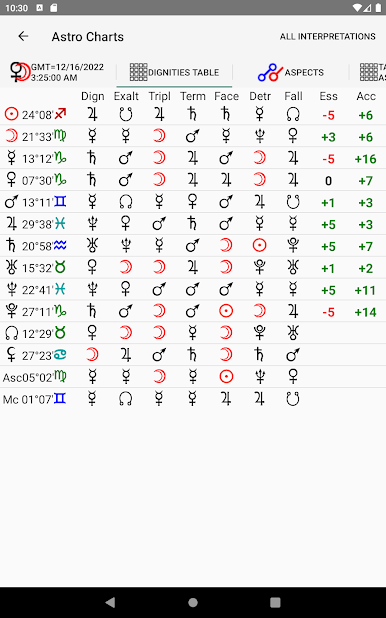
There are interpretations of natal planets in zodiac signs, in houses and in retrograde state, transit planets in natal houses, natal aspects, from transit to natal aspects, synastry aspects, natal Ascendent and houses in signs in app.
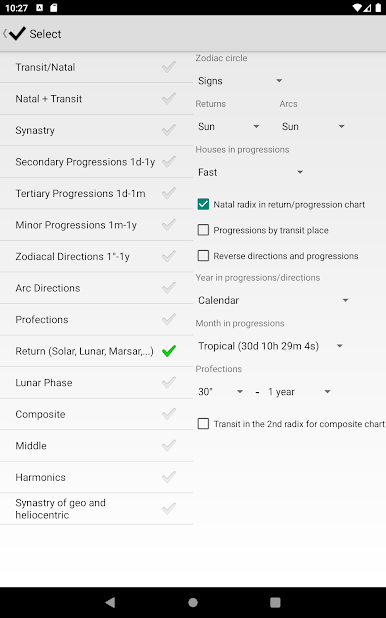
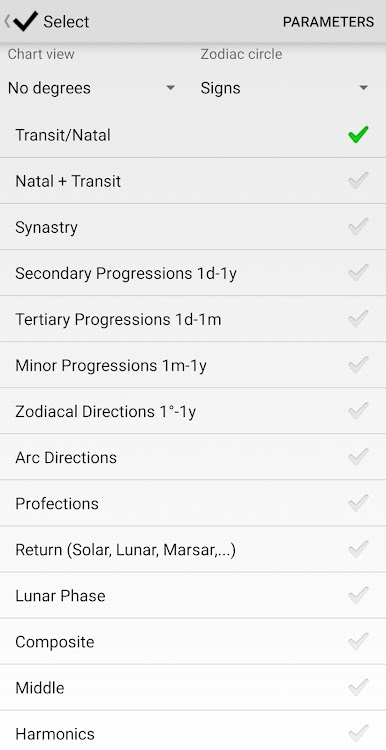
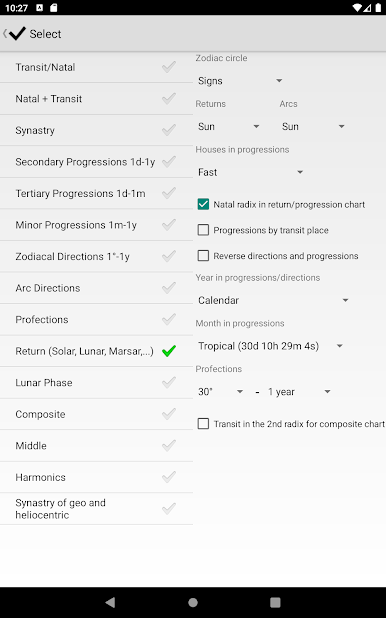
Chart types:
1) Transit/Natal one radix chart
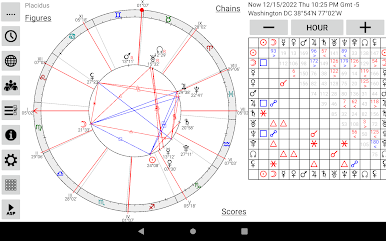
2) Natal + Transit dual radix chart
3) Synastry (by selected natal data 1 and 2)
4) Secondary Progressions (natal chart + 1 day = 1 year delta between selected natal data and specified transit data)
5) Zodiacal Directions (natal chart + 1° = 1 year delta between selected natal data and specified transit data)
6) Directions for Arcs of the Sun, the Moon or a planet (natal chart + planet distance traveled in degrees for 1 day = 1 year delta between selected natal data and specified transit data)
7) Profections (natal chart + 30° = 1 year delta between selected natal data and specified transit data)
8) Returns of the Sun and Moon (by selected natal data and specified transit data from which return dates are calculated)
9) Lunar Phase (by selected natal data and specified transit data from which return dates are calculated)
10) Composite (by selected natal data 1 and 2)
11) Middle (by selected natal data 1 and 2)
12) Harmonics (by selected natal data or specified transit data)

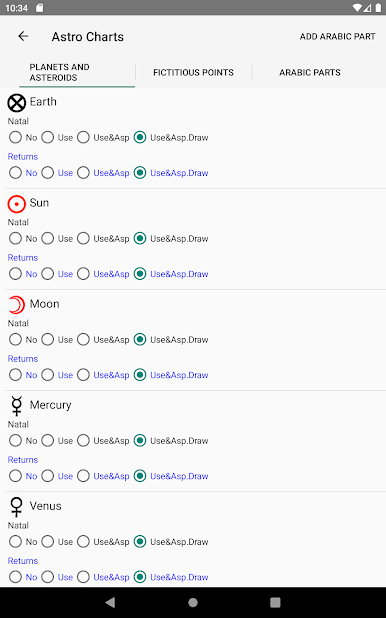
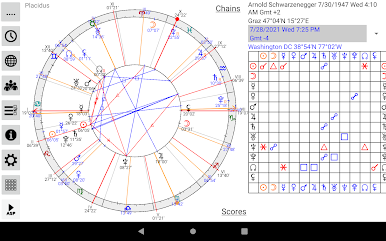
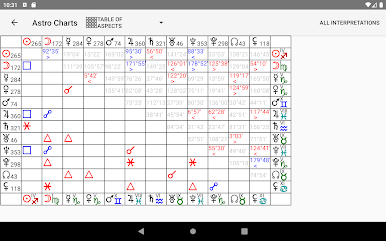
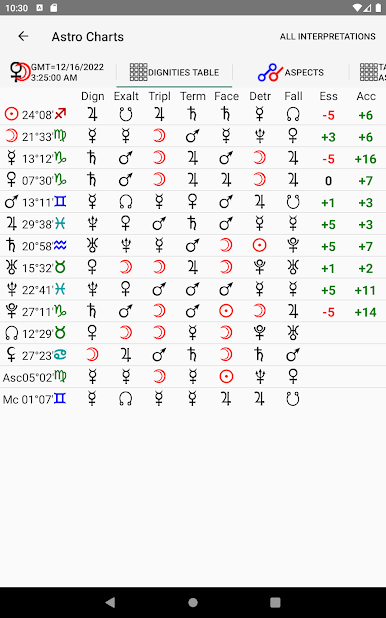
Jouez à Astrological Charts sur PC. C'est facile de commencer.
-
Téléchargez et installez BlueStacks sur votre PC
-
Connectez-vous à Google pour accéder au Play Store ou faites-le plus tard
-
Recherchez Astrological Charts dans la barre de recherche dans le coin supérieur droit
-
Cliquez pour installer Astrological Charts à partir des résultats de la recherche
-
Connectez-vous à Google (si vous avez ignoré l'étape 2) pour installer Astrological Charts
-
Cliquez sur l'icône Astrological Charts sur l'écran d'accueil pour commencer à jouer

