


MyMQTT
เล่นบน PC ผ่าน BlueStacks - Android Gaming Platform ที่ได้รับความไว้วางใจจากเกมเมอร์ 500 ล้านคนทั่วโลก

Page Modified on: Nov 24, 2025
Run MyMQTT on PC or Mac
What’s better than using MyMQTT by instant:solutions OG? Well, try it on a big screen, on your PC or Mac, with BlueStacks to see the difference.
About the App
Ever wanted to keep tabs on your MQTT topics right from your device? MyMQTT by instant:solutions OG makes monitoring and interacting with MQTT brokers feel simple, even if you’re juggling a handful of different connections. Whether you’re testing devices, curious about messages zipping across your network, or just need quick control over your topics, this easy-to-use tool puts MQTT management at your fingertips.
App Features
-
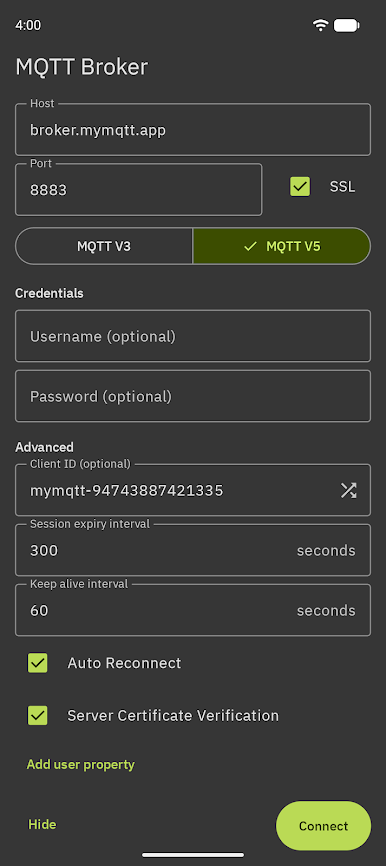
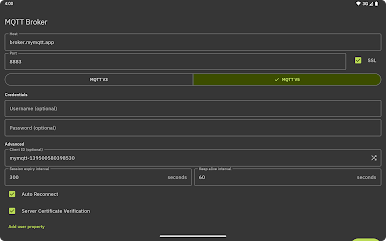
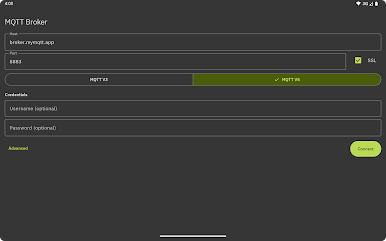
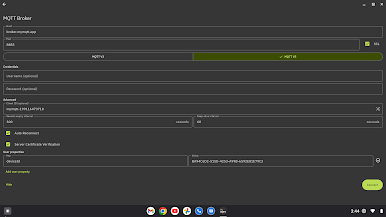
Quick MQTT v3.1 Connections
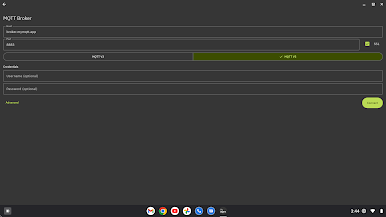
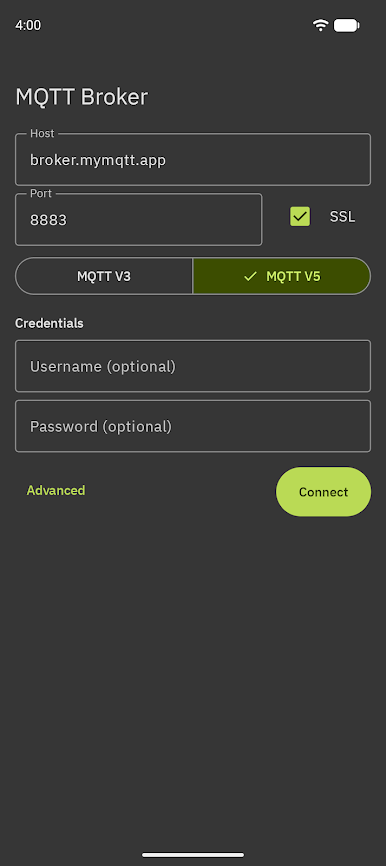
Connect to any MQTT broker that supports v3.1—just enter your broker’s address, and if you need to, toss in your username and password. It’s straightforward, and you’ll be up and running in no time. -
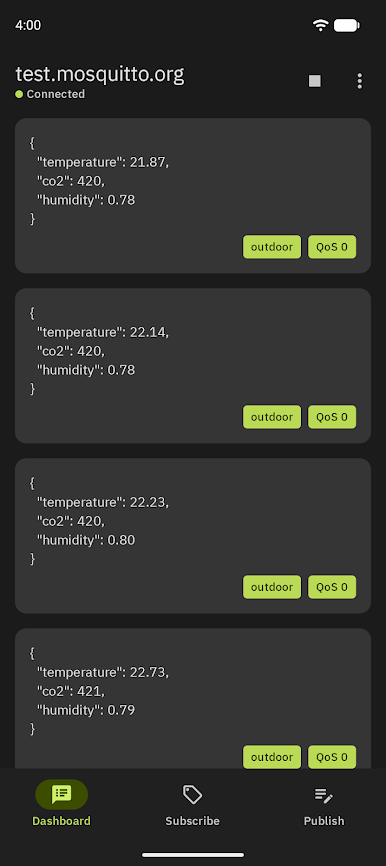
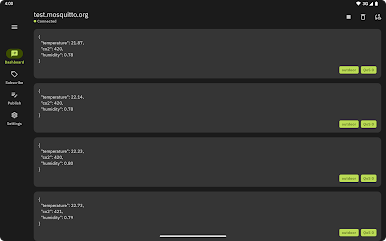
Stay on Top of Your Topics
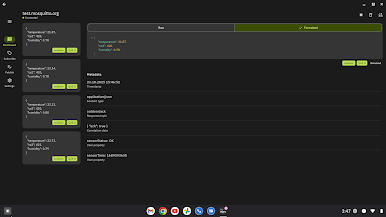
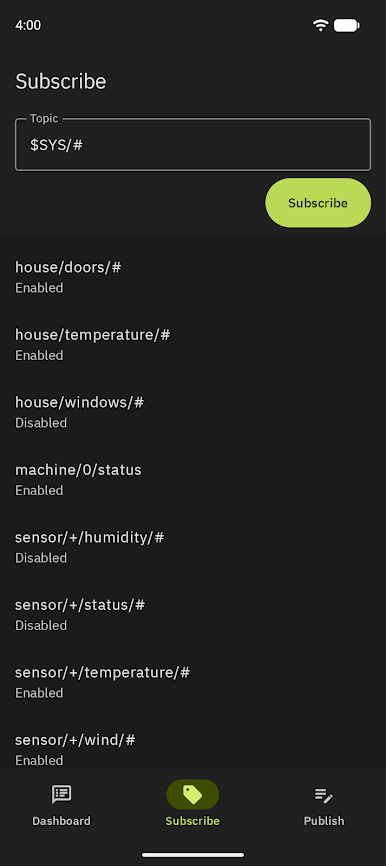
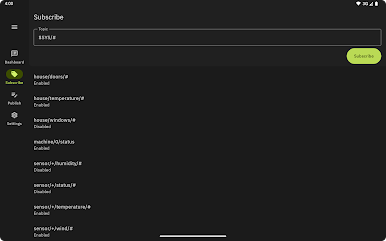
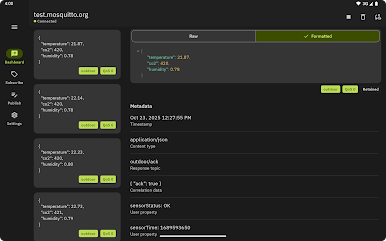
Subscribe to as many topics as you want. You can finally see messages as they show up—no guesswork, all live. -
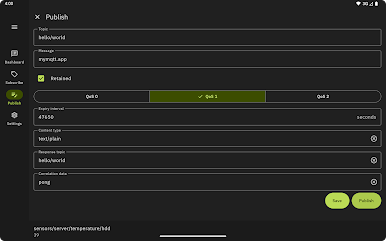
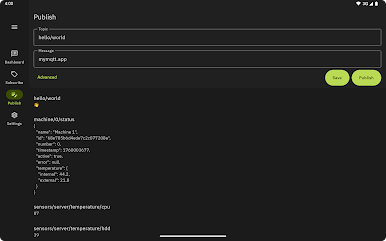
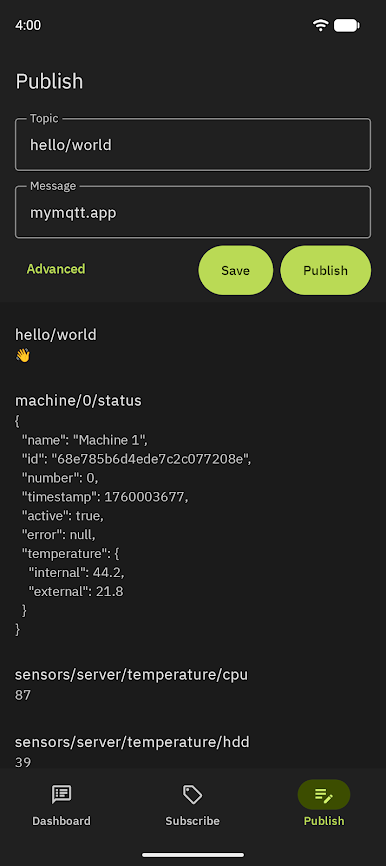
Easy Message Publishing
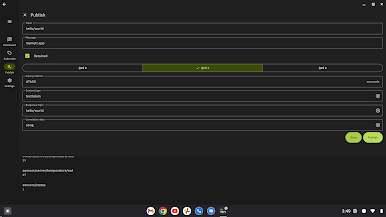
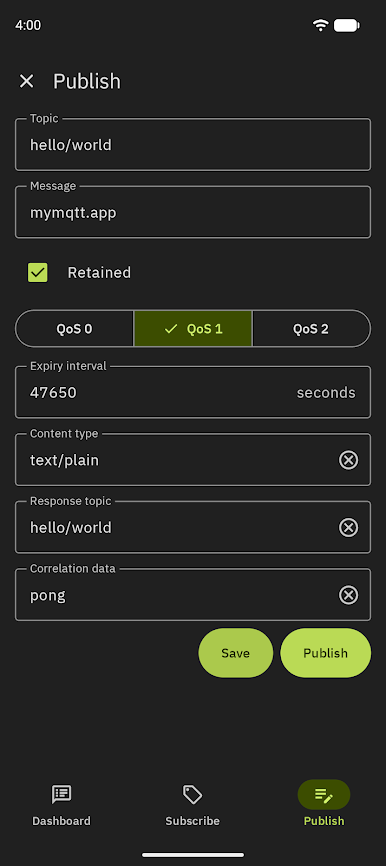
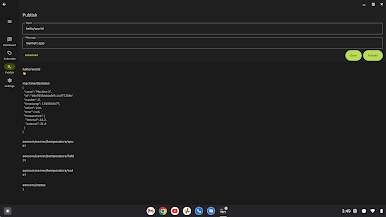
Need to send a message fast? Publish directly to any topic you’ve got access to. Ideal for device testing or sending a quick command. -
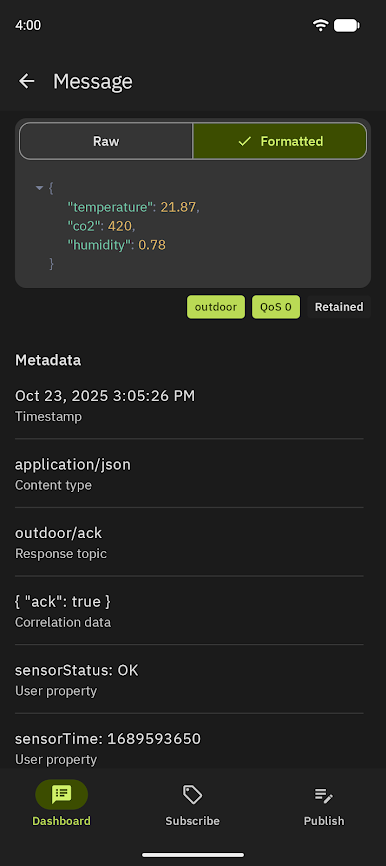
Message Saving
Don’t want to lose track of received messages? Save them in the app for later, so you can always check back on what came through. -
Filter What Matters
Tired of wading through clutter? Use filters to find exactly the messages you need. Super helpful if you’re dealing with a lot of activity. -
In Development Extras
Some handy features are on the way, like setting Quality of Service levels and SSL broker connections. And yes, there’ll be Android notifications even when the app isn’t open. -
Works Great on BlueStacks
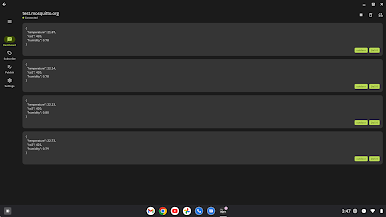
Prefer working on your computer? MyMQTT runs smoothly on BlueStacks, giving you another easy way to interact with your favorite MQTT tools.
Switch to BlueStacks and make the most of your apps on your PC or Mac.
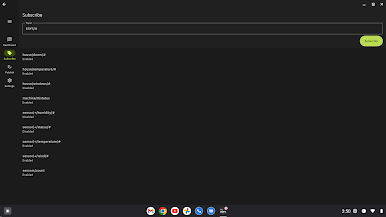
เล่น MyMQTT บน PC ได้ง่ายกว่า
-
ดาวน์โหลดและติดตั้ง BlueStacks บน PC ของคุณ
-
ลงชื่อเข้าใช้แอคเคาท์ Google เพื่อเข้าสู่ Play Store หรือทำในภายหลัง
-
ค้นหา MyMQTT ในช่องค้นหาด้านขวาบนของโปรแกรม
-
คลิกเพื่อติดตั้ง MyMQTT จากผลการค้นหา
-
ลงชื่อเข้าใช้บัญชี Google Account (หากยังไม่ได้ทำในขั้นที่ 2) เพื่อติดตั้ง MyMQTT
-
คลิกที่ไอคอน MyMQTT ในหน้าจอเพื่อเริ่มเล่น

