


One Task
العب على الكمبيوتر الشخصي مع BlueStacks - نظام أندرويد للألعاب ، موثوق به من قبل أكثر من 500 مليون لاعب.

Run One Task on PC or Mac
Why limit yourself to your small screen on the phone? Run One Task, an app by Code Spark, best experienced on your PC or Mac with BlueStacks, the world’s #1 Android emulator.
About the App
If you’re looking for a simple way to stay on top of your to-dos, One Task might just be your new go-to. Built for people who want to keep their lives organized without any extra fuss, this Productivity app by Code Spark covers all the basics—and then some. Want to manage work, personal errands, or that long list of things you keep forgetting? One Task makes it all a little smoother.
App Features
-
Seamless Task Management
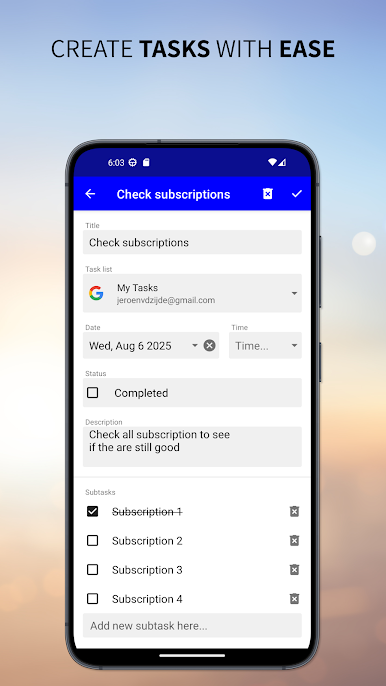
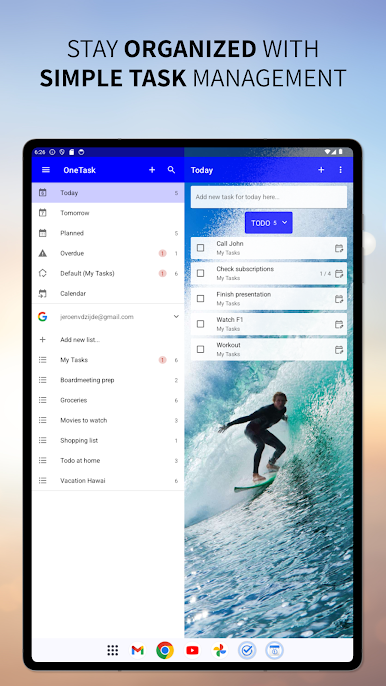
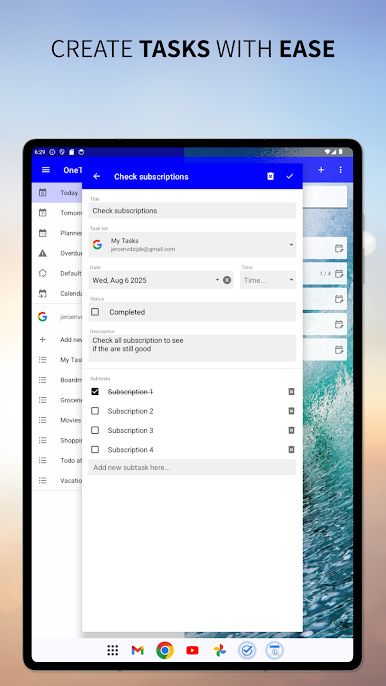
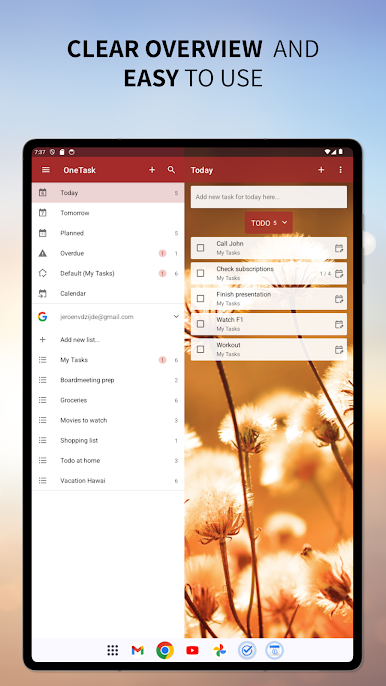
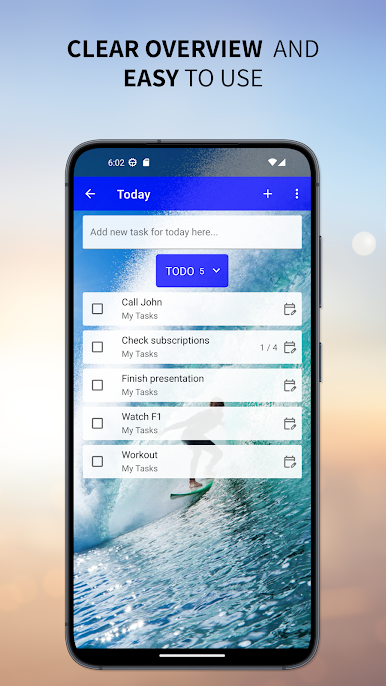
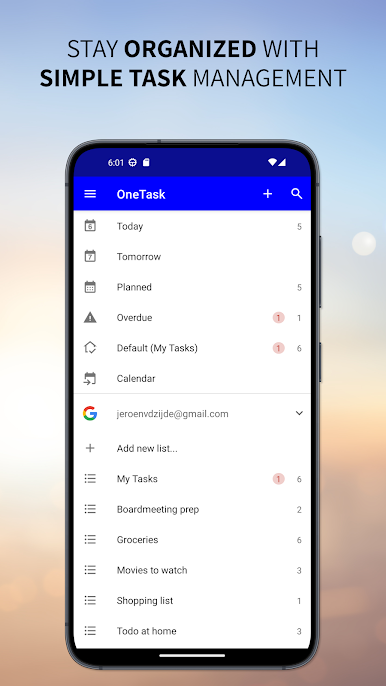
- Jot down your tasks or create detailed to-do lists in seconds. Keeping things organized is straightforward, whether you’re dealing with quick reminders or bigger ongoing projects.
-
Syncs with Your Favorites
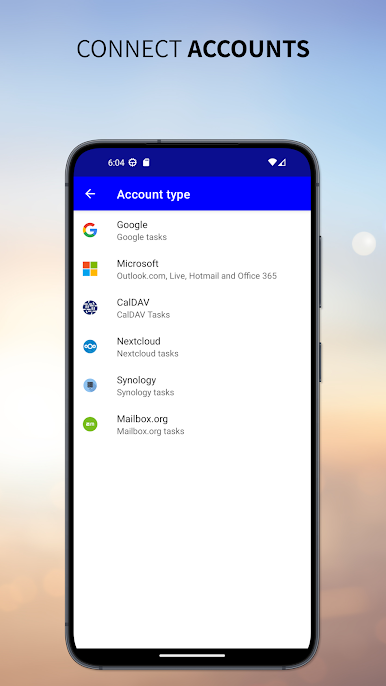
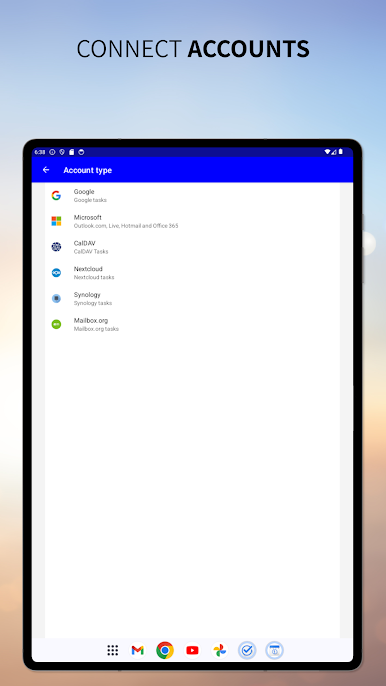
- Already use Google Tasks, Outlook tasks, or Office 365 tasks? No problem—One Task syncs right up so everything’s in one place. You don’t have to hop between different apps anymore.
-
One Calendar Integration
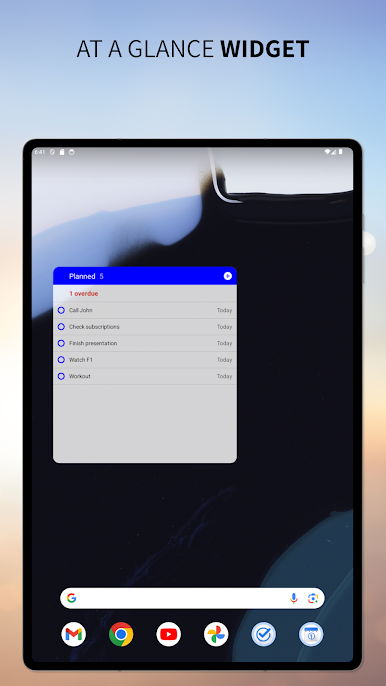
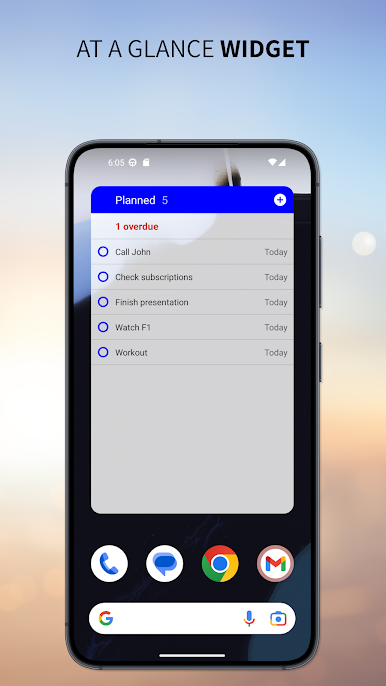
- Plan your schedule and see what’s coming up. One Task pulls in your calendar events, so deadlines and meetings are visible alongside your tasks.
-
Flexible and User-Friendly
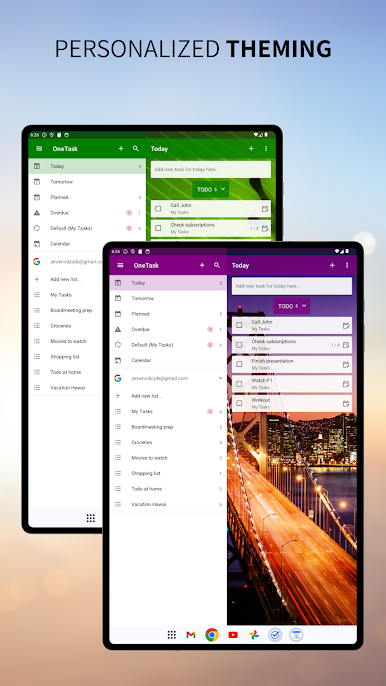
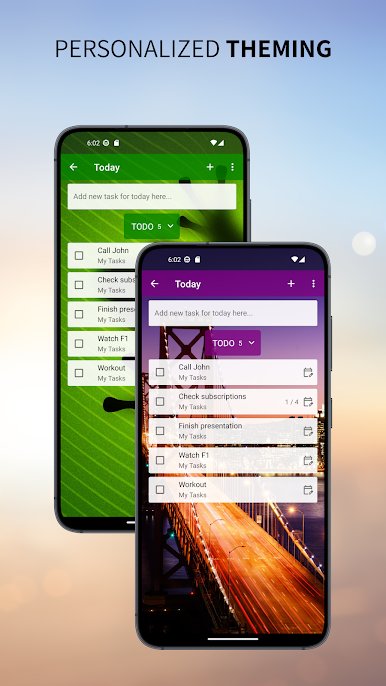
- The app is built to be clutter-free and intuitive. Drag, drop, reorder—it’s easy to tweak your lists as your priorities shift.
-
Productivity Anywhere
- Want to manage your tasks from your PC? Give it a spin with BlueStacks for a little more screen space and keyboard action.
No more scattered sticky notes or forgotten appointments—One Task brings everything together so you can focus on what matters most.
Ready to experience One Task on a bigger screen, in all its glory? Download BlueStacks now.
العب One Task على جهاز الكمبيوتر. من السهل البدء.
-
قم بتنزيل BlueStacks وتثبيته على جهاز الكمبيوتر الخاص بك
-
أكمل تسجيل الدخول إلى Google للوصول إلى متجر Play ، أو قم بذلك لاحقًا
-
ابحث عن One Task في شريط البحث أعلى الزاوية اليمنى
-
انقر لتثبيت One Task من نتائج البحث
-
أكمل تسجيل الدخول إلى Google (إذا تخطيت الخطوة 2) لتثبيت One Task
-
انقر على أيقونة One Task على الشاشة الرئيسية لبدء اللعب

