


Offline Bubbles
5억명 이상의 게이머가 신뢰하는 안드로이드 게임 플랫폼 BlueStacks으로 PC에서 플레이하세요.

Play Offline Bubbles on PC or Mac
Explore a whole new adventure with Offline Bubbles, a Arcade game created by Free Bubble Shooter Games. Experience great gameplay with BlueStacks, the most popular gaming platform to play Android games on your PC or Mac.
About the Game
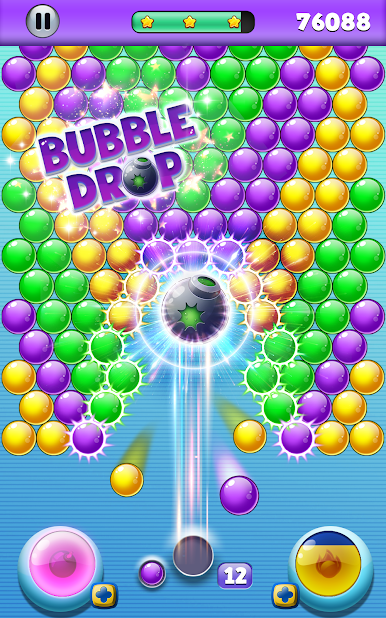
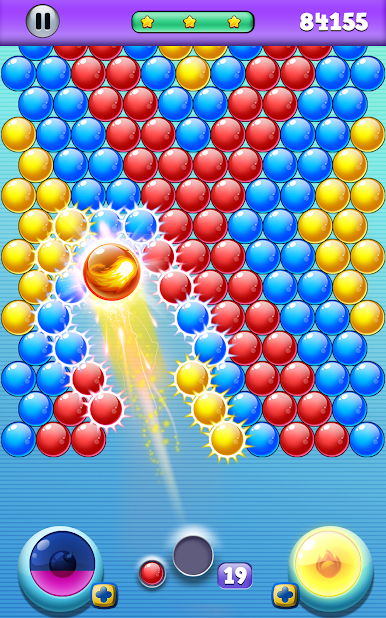
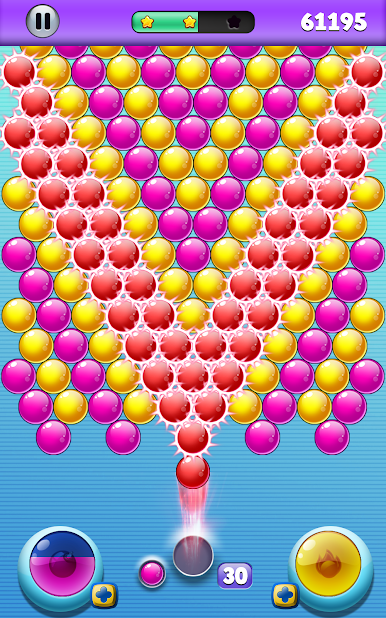
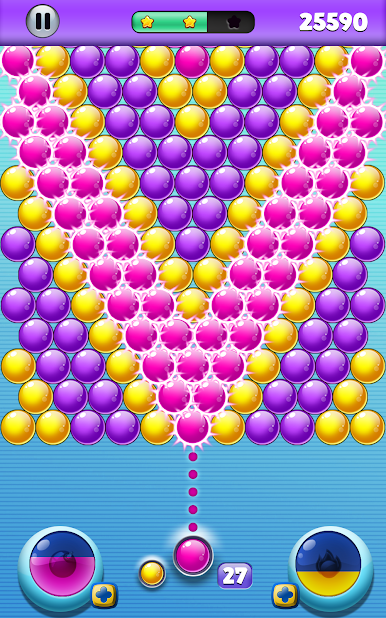
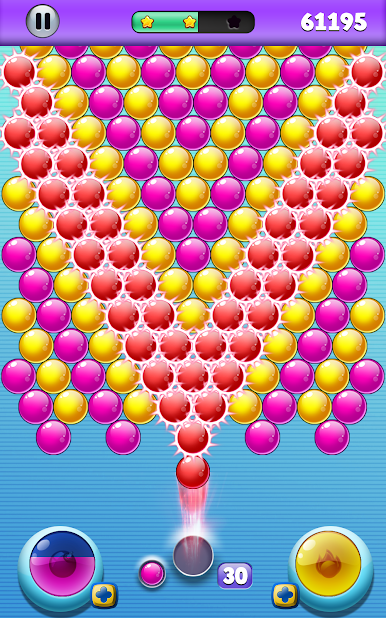
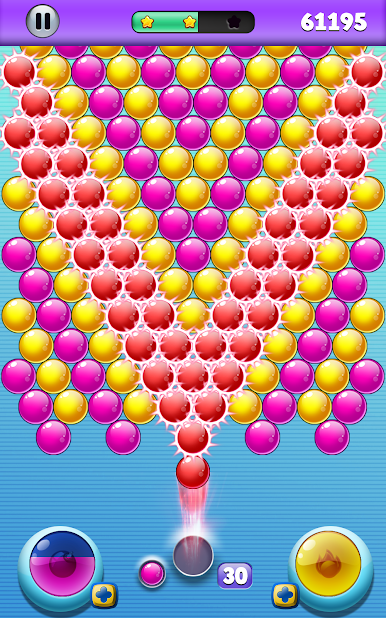
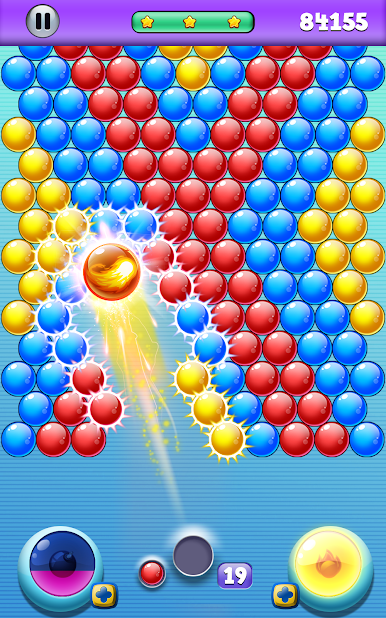
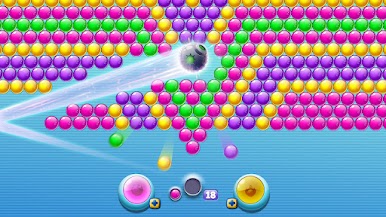
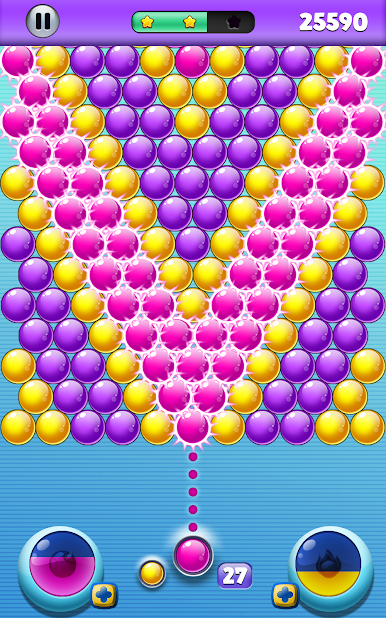
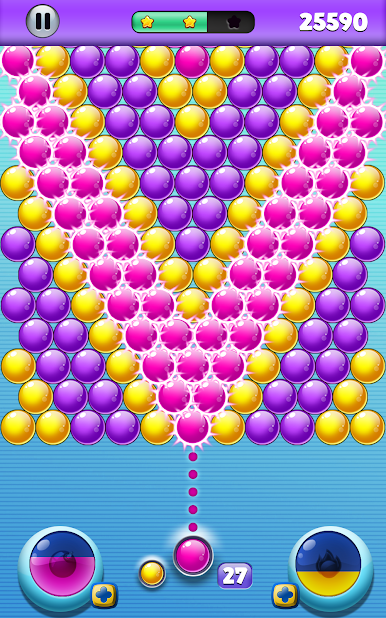
If you’re looking for a laid-back way to chill, Offline Bubbles has you covered. This arcade favorite from Free Bubble Shooter Games is all about popping colorful bubbles and tackling clever puzzles, no internet required. Whether you’ve got five minutes or an hour, it’s a stress-free way to pass the time, with a ton of levels to keep things fresh.
Game Features
-
No Internet Needed
Play anywhere—seriously. Whether you’re on your couch or traveling, Wi-Fi isn’t required. Perfect for when you just want to zone out and shoot a few bubbles. -
Tons of Levels
With over 1,000 different puzzles, you’re not running out of challenges anytime soon. Each level adds something new, so it never feels repetitive. -
Strategic Swapping
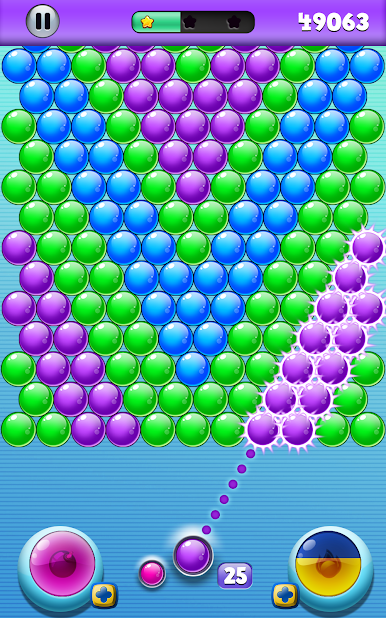
Get stuck on a tricky shot? You can swap bubbles for free, letting you tweak your strategy and maybe pull off a last-minute win. -
Powerful Boosters
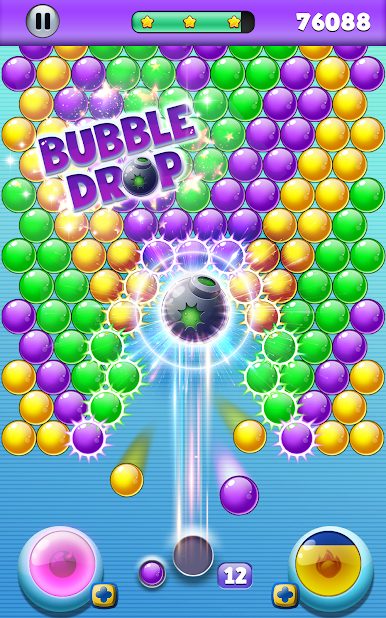
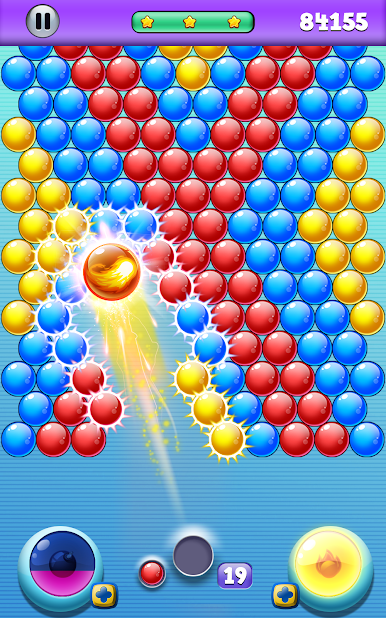
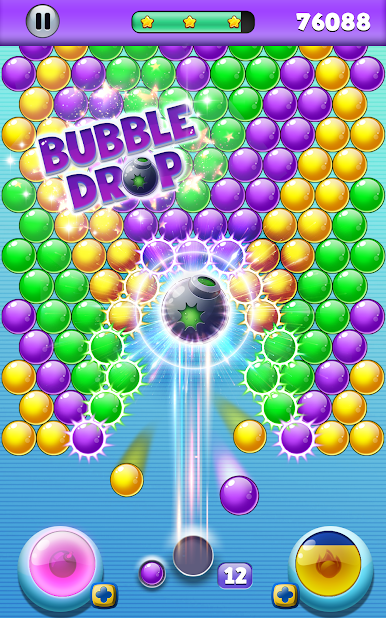
Some levels get tough, but that’s where Fireball and Bomb boosters come in handy. Unlock these and you’ll be blasting bubbles in style. -
Relaxed Gameplay
There’s no clock to stress about—take things at your own pace and keep playing until you clear the board. -
Simple Controls
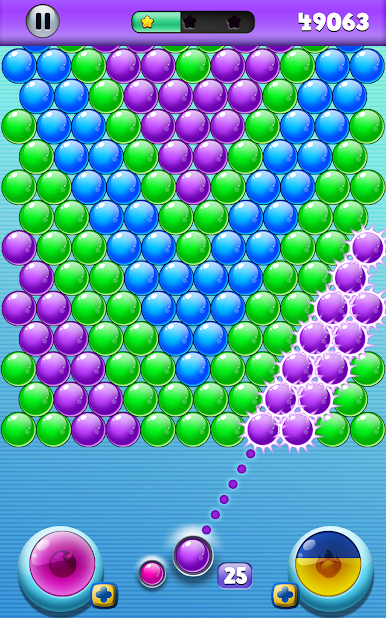
Just tap and aim the laser, lift your finger, and watch bubbles burst. Super easy, super satisfying. -
Combo Rewards
Land those big matches or pull off a streak, and you’ll earn special power-ups for some serious popping action. -
Play On PC with BlueStacks
Want a bigger screen? You can play Offline Bubbles on your PC using BlueStacks for a more relaxed, cozy setup.
Make your gaming sessions memorable with precise controls that give you an edge in close combats and visuals that pop up, bringing every character to life.









PC에서 Offline Bubbles 플레이해보세요.
-
BlueStacks 다운로드하고 설치
-
Google Play 스토어에 로그인 하기(나중에 진행가능)
-
오른쪽 상단 코너에 Offline Bubbles 검색
-
검색 결과 중 Offline Bubbles 선택하여 설치
-
구글 로그인 진행(만약 2단계를 지나갔을 경우) 후 Offline Bubbles 설치
-
메인 홈화면에서 Offline Bubbles 선택하여 실행

