

Bubble Shooter Puzzle
Chơi trên PC với BlueStacks - Nền tảng chơi game Android, được hơn 500 triệu game thủ tin tưởng.

Trang đã được sửa đổi vào: Mar 14, 2024
Play Bubble Shooter Puzzle on PC or Mac
Bring your A-game to Bubble Shooter Puzzle, the Casual game sensation from Bubble Shooter Games by Ilyon. Give your gameplay the much-needed boost with precise game controls, high FPS graphics, and top-tier features on your PC or Mac with BlueStacks.
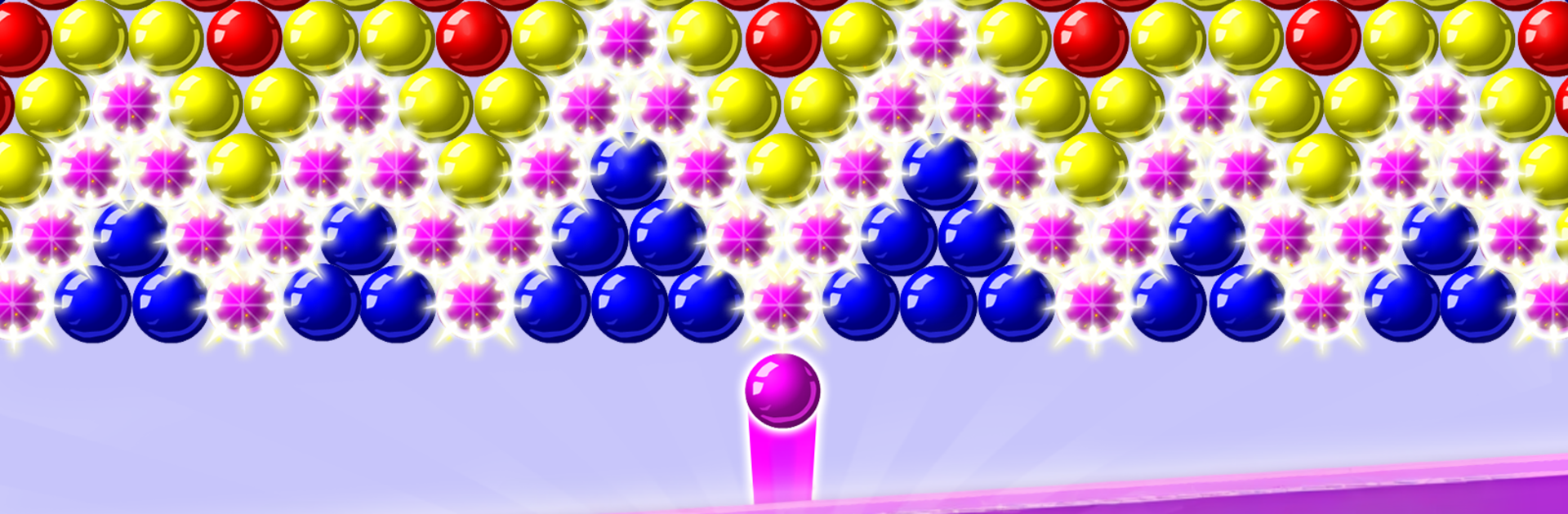
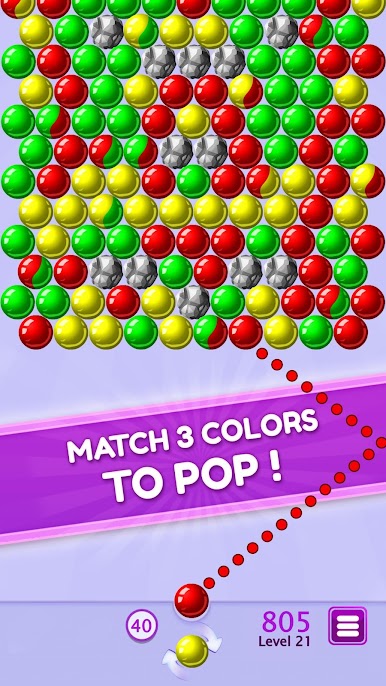
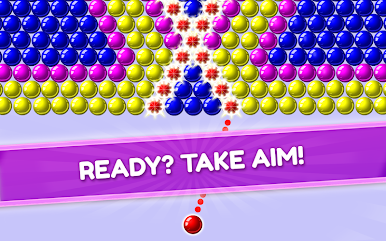
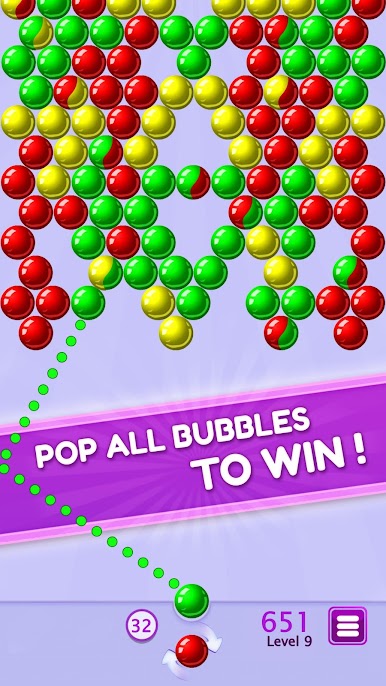
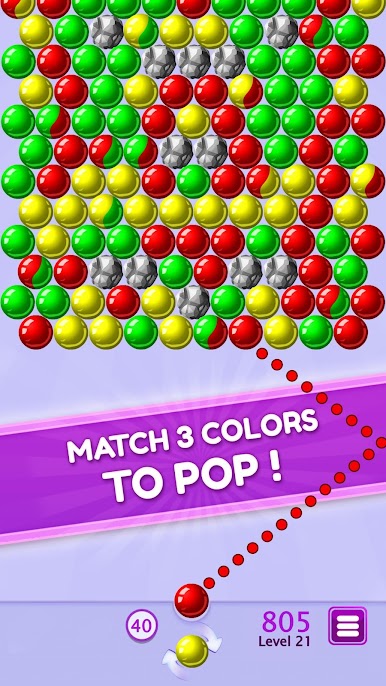
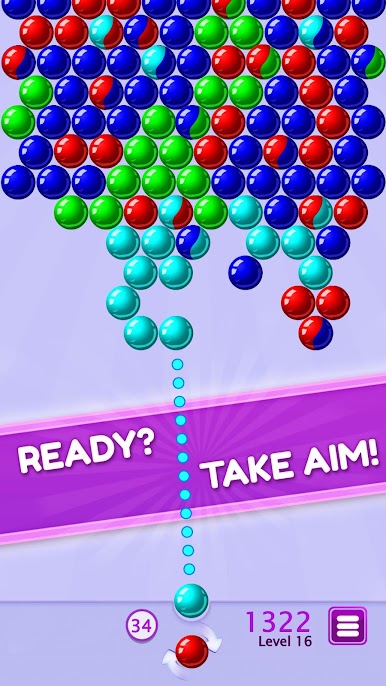
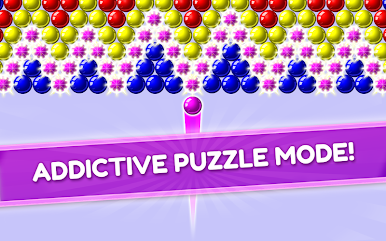
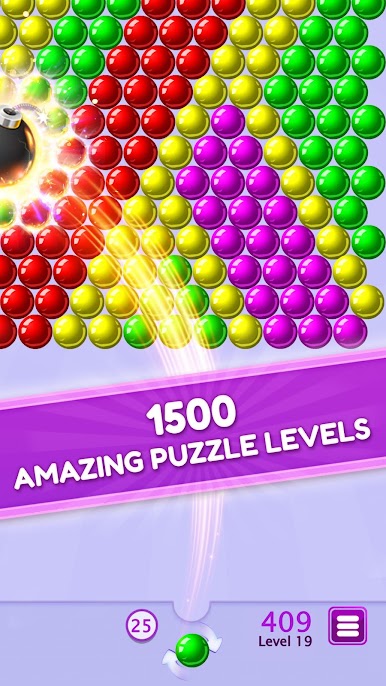
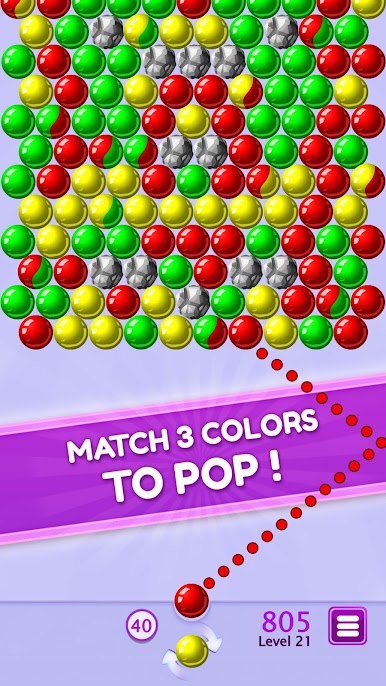
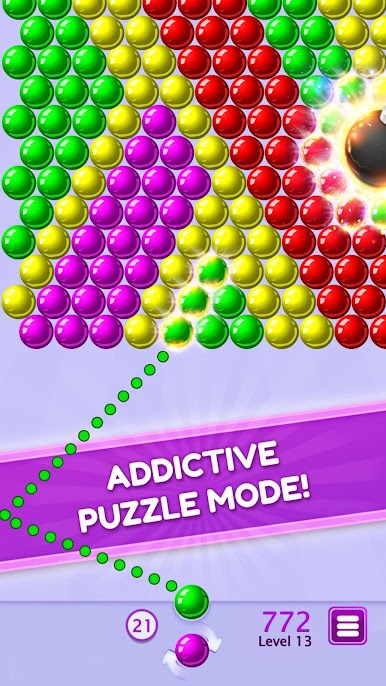
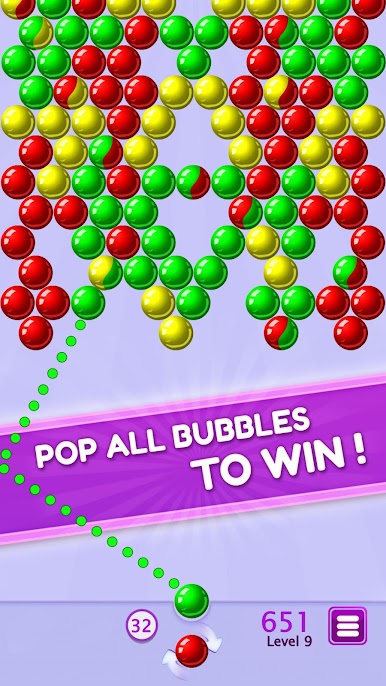
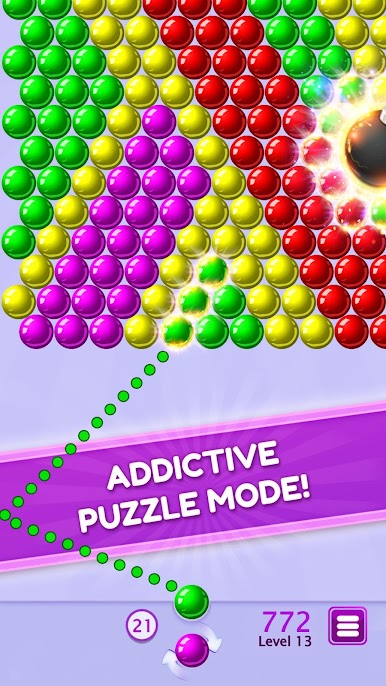
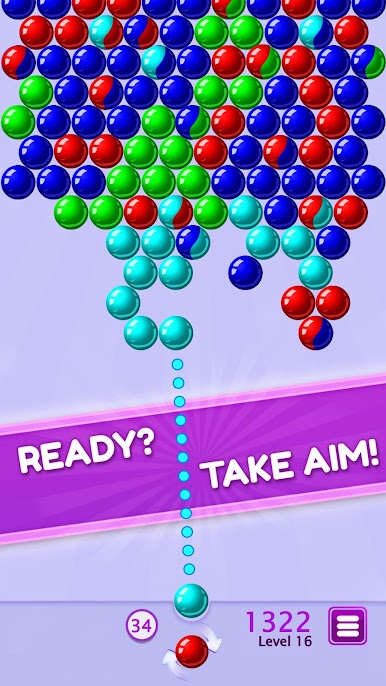
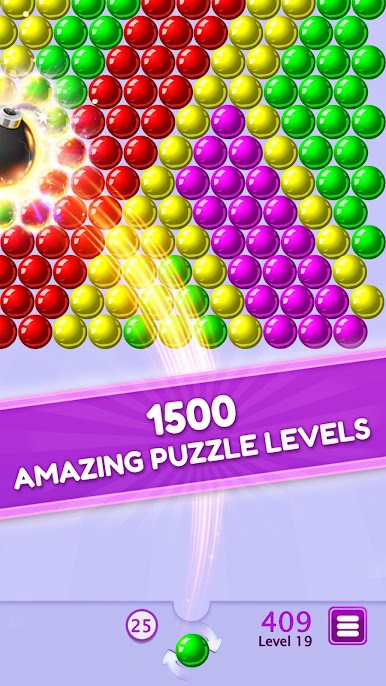
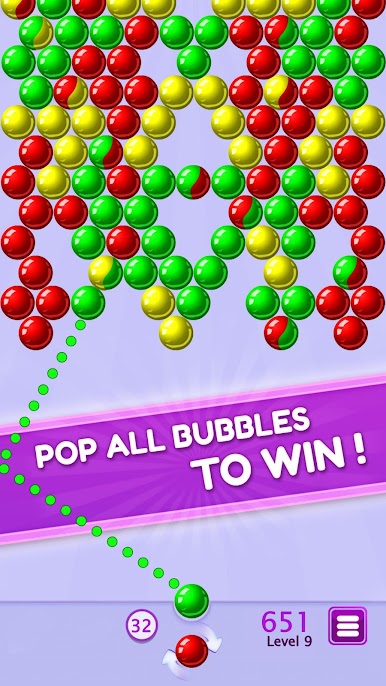
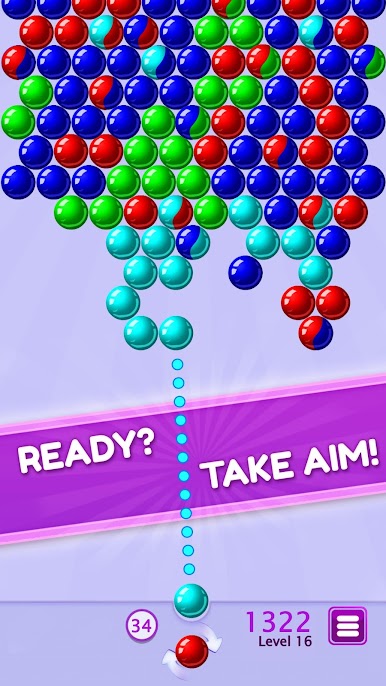
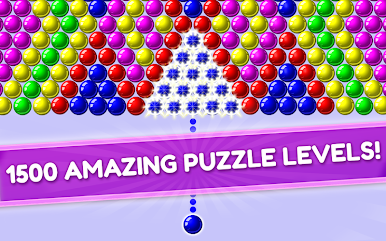
Bubble Shooter Puzzle feels like the classic bubble popper everyone knows, only tuned for short, satisfying puzzle rounds. Aim with a little laser line, fire a color, and snap groups of three to make sections drop. On PC through BlueStacks, the mouse aiming helps line up bank shots and tight gaps, so clearing a big hanging cluster feels extra clean. Levels come in the thousands, with layouts that push planning, and there is no timer or life system, so sessions can be as long or as quick as someone wants. It works offline too, so it is easy to keep going anywhere.
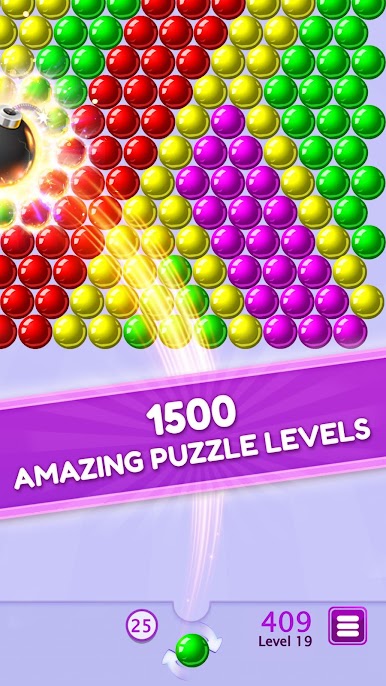
There are small rules that make it snappy. Swapping the current bubble is free, so setting up a better angle rarely feels punishing. Dropping 10 bubbles in one shot spawns a bomb that wipes a chunk of the board, and making 7 pops in a row creates a fireball that pierces straight through. Coins and gifts show up as you clear missions, and the star ratings reward finishing a stage in fewer moves. Boosters are there for the tricky layouts that throw awkward colors or obstacles at the top. The popping sounds, the big falls when a chain disconnects, the simple rhythm of aim, bounce, clear, repeat, it all lands well. It is easy to learn, friendly for any age, and on a bigger screen with BlueStacks the whole board is just easier to read and control.
Get ready for a buttery smooth, high-performance gaming action only on BlueStacks.

Chơi Bubble Shooter Puzzle trên PC. Rất dễ để bắt đầu
-
Tải và cài đặt BlueStacks trên máy của bạn
-
Hoàn tất đăng nhập vào Google để đến PlayStore, hoặc thực hiện sau
-
Tìm Bubble Shooter Puzzle trên thanh tìm kiếm ở góc phải màn hình
-
Nhấn vào để cài đặt Bubble Shooter Puzzle trong danh sách kết quả tìm kiếm
-
Hoàn tất đăng nhập Google (nếu bạn chưa làm bước 2) để cài đặt Bubble Shooter Puzzle
-
Nhấn vào icon Bubble Shooter Puzzle tại màn hình chính để bắt đầu chơi

