


Erklären Zeichnen Pantomime
Juega en PC con BlueStacks: la plataforma de juegos Android, en la que confían más de 500 millones de jugadores.

Página modificada el: Oct 20, 2018
Play Erklären Zeichnen Pantomime on PC or Mac
From the innovators and creators at Burgseiten Apps, Erklären Zeichnen Pantomime is another fun addition to the World of Word games. Go beyond your mobile screen and play it bigger and better on your PC or Mac. An immersive experience awaits you.
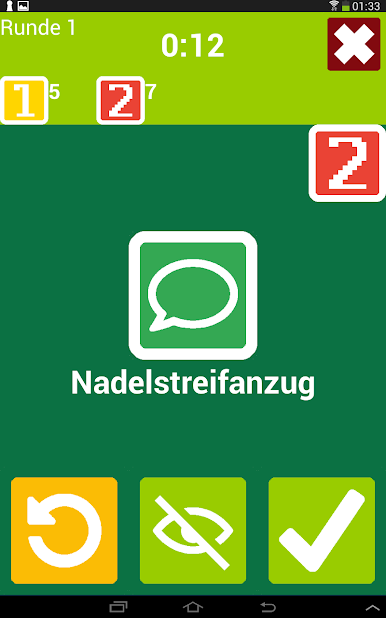
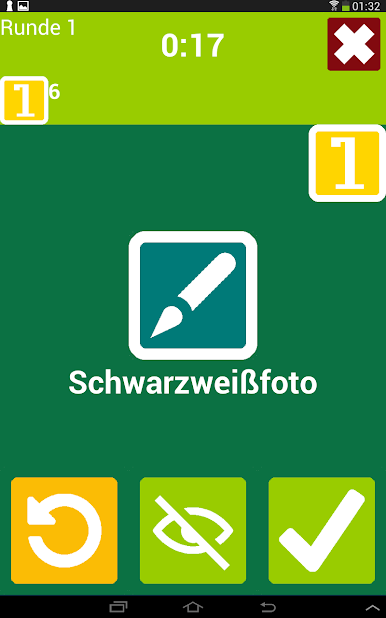
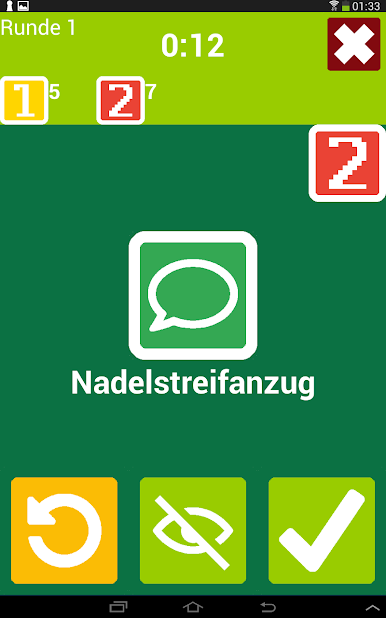
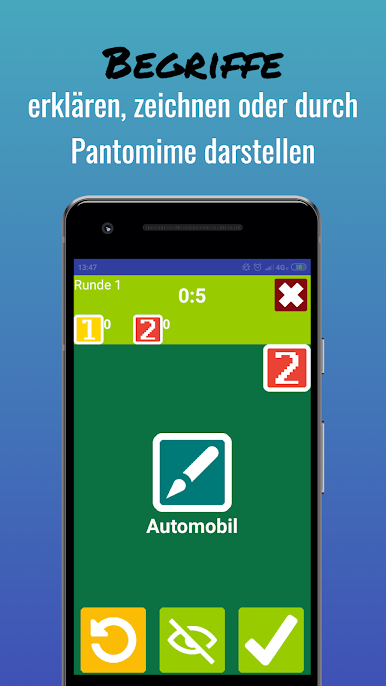
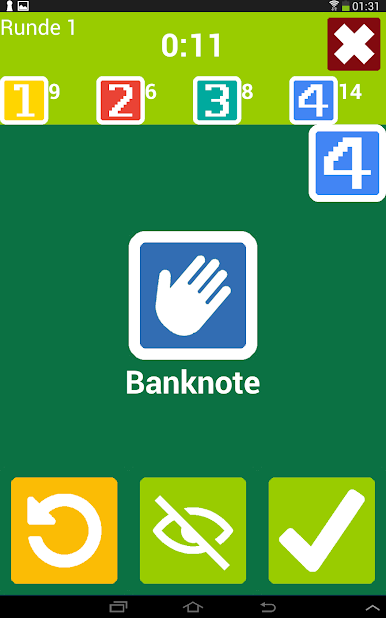
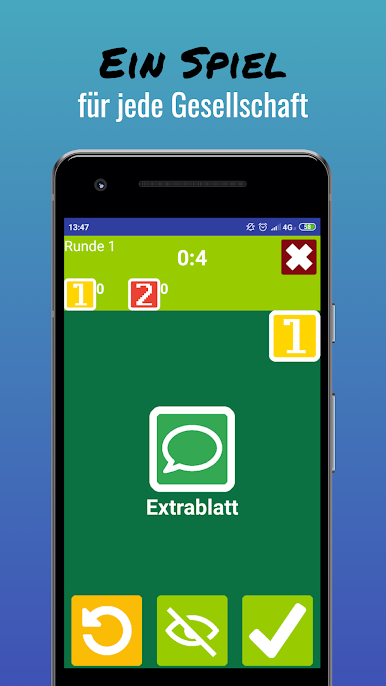
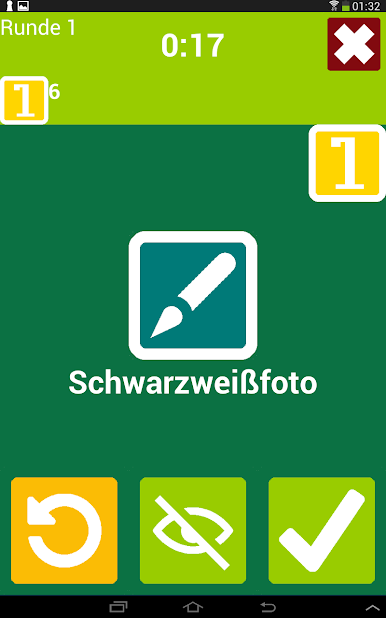
Erklären Zeichnen Pantomime feels like a living room party game turned into an app. A word pops up, the app decides whether it must be explained, drawn, or acted out, and the team has a short timer to guess as many as possible. One point per correct guess, then the next team jumps in. The flow is quick, rules are obvious, and the fun really comes from the random mix of prompts. A simple clue turns chaotic when it must be mimed, and a tricky word can become hilarious when the drawing goes sideways. Rounds can go on as long as the group wants, so it works for a quick laugh or a longer game night without a lot of set up or fiddling.
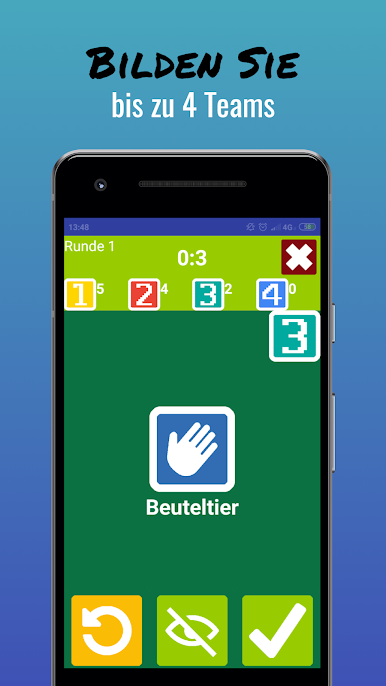
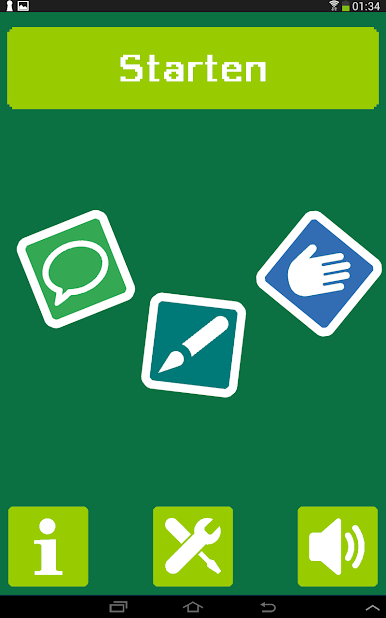
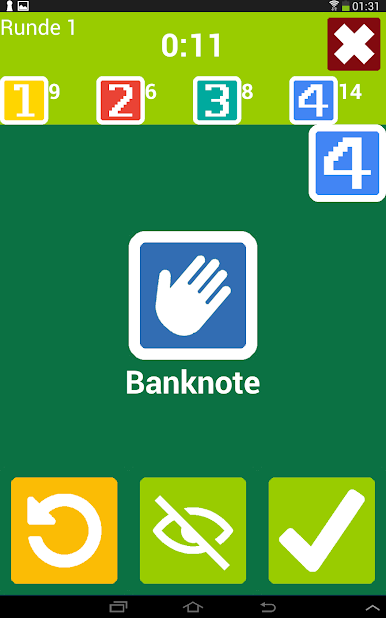
There are up to four teams and the team size is basically unlimited, so big groups are welcome. If a term is too tough, there is a setting that lets each team swap it a limited number of times, which keeps the pace from stalling. A simple mode filters out harder words so younger players or tired brains still have a good time. On PC with BlueStacks, the larger screen helps everyone see the word or the sketch, and drawing with a mouse is clean enough for recognizable shapes, even if the art ends up a little wobbly. Nothing feels complicated, just pick the mode, set the timer, and start guessing. It is free, light, and very much the pass-the-device party kind of thing, only easier to keep score and organize.
Make your gaming sessions memorable with precise controls that give you an edge in close combats and visuals that pop up, bringing every character to life.
Juega Erklären Zeichnen Pantomime en la PC. Es fácil comenzar.
-
Descargue e instale BlueStacks en su PC
-
Complete el inicio de sesión de Google para acceder a Play Store, o hágalo más tarde
-
Busque Erklären Zeichnen Pantomime en la barra de búsqueda en la esquina superior derecha
-
Haga clic para instalar Erklären Zeichnen Pantomime desde los resultados de búsqueda
-
Complete el inicio de sesión de Google (si omitió el paso 2) para instalar Erklären Zeichnen Pantomime
-
Haz clic en el ícono Erklären Zeichnen Pantomime en la pantalla de inicio para comenzar a jugar

