


信望愛聖經工具
Play on PC with BlueStacks – the Android Gaming Platform, trusted by 500M+ gamers.

Page Modified on: Aug 25, 2025
Play 信望愛聖經工具 on PC
This system is provided by Xinwangai Information Center. If you need more powerful and complete functions, please go to
https://bible.fhl.net Faith Hope Love Faith and Bible Resource Center website.
Note: Please don't raise the issue of the version, we can only provide the version without copyright issues, most of the English versions have copyright issues, our volunteer organization has no ability to obtain authorization.
Our work is all to spread the word of God more widely. Our talent is limited, and the programming system will inevitably have deficiencies and errors. In order not to limit our content, we will use GPL Open Source to release these systems. This system source code can be:
http://ftp.fhl.net/FHL/COBS/android/ get
If it cannot be used, please remove the entire application and the CBOL folder and install it again. The system is now quite stable.
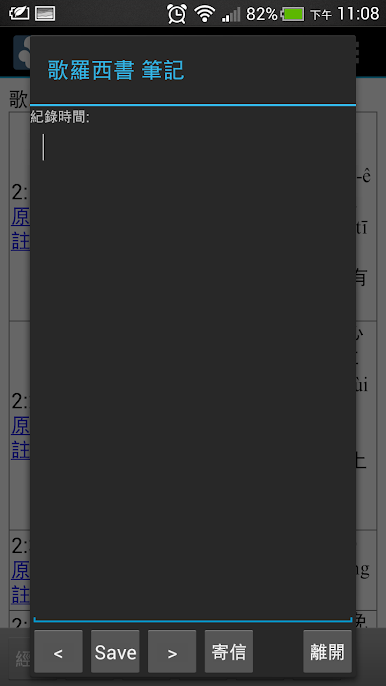







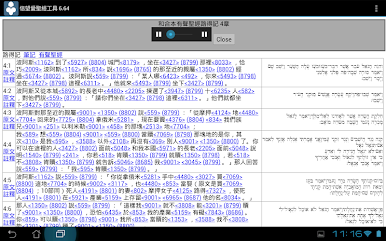
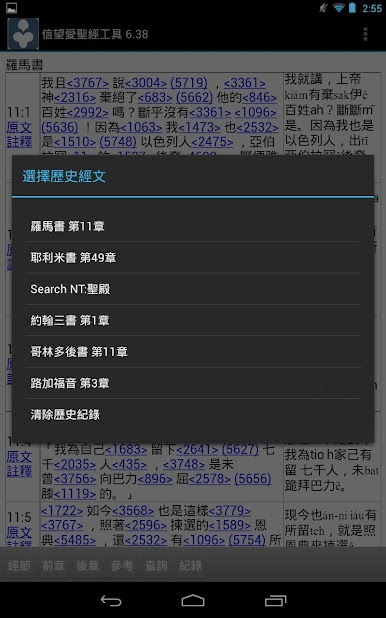
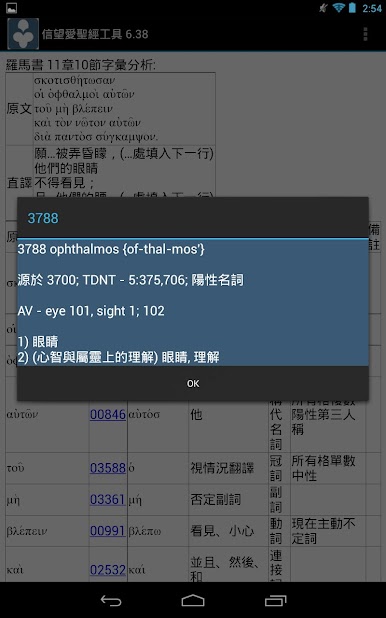





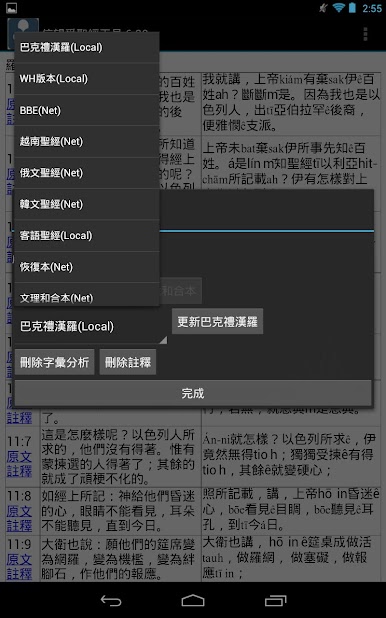

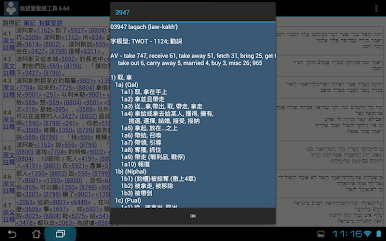

Play 信望愛聖經工具 on PC. It’s easy to get started.
-
Download and install BlueStacks on your PC
-
Complete Google sign-in to access the Play Store, or do it later
-
Look for 信望愛聖經工具 in the search bar at the top right corner
-
Click to install 信望愛聖經工具 from the search results
-
Complete Google sign-in (if you skipped step 2) to install 信望愛聖經工具
-
Click the 信望愛聖經工具 icon on the home screen to start playing

