

Remote for Kodi / XBMC
Chơi trên PC với BlueStacks - Nền tảng chơi game Android, được hơn 500 triệu game thủ tin tưởng.

Trang đã được sửa đổi vào: Feb 28, 2024
Run Remote for Kodi / XBMC on PC or Mac
Let BlueStacks turn your PC, Mac, or laptop into the perfect home for Remote for Kodi / XBMC, a fun Video Players & Editors app from Music Pump.
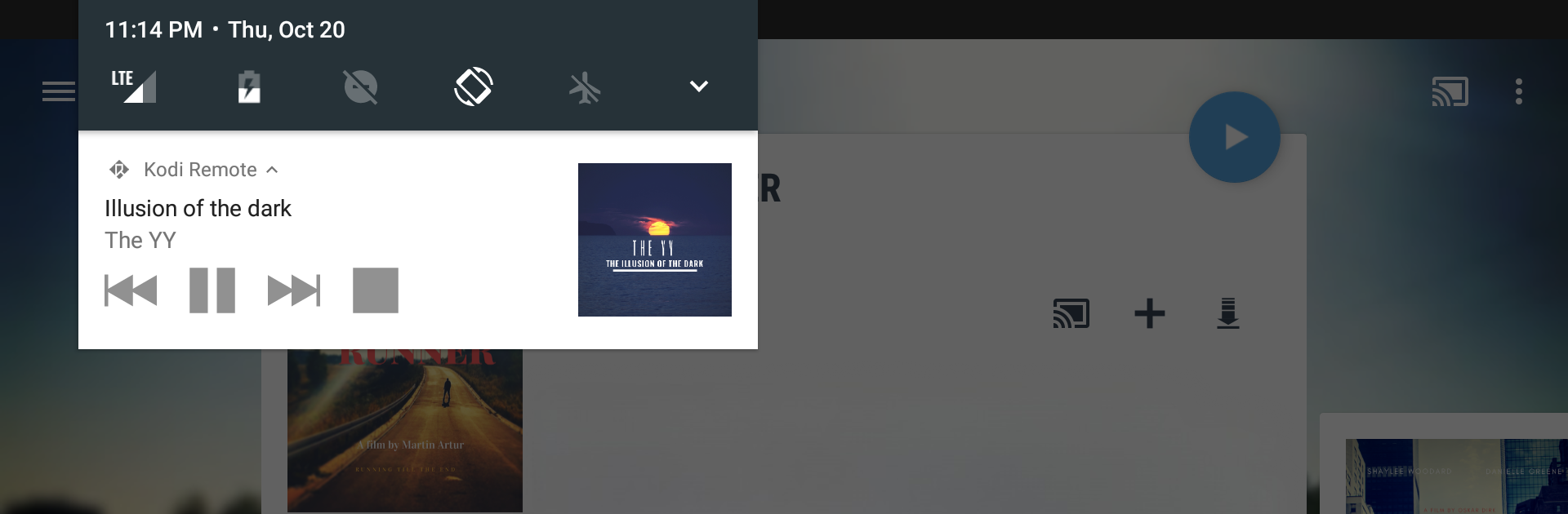
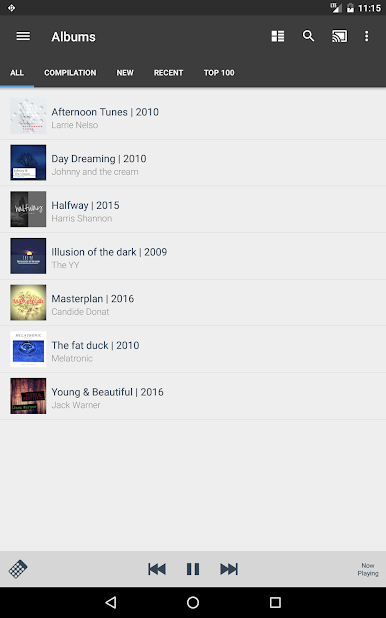
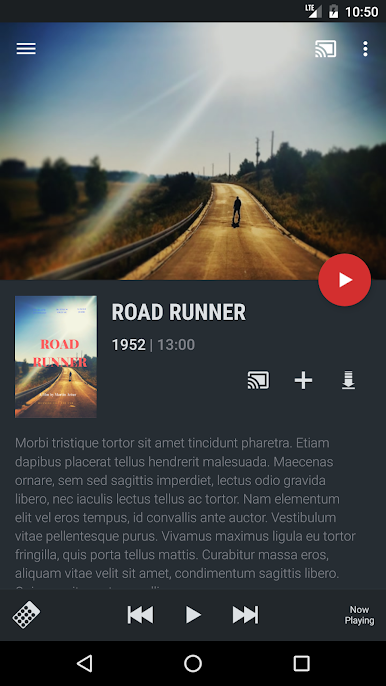
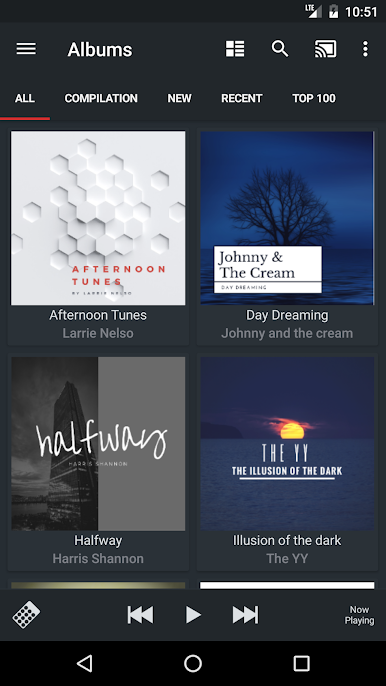
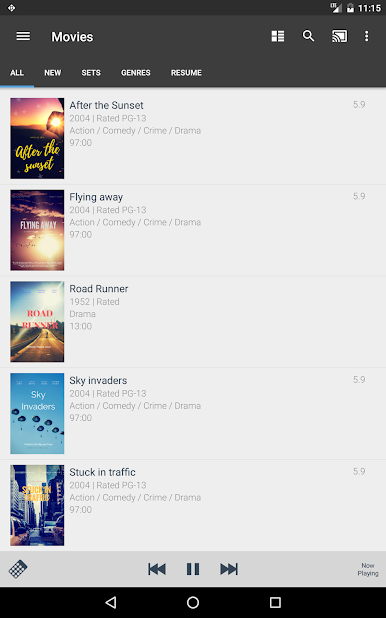
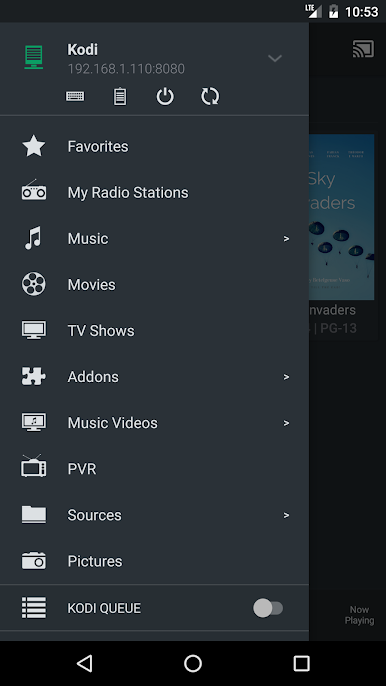
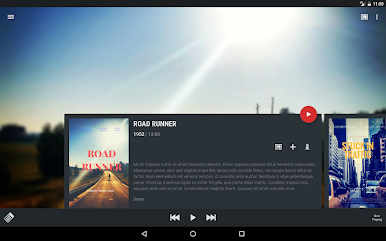
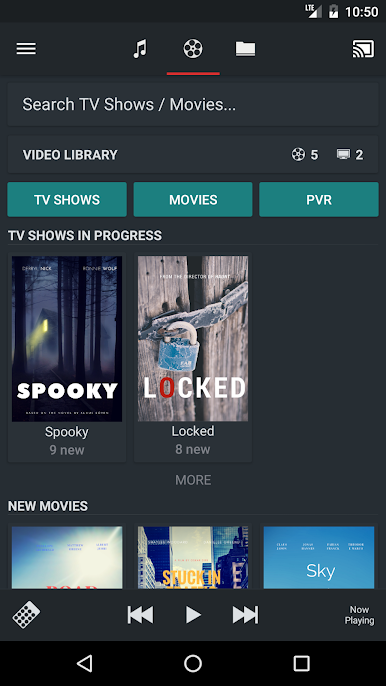
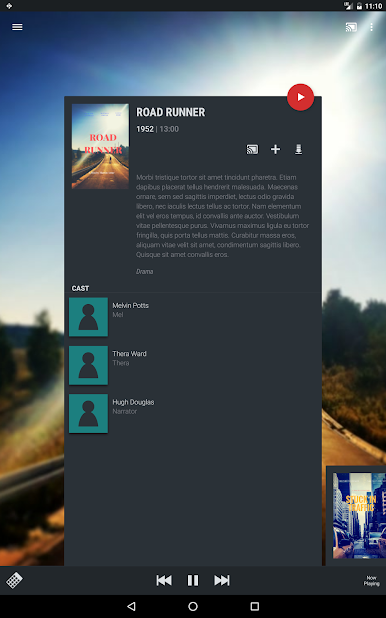
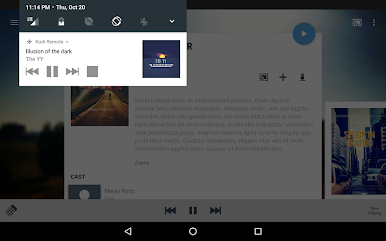
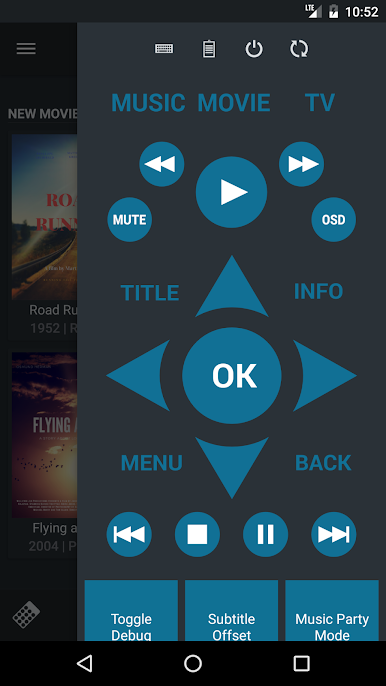
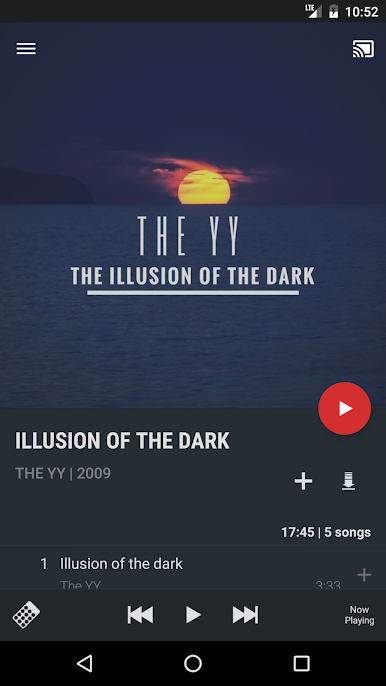
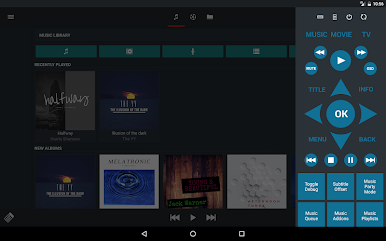
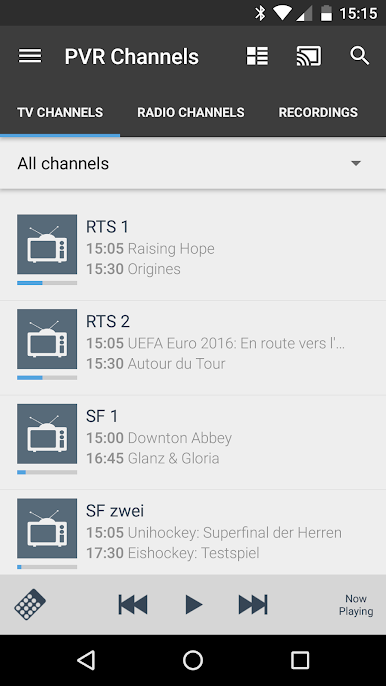
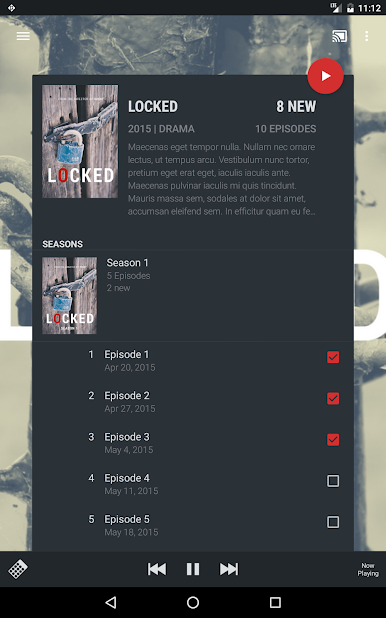
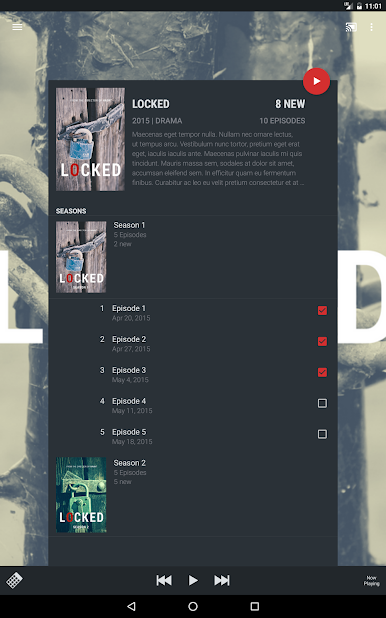
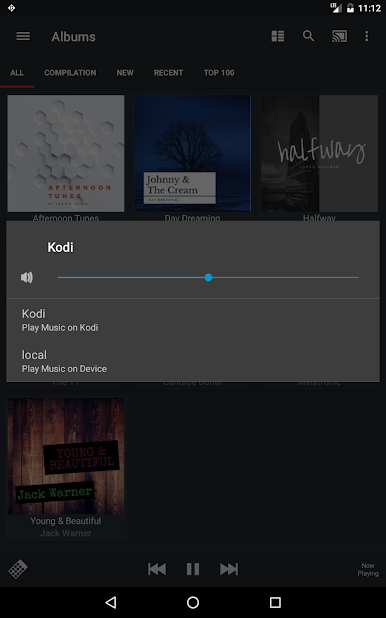
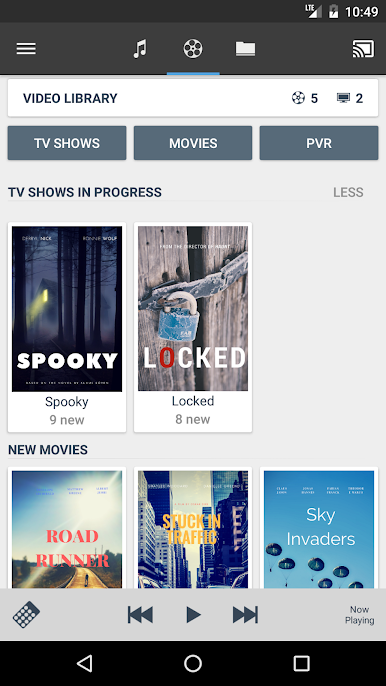
Remote for Kodi / XBMC gives people a way to manage their whole Kodi media setup, but from their phone or tablet — or on PC using BlueStacks, which actually works well if someone likes using a bigger screen. The app connects pretty smoothly with just about any Kodi version, even the older ones, so there’s not too much fiddling around to get it going. Scrolling through music, movies, and TV shows from a PC with this app is quick — way more straightforward than hunting for a remote or getting lost in Kodi menus. People can play stuff directly from their Kodi library, browse playlists, launch add-ons, send YouTube videos right to their TV, and even push local videos or photos to the big screen if that’s what they’re into.
There are a lot of small controls baked in, like picking subtitles, switching audio tracks, or quickly marking shows as watched or unwatched. For folks who care about playlists or want to rate music, it’s built in, along with a virtual keyboard that makes typing into Kodi way less painful. Some features — like streaming shows to a device or trying different themes — are locked behind a paywall, but the basics work out of the box. Anyone with a Pi running Kodi is covered as well, plus there’s customization for the remote buttons. All those little quality-of-life tricks, like fast playlist browsing or downloading subtitles, do add up, especially for someone who likes controlling Kodi without getting off the couch or hassling with multiple remotes. There’s a bit of setup in Kodi’s system settings at the start, but once it’s running, controlling what’s playing and managing the library from a PC becomes really easy — almost like Kodi was meant for touchscreens and computers all along.
Ready to experience Remote for Kodi / XBMC on a bigger screen, in all its glory? Download BlueStacks now.
Chơi Remote for Kodi / XBMC trên PC. Rất dễ để bắt đầu
-
Tải và cài đặt BlueStacks trên máy của bạn
-
Hoàn tất đăng nhập vào Google để đến PlayStore, hoặc thực hiện sau
-
Tìm Remote for Kodi / XBMC trên thanh tìm kiếm ở góc phải màn hình
-
Nhấn vào để cài đặt Remote for Kodi / XBMC trong danh sách kết quả tìm kiếm
-
Hoàn tất đăng nhập Google (nếu bạn chưa làm bước 2) để cài đặt Remote for Kodi / XBMC
-
Nhấn vào icon Remote for Kodi / XBMC tại màn hình chính để bắt đầu chơi

