

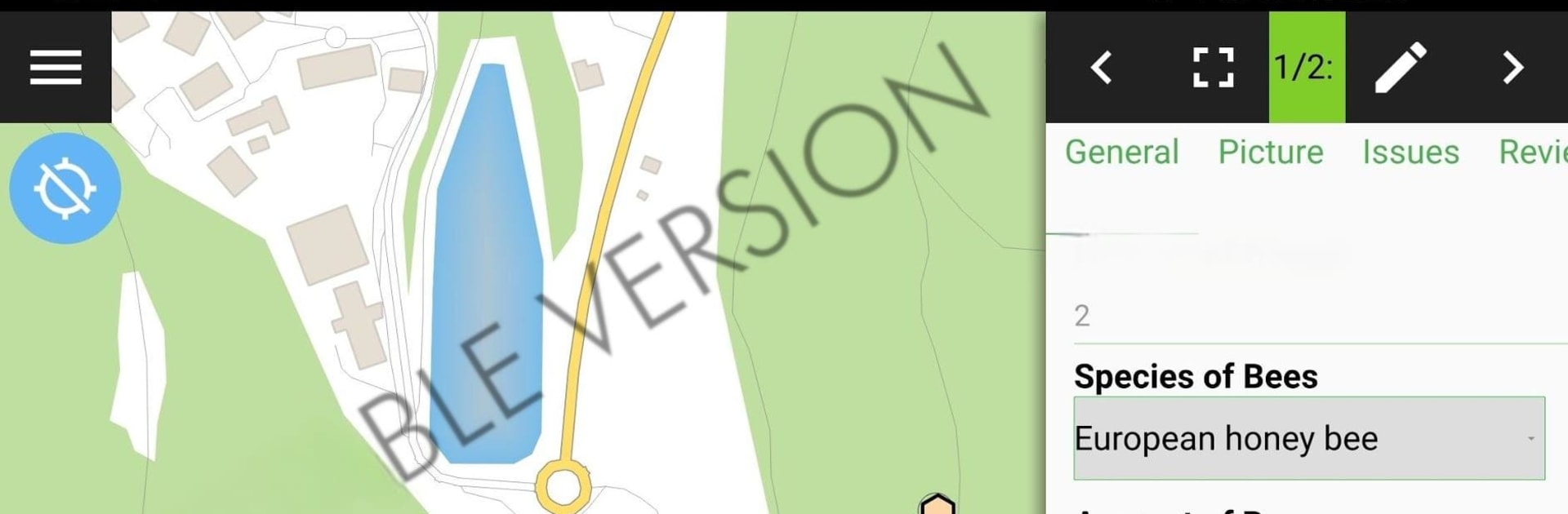
QField for QGIS - Unstable
Graj na PC z BlueStacks – Platforma gamingowa Android, która uzyskała zaufanie ponad 500 milionów graczy!

Strona zmodyfikowana w dniu: Aug 7, 2023
Run QField for QGIS - Unstable on PC or Mac
Get freedom from your phone’s obvious limitations. Use QField for QGIS – Unstable, made by OPENGIS.ch, a Tools app on your PC or Mac with BlueStacks, and level up your experience.
About the App
Curious about what’s next for QField? QField for QGIS – Unstable is where all the newest tools land first, bringing you right into the heart of ongoing development. Made by OPENGIS.ch and part of the Tools genre, this version isn’t for day-to-day project work—it’s for folks who want to try fresh features and help spot bugs before anyone else does. Looking to peek behind the scenes or help improve QField? Here’s your chance.
App Features
-
Cutting-Edge Updates
Be the first to try features that haven’t even hit the main QField app yet. This version stays ahead of the curve, so something new can pop up anytime. -
Testing Playground
Give those fresh tools a workout and see what works or what needs fixing. Found a glitch or something a little off? This is exactly what the app is for. -
Hands-On Collaboration
Your feedback goes a long way here. By sharing what you find, you’re helping OPENGIS.ch shape how QField evolves. -
Designed for Experimentation
Not locked into a polished, production-ready experience. This build gives you space to experiment, explore, and maybe even break things—which is kind of the point. -
Flexible Device Support
Want to experience this on a bigger screen? QField for QGIS – Unstable works with BlueStacks, so you get to play around with new features on your PC if you’d like.
Eager to take your app experience to the next level? Start right away by downloading BlueStacks on your PC or Mac.
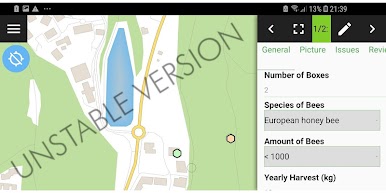
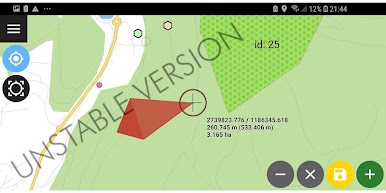
Zagraj w QField for QGIS - Unstable na PC. To takie proste.
-
Pobierz i zainstaluj BlueStacks na PC
-
Zakończ pomyślnie ustawienie Google, aby otrzymać dostęp do sklepu Play, albo zrób to później.
-
Wyszukaj QField for QGIS - Unstable w pasku wyszukiwania w prawym górnym rogu.
-
Kliknij, aby zainstalować QField for QGIS - Unstable z wyników wyszukiwania
-
Ukończ pomyślnie rejestrację Google (jeśli krok 2 został pominięty) aby zainstalować QField for QGIS - Unstable
-
Klinij w ikonę QField for QGIS - Unstable na ekranie startowym, aby zacząć grę

