


Commander Tracker
Gioca su PC con BlueStacks: la piattaforma di gioco Android, considerata affidabile da oltre 500 milioni di giocatori.

Pagina modificata il: Mar 28, 2021
Play Commander Tracker on PC
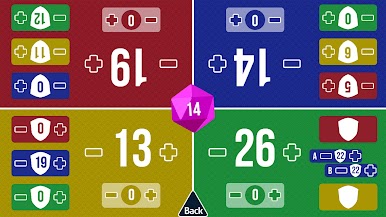
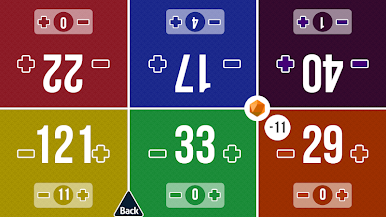
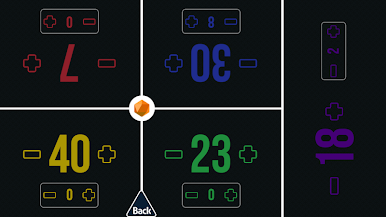
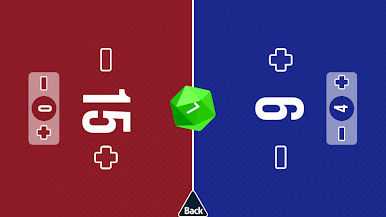
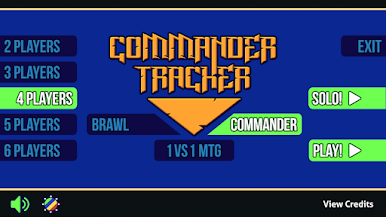
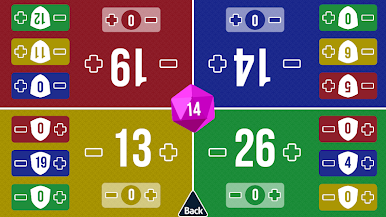
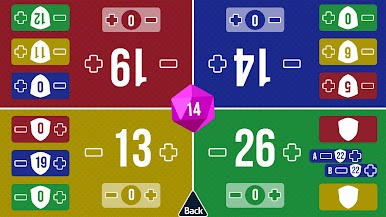
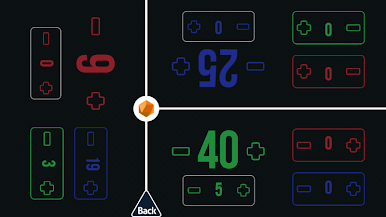
This tracker helps keep track of each players life total and commander damage. You can also use it for Brawl games and classic 1vs1 20 life games.
No ads or any annoying "in your face" features!
"Why can commander damage go over 21? Or life into negative numbers?" - Some people like their platimun angels with hexproof and whatnot.
Have fun!
Gioca Commander Tracker su PC. È facile iniziare.
-
Scarica e installa BlueStacks sul tuo PC
-
Completa l'accesso a Google per accedere al Play Store o eseguilo in un secondo momento
-
Cerca Commander Tracker nella barra di ricerca nell'angolo in alto a destra
-
Fai clic per installare Commander Tracker dai risultati della ricerca
-
Completa l'accesso a Google (se hai saltato il passaggio 2) per installare Commander Tracker
-
Fai clic sull'icona Commander Tracker nella schermata principale per iniziare a giocare

