


Pizarra Whiteboard
Juega en PC con BlueStacks: la plataforma de juegos Android, en la que confían más de 500 millones de jugadores.

Página modificada el: Sep 2, 2025
Run Whiteboard on PC or Mac
Let BlueStacks turn your PC, Mac, or laptop into the perfect home for Whiteboard, a fun Productivity app from EndlessAI.
About the App
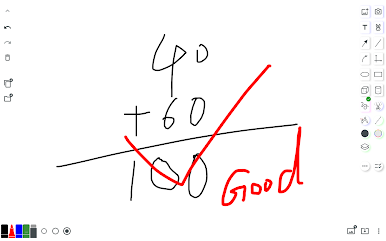
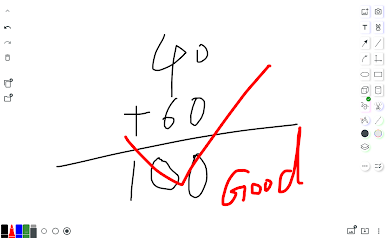
Ever wish you could jot down ideas, sketch out a plan, or walk someone through an explanation—all in one spot? Whiteboard by EndlessAI is made to be your go-to digital space for everything from quick doodles to serious brainstorming. With its super clean interface and easy-to-understand tools, this productivity app keeps distractions to a minimum and lets you focus on getting your thoughts onto the canvas. Whether you’re prepping for a presentation or just scratching out some math homework, Whiteboard keeps things straightforward and light.
App Features
-
Effortless Multi-Page Notes
Organize your work on multiple canvases like flipping through a PDF, with each page ready for your sketches, brainstorms, or teaching materials. -
Simple and Intuitive Gestures
Move stuff around with a tap, lock things in place with a long press, or clear away objects with a double tap. Zoom in or pan your view using two fingers, just like you’d expect—no fiddly controls here. -
Flexible File Management
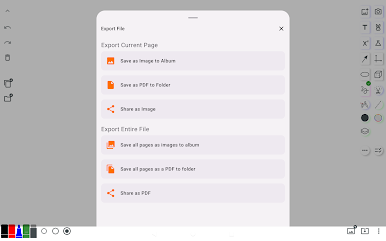
Easily manage all your documents right inside the app. Snap a quick export to share your work, save images straight to your gallery, or keep PDFs organized for hassle-free access. -
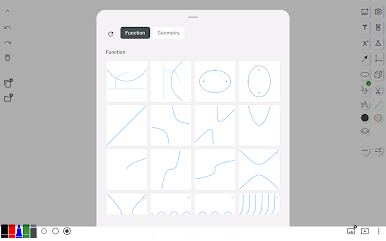
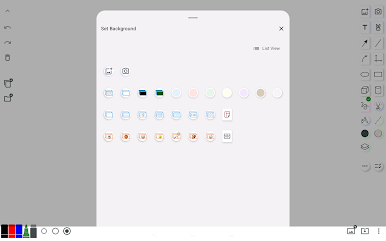
Customizable Backgrounds & Templates
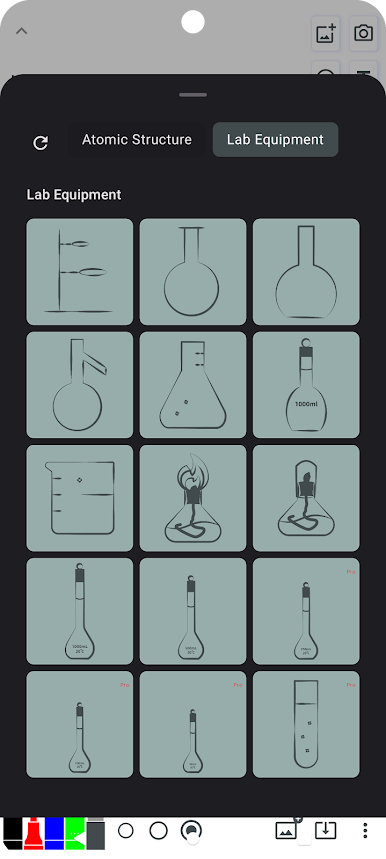
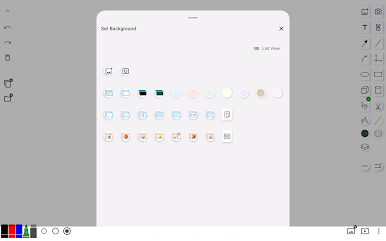
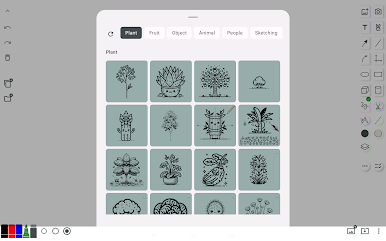
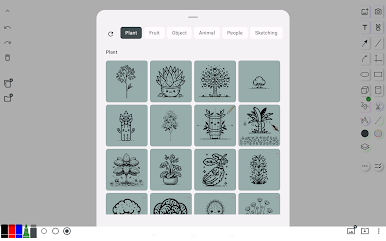
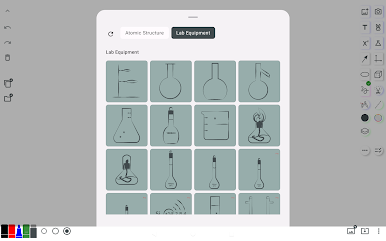
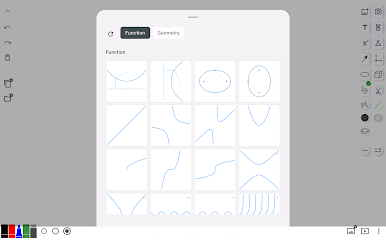
Need a lined sheet, a grid, or even a soccer field? Pick from built-in templates or drop in your own images—super handy for teaching, training sessions, or just staying on track. -
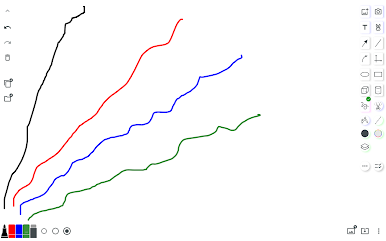
Smart Drawing Tools
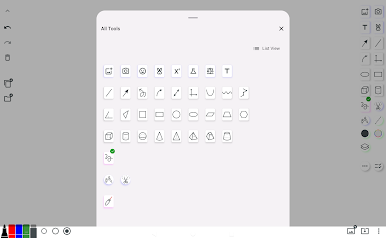
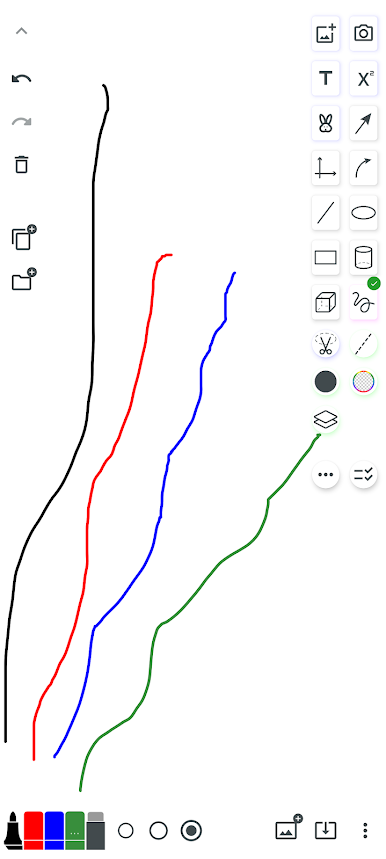
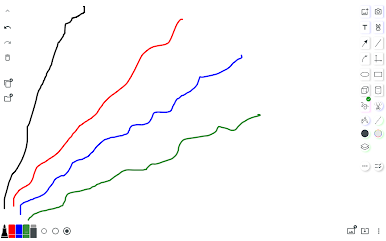
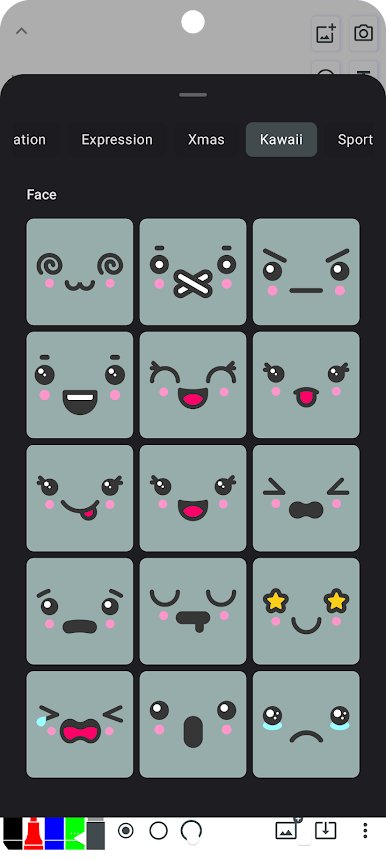
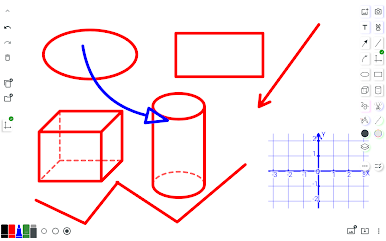
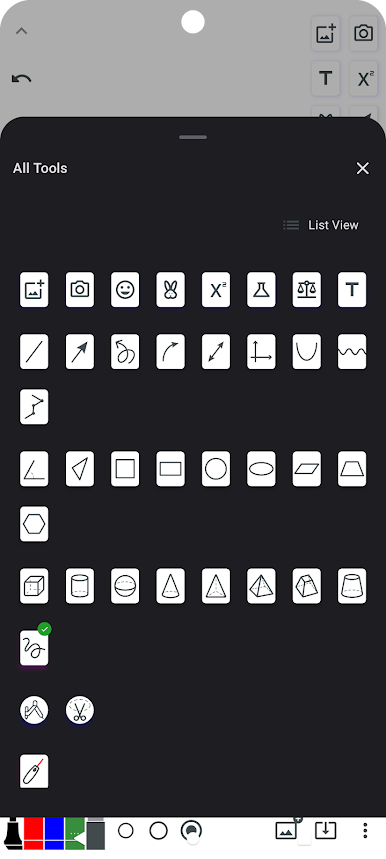
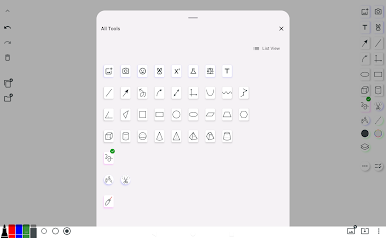
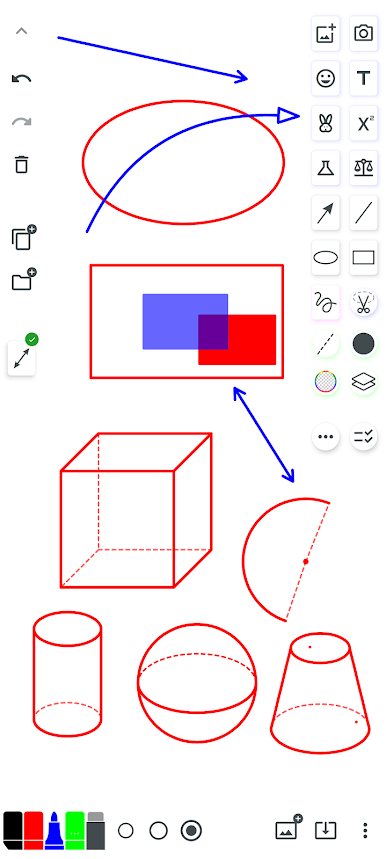
Get creative with lines, arrows, circles, polygons—you name it. Switch between your favorite tools with just a tap, so you’re always set to capture whatever comes to mind next. -
Lightweight and Fast
The app barely takes up space (about 20M), yet delivers all the essentials without clutter. You’ll spend more time working, less time waiting. -
Optimized for All Kinds of Use
Whether you’re guiding a class, mapping out ideas during meetings, or using it as a memo pad, Whiteboard adapts to your flow.
And if you prefer a bigger screen, you can always open up Whiteboard through BlueStacks. Perfect for times when you want a bit more room to work.
Ready to experience Whiteboard on a bigger screen, in all its glory? Download BlueStacks now.
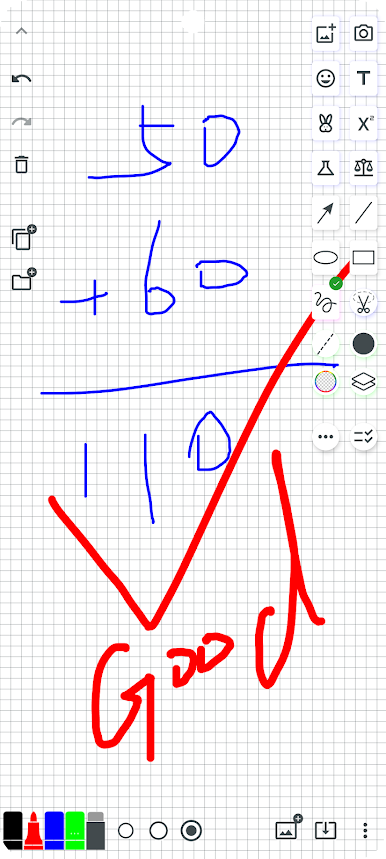
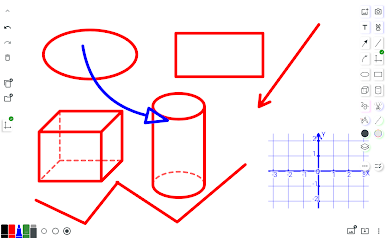
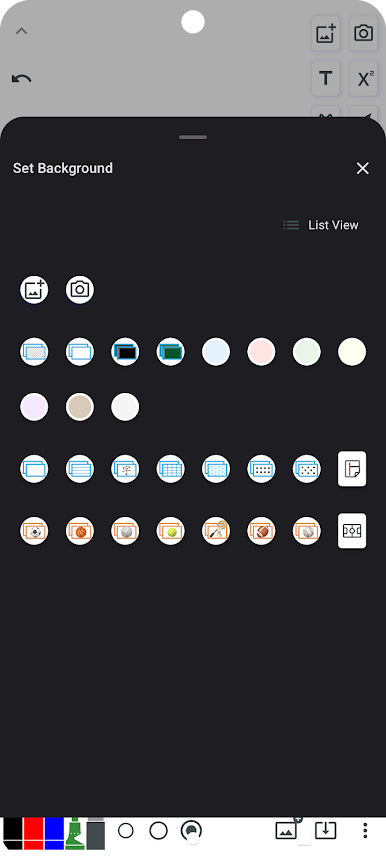
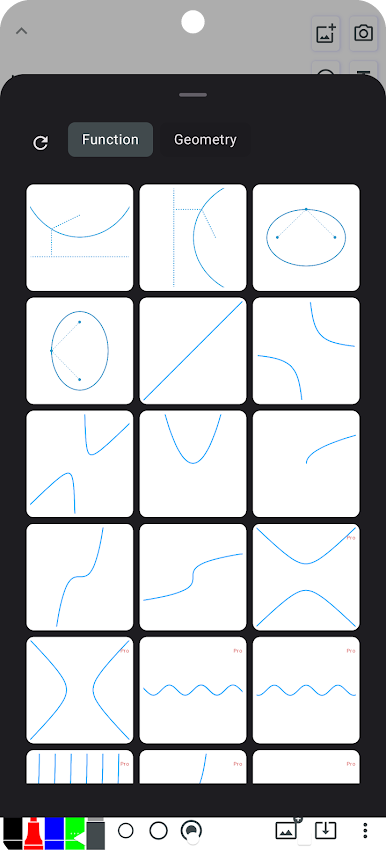
Juega Pizarra Whiteboard en la PC. Es fácil comenzar.
-
Descargue e instale BlueStacks en su PC
-
Complete el inicio de sesión de Google para acceder a Play Store, o hágalo más tarde
-
Busque Pizarra Whiteboard en la barra de búsqueda en la esquina superior derecha
-
Haga clic para instalar Pizarra Whiteboard desde los resultados de búsqueda
-
Complete el inicio de sesión de Google (si omitió el paso 2) para instalar Pizarra Whiteboard
-
Haz clic en el ícono Pizarra Whiteboard en la pantalla de inicio para comenzar a jugar

