


NimbusMind: Meditation, Calm,
Jouez sur PC avec BlueStacks - la plate-forme de jeu Android, approuvée par + 500M de joueurs.

Page Modifiée le: Jun 13, 2024
Play NimbusMind: Meditation, Calm, on PC
and stay mindful throughout the day.
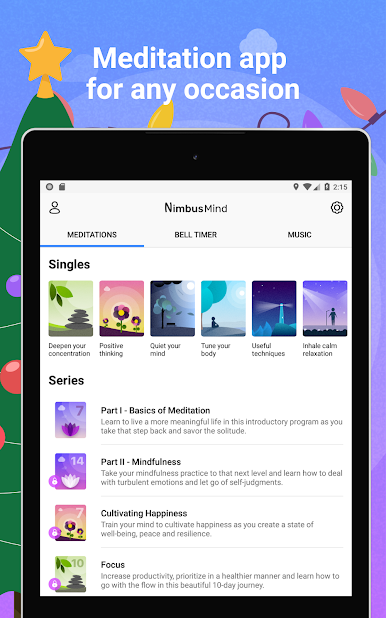
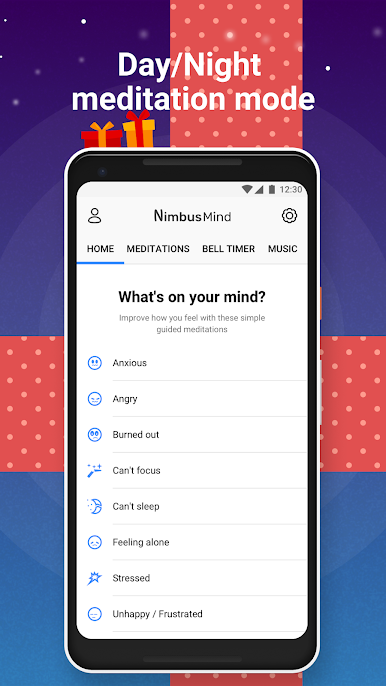
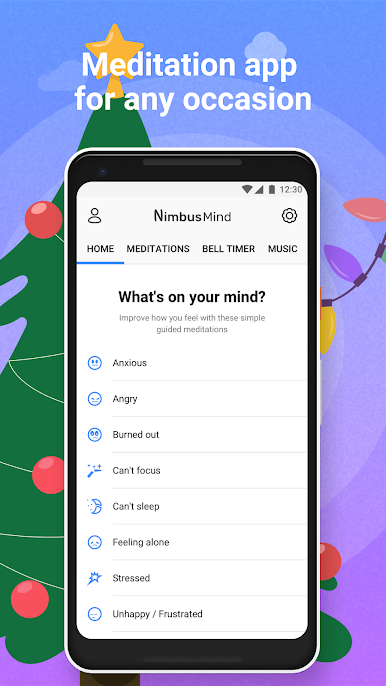
NimbusMind is the perfect meditation app for beginners, but it also includes many programs for the
intermediate and advanced users.
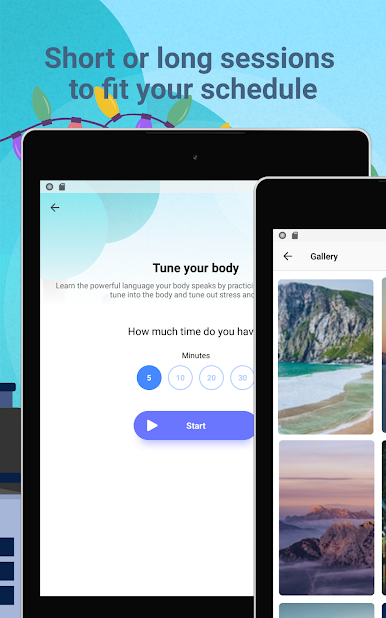
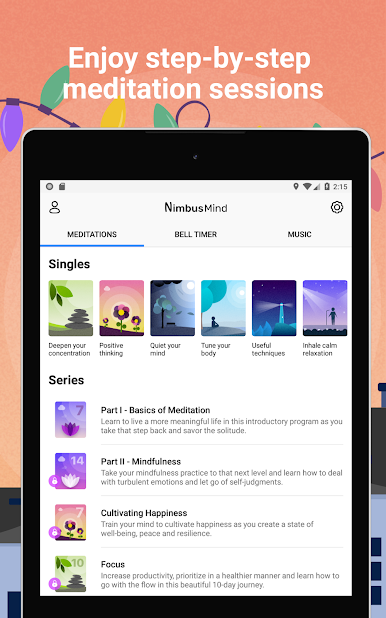
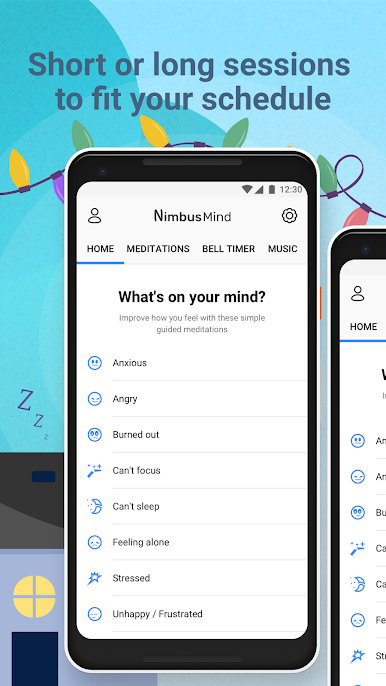
Guided sessions are available in several lengths, including 3, 5, 10, 20, 30, or 40-minute sessions. The
sessions are conveniently designed so you can choose according to how much time you have available.
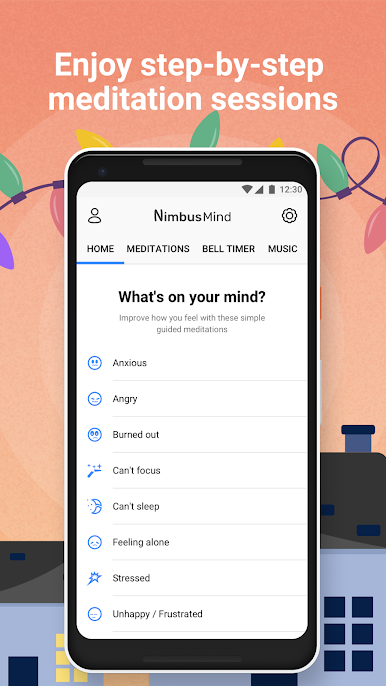
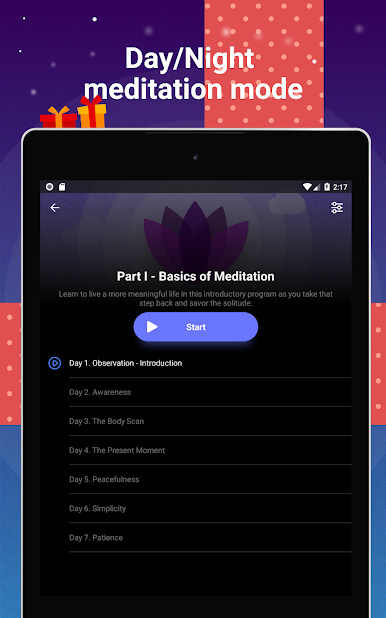
Besides single sessions, NimbusMind has multi-session programs for the most important aspects of your
life:
• Focus
• Sleep
• Anxiety
• Happiness
• And many more
All of our programs are designed to be simple and effective. NimbusMind also has extra features to
enhance your meditation practice and make sessions more fun:
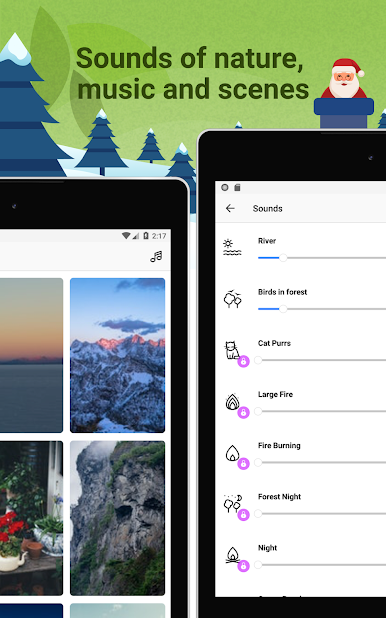
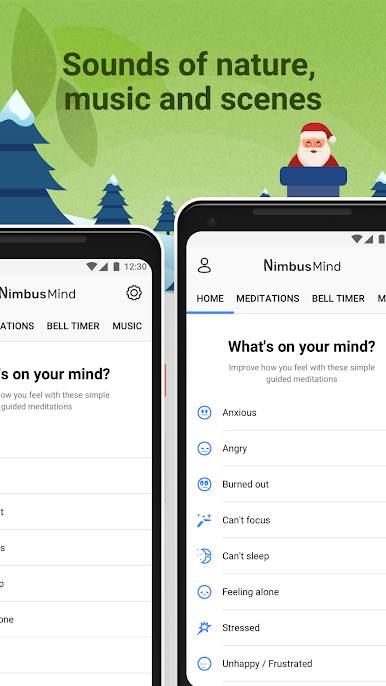
• Ambient background sounds
(Fire, River, Ocean, Cat Purr, Rain, Forest, and more)
• Video themes
(Relaxing videos that help with visualization)
• Background music
(Focus, Meditation, Sleep, and more)
• Gentle bell timer
(Optional timer to help guide your personal meditation practice)
With NimbusMind, you can easily track your progress and set daily reminders. It's a simple and fun way
to combat stress and anxiety, and you don't even need to sign up if you don't want to. Simply download
the app and enjoy your meditation experience.
Nimbus Premium gives you even more ways to enhance your meditations:
• Unlimited meditation sessions
• Unlimited music
• Premium ambient sounds
• Premium video themes
• Premium meditation bells
Jouez à NimbusMind: Meditation, Calm, sur PC. C'est facile de commencer.
-
Téléchargez et installez BlueStacks sur votre PC
-
Connectez-vous à Google pour accéder au Play Store ou faites-le plus tard
-
Recherchez NimbusMind: Meditation, Calm, dans la barre de recherche dans le coin supérieur droit
-
Cliquez pour installer NimbusMind: Meditation, Calm, à partir des résultats de la recherche
-
Connectez-vous à Google (si vous avez ignoré l'étape 2) pour installer NimbusMind: Meditation, Calm,
-
Cliquez sur l'icône NimbusMind: Meditation, Calm, sur l'écran d'accueil pour commencer à jouer

