


NodeBeat - Playful Music
Mainkan di PC dengan BlueStacks – platform Game-Game Android, dipercaya oleh lebih dari 500 juta gamer.

Run NodeBeat - Playful Music on PC or Mac
Upgrade your experience. Try NodeBeat – Playful Music, the fantastic Music & Audio app from AffinityBlue, from the comfort of your laptop, PC, or Mac, only on BlueStacks.
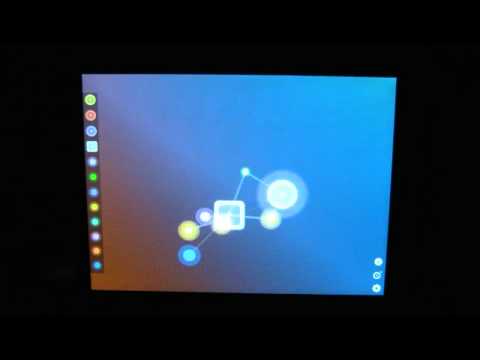
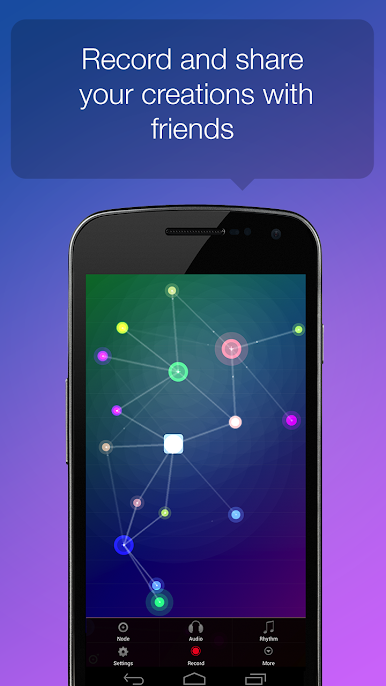
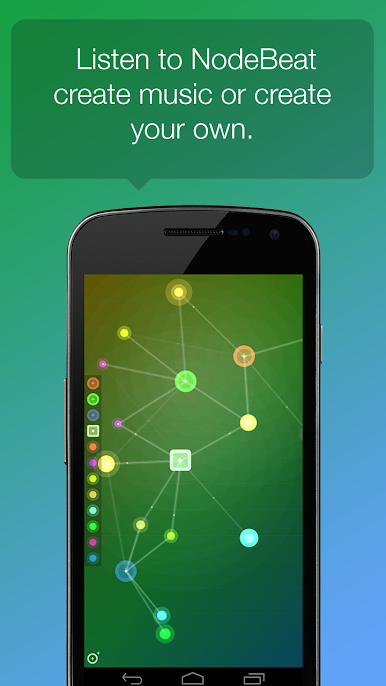
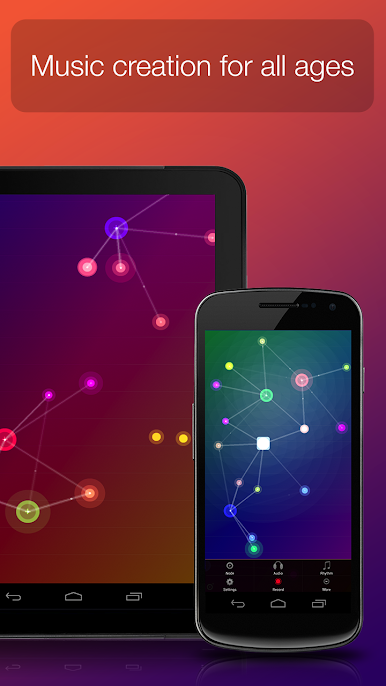
NodeBeat feels like a little music sandbox. Notes and beat makers float around the screen, and when the moving pulses touch them, they fire off sounds, so rhythms and melodies sort of grow in front of you. Drag pieces around, change how strong gravity is, how close things need to be, how fast everything spins, and the groove shifts right away. It is half toy, half instrument, very visual, very hands on. On a PC with BlueStacks, the bigger screen makes patterns easier to see and the mouse helps place things exactly where they should go, which is nice when a melody keeps missing by a hair.
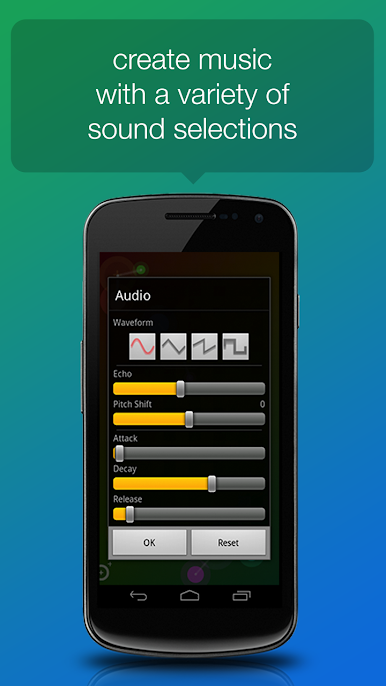
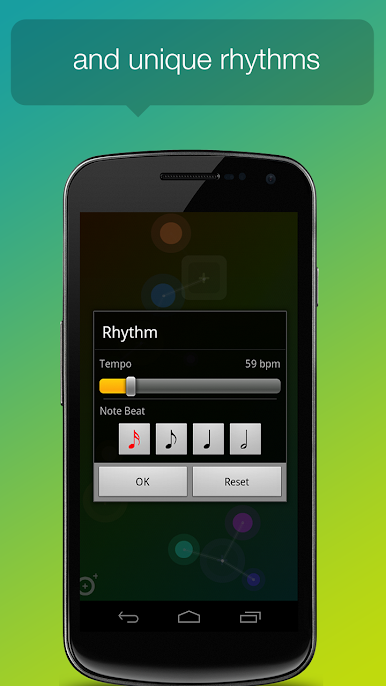
What stands out is how safe it is to experiment. Pick a key and a scale so notes stay in tune, then stretch the range over several octaves if a deeper bass or a brighter top end is needed. Swap between sine, triangle, saw, or square to change the character, then shape the attack and decay so it clicks or blooms. Tempo is on a simple slider. There is even a small keyboard in the background for quick reference. Double tap to start or stop nodes, add drum generators for a pulse, save a scene, or record the audio and keep it for later. There is a sleep timer if someone wants gentle generative loops running while nodding off. It is not a full-on sequencer with tracks and timelines, more a playful space to sketch loops, textures, and happy accidents. Kids can poke at it and get music that sounds good, and tinkerers get enough depth to nudge a patch until it lands just right.
BlueStacks gives you the much-needed freedom to experience your favorite apps on a bigger screen. Get it now.
Mainkan NodeBeat - Playful Music di PC Mudah saja memulainya.
-
Unduh dan pasang BlueStacks di PC kamu
-
Selesaikan proses masuk Google untuk mengakses Playstore atau lakukan nanti
-
Cari NodeBeat - Playful Music di bilah pencarian di pojok kanan atas
-
Klik untuk menginstal NodeBeat - Playful Music dari hasil pencarian
-
Selesaikan proses masuk Google (jika kamu melewati langkah 2) untuk menginstal NodeBeat - Playful Music
-
Klik ikon NodeBeat - Playful Music di layar home untuk membuka gamenya

