


Tambahkan Kode Negara
Mainkan di PC dengan BlueStacks – platform Game-Game Android, dipercaya oleh lebih dari 500 juta gamer.

Run Add Country Code on PC or Mac
Get freedom from your phone’s obvious limitations. Use Add Country Code, made by Ahmed, a Productivity app on your PC or Mac with BlueStacks, and level up your experience.
About the App
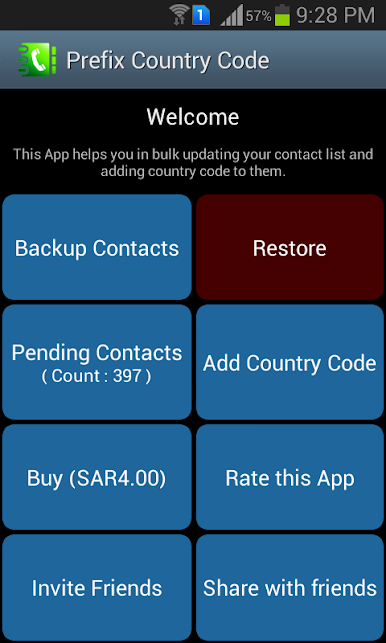
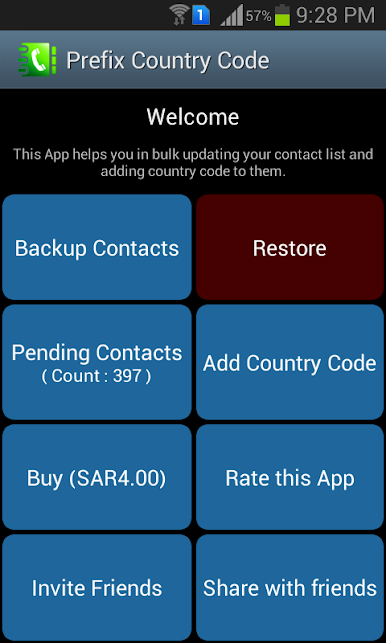
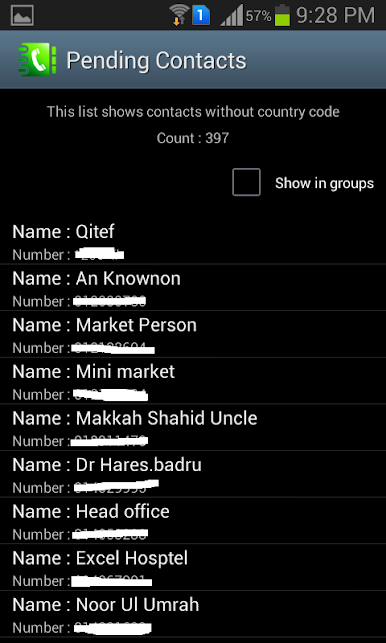
Ever noticed how some phone numbers in your contacts are missing their country codes? It’s all fine—until you travel or switch devices and suddenly half of your calls don’t go through. Add Country Code by Ahmed steps in to save you the time and hassle. With this Productivity app, you can quickly update your contact list in one go, making sure every number is ready to use, anywhere you are.
App Features
-
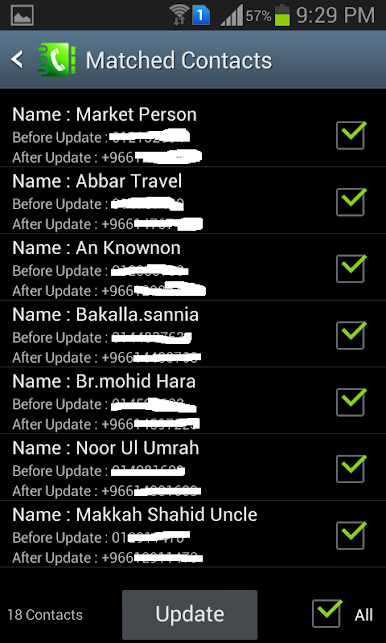
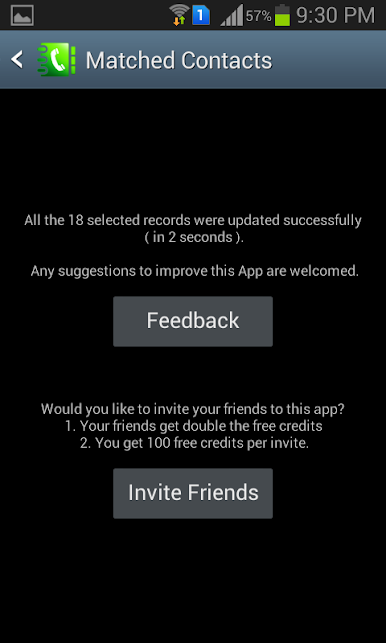
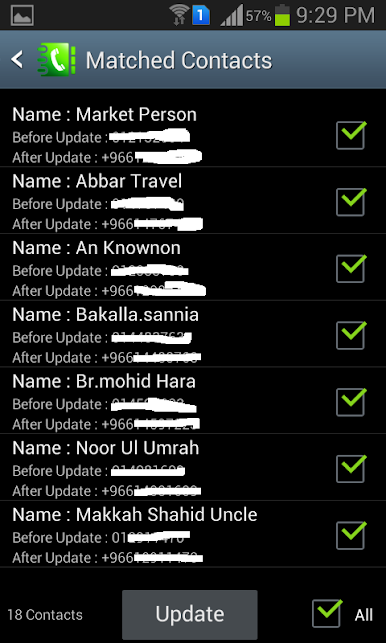
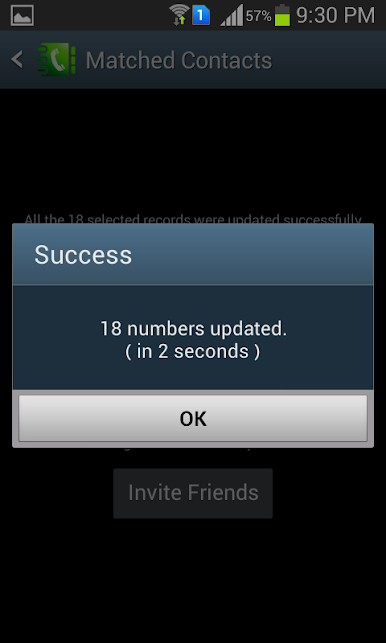
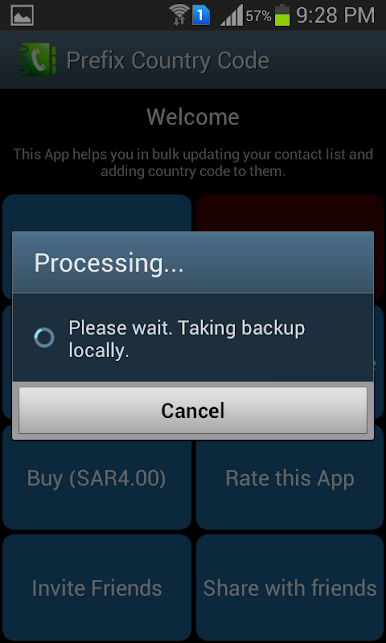
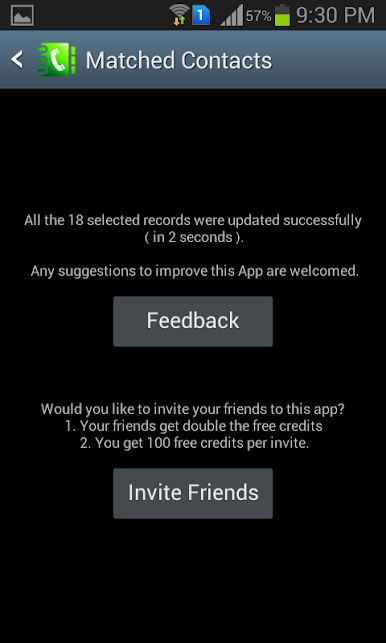
Bulk Country Code Addition
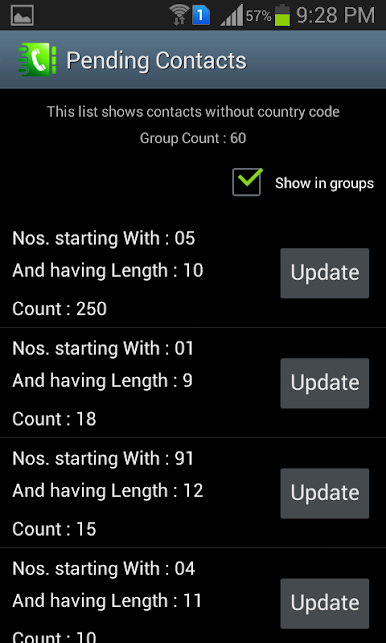
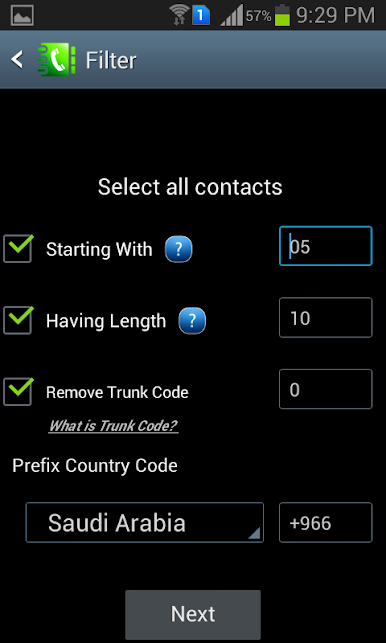
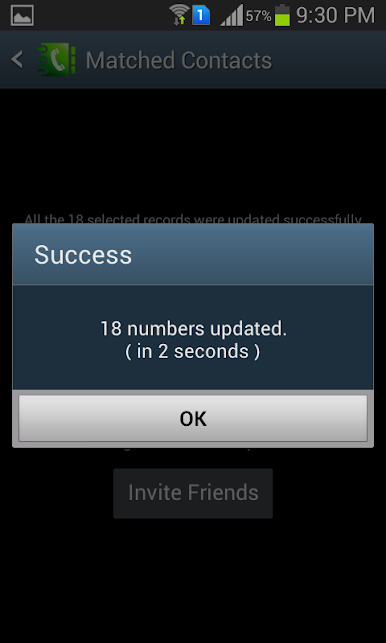
Forget editing numbers one at a time. Add Country Code lets you pick which contacts need fixing and adjusts them all at once, so you’re done in minutes. -
International Format Conversion
All numbers get formatted the right way, using international standards. That means you’ll have less trouble when using messaging apps or while traveling. -
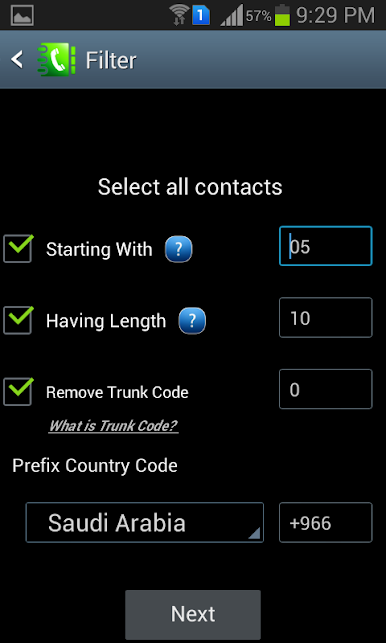
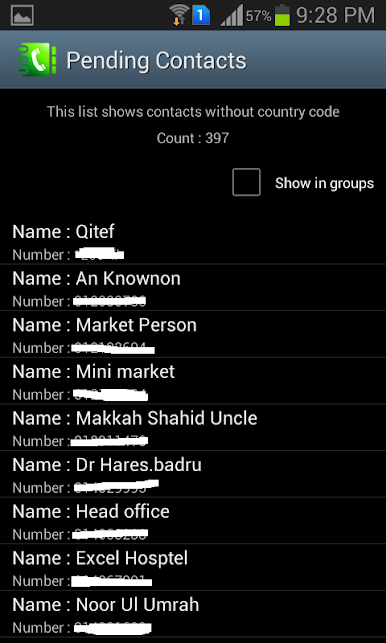
Contact Filtering
Want to change only a few numbers? The filter option helps you sort your address book—select the contacts needing an update without affecting the rest. -
Messaging App Compatibility
If some contacts aren’t showing up in apps like WhatsApp or Signal, updating their formats through Add Country Code can help make them visible and easier to reach. -
Blazing Fast & Simple
It’s quick. No complicated steps or techy hurdles. Just open, select, update, and you’re ready to go. -
Works Well with BlueStacks
Enjoy smooth functionality on BlueStacks for a seamless experience managing your contacts from your computer.
BlueStacks brings your apps to life on a bigger screen—seamless and straightforward.

Mainkan Tambahkan Kode Negara di PC Mudah saja memulainya.
-
Unduh dan pasang BlueStacks di PC kamu
-
Selesaikan proses masuk Google untuk mengakses Playstore atau lakukan nanti
-
Cari Tambahkan Kode Negara di bilah pencarian di pojok kanan atas
-
Klik untuk menginstal Tambahkan Kode Negara dari hasil pencarian
-
Selesaikan proses masuk Google (jika kamu melewati langkah 2) untuk menginstal Tambahkan Kode Negara
-
Klik ikon Tambahkan Kode Negara di layar home untuk membuka gamenya

