


Safe Notes -Hide notes, images
Jogue no PC com BlueStacks - A Plataforma de Jogos Android, confiada por mais de 500 milhões de jogadores.

Página modificada em: Oct 11, 2025
Run Safe Notes - Password protect your notes on PC or Mac
Get freedom from your phone’s obvious limitations. Use Safe Notes – Password protect your notes, made by High Touch, a Productivity app on your PC or Mac with BlueStacks, and level up your experience.
About the App
Safe Notes – Password protect your notes from High Touch is a handy spot to stash anything you’d rather keep private—think passwords, personal ideas, or that top-secret grocery list. If you’re a list-maker, a diary keeper, or just need to jot quick thoughts without worrying about prying eyes, this app’s got your back. The whole vibe is flexible and fuss-free: you’re in control of what you save and when you access it.
App Features
-
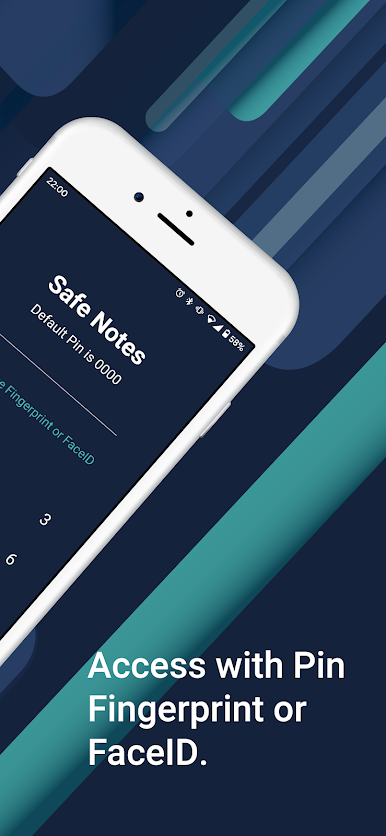
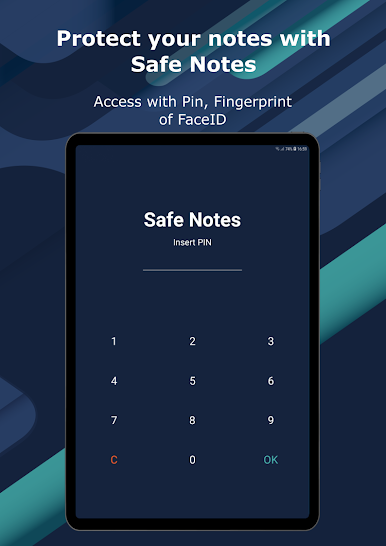
Lock Down Your Notes
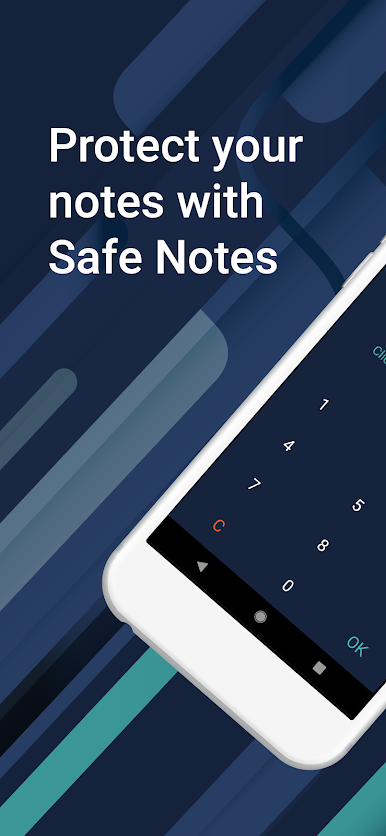
Set a PIN code and keep everything password-protected. Even add fingerprint unlocking for faster access—way easier than typing every time. -
All Offline, All Yours
Don’t want anything floating around online? Safe Notes stores your info right on your phone. No cloud uploads and no one else poking around. -
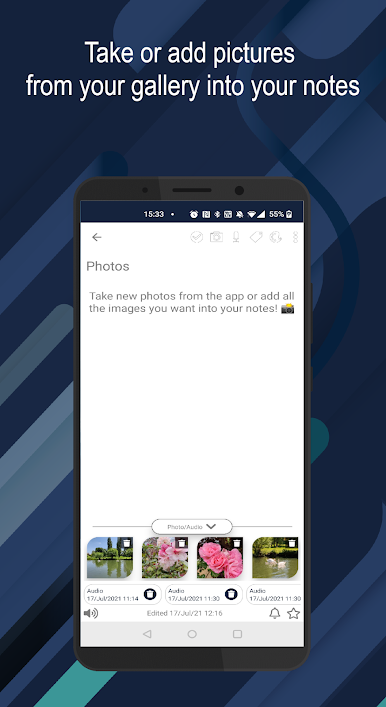
Write, Record, Snap
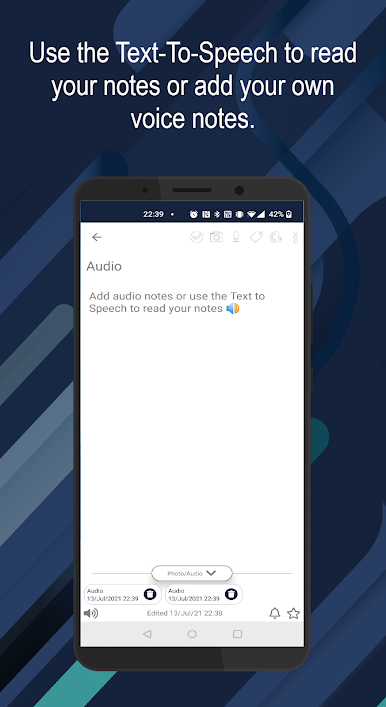
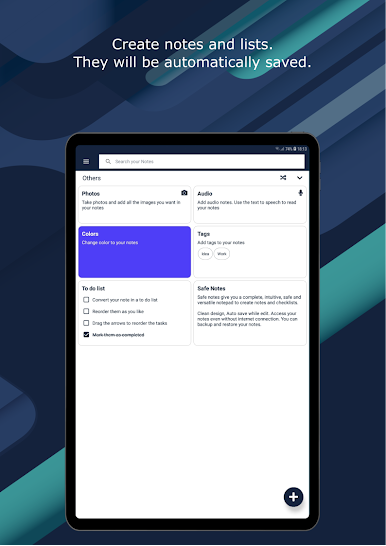
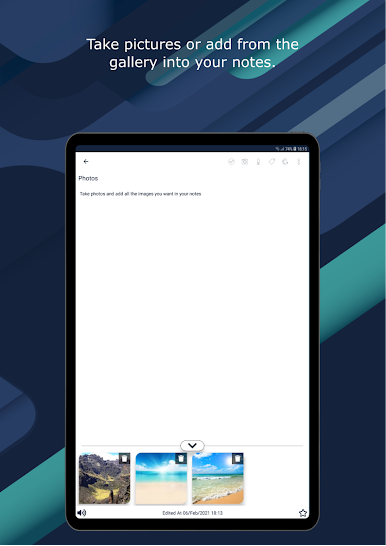
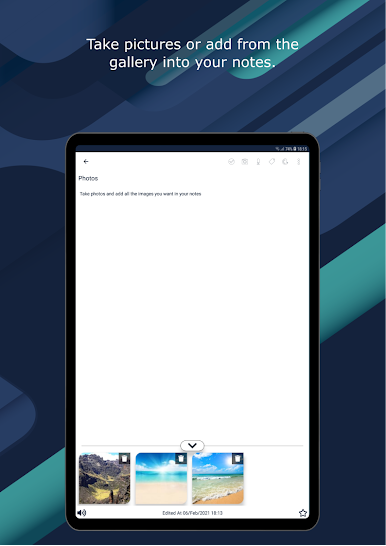
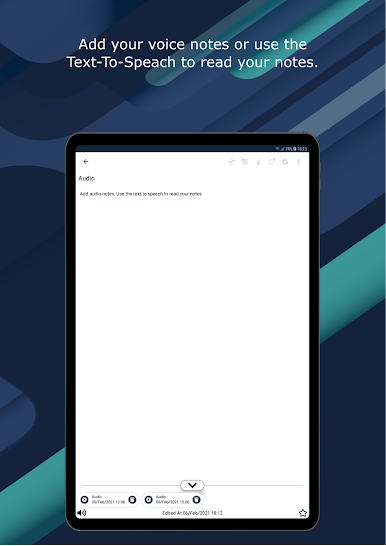
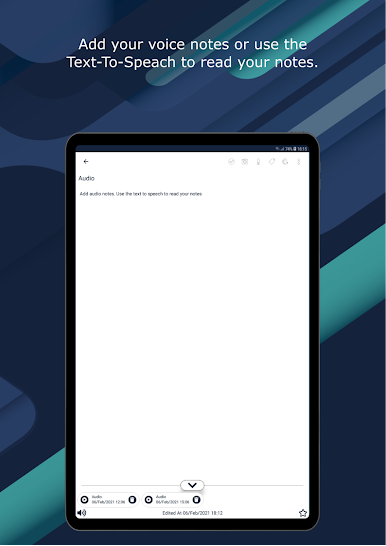
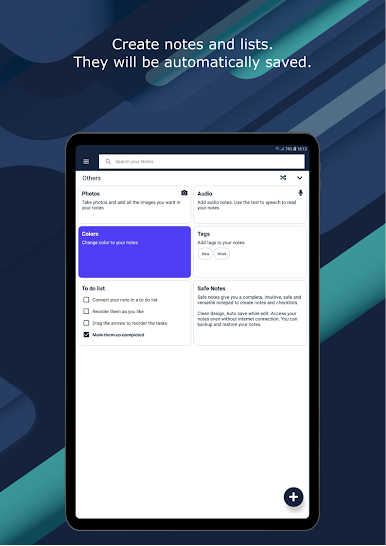
You get more than just plain text. Add photos, record audio, or just type away—mix and match however you like. -
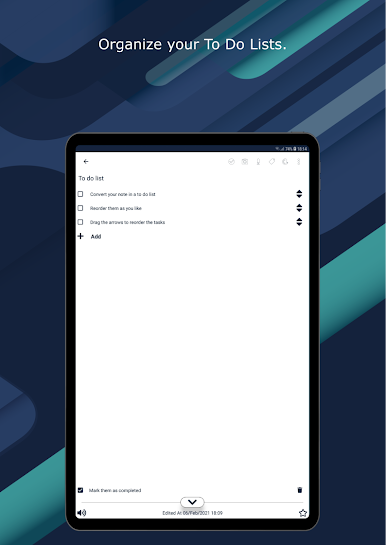
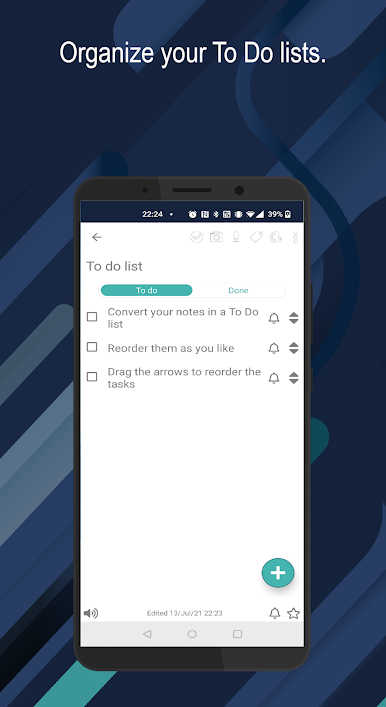
Quick Lists & Checkboxes
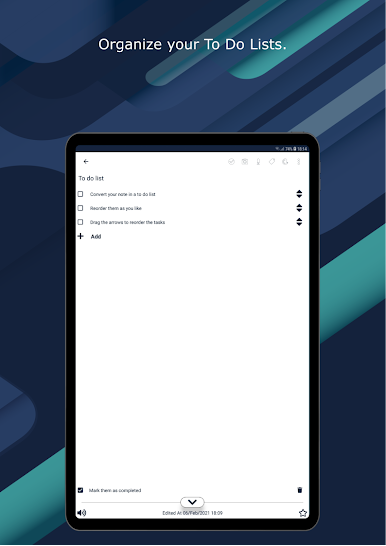
Love to check things off? Make checklist items out of any note, mark what’s done, and switch notes back and forth between regular text and checkable tasks. -
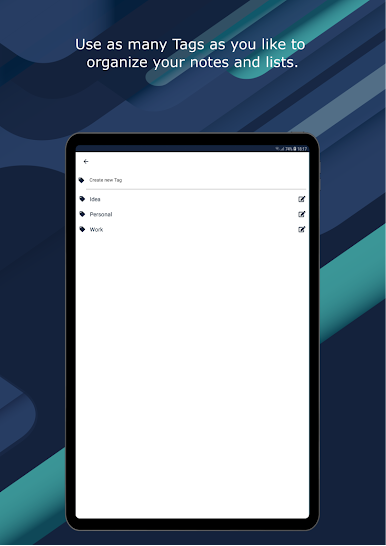
Effortless Organization
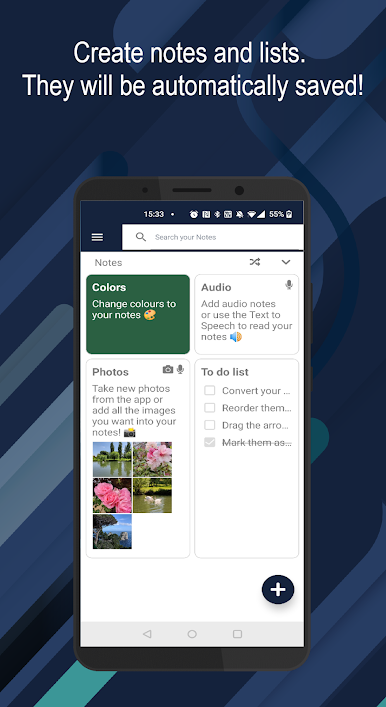
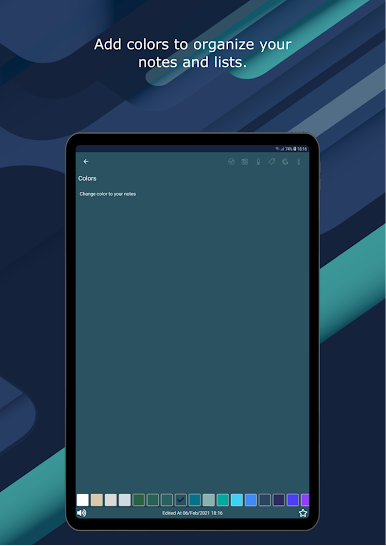
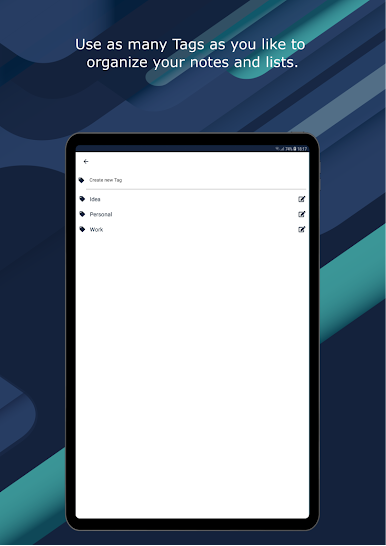
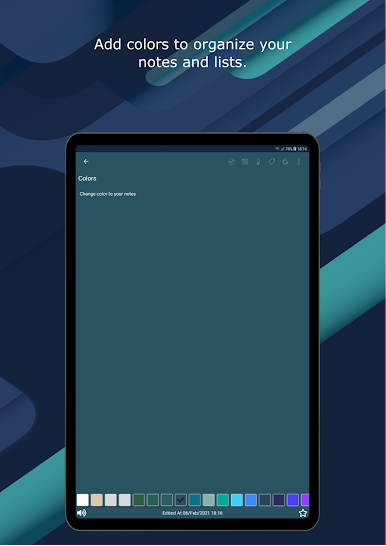
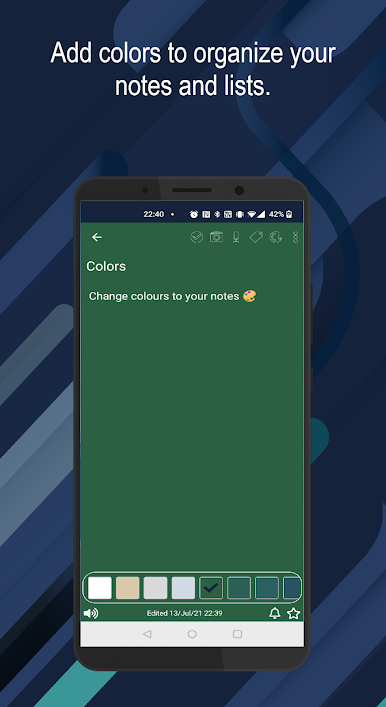
Tag notes for easy sorting and searching, or add some color to keep stuff straight. There’s a search bar to help you find things fast, even with tons of notes. -
Autosave Simplicity
Works behind the scenes so nothing gets lost midsentence—everything updates as you type. -
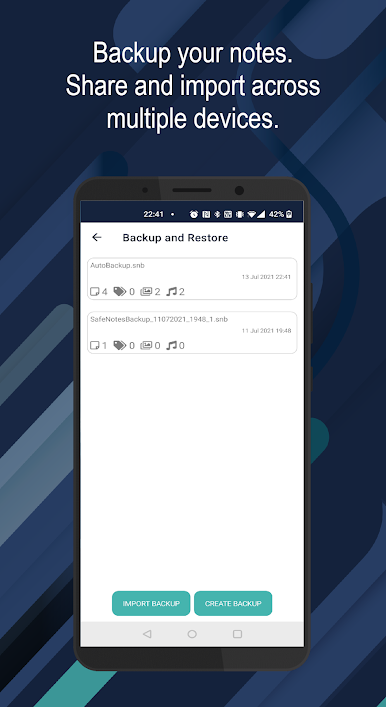
Share with Ease
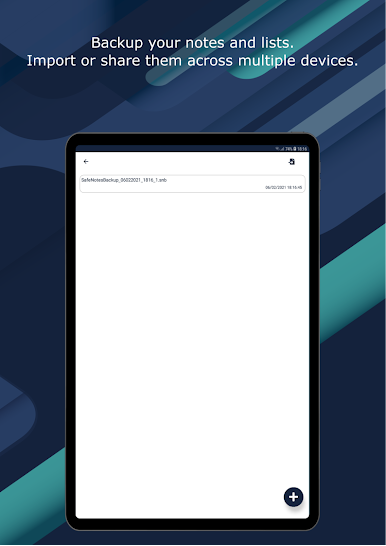
Need to send a note to a friend or your own email? Share just the note you want, whenever you need to. -
Pick Your Favorites
Mark your most important notes as favorites, so everything crucial is just a tap away. -
Unlimited Notes, Your Way
Jot as much as you want, in any language. Make it your own, no restrictions on length or number of notes. -
Clean and Straightforward
No clutter—just an easy interface to create, edit, or delete your notes. Help and support features are baked right in, so you can always figure things out. -
Free to Use
Enjoy all the features without having to pay—the app’s ad-supported and still keeps things private.
Easily run Safe Notes – Password protect your notes on your computer with BlueStacks for more space and flexibility. Whether you’re compiling work notes, personal memos, or shopping lists, this app’s all about keeping your info safe and simple to handle.
BlueStacks brings your apps to life on a bigger screen—seamless and straightforward.
Jogue Safe Notes -Hide notes, images no PC. É fácil começar.
-
Baixe e instale o BlueStacks no seu PC
-
Conclua o login do Google para acessar a Play Store ou faça isso mais tarde
-
Procure por Safe Notes -Hide notes, images na barra de pesquisa no canto superior direito
-
Clique para instalar Safe Notes -Hide notes, images a partir dos resultados da pesquisa
-
Conclua o login do Google (caso você pulou a etapa 2) para instalar o Safe Notes -Hide notes, images
-
Clique no ícone do Safe Notes -Hide notes, images na tela inicial para começar a jogar

