


Beach Club Tycoon : Idle Game
Spiele auf dem PC mit BlueStacks - der Android-Gaming-Plattform, der über 500 Millionen Spieler vertrauen.

Seite geändert am: Dec 5, 2025
Play Beach Club Tycoon : Idle Game on PC or Mac
From the innovators and creators at Medu Games, Beach Club Tycoon : Idle Game is another fun addition to the World of Simulation games. Go beyond your mobile screen and play it bigger and better on your PC or Mac. An immersive experience awaits you.
About the Game
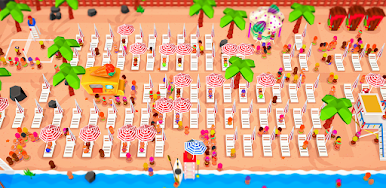
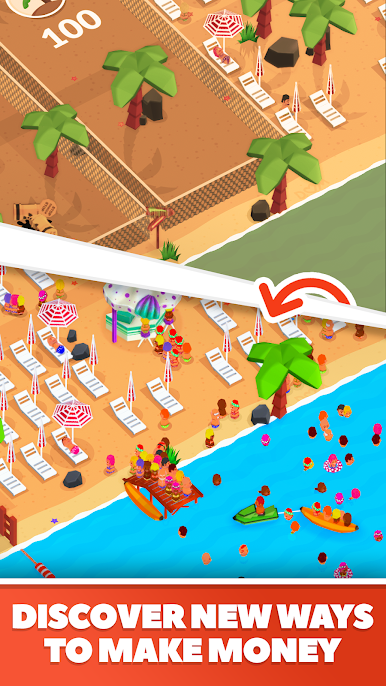
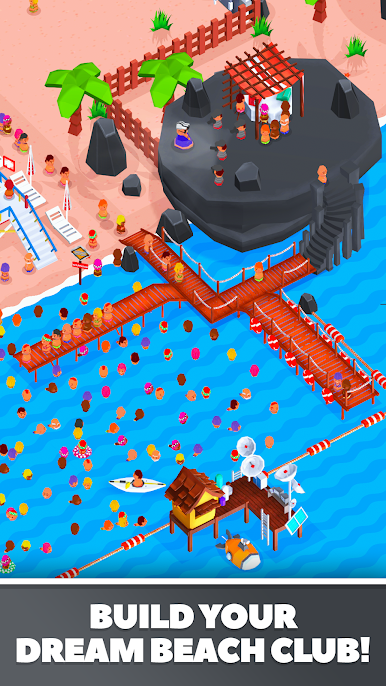
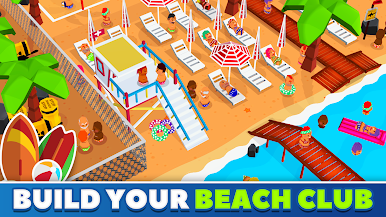
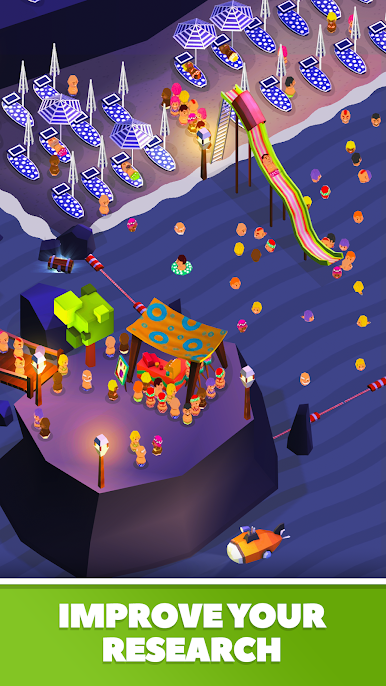
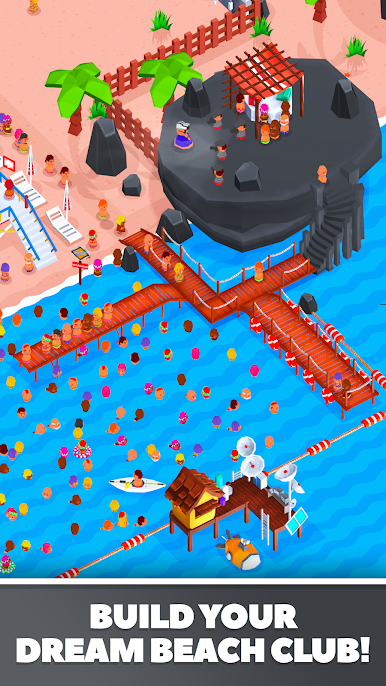
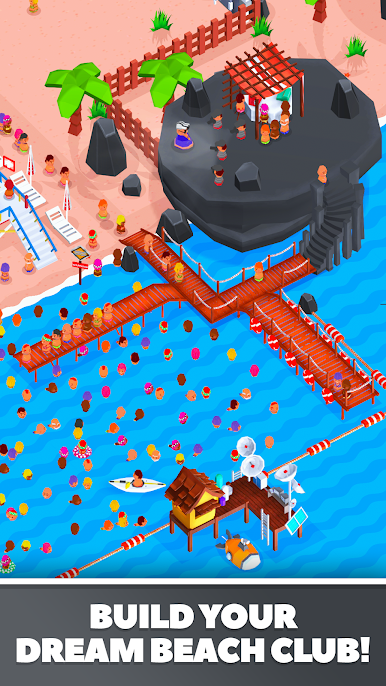
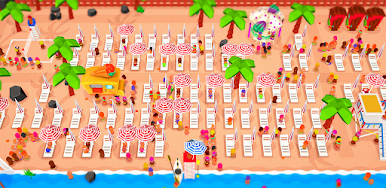
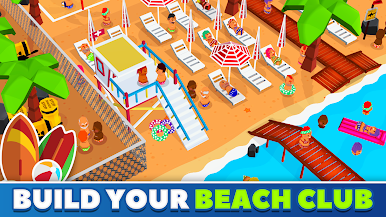
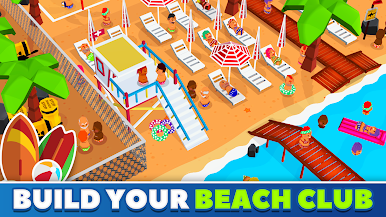
Beach Club Tycoon : Idle Game is a sunny, laid-back Simulation from Medu Games where your shoreline turns into a money-making hotspot. Start small, then grow a buzzing beach strip packed with rides, hotels, food spots, and watersports. It’s all about smooth management and smart upgrades, with cash rolling in even when you’re away.
Game Features
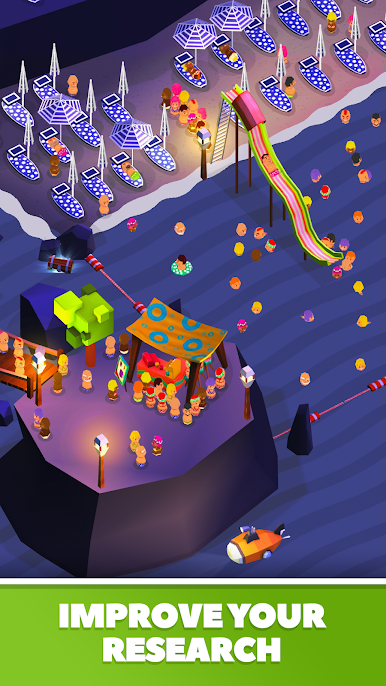
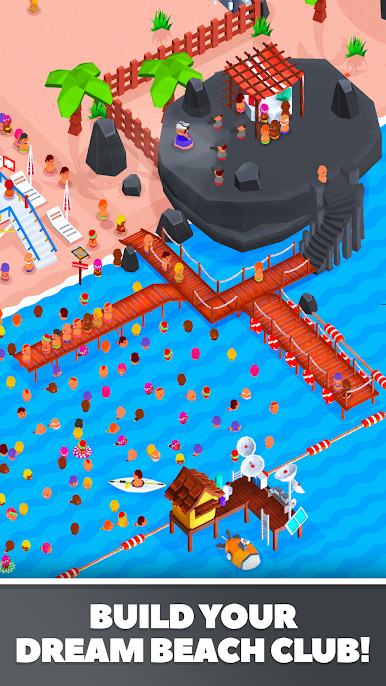
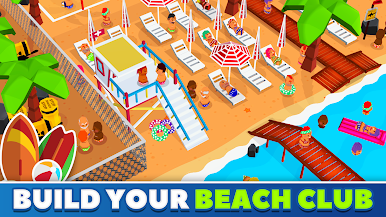
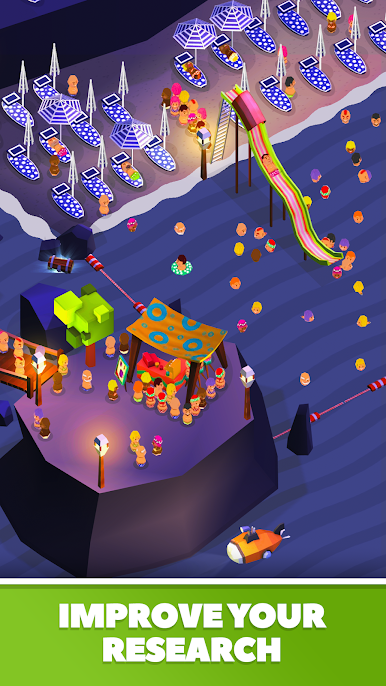
- Build a Coastline Empire: Expand from a quiet patch of sand to a lively resort, unlocking new areas, theme attractions, and eye-catching slides along the shore.
- Hotels That Print Money: Open seaside hotels so visitors can stay longer—and spend more. Upgrade rooms and services to keep the profits steady.
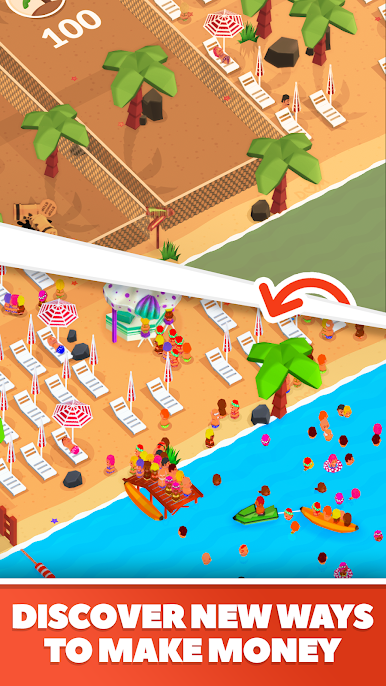
- Food, Drinks, and Fun Bites: Set up coffee corners, cocktail stands, sushi spots, and a fleet of food trucks (yes, the ice cream truck too) to keep lines moving and wallets open.
- Hire and Train Managers: Put managers in charge to speed up service and keep shops humming while you focus on the big picture.
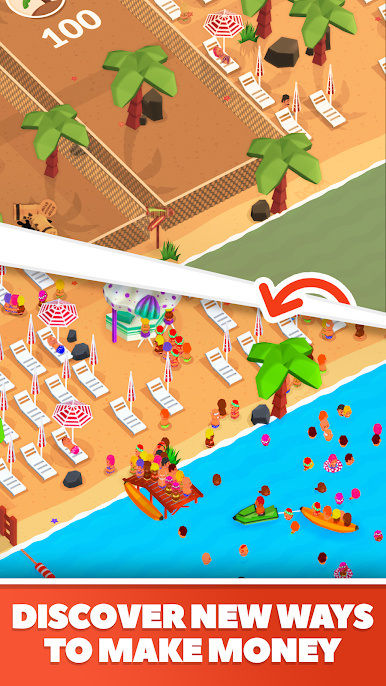
- Watersports and Beach Games: Offer jet skis, banana boat rides, and volleyball courts to draw bigger crowds and boost your reputation.
- Strategy That Feels Good: Balance upgrades, prices, and staffing. Avoid long queues, keep guests happy, and watch the earnings spike.
- Idle Earnings, Even Offline: Step away and your beach keeps working. Come back to a healthy pile of cash ready to reinvest.
- Play Your Way: Prefer managing your coast on a computer? It runs smoothly on BlueStacks, making clicking through upgrades a breeze.
Slay your opponents with your epic moves. Play it your way on BlueStacks and dominate the battlefield.















Spiele Beach Club Tycoon : Idle Game auf dem PC. Der Einstieg ist einfach.
-
Lade BlueStacks herunter und installiere es auf deinem PC
-
Schließe die Google-Anmeldung ab, um auf den Play Store zuzugreifen, oder mache es später
-
Suche in der Suchleiste oben rechts nach Beach Club Tycoon : Idle Game
-
Klicke hier, um Beach Club Tycoon : Idle Game aus den Suchergebnissen zu installieren
-
Schließe die Google-Anmeldung ab (wenn du Schritt 2 übersprungen hast), um Beach Club Tycoon : Idle Game zu installieren.
-
Klicke auf dem Startbildschirm auf das Beach Club Tycoon : Idle Game Symbol, um mit dem Spielen zu beginnen

