このページには広告が含まれます
デザートタイクーン

デザートタイクーン

シミュレーション | Owings

BlueStacksを使ってPCでプレイ - 5憶以上のユーザーが愛用している高機能Androidゲーミングプラットフォーム

ページ更新日: May 14, 2024

Play Idle Dessert Tycoon on PC or Mac

Join millions to experience Idle Dessert Tycoon, an exciting Simulation game from Owings. With BlueStacks App Player, you are always a step ahead of your opponent, ready to outplay them with faster gameplay and better control with the mouse and keyboard on your PC or Mac.

About the Game

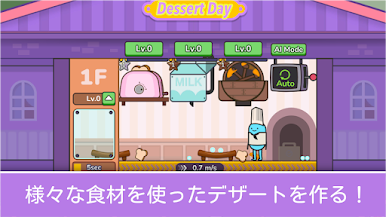
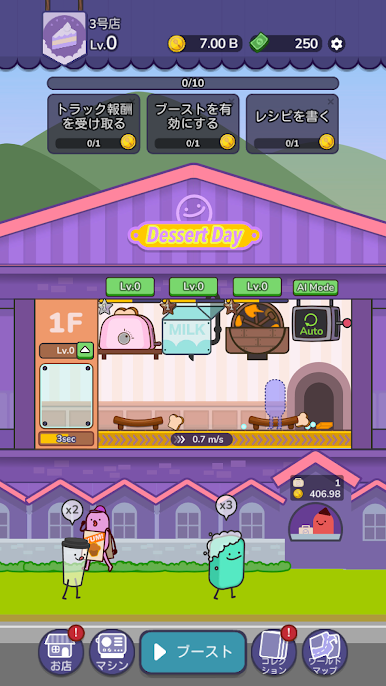
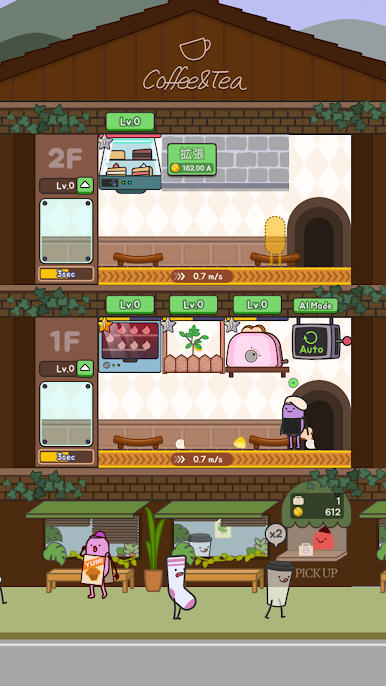
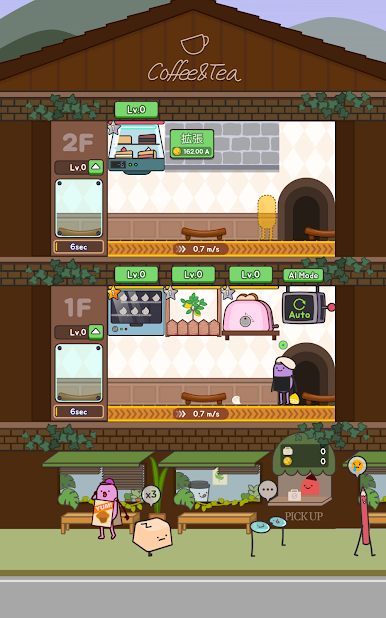
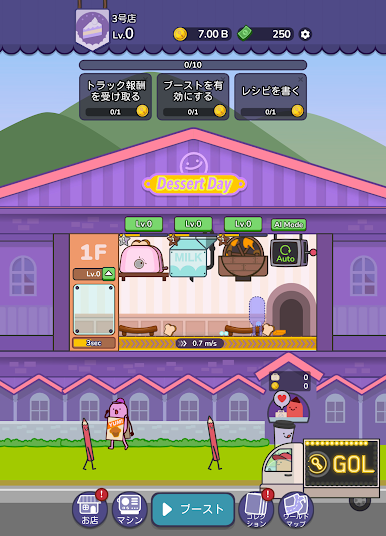
Idle Dessert Tycoon is a laid-back Simulation from Owings where you grow a tiny kitchen into a booming dessert factory. You’ll place machines, prep ingredients, and keep trays moving while a steady stream of sweet-toothed customers shows up. It’s chill when you want to idle, and surprisingly strategic when you start tuning layouts and timings. Want more screen space? It plays nicely on BlueStacks, too.

Game Features

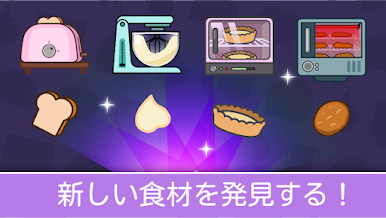
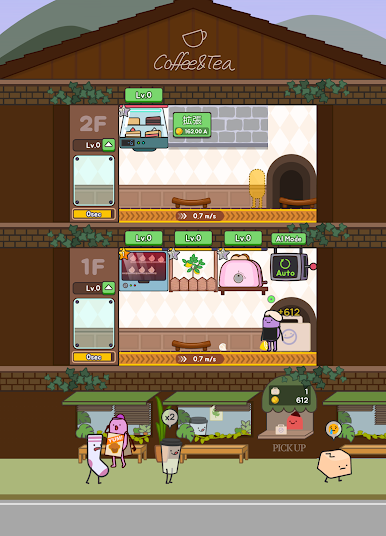
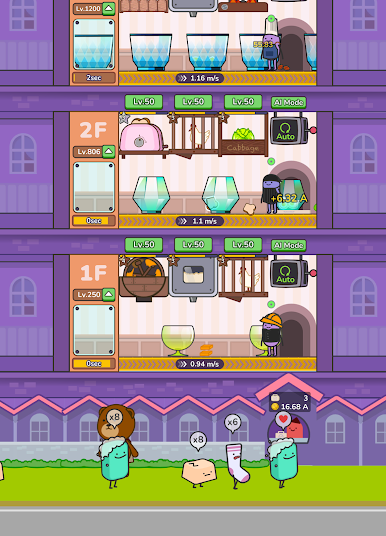
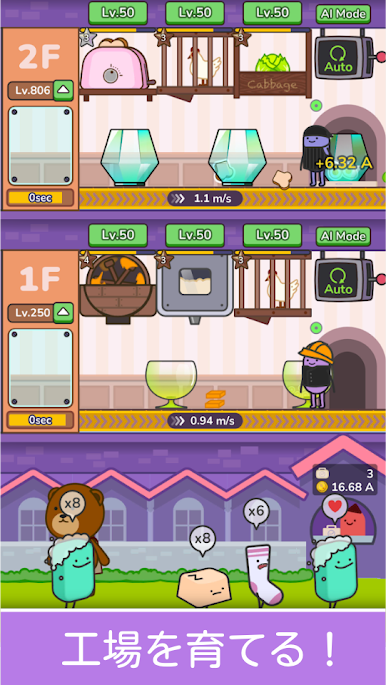
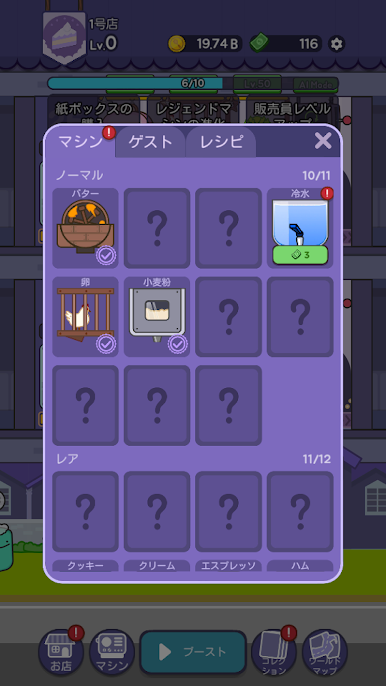
  • Build your sweet line: Set up mixers, ovens, freezers, and more to churn out ingredients automatically. Arrange stations so every step flows without hiccups.
  • Tray-to-counter workflow: Load trays, keep them moving through each stage, and turn raw goods into sell-ready treats with satisfying momentum.
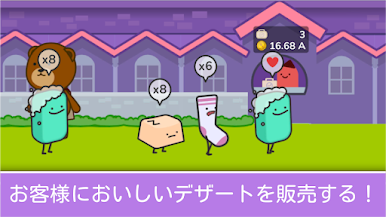
  • Serve and profit: Open the doors, handle different customer tastes, and watch your earnings rise as your menu and speed improve.
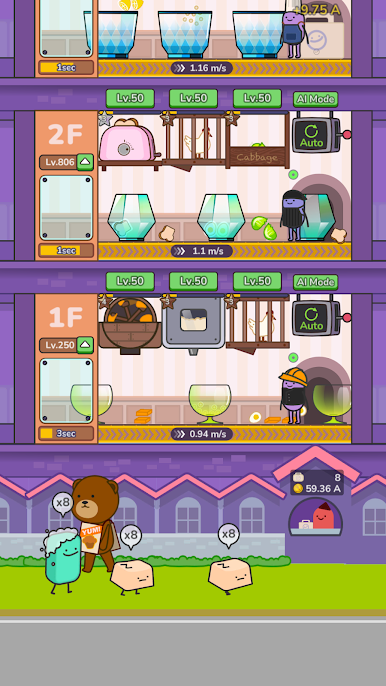
  • Automation that sticks: Unlock helpers, auto-queues, and smart boosts so your factory keeps producing even when you’re off doing other things.
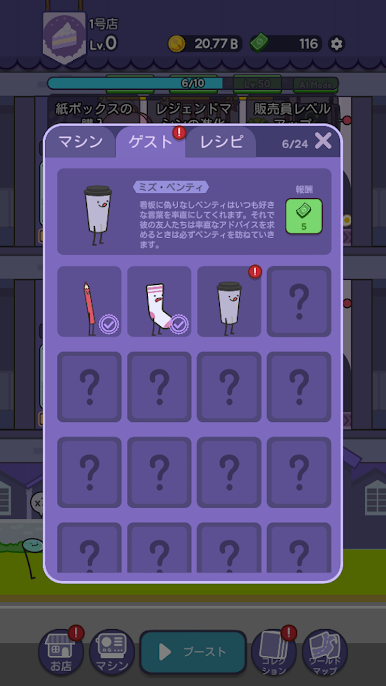
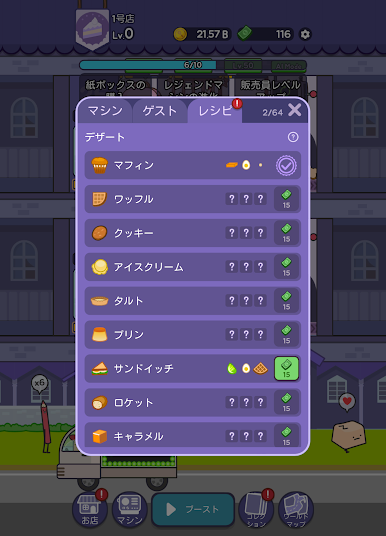
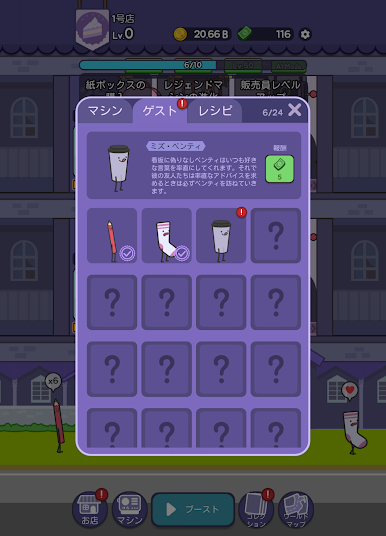
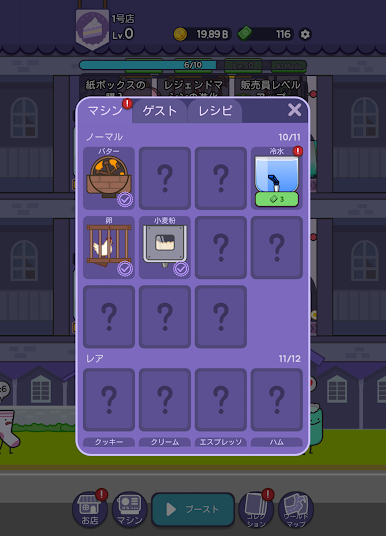
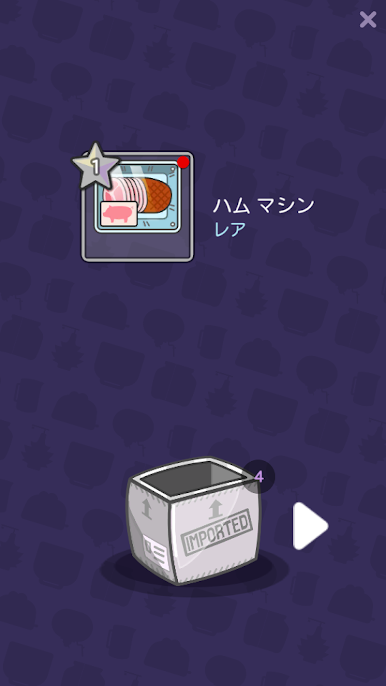
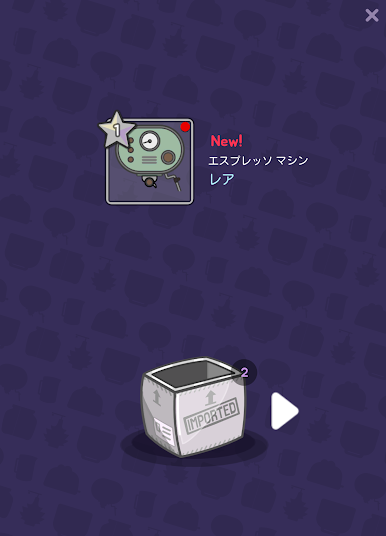
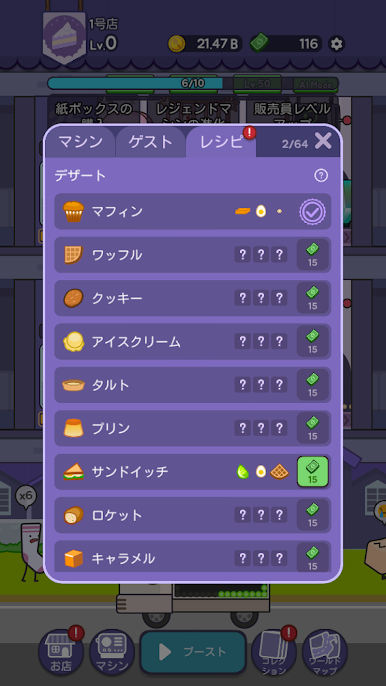
  • Upgrades that matter: Increase speed, bump quality, and research new machines, ingredients, customers, and recipes to keep profits climbing.
  • Strategy, not stress: Find bottlenecks, tweak layouts, and balance throughput to make every second—and every tray—count.
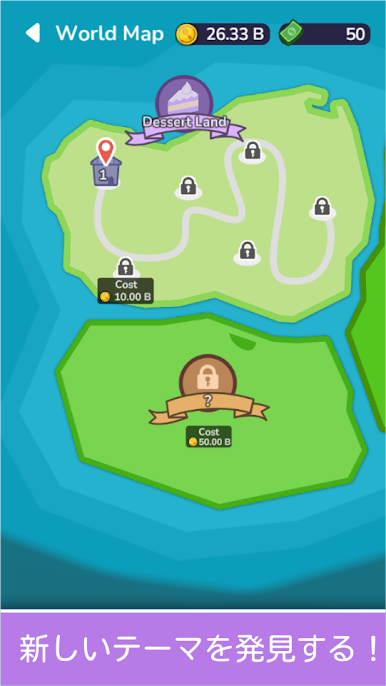
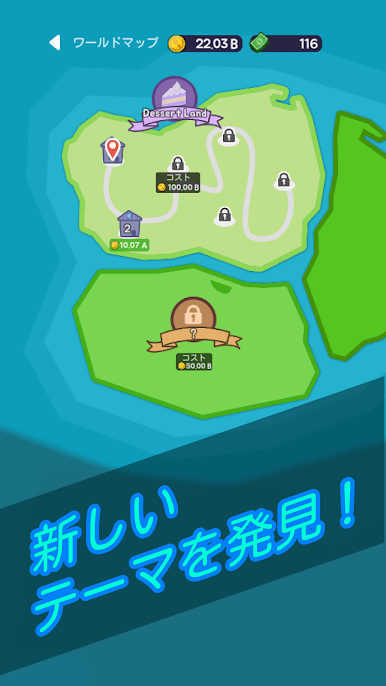
  • Explore new areas: Grow beyond your first shop, take over the dessert district, and push into fresh territory with bigger goals.
  • Idle-friendly progress: Step away, come back to a stash of cash, and reinvest to keep your sugary empire expanding.

Ready to top the leaderboard? We bet you do. Let precise controls and sharp visuals optimized on BlueStacks lead you to victory.

デザートタイクーンをPCでプレイ

  • BlueStacksをダウンロードしてPCにインストールします。

  • GoogleにサインインしてGoogle Play ストアにアクセスします。(こちらの操作は後で行っても問題ありません)

  • 右上の検索バーにデザートタイクーンを入力して検索します。

  • クリックして検索結果からデザートタイクーンをインストールします。

  • Googleサインインを完了してデザートタイクーンをインストールします。※手順2を飛ばしていた場合

  • ホーム画面にてデザートタイクーンのアイコンをクリックしてアプリを起動します。

動画の視聴