


Rogue Slime
Spiele auf dem PC mit BlueStacks - der Android-Gaming-Plattform, der über 500 Millionen Spieler vertrauen.

Seite geändert am: Nov 17, 2025
Play Rogue Slime on PC or Mac
From the innovators and creators at Quest Seeker Games, Rogue Slime is another fun addition to the World of Strategy games. Go beyond your mobile screen and play it bigger and better on your PC or Mac. An immersive experience awaits you.
About the Game
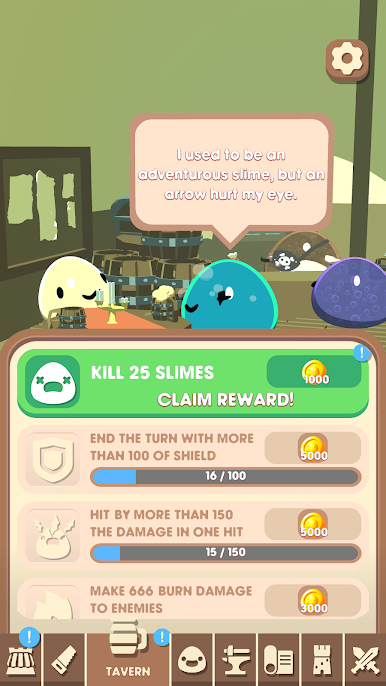
Rogue Slime brings you into a quirky universe packed with adorable, yet surprisingly fierce slimes and all sorts of wild challenges. If you’re into mixing clever strategy, dynamic card play, and that “just one more game” roguelite feel, this one’s got your name on it. There’s always a fresh twist waiting every session, with new maps, odd surprises, and unpredictable enemies popping up each time you play.
Game Features
-
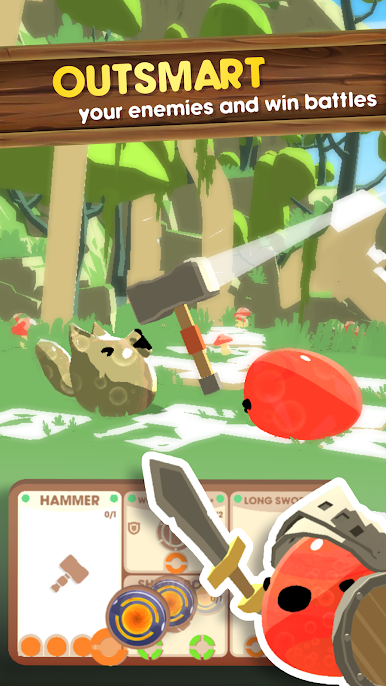
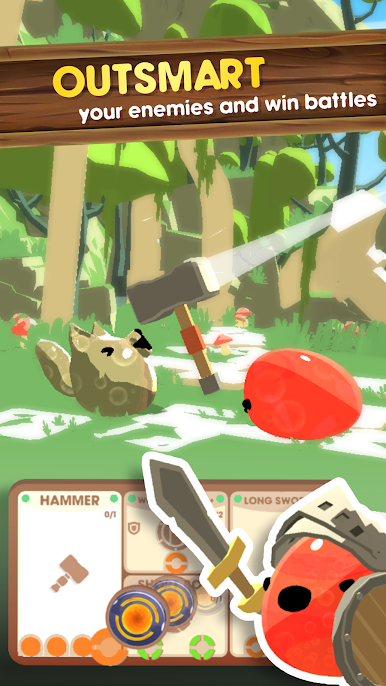
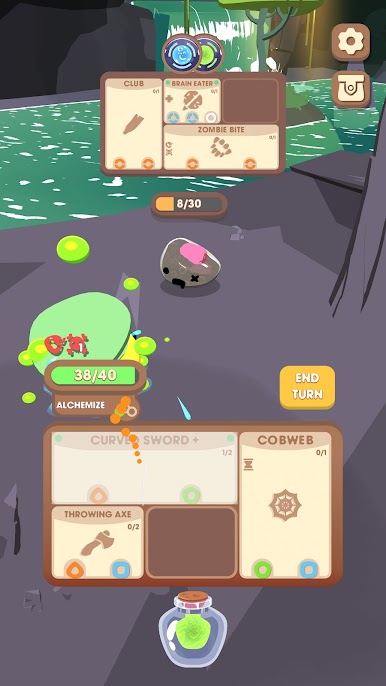
Turn-Based Card Combat
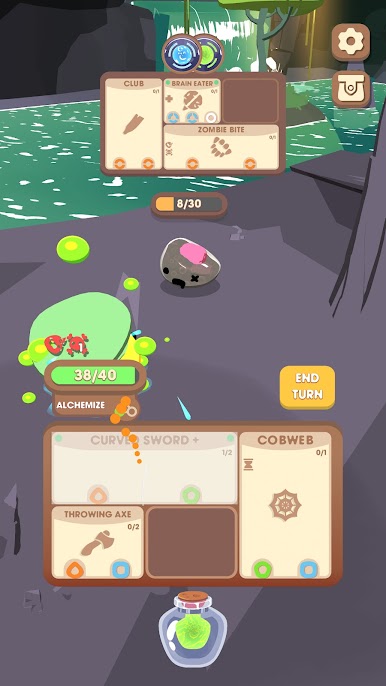
Build your deck, unleash combos, and out-think your enemies with a satisfying card system that’s all about planning your next move—and maybe a bit of luck. -
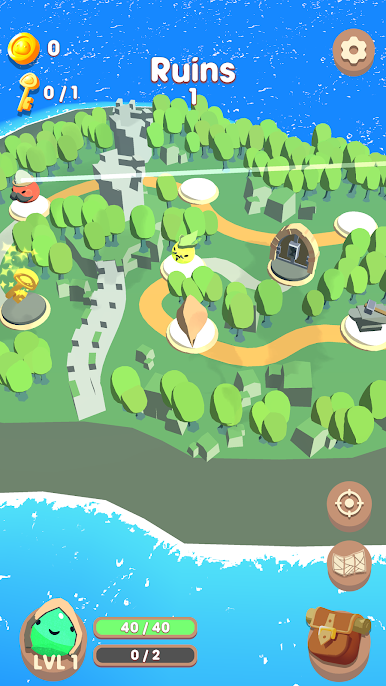
Roguelite Adventure
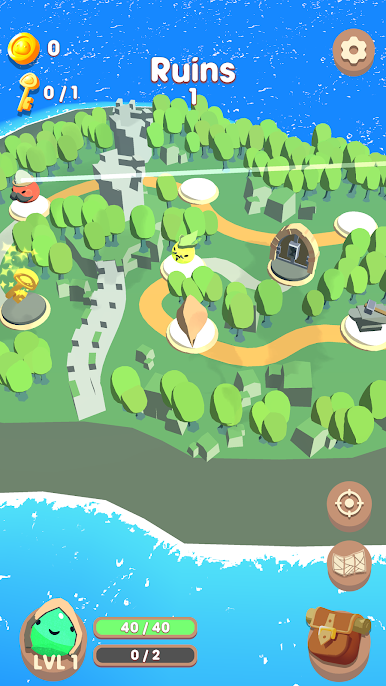
No two runs are the same. Maps, enemies, and events switch up with each game, so you’re always adapting and discovering new strategies to survive longer (and grab cooler loot). -
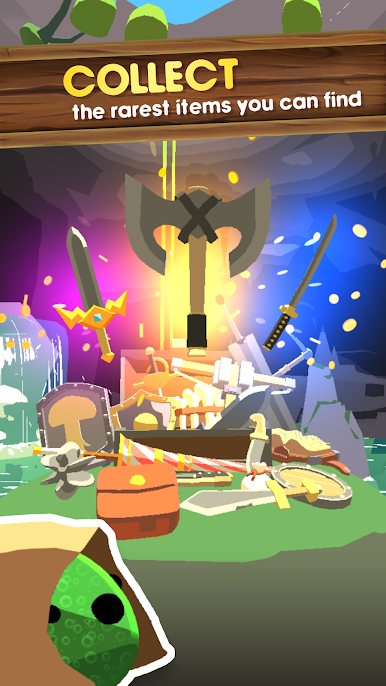
Huge Collection of Items
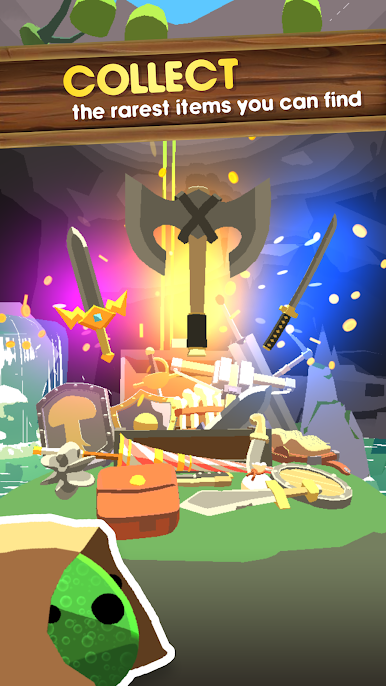
Over 400 quirky items to dig up, equip, or experiment with—finding rare gear in the slime village never gets old. -
Battle 100+ Enemy Types
From sneaky little blobs to monstrous slime bosses, the variety in foes keeps you guessing, whether you’re exploring the world map or scaling the never-ending tower. -
Perks & Progression
Custom-build your playstyle with 50+ powerful perks, letting you tweak your deck or strategy after every level-up. Try something weird—maybe it just works! -
Random Events
Don’t get too comfortable. Over 50 events are out there to shake up each run, some helpful, some…not so much. -
PvP Slime Showdowns
Once you’re feeling confident, toss your own slime into the player-versus-player arena and see how it holds up against squads built by others. -
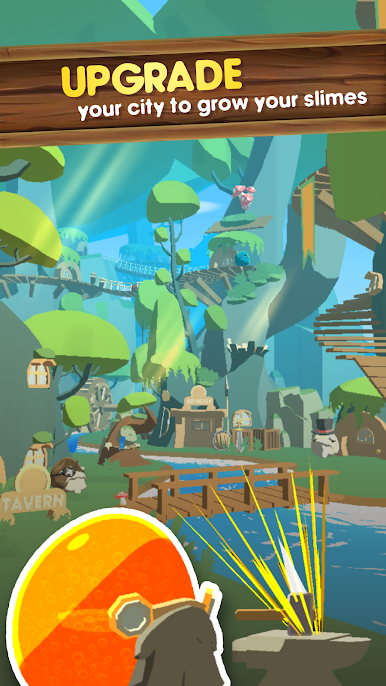
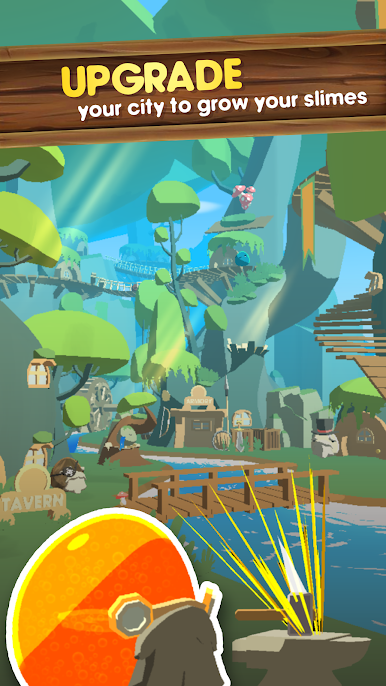
Upgrade in Slime Village
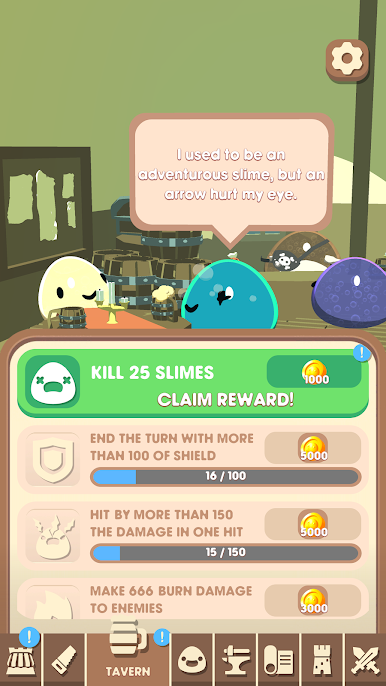
Between battles, head back to your village to power up your starting gear—handy if you want a better chance for your next run. -
Play on BlueStacks
Prefer gaming on a bigger screen? Rogue Slime works smoothly on BlueStacks if you’re looking for that desktop edge.
Ready to top the leaderboard? We bet you do. Let precise controls and sharp visuals optimized on BlueStacks lead you to victory.





Spiele Rogue Slime auf dem PC. Der Einstieg ist einfach.
-
Lade BlueStacks herunter und installiere es auf deinem PC
-
Schließe die Google-Anmeldung ab, um auf den Play Store zuzugreifen, oder mache es später
-
Suche in der Suchleiste oben rechts nach Rogue Slime
-
Klicke hier, um Rogue Slime aus den Suchergebnissen zu installieren
-
Schließe die Google-Anmeldung ab (wenn du Schritt 2 übersprungen hast), um Rogue Slime zu installieren.
-
Klicke auf dem Startbildschirm auf das Rogue Slime Symbol, um mit dem Spielen zu beginnen

