


CPDT Benchmark〉Storage, memory
Mainkan di PC dengan BlueStacks – platform Game-Game Android, dipercaya oleh lebih dari 500 juta gamer.

Run CPDT Benchmark〉Storage, memory on PC or Mac
Why limit yourself to your small screen on the phone? Run CPDT Benchmark〉Storage, memory, an app by Maxim Saplin, best experienced on your PC or Mac with BlueStacks, the world’s #1 Android emulator.
About the App
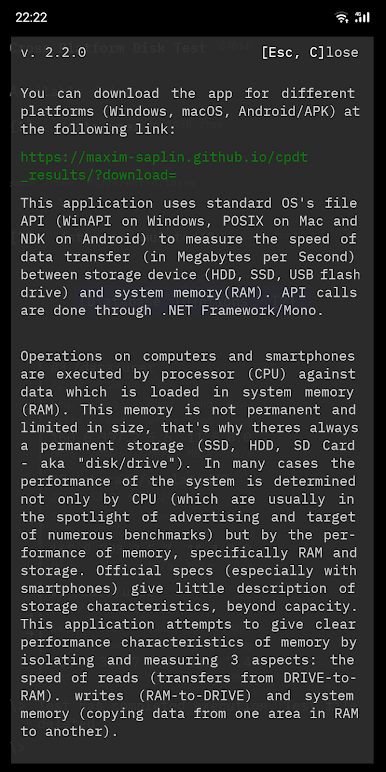
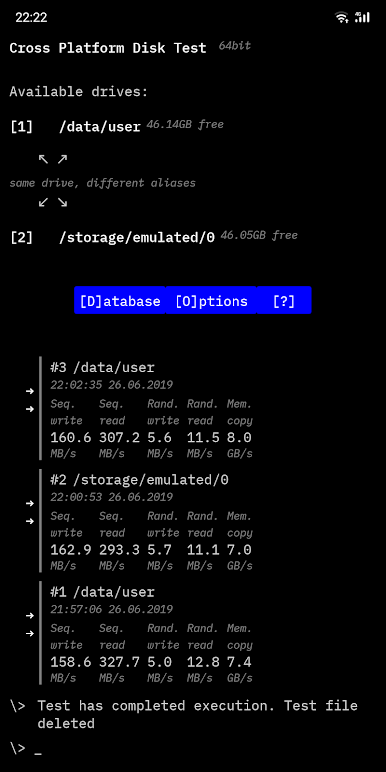
Ever wondered just how fast your phone or tablet really is when it comes to storage and memory? CPDT Benchmark〉Storage, memory, created by Maxim Saplin, gives you an easy way to put your device’s internal storage and RAM to the test. If you’re into tech, curious about your device’s performance, or just want to compare stats, this app has the tools to show you what’s happening under the hood. It’s all about real numbers and practical results—no guesswork involved.
App Features
-
Comprehensive Storage & Memory Testing
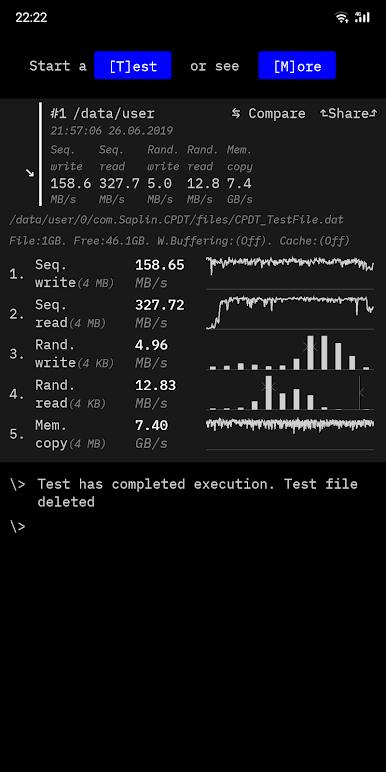
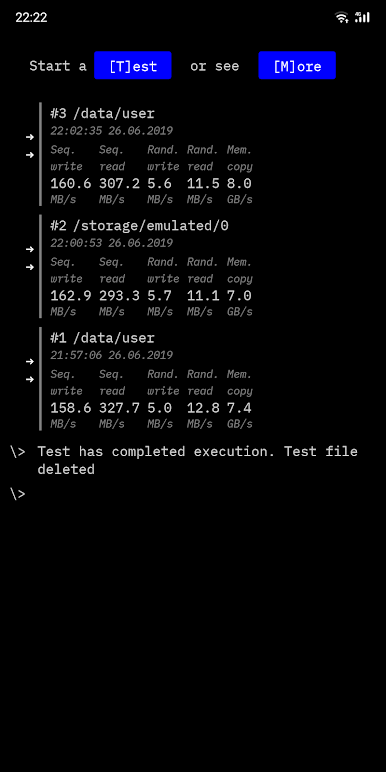
See exactly how your internal memory and RAM are performing with dedicated tests for both. Curious about how sequential or random read/write speeds stack up? You’ll get to see all the details, measured in megabytes per second. -
Customizable Testing Options
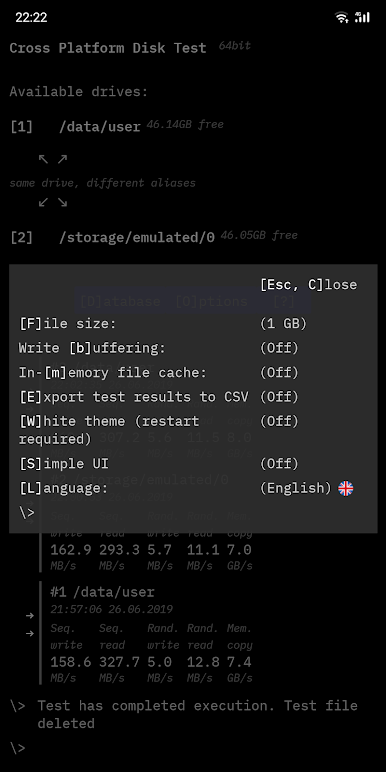
Tweak different test settings like file size (ranging from 0.5GB up to 16GB) and control write buffering or in-memory caching to fit what you want to measure. Want absolute accuracy or a fast test run? It’s your call. -
Detailed Visual Results
Track your performance with handy graphs for sequential tests and histograms for random tests. Numbers are great, but a simple visual lets you spot patterns or outliers at a glance. -
Comparisons Across Devices
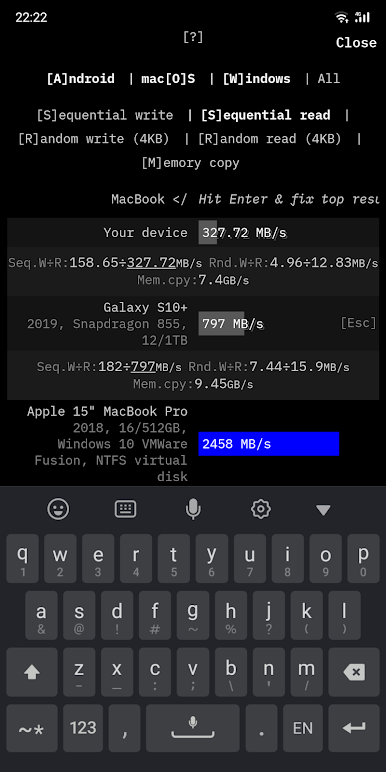
Curious how your device ranks against others? CPDT Benchmark〉Storage, memory lets you compare your results to an in-app database full of data from popular smartphones, tablets, PCs, and more. -
Export & Analyze Data
Export test results as CSV files for deeper analysis. Great for anyone who likes diving into the numbers or wants to keep a log of past tests. -
Open-Source Transparency
Like having control? This project is open-source, so you can check out the code or just know exactly what’s going on behind the scenes. -
Flexible Compatibility & SD Card Testing
Running Android 11 or higher? Only internal memory tests are available, but for older versions, you can try SD cards too. Just keep in mind OTG support can be hit or miss depending on your device. -
Chromebook & BlueStacks Support
You can even use CPDT Benchmark〉Storage, memory on your Chromebook (after enabling Google Play), or check out how your system performs on a bigger screen using BlueStacks. -
No-Nonsense, Focused Approach
Unlike other tools that only test CPU or GPU speeds, CPDT Benchmark〉Storage, memory zeroes in on what really affects daily speed—actual storage and RAM performance, with advanced options you won’t find everywhere.
Eager to take your app experience to the next level? Start right away by downloading BlueStacks on your PC or Mac.
Mainkan CPDT Benchmark〉Storage, memory di PC Mudah saja memulainya.
-
Unduh dan pasang BlueStacks di PC kamu
-
Selesaikan proses masuk Google untuk mengakses Playstore atau lakukan nanti
-
Cari CPDT Benchmark〉Storage, memory di bilah pencarian di pojok kanan atas
-
Klik untuk menginstal CPDT Benchmark〉Storage, memory dari hasil pencarian
-
Selesaikan proses masuk Google (jika kamu melewati langkah 2) untuk menginstal CPDT Benchmark〉Storage, memory
-
Klik ikon CPDT Benchmark〉Storage, memory di layar home untuk membuka gamenya

