


Slack
Play on PC with BlueStacks – the Android Gaming Platform, trusted by 500M+ gamers.

Page Modified on: Dec 8, 2025
Play Slack on PC
It’s one place where you can have meetings, collaborate on documents, share files, access your favorite apps, work alongside external partners, and use AI and agents to get ahead.
With Slack, you have everything you need to grow your business.
💬 Talk things out with your team
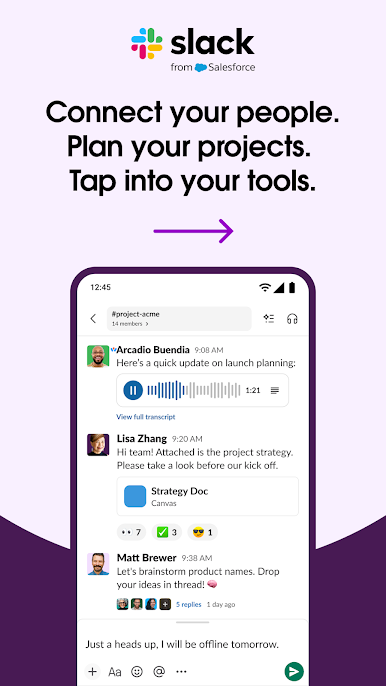
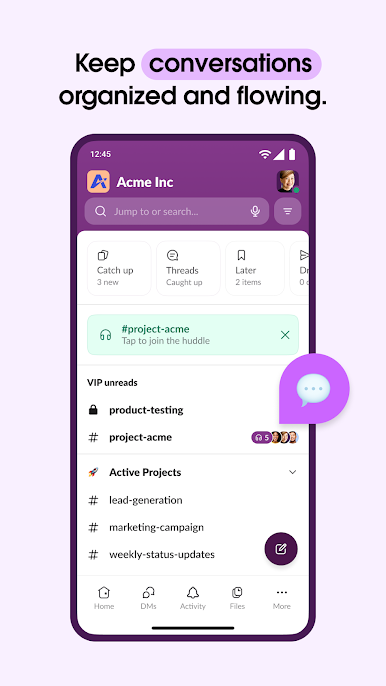
• Stay organized with a dedicated channel for every project.
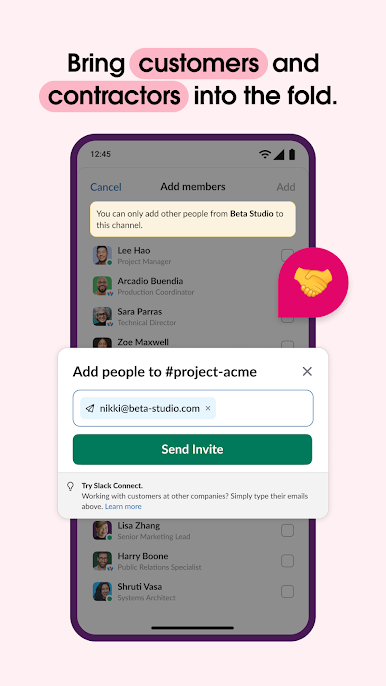
• Work alongside your team, customers, contractors, and vendors from anywhere in the world.
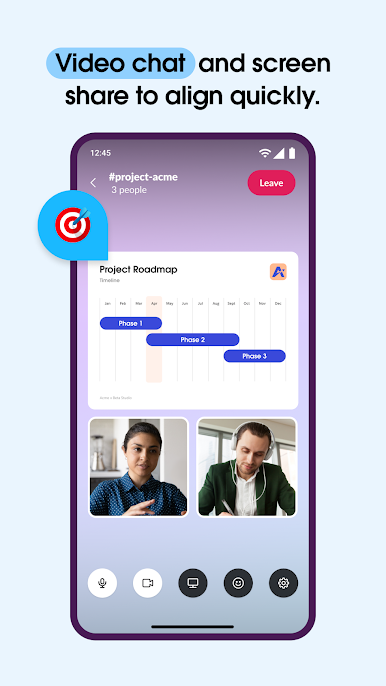
• Video chat directly in Slack, and share your screen to present and discuss work live.
• When typing doesn’t cut it, record and send audio or video clips to share complicated ideas clearly.
🎯 Keep projects on track
• Set projects up for success with pre-made and customizable* templates.
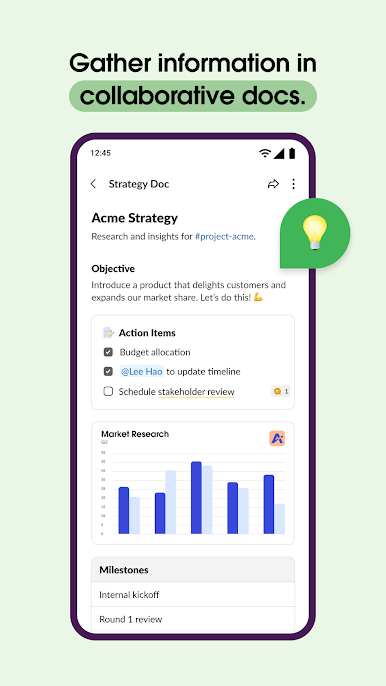
• Collaborate on marketing plans, product specs, and more in shared docs that live right next to your team’s conversations.
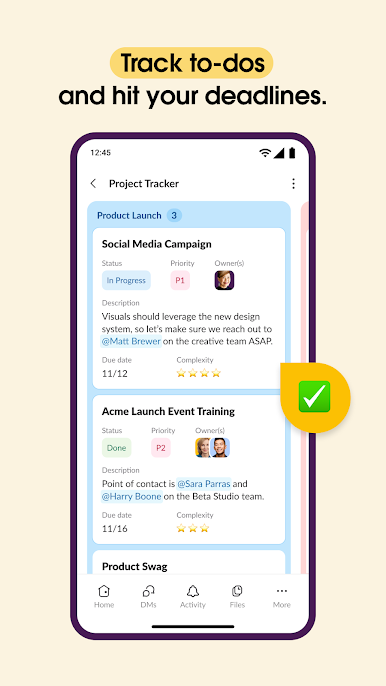
• Track to-dos, assign tasks, and map out milestones with project management tools.*
⚙️ Tap into all of your tools
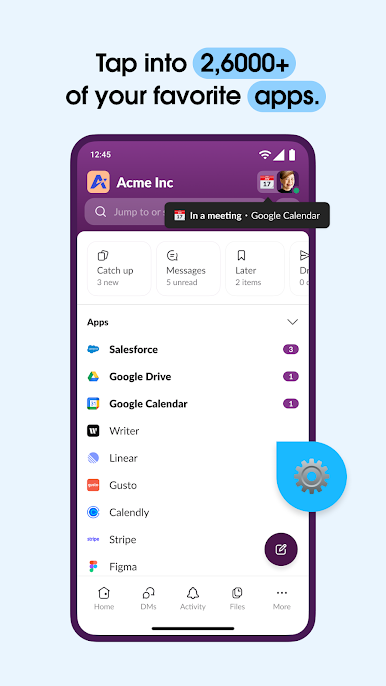
• Access 2,600+ apps, including Google Drive, Salesforce Data Cloud, Dropbox, Asana, Zapier, Figma, and Zendesk.
• Approve requests, manage your calendar, and update file permissions without leaving Slack.
• Find files, messages, and information instantly with AI-powered search.**
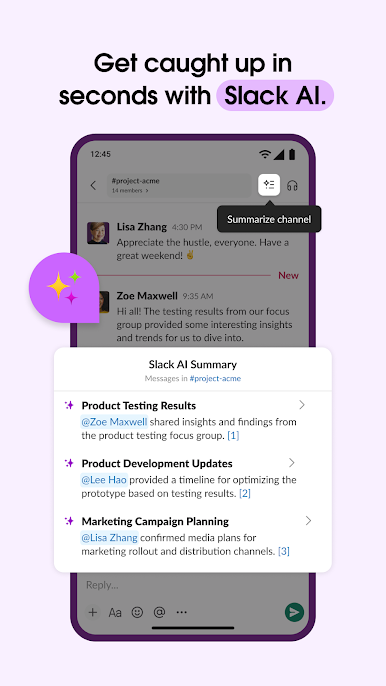
Use Slack AI to take meeting notes, so you and your teammates can stay focused.**
*Requires an upgrade to Slack Pro, Business+, or Enterprise.
**Requires Slack AI add-on.
Play Slack on PC. It’s easy to get started.
-
Download and install BlueStacks on your PC
-
Complete Google sign-in to access the Play Store, or do it later
-
Look for Slack in the search bar at the top right corner
-
Click to install Slack from the search results
-
Complete Google sign-in (if you skipped step 2) to install Slack
-
Click the Slack icon on the home screen to start playing

