

TTRPG Encounter Generator
Play on PC with BlueStacks – the Android Gaming Platform, trusted by 500M+ gamers.

Page Modified on: Jul 20, 2025
Run Dungeon Monsters Generator on PC or Mac
Upgrade your experience. Try Dungeon Monsters Generator, the fantastic Tools app from Tomorrow Thoughts, from the comfort of your laptop, PC, or Mac, only on BlueStacks.
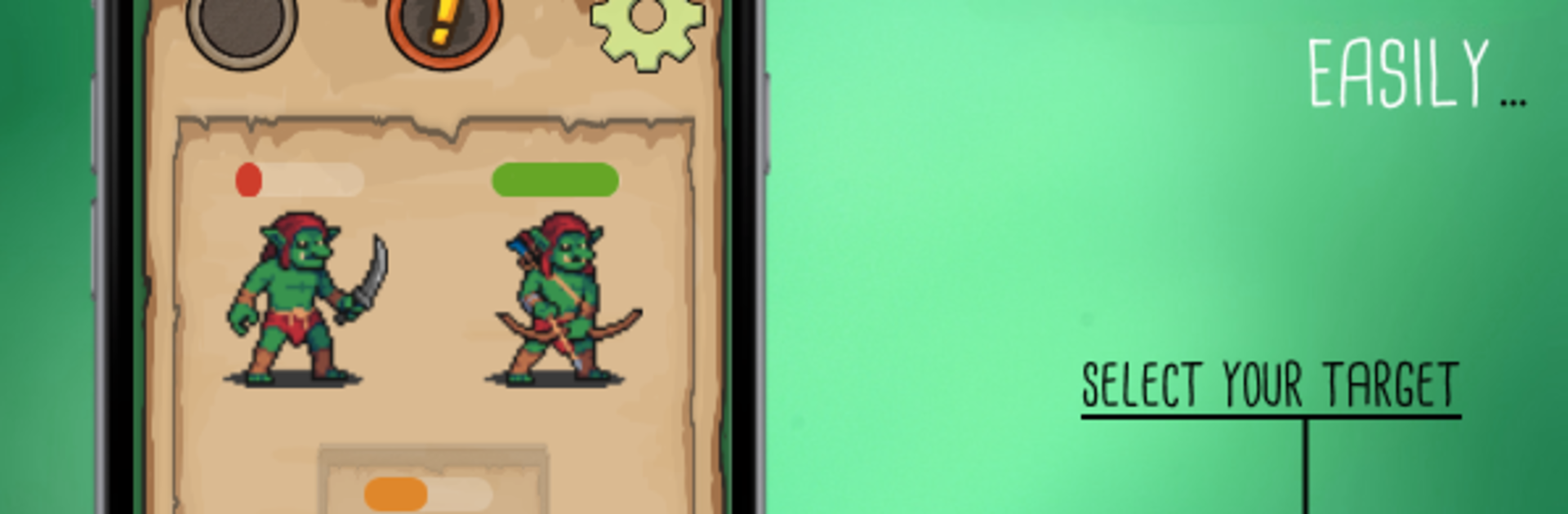
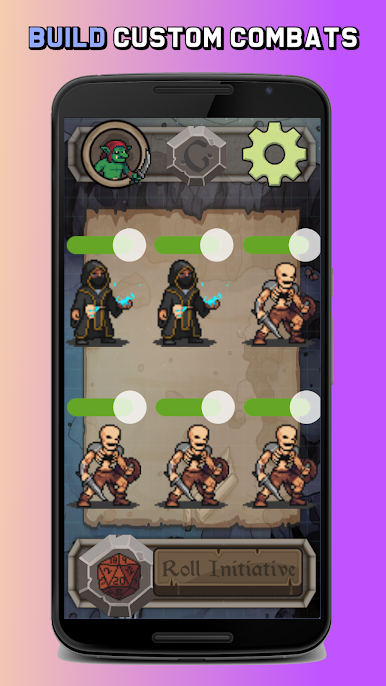
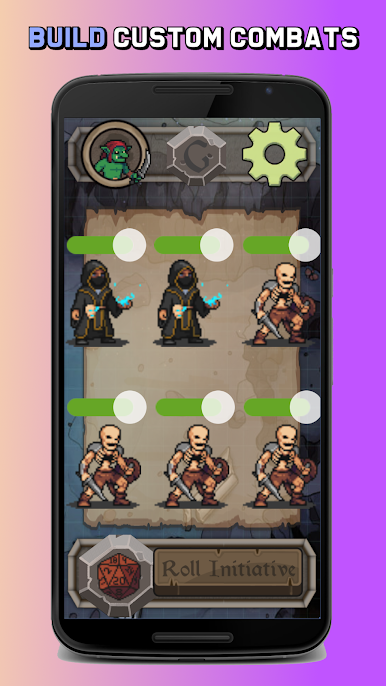
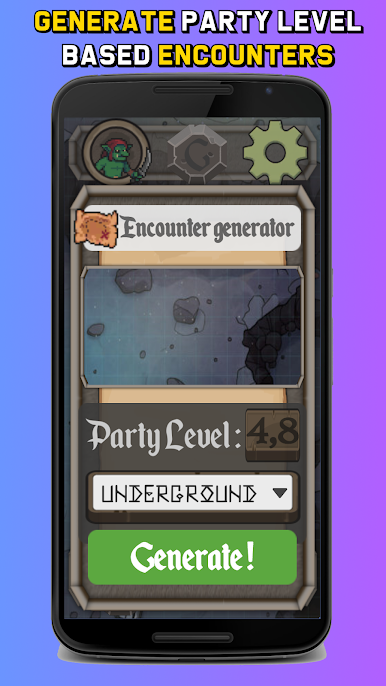
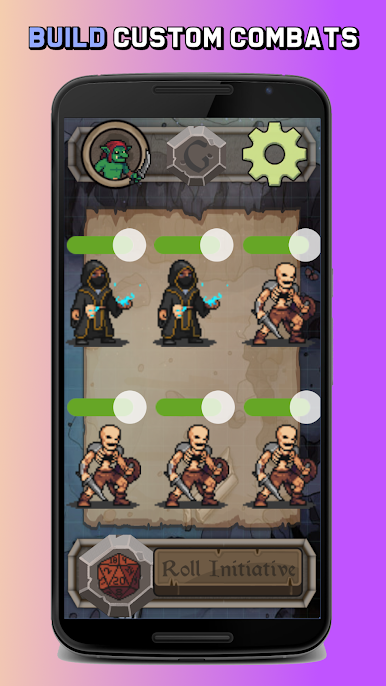
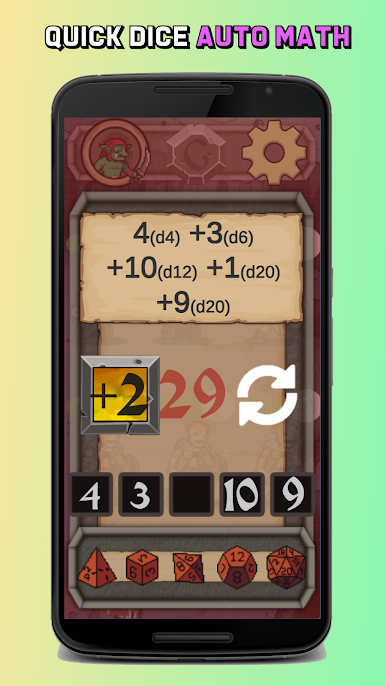
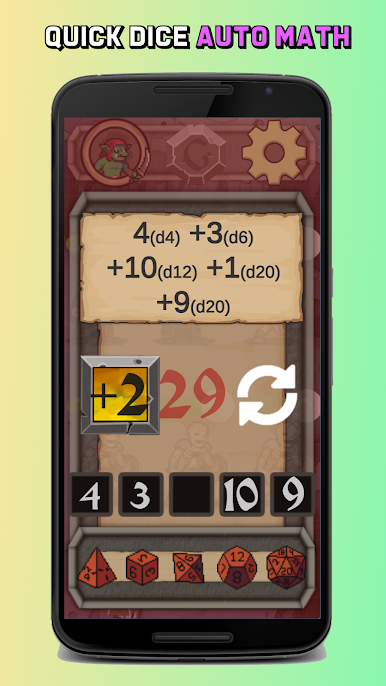
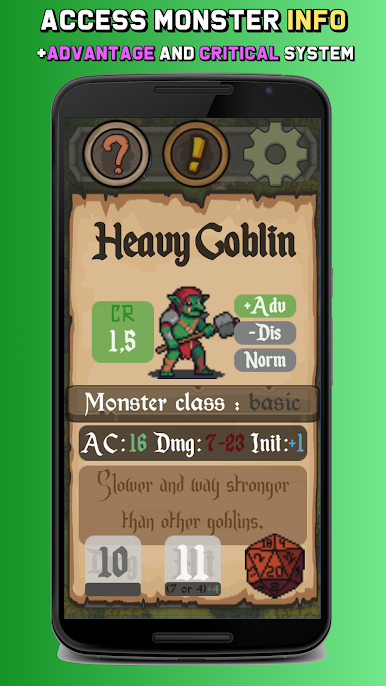
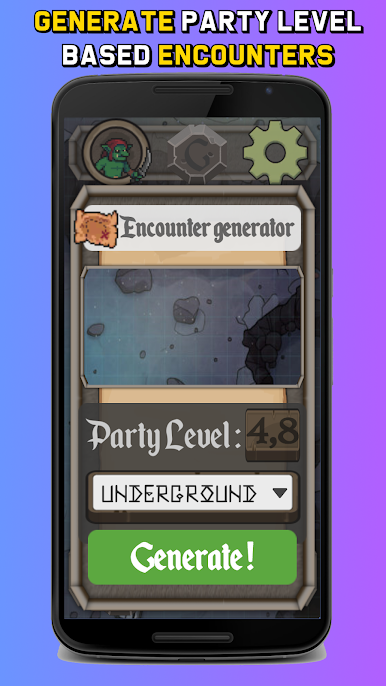
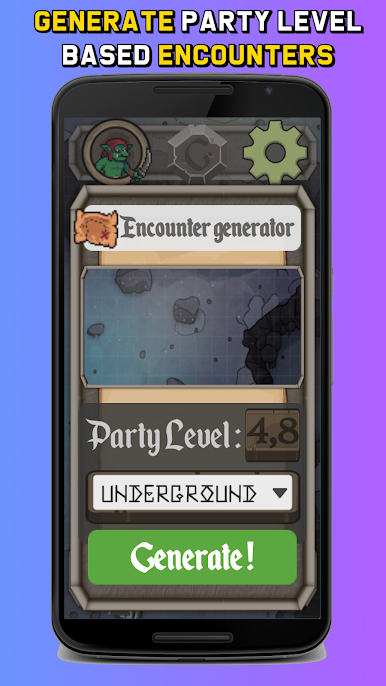
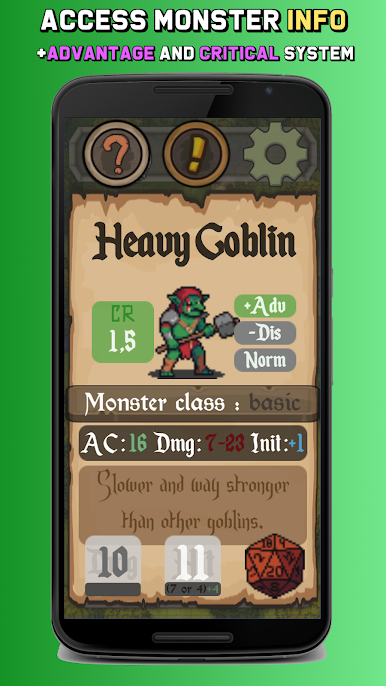
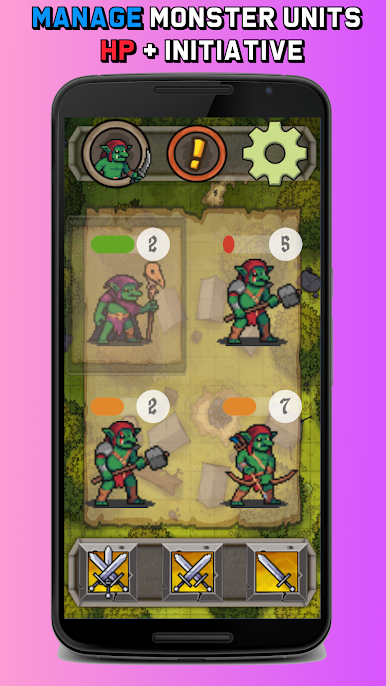
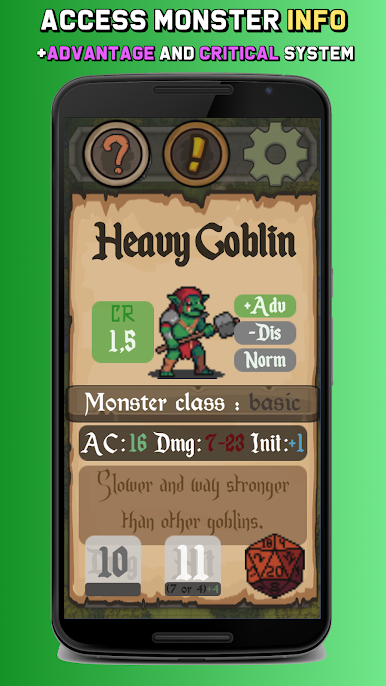
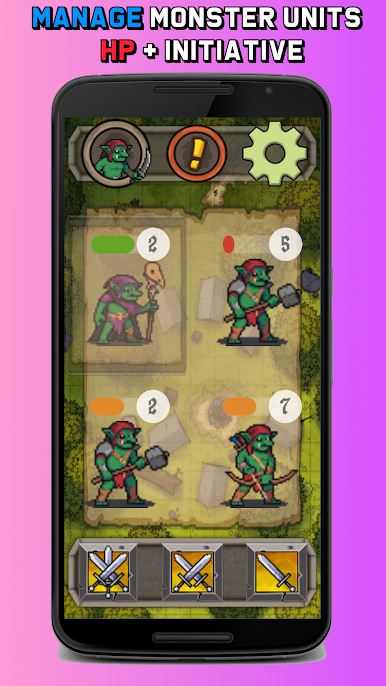
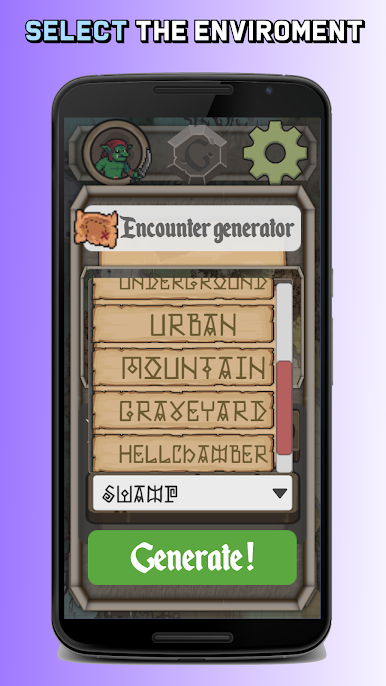
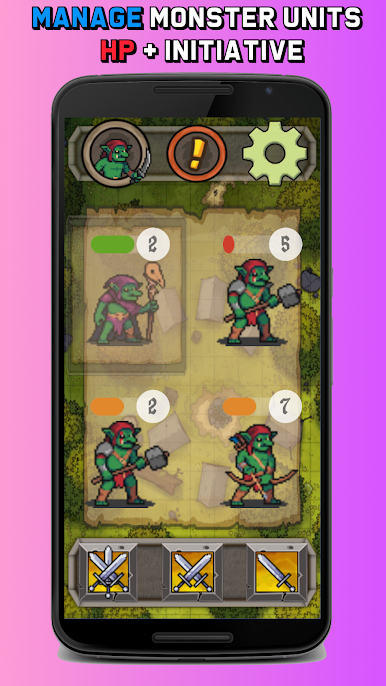
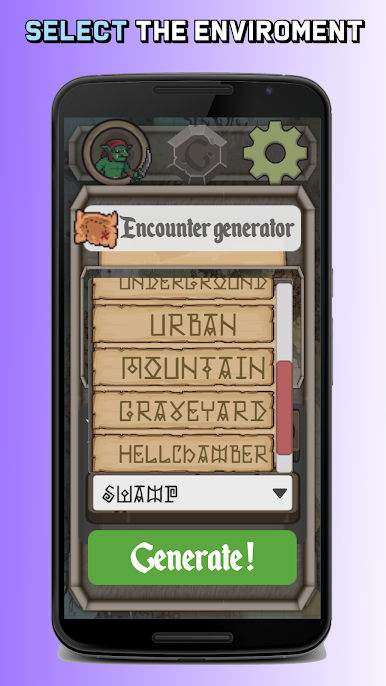
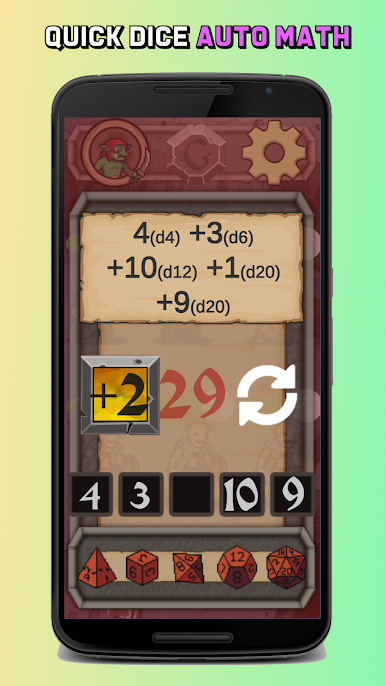
Dungeon Monsters Generator feels like a handy little DM sidekick that lives on the screen and keeps combat moving. Pick the party level and the environment, hit generate, and it serves up encounters that make sense for the group. The standout thing is how fast turns go. One click rolls attacks and damage with the math handled for you, and there is a group initiative button so everything gets ordered at once. The monsters are animated pixel art, which gives fights some personality without being noisy. On BlueStacks, the larger view helps a lot. Buttons are easier to hit with a mouse, and seeing the stat blocks, rolls, and monster list all at once makes choices quicker.
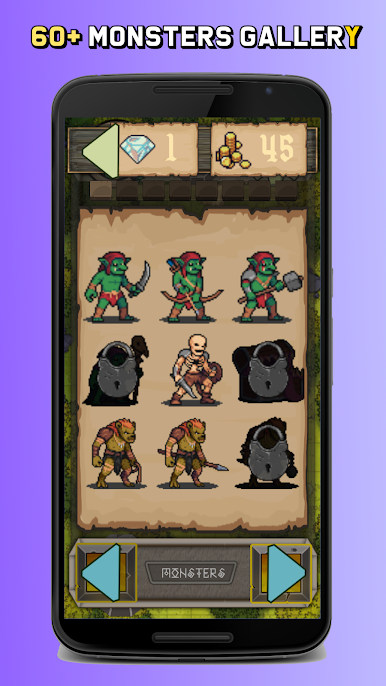
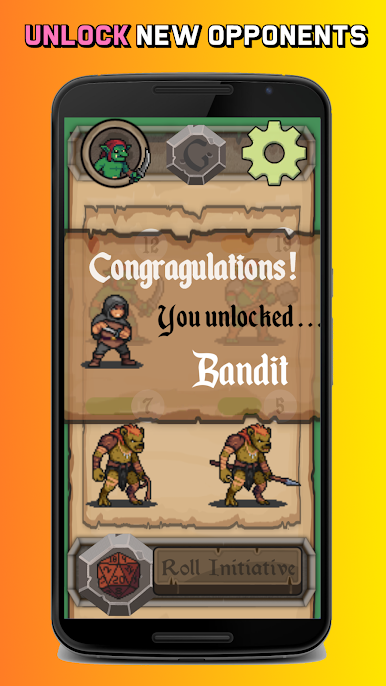
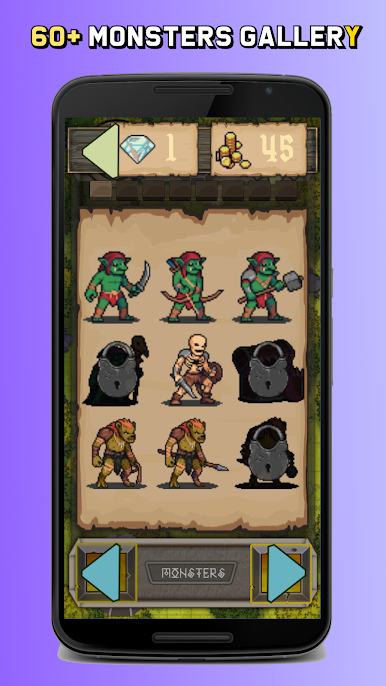
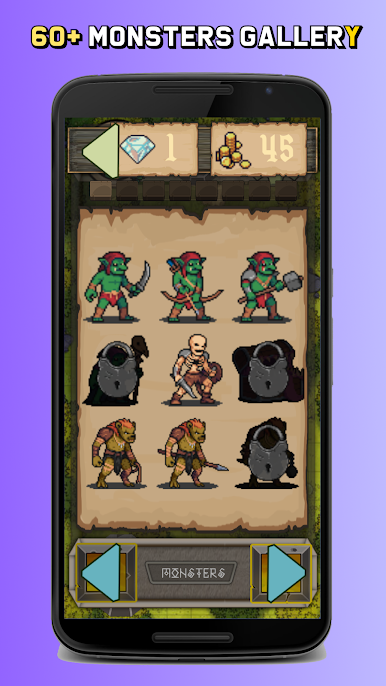
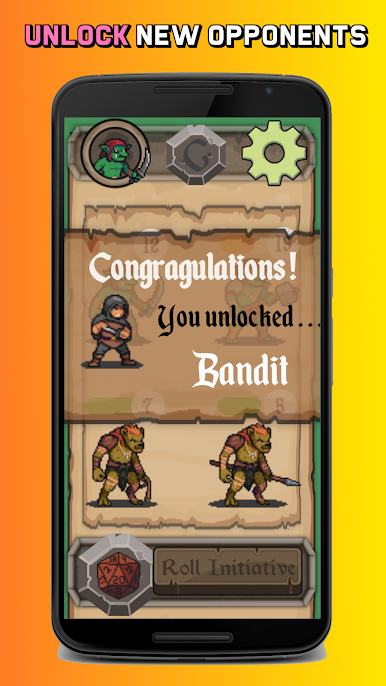
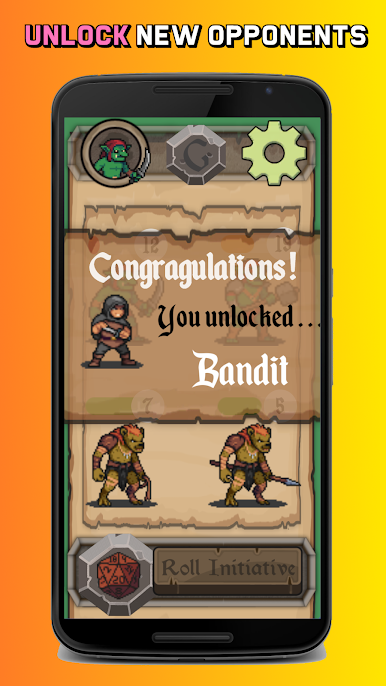
There is a growing roster of monsters that unlock over time, from little goblins up to dragons, plus oddballs like liches and skeletons. Encounters can be mixed however someone wants, so a mage leading undead or a dragon with minions is a couple clicks away. The built in monster manual and short tutorials are straightforward, so getting around the app does not take long. It uses 5e style numbers from the open SRD, so the stat lines feel familiar without needing to memorize anything. It is not a full virtual tabletop with maps and tokens. It is focused on encounter generation and running the math cleanly, which is exactly the appeal for anyone who wants punchy, ready to run fights.
BlueStacks brings your apps to life on a bigger screen—seamless and straightforward.

Play TTRPG Encounter Generator on PC. It’s easy to get started.
-
Download and install BlueStacks on your PC
-
Complete Google sign-in to access the Play Store, or do it later
-
Look for TTRPG Encounter Generator in the search bar at the top right corner
-
Click to install TTRPG Encounter Generator from the search results
-
Complete Google sign-in (if you skipped step 2) to install TTRPG Encounter Generator
-
Click the TTRPG Encounter Generator icon on the home screen to start playing

