


USSR Simulator
Jouez sur PC avec BlueStacks - la plate-forme de jeu Android, approuvée par + 500M de joueurs.

Page Modifiée le: Apr 30, 2024
Play USSR Simulator on PC or Mac
Explore a whole new adventure with USSR Simulator, a Simulation game created by Hippo. Experience great gameplay with BlueStacks, the most popular gaming platform to play Android games on your PC or Mac.
About the Game
Ever wondered what it’s like to call the shots in the Soviet Union? USSR Simulator lets you slide into the well-shined shoes of an ambitious Soviet official, handling everything from tax collection to making tough decisions for your country’s future. It’s a quirky, strategy-filled simulation that nudges you to balance progress, economy, and – let’s be honest – a little bit of control. Every choice has its weight, from rolling out new policies to keeping an eye on so-called “enemies of the people.”
Game Features
-
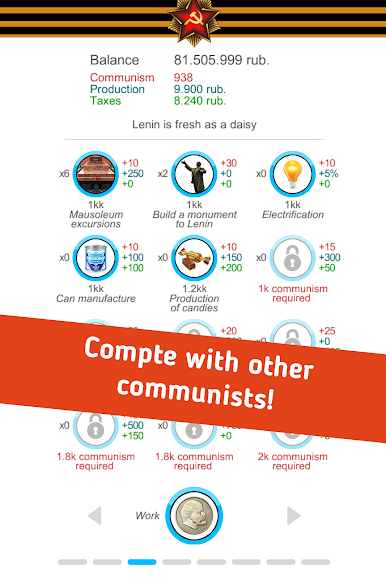
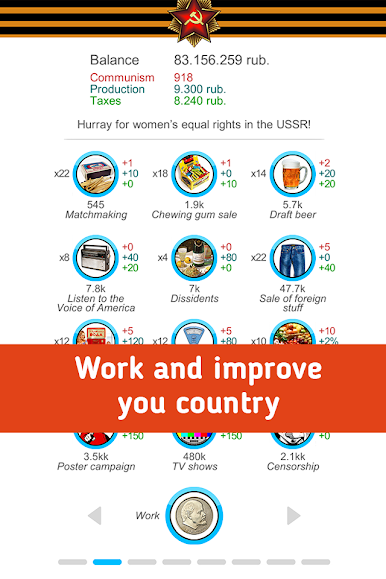
Upgrade and Expand
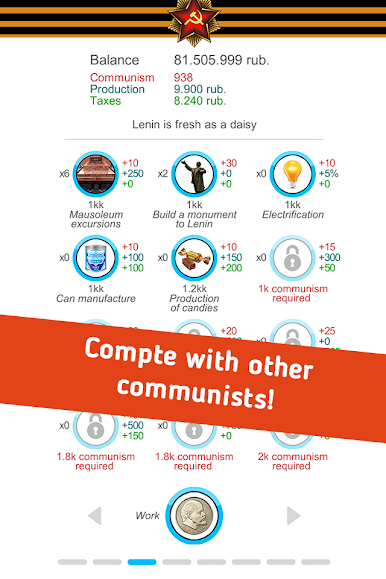
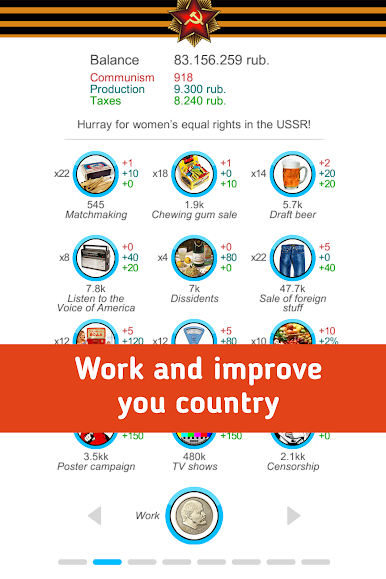
More than 50 different activities can be upgraded, letting you shape the direction of your Soviet utopia (or, well, something close to it). -
5-Year Plans
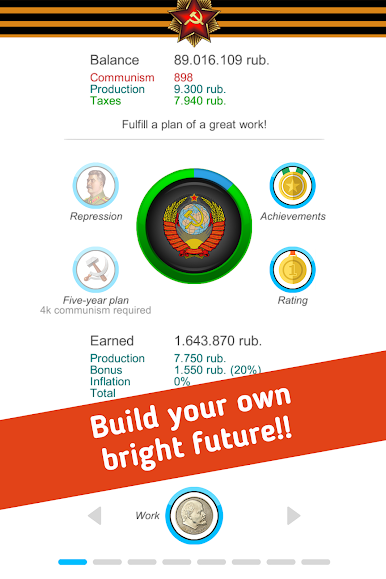
Tackle those famous five-year plans and see if you can guide your nation toward prosperity—or at least keep things ticking along. -
Handle Dissent
Got troublemakers? You’ll have to decide how to deal with anyone challenging your authority, all in the name of progress. -
Missions and Achievements
Loads of tasks and milestones are ready to be unlocked as you move your way up the ranks. -
Friendly Competition
See how your country stacks up against your friends in leaderboards—because bragging rights never go out of style.
Enjoy all the intrigue and charm of USSR Simulator on your mobile device, or fire it up on a bigger screen using BlueStacks for a new way to play.
Slay your opponents with your epic moves. Play it your way on BlueStacks and dominate the battlefield.
Jouez à USSR Simulator sur PC. C'est facile de commencer.
-
Téléchargez et installez BlueStacks sur votre PC
-
Connectez-vous à Google pour accéder au Play Store ou faites-le plus tard
-
Recherchez USSR Simulator dans la barre de recherche dans le coin supérieur droit
-
Cliquez pour installer USSR Simulator à partir des résultats de la recherche
-
Connectez-vous à Google (si vous avez ignoré l'étape 2) pour installer USSR Simulator
-
Cliquez sur l'icône USSR Simulator sur l'écran d'accueil pour commencer à jouer

