

Bentuk dan Warna untuk anak
Mainkan di PC dengan BlueStacks – platform Game-Game Android, dipercaya oleh lebih dari 500 juta gamer.

Run Shapes and Colors for kids on PC or Mac
What’s better than using Shapes and Colors for kids by Baby Educational Games for boys, for girls? Well, try it on a big screen, on your PC or Mac, with BlueStacks to see the difference.
About the App
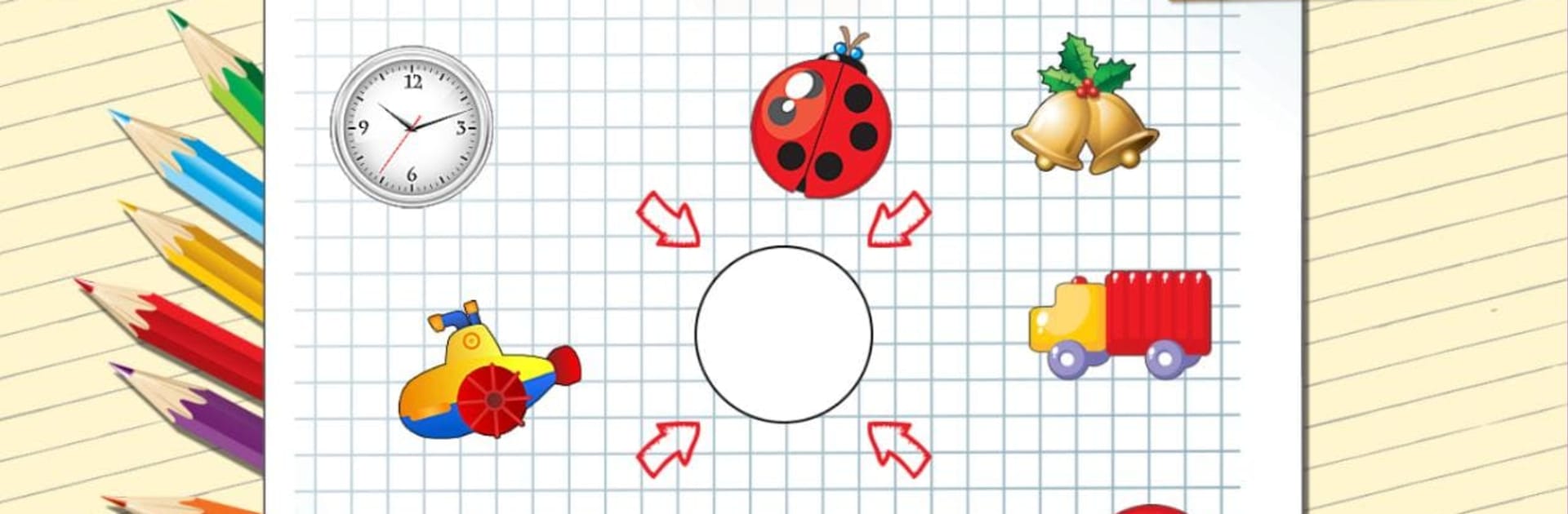
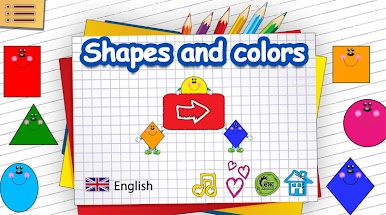
Shapes and Colors for kids is a playful way for little ones to start learning about the basics—shapes and colors—while having a great time. Created with toddlers and preschoolers in mind, this Education app by Baby Educational Games for boys, for girls keeps things light and interactive, turning tricky topics into simple, hands-on games. Whether your child is just getting curious about the world or you’re looking for a fun way to help them grow, you’ll find plenty here to keep them engaged.
App Features
-
Learn Shapes the Easy Way
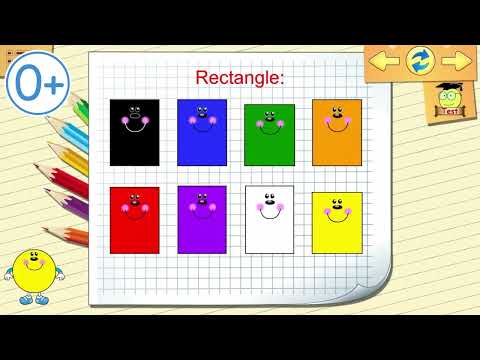
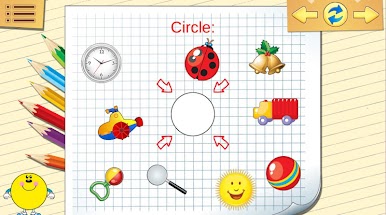
Bright, friendly shapes pop up on the screen, making it easy for kids to spot the difference between a triangle and a square. Each shape is clearly shown, so recognizing them becomes second nature. -
Colors That Pop
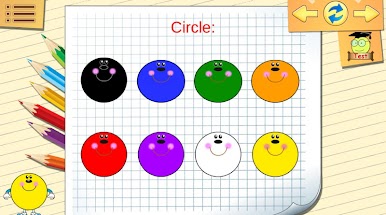
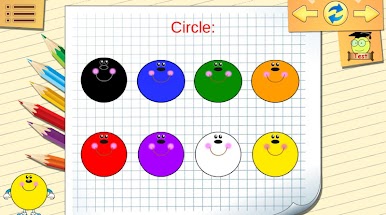
Vivid, bold colors make things exciting for little eyes. Kids get to match, sort, and identify colors in a clear, inviting way, which really helps those skills stick. -
Mini-Games for Every Mood
The app bundles together four different mini-games, from basic shape and color matching to surprises that reward kids for their progress. It’s always a bit of a new adventure, even after repeated play. -
Multiple Languages, Genuine Voices
Kids can play and learn in several languages, featuring real human voices in English, Russian, German, Spanish, Romanian, and French. This helps create a comfortable, friendly atmosphere for every child. -
Just Fun, No Pressure
There are no complicated menus or tricky rules—just tap, play, and watch your child discover. It’s appealing to both boys and girls, built for curious hands and minds. -
Parent-Approved Content
The activities are designed with help from child development experts, so you know your child’s playtime is also learning time. -
Play on BlueStacks
If you prefer a bigger screen or want to manage kid’s games from your desktop, Shapes and Colors for kids also works with BlueStacks, giving you more options to fit your family’s routine.
BlueStacks brings your apps to life on a bigger screen—seamless and straightforward.
Mainkan Bentuk dan Warna untuk anak di PC Mudah saja memulainya.
-
Unduh dan pasang BlueStacks di PC kamu
-
Selesaikan proses masuk Google untuk mengakses Playstore atau lakukan nanti
-
Cari Bentuk dan Warna untuk anak di bilah pencarian di pojok kanan atas
-
Klik untuk menginstal Bentuk dan Warna untuk anak dari hasil pencarian
-
Selesaikan proses masuk Google (jika kamu melewati langkah 2) untuk menginstal Bentuk dan Warna untuk anak
-
Klik ikon Bentuk dan Warna untuk anak di layar home untuk membuka gamenya

