


Fury Cars
Играйте на ПК с BlueStacks – игровой платформе для приложений на Android. Нас выбирают более 500 млн. игроков.

Страница изменена: Nov 24, 2025
Play Fury Cars on PC or Mac
Explore a whole new adventure with Fury Cars, a Arcade game created by Yso Corp. Experience great gameplay with BlueStacks, the most popular gaming platform to play Android games on your PC or Mac.
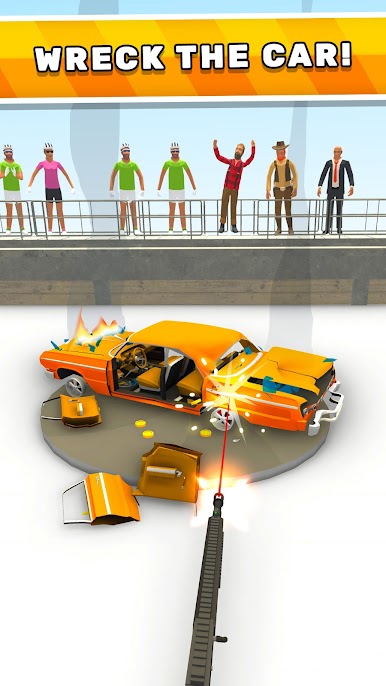
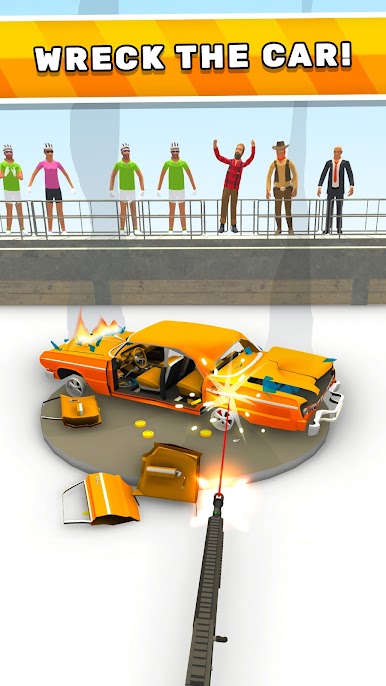
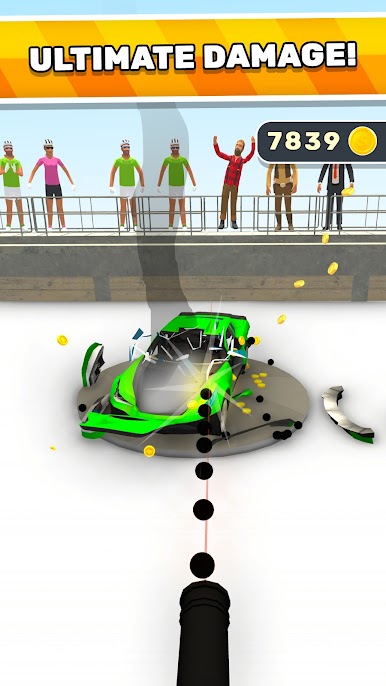
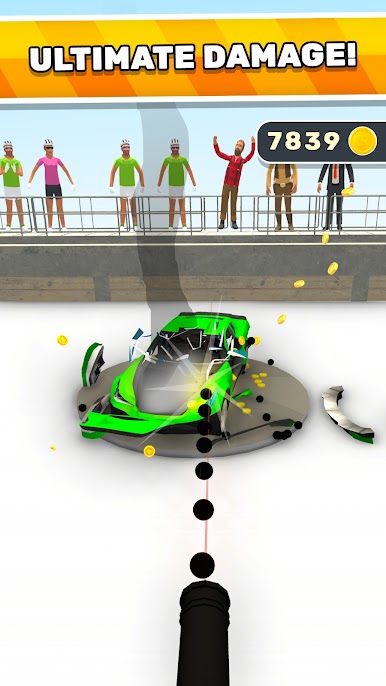
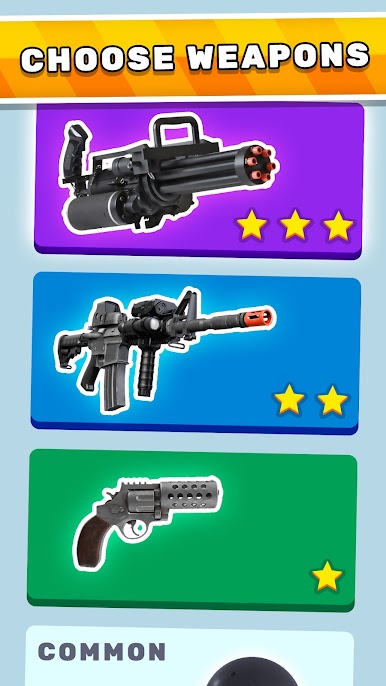
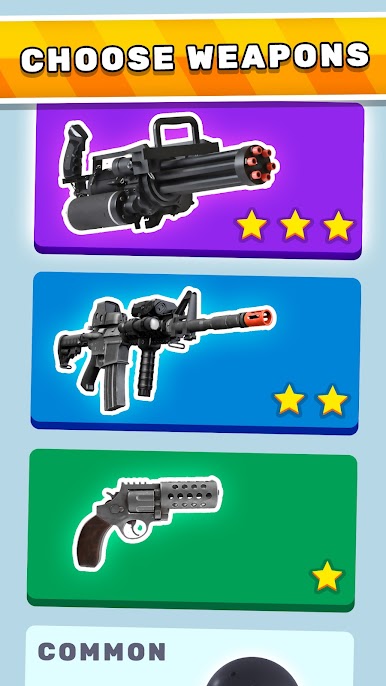
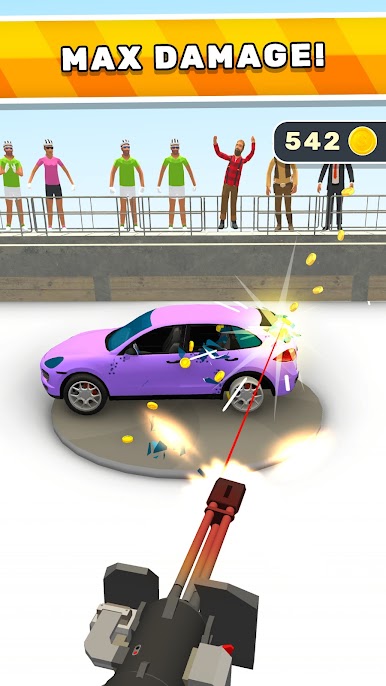
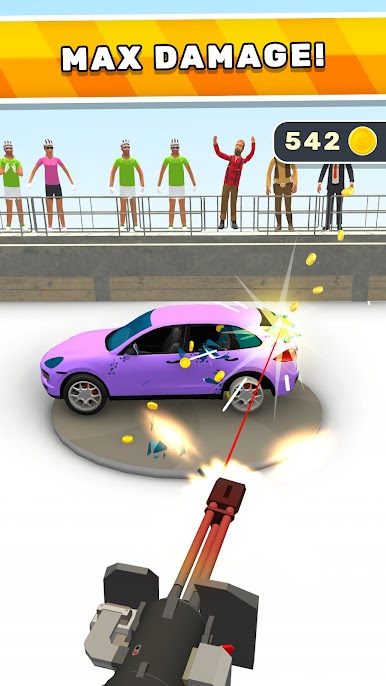
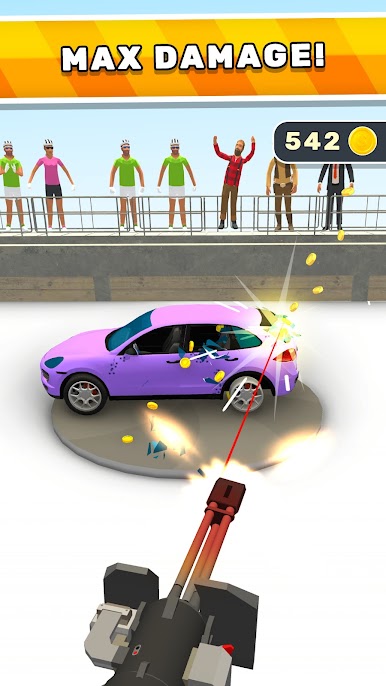
Fury Cars is all about smashing up vehicles in a way that’s surprisingly satisfying. Runs start with a car rolling into a city or open area and, instead of racing, the goal is to crash and destroy as much as possible. There’s a bunch of different cars to unlock, each one with its own look and a unique, over-the-top way it breaks apart. It’s not about fancy controls or complicated mechanics, just tap or hold and watch the chaos unfold. The game rewards bigger crashes and crazier demolition, so every round gets a little more fun as upgrades pile on.
Sound effects are crisp and dramatic—lots of metal crunching and parts flying across the screen. The whole thing feels like a cartoon but with the kind of slapstick car destruction you’d see in old action movies. Playing on PC with BlueStacks actually makes it easier to see those details since everything’s bigger and smoother. There aren’t a ton of rules to remember or strategies to think about, it’s just crash, watch the carnage, and see if it can get any wilder next time. Anyone who enjoys quick, destructive gameplay without a lot of fuss will probably get a kick out of it.
Start your journey now. Download the game on BlueStacks, invite your friends, and march on a new adventure.




Играйте в игру Fury Cars на ПК. Это легко и просто.
-
Скачайте и установите BlueStacks на ПК.
-
Войдите в аккаунт Google, чтобы получить доступ к Google Play, или сделайте это позже.
-
В поле поиска, которое находится в правой части экрана, введите название игры – Fury Cars.
-
Среди результатов поиска найдите игру Fury Cars и нажмите на кнопку "Установить".
-
Завершите авторизацию в Google (если вы пропустили этот шаг в начале) и установите игру Fury Cars.
-
Нажмите на ярлык игры Fury Cars на главном экране, чтобы начать играть.

