


Permis de Conduire 2025
Spiele auf dem PC mit BlueStacks - der Android-Gaming-Plattform, der über 500 Millionen Spieler vertrauen.

Seite geändert am: Apr 23, 2024
Run Permis de Conduire 2020 on PC or Mac
Why limit yourself to your small screen on the phone? Run Permis de Conduire 2020, an app by ZimBomBah, best experienced on your PC or Mac with BlueStacks, the world’s #1 Android emulator.
About the App
Getting ready to ace your driving test? Permis de Conduire 2020, created by ZimBomBah, makes studying for your license more relaxed and—dare we say—actually enjoyable. Whether you’re squeezing in quick practice between classes or setting aside an afternoon to really dig in, this Education app’s got you covered with tools that fit right into your routine. Track your progress, tackle common pitfalls, and get comfortable with the kind of questions you’ll see on test day.
App Features
-
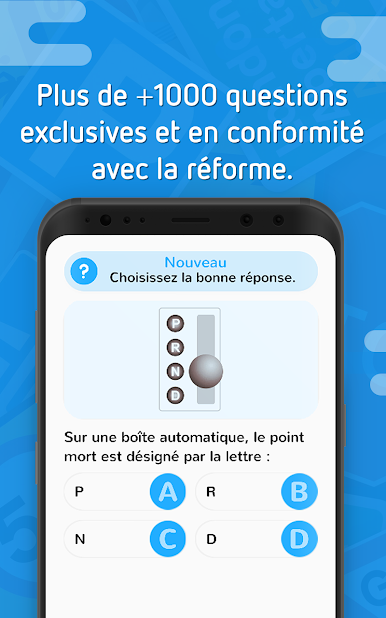
Thousand-Question Bank
Brush up on every road sign and tricky scenario with a massive collection of 1,000 questions, all with clear, no-nonsense answers so you actually understand the reasoning behind each one. -
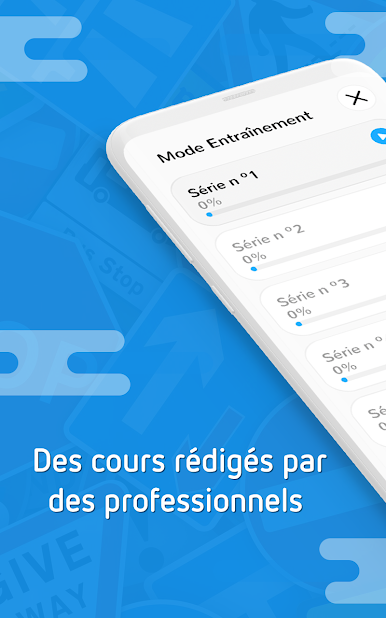
Progress Tracking by Topic
Want to see where you’re crushing it—and where you might need an extra boost? Spot your strengths and weaknesses at a glance with detailed performance reports, organized by category. -
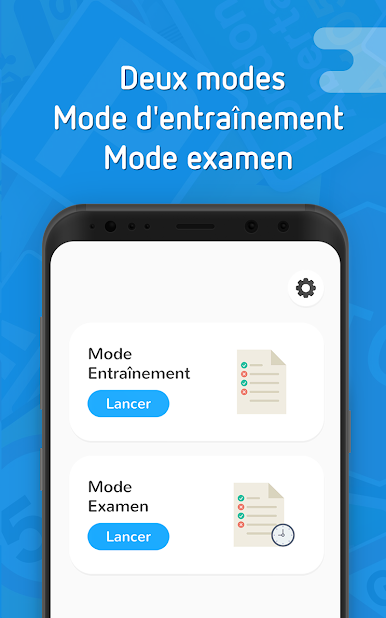
Two Practice Modes
Whether you prefer online simulated tests or focused category-based sessions, swap between two flexible practice styles to suit your mood or schedule. -
Advanced Stats
It’s not just about scoring points—check out advanced statistics to watch your improvement over time, pinpoint stumbling blocks, and celebrate milestones. -
Offline Practice Series
No Internet? No problem. You can keep practicing with offline code series, so subway rides or dead zones can actually be productive.
You can even give it a spin on your computer through BlueStacks if you want a bigger screen for those marathon study sessions.
Switch to BlueStacks and make the most of your apps on your PC or Mac.

Spiele Permis de Conduire 2025 auf dem PC. Der Einstieg ist einfach.
-
Lade BlueStacks herunter und installiere es auf deinem PC
-
Schließe die Google-Anmeldung ab, um auf den Play Store zuzugreifen, oder mache es später
-
Suche in der Suchleiste oben rechts nach Permis de Conduire 2025
-
Klicke hier, um Permis de Conduire 2025 aus den Suchergebnissen zu installieren
-
Schließe die Google-Anmeldung ab (wenn du Schritt 2 übersprungen hast), um Permis de Conduire 2025 zu installieren.
-
Klicke auf dem Startbildschirm auf das Permis de Conduire 2025 Symbol, um mit dem Spielen zu beginnen

