


Администрация порта-TCP сканер
Играйте на ПК с BlueStacks – игровой платформе для приложений на Android. Нас выбирают более 500 млн. игроков.

Страница изменена: Sep 11, 2022
Run Port Authority - LAN Host Discovery & Port Scanner on PC or Mac
Why limit yourself to your small screen on the phone? Run Port Authority – LAN Host Discovery & Port Scanner, an app by Aaron Wood, best experienced on your PC or Mac with BlueStacks, the world’s #1 Android emulator.
About the App
Ever wonder what’s really going on across your network? Port Authority – LAN Host Discovery & Port Scanner makes it simple to find out. This app by Aaron Wood is perfect for anyone who likes to keep tabs on their systems—whether you’re a network geek or just curious about what’s connected to your LAN. It’s fast, straightforward, and gives you a deep look at device and port activity without feeling complicated.
App Features
-
Lightning-Fast Scanning
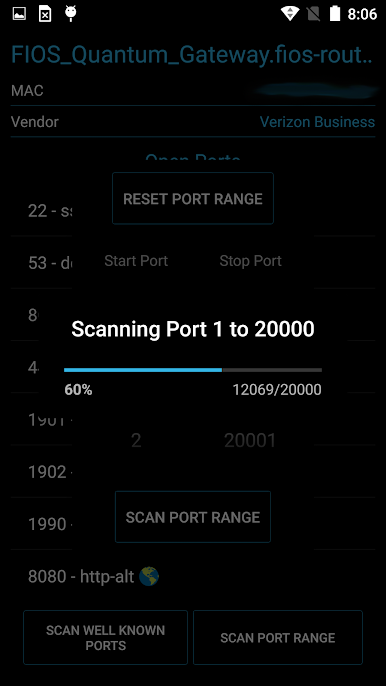
No twiddling your thumbs waiting for results—Port Authority can scan thousands of ports in a matter of seconds, thanks to its ultra-efficient design. -
LAN Host Discovery
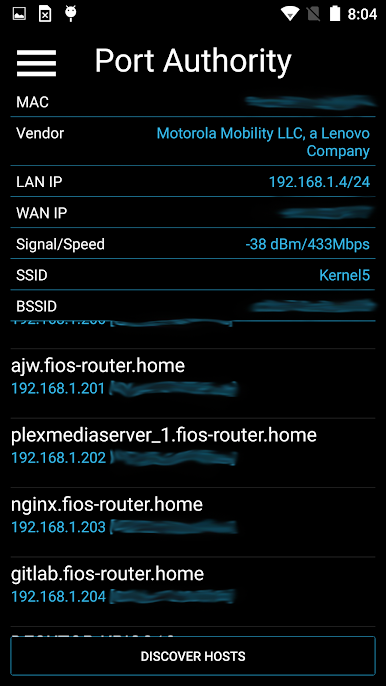
Instantly see who or what is on your network. The app sniffs out devices connected to your Wi-Fi so you’re always in the know. -
Customizable Scans
Only interested in certain ports? Set up custom port ranges to focus on exactly what matters to you. -
TCP Port Scans (LAN/WAN)
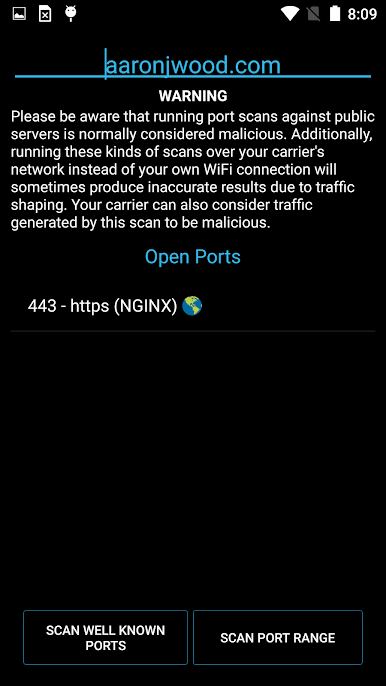
Check for open ports on devices both in your local network or out on the internet. Helps you spot both expected and unexpected connections. -
Service Fingerprinting
Find out what’s behind those open ports—like server type and version for HTTP, HTTPS, or SSH. It’s a quick peek under the hood. -
See Device Details
Grab information like MAC addresses, vendor info, and even discover your public IP at a tap. -
Wake-on-LAN
Got a sleeping PC or device? Wake them up directly from your phone—fantastic if you manage several machines at once. -
DNS Record Lookup
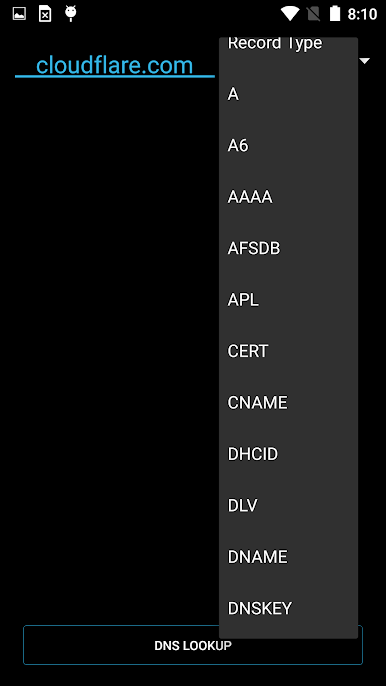
Curious about domain info? Run DNS queries on nearly any record type right from your mobile device. -
Optimized for All Devices
Works smoothly even on older hardware. You can tweak thread settings to balance speed and stability.
Use Port Authority – LAN Host Discovery & Port Scanner with BlueStacks and get a closer look at your network from the comfort of your PC if you’d like a bigger view.
BlueStacks brings your apps to life on a bigger screen—seamless and straightforward.

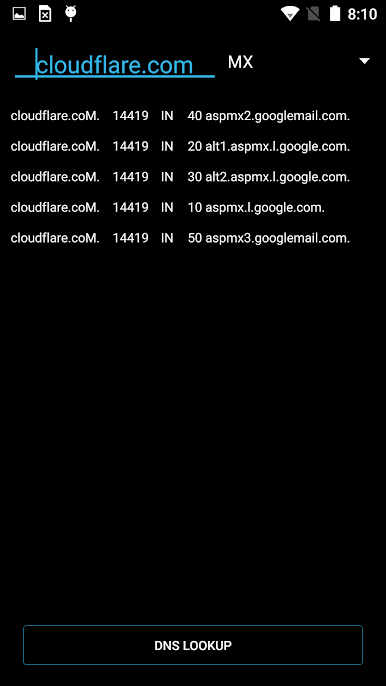
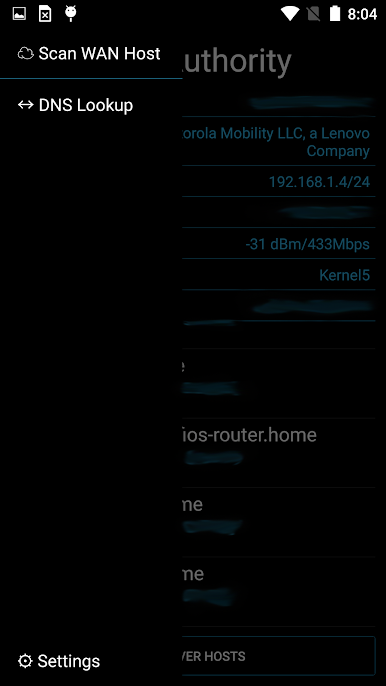
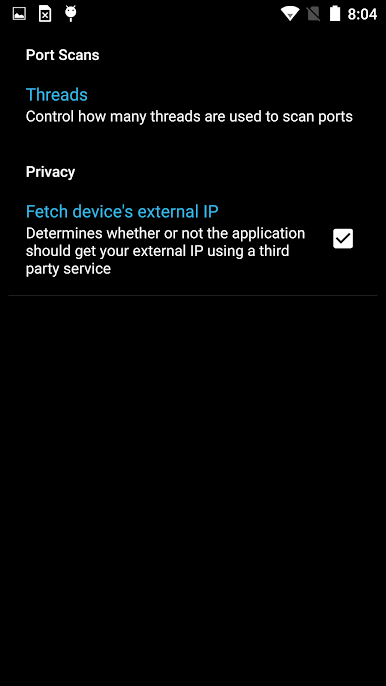
Играйте в игру Администрация порта-TCP сканер на ПК. Это легко и просто.
-
Скачайте и установите BlueStacks на ПК.
-
Войдите в аккаунт Google, чтобы получить доступ к Google Play, или сделайте это позже.
-
В поле поиска, которое находится в правой части экрана, введите название игры – Администрация порта-TCP сканер.
-
Среди результатов поиска найдите игру Администрация порта-TCP сканер и нажмите на кнопку "Установить".
-
Завершите авторизацию в Google (если вы пропустили этот шаг в начале) и установите игру Администрация порта-TCP сканер.
-
Нажмите на ярлык игры Администрация порта-TCP сканер на главном экране, чтобы начать играть.

