

STAG MOBILE
500M + oyuncunun güvendiği Android Oyun Platformu, BlueStacks ile PC'de oynayın.

Sayfa Değiştirilme tarihi: Aug 18, 2025
Run STAG MOBILE on PC or Mac
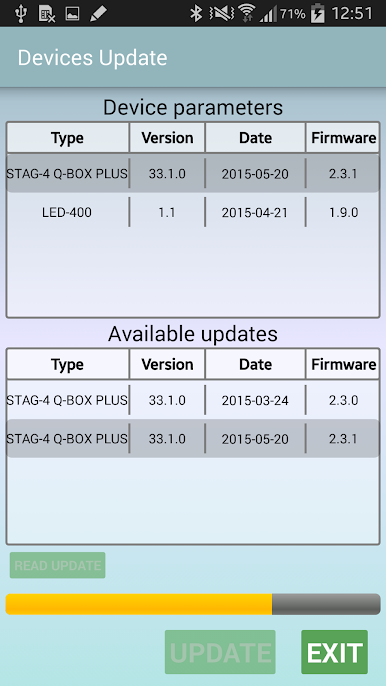
Let BlueStacks turn your PC, Mac, or laptop into the perfect home for STAG MOBILE, a fun Tools app from AC STAG.
About the App
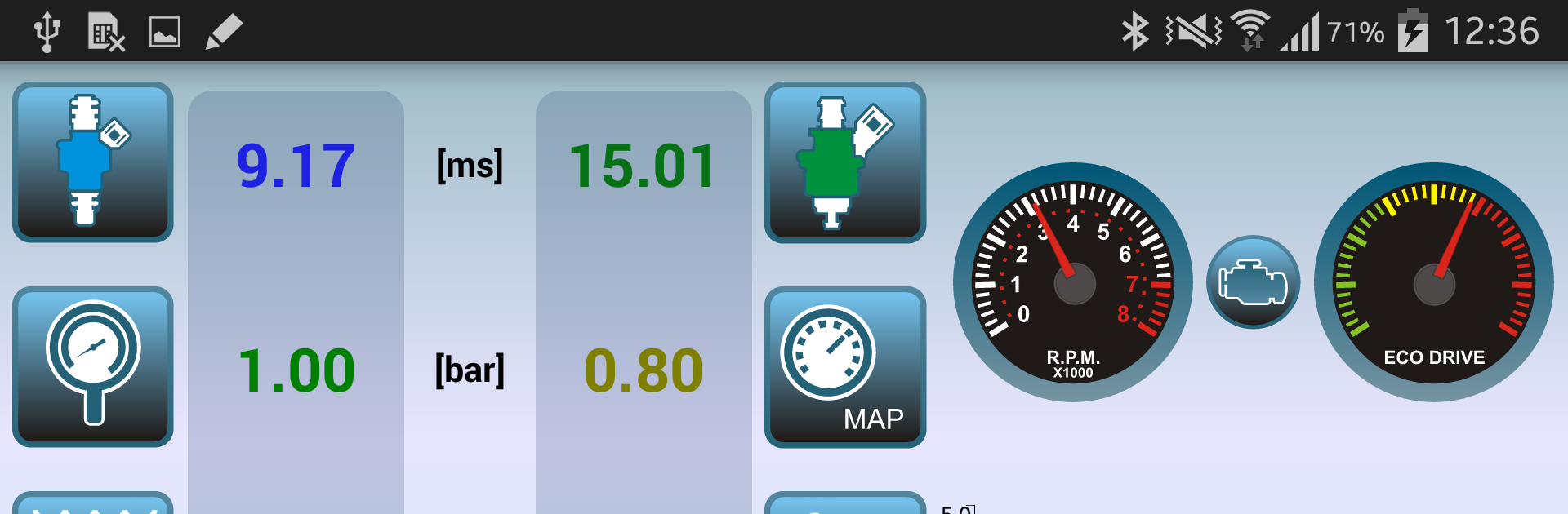
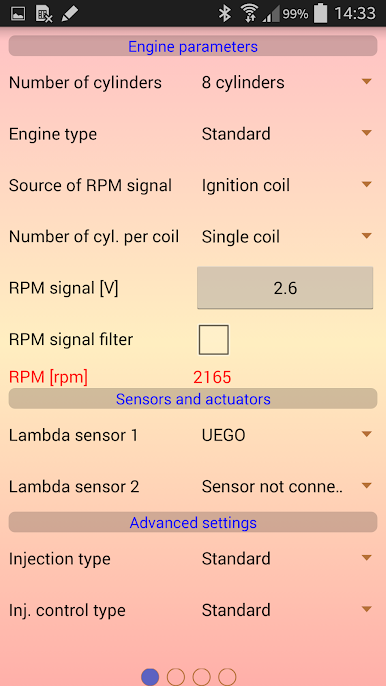
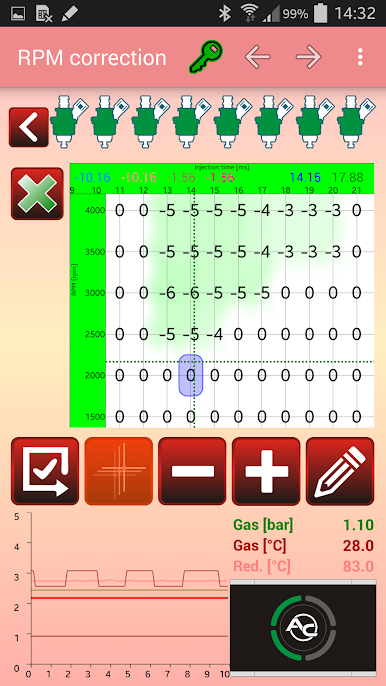
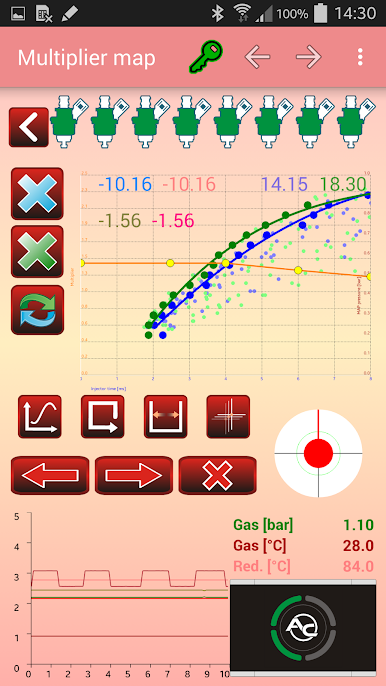
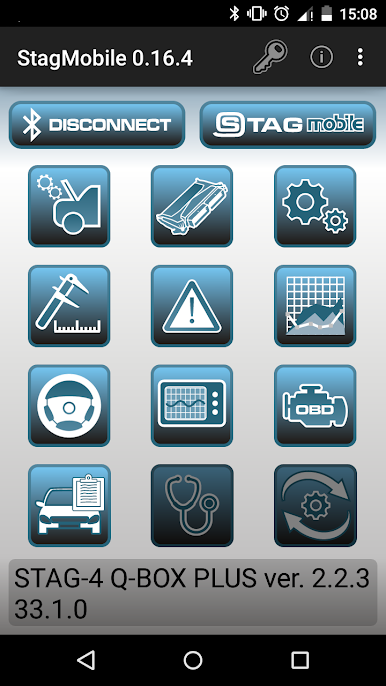
Ever wished you could fine-tune your STAG LPG or CNG system straight from your phone? STAG MOBILE, built by AC STAG, has your back. Forget hauling out your laptop—this app lets you handle everything you need for your Q-generation or DPI-series controllers, right in your hand. Whether you’re tweaking settings in your garage or checking live stats on the go, it’s a super practical tool for car enthusiasts and pros alike.
App Features
-
Easy Rail Type Switching
Quickly choose and change the injection rail type for your setup. All it takes is a few taps, making hardware changes way less of a hassle. -
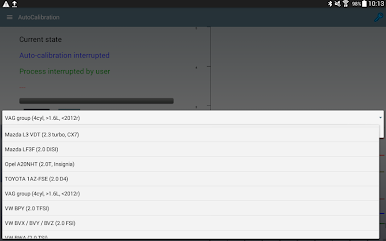
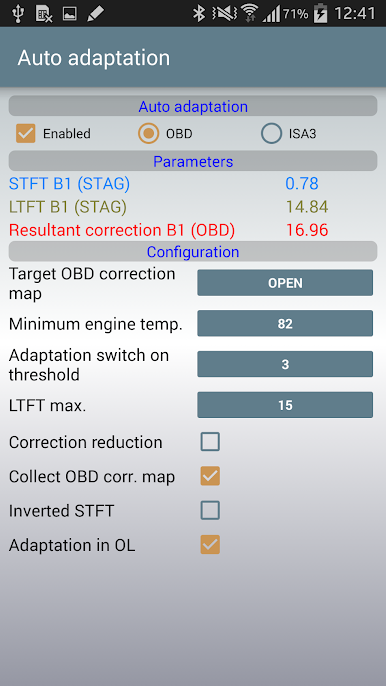
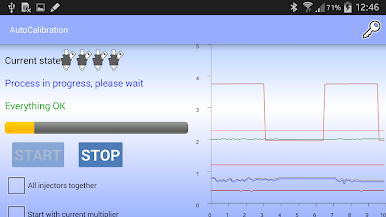
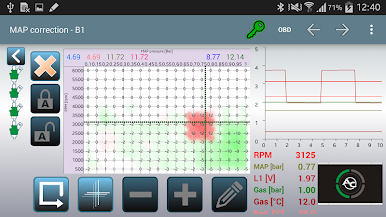
Autocalibration in Your Pocket
Run the full autocalibration process effortlessly, so your STAG LPG/CNG system gets dialed in perfectly every time, all from your mobile device. -
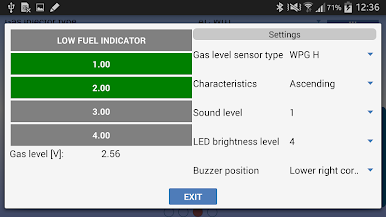
Gas Level Indicator Setup
Customize the gas level indicator to match your preferences. No guesswork—just honest info about your fuel. -
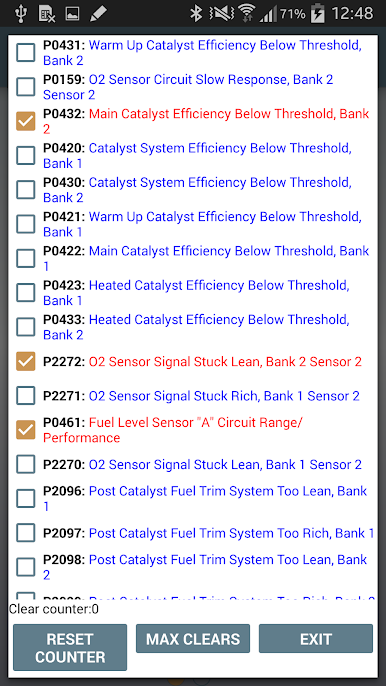
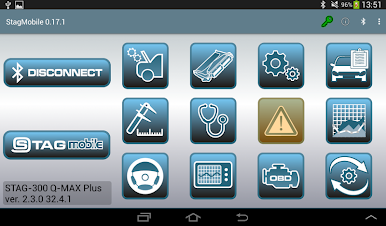
Fault Reading with Details
If something does go wrong, the app helps you read out any system errors, complete with “frozen” details about parameters when the problem popped up. -
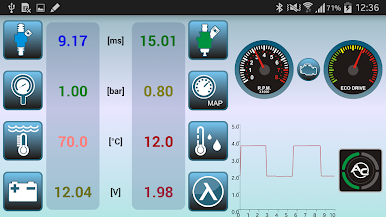
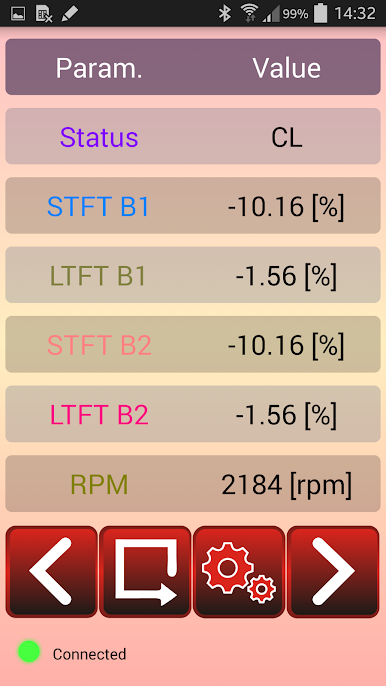
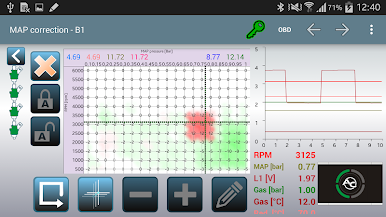
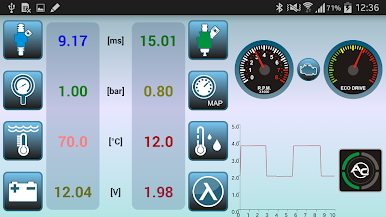
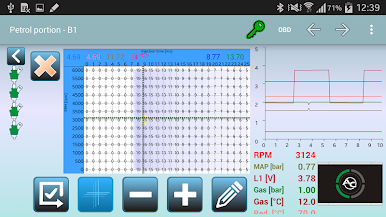
Live System Monitoring
Want to keep an eye on things as you drive? Track all key parameters of your STAG LPG/CNG system in real time without needing extra gadgets. -
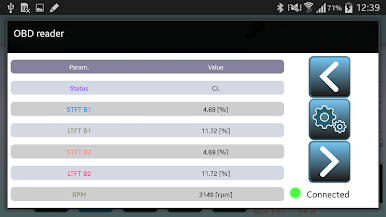
OBD Reader on the Go
Turn your phone into an OBD2/EOBD scan tool and check diagnostic details directly from your car’s onboard system. Just connect the required STAG Bluetooth interface and you’re set. -
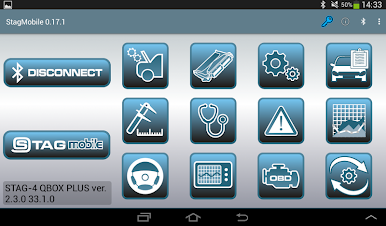
All-in-One Mobile Experience
No more bouncing between devices or carrying laptops. STAG MOBILE keeps it streamlined, and you can even use it smoothly with BlueStacks if you like working from your computer.
BlueStacks brings your apps to life on a bigger screen—seamless and straightforward.
STAG MOBILE oyununu PC'de oyna. Başlamak çok kolay.
-
BlueStacks'i PC'nize İndirin ve Yükleyin
-
Play Store'a erişmek için Google girişi yapın ya da daha sonraya bırakın.
-
Sağ üst köşeye STAG MOBILE yazarak arayın.
-
STAG MOBILE uygulamasını arama sonuçlarından indirmek için tıklayın.
-
(iEğer Adım 2'yi atladıysanız) STAG MOBILE uygulamasını yüklemek için Google'a giriş yapın.
-
Oynatmaya başlatmak için ekrandaki STAG MOBILE ikonuna tıklayın.

