


Jewel Kraken: Match3 puzzle
Jouez sur PC avec BlueStacks - la plate-forme de jeu Android, approuvée par + 500M de joueurs.

Page Modifiée le: Oct 20, 2025
Play Jewel Kraken: Match 3 Blast on PC or Mac
From the innovators and creators at ACTIONFIT, Jewel Kraken: Match 3 Blast is another fun addition to the World of Puzzle games. Go beyond your mobile screen and play it bigger and better on your PC or Mac. An immersive experience awaits you.
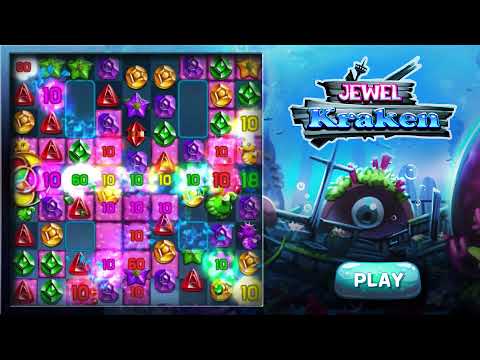
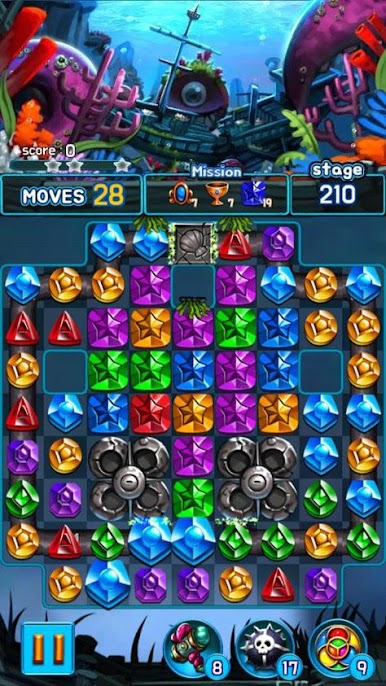
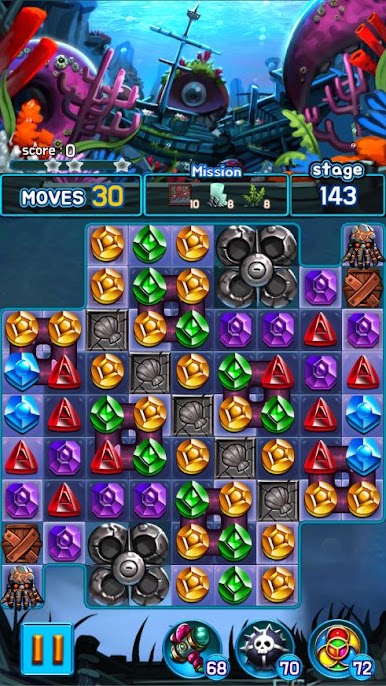
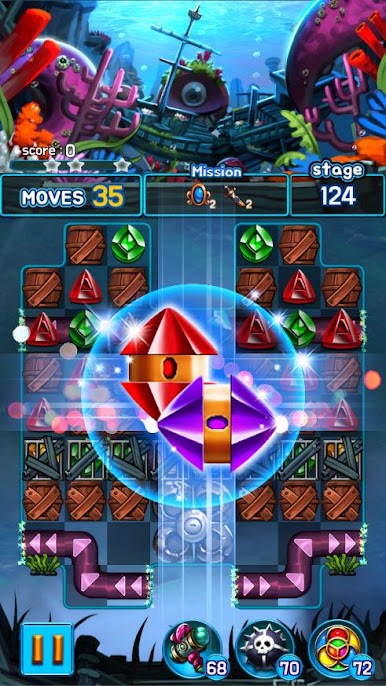
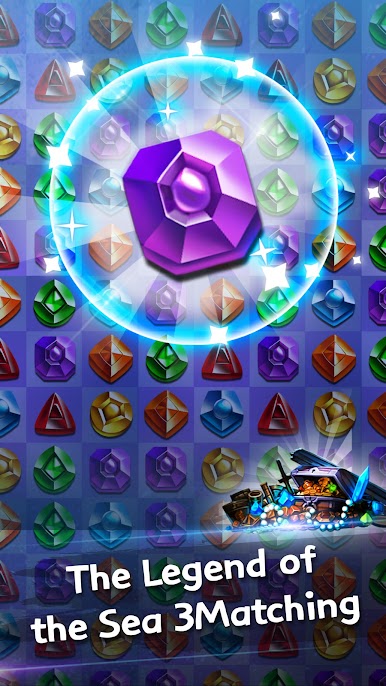
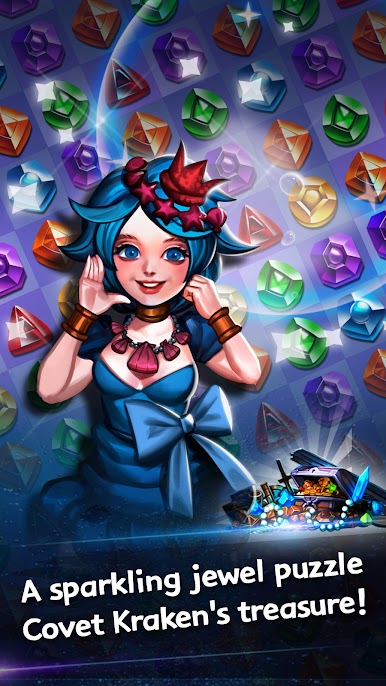
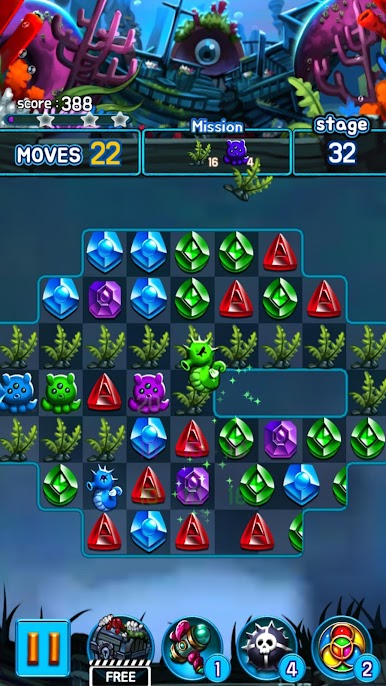
Jewel Kraken: Match 3 Blast is a chill undersea match-3 where everything is themed around shipwrecks, shiny gems, and a big goofy Kraken lurking in the background. It plays like a classic bejeweled style game, but with a ton of stages and a steady difficulty curve. Players swap jewels to clear goals, trigger little explosions, and set off special pieces that wipe rows or big clusters. The board animations are quick, the colors pop, and the ocean backdrops look clean without trying too hard. What stands out is how it just lets people keep playing. There are no lives to wait on, it works offline, and stages keep coming with regular updates, so the grind is more about solving the next puzzle than watching timers.
There are a lot of levels to chew through, over 900 and counting, and it gets trickier in a good way. Special items matter, and figuring out which power-ups to combine is half the fun. It runs light on storage and does not nag about Wi-Fi, which is nice. On PC with BlueStacks, swapping with a mouse feels precise and the game runs smooth, plus no battery stress. Just a heads up on the practical stuff: progress can reset if the app is removed or the device changes, there are ads, and optional purchases exist for things like in-game currency or removing those ads. If someone wants a no-drama match-3 with a cute sea monster theme and plenty to clear, this is that.
Start your journey now. Download the game on BlueStacks, invite your friends, and march on a new adventure.

Jouez à Jewel Kraken: Match3 puzzle sur PC. C'est facile de commencer.
-
Téléchargez et installez BlueStacks sur votre PC
-
Connectez-vous à Google pour accéder au Play Store ou faites-le plus tard
-
Recherchez Jewel Kraken: Match3 puzzle dans la barre de recherche dans le coin supérieur droit
-
Cliquez pour installer Jewel Kraken: Match3 puzzle à partir des résultats de la recherche
-
Connectez-vous à Google (si vous avez ignoré l'étape 2) pour installer Jewel Kraken: Match3 puzzle
-
Cliquez sur l'icône Jewel Kraken: Match3 puzzle sur l'écran d'accueil pour commencer à jouer

