


MiraPlug
5억명 이상의 게이머가 신뢰하는 안드로이드 게임 플랫폼 BlueStacks으로 PC에서 플레이하세요.

Run MiraPlug on PC or Mac
Get freedom from your phone’s obvious limitations. Use MiraPlug, made by Mirascreen LTD, a Tools app on your PC or Mac with BlueStacks, and level up your experience.
About the App
MiraPlug makes it super simple to get your phone’s screen onto a big display with almost no hassle. Whether you’re streaming a movie, sharing vacation photos, or launching into your favorite mobile game, MiraPlug is all about quick setup and smooth performance. Straight from Mirascreen LTD, this Tools app offers an experience that’s pretty much plug, play, and you’re good to go.
App Features
-
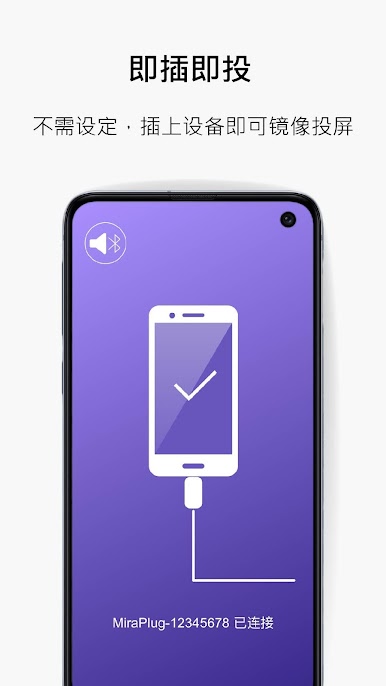
Instant Screen Mirroring
Just plug your phone into your TV or monitor—the app takes care of the rest, so there’s no need to mess with complicated settings. -
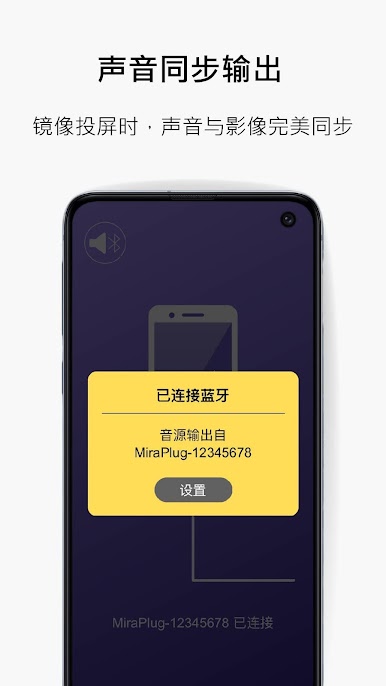
Perfect Audio & Video Sync
No more awkward lip sync issues here. MiraPlug keeps audio perfectly in line with what’s on screen, so you get a smooth experience every time. -
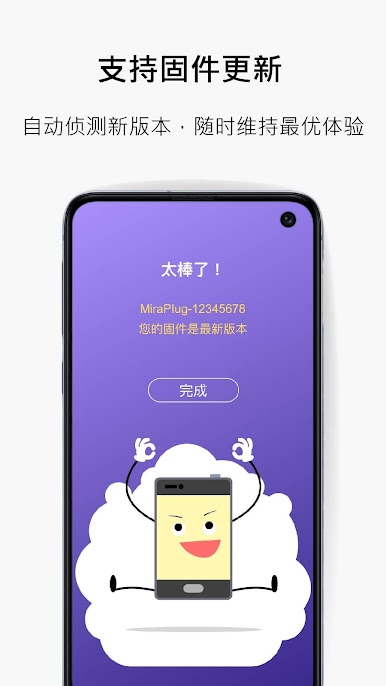
Automatic Firmware Updates
Stay up to date without even thinking about it. MiraPlug pulls the latest firmware updates from the cloud, keeping your connection reliable and fuss-free. -
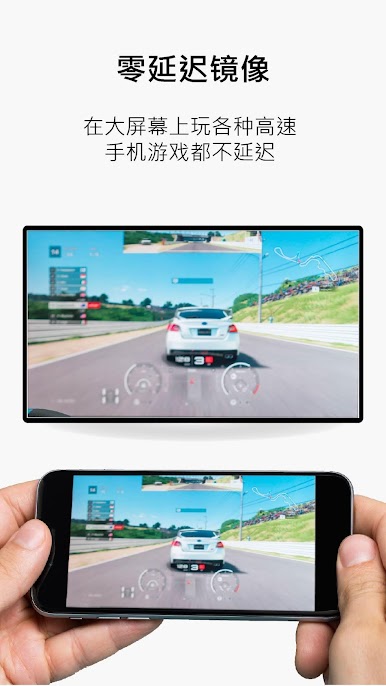
Zero-Lag Gaming Experience
Playing fast-paced games on a bigger screen? MiraPlug delivers instant response with no lag, letting you enjoy mobile gaming on a larger display just like you would on your phone.
If you want to use MiraPlug from your computer, you can always try running it with BlueStacks for added flexibility.
Big screen. Bigger performance. Use BlueStacks on your PC or Mac to run your favorite apps.
PC에서 MiraPlug 플레이해보세요.
-
BlueStacks 다운로드하고 설치
-
Google Play 스토어에 로그인 하기(나중에 진행가능)
-
오른쪽 상단 코너에 MiraPlug 검색
-
검색 결과 중 MiraPlug 선택하여 설치
-
구글 로그인 진행(만약 2단계를 지나갔을 경우) 후 MiraPlug 설치
-
메인 홈화면에서 MiraPlug 선택하여 실행

