


Hợp âm Ghita MobiDic
Chơi trên PC với BlueStacks - Nền tảng chơi game Android, được hơn 500 triệu game thủ tin tưởng.

Trang đã được sửa đổi vào: Jul 6, 2025
Run MobiDic Guitar Chords on PC or Mac
Let BlueStacks turn your PC, Mac, or laptop into the perfect home for MobiDic Guitar Chords, a fun Music & Audio app from BrainSides.
About the App
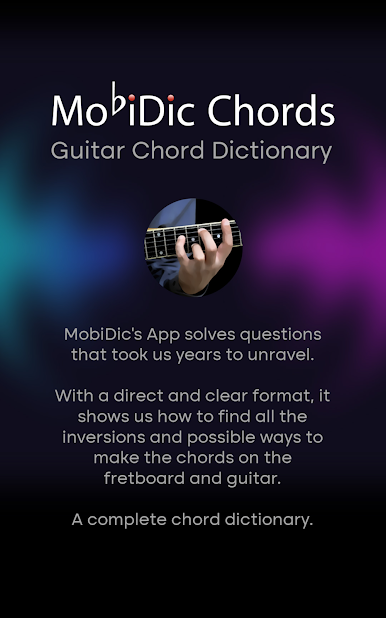
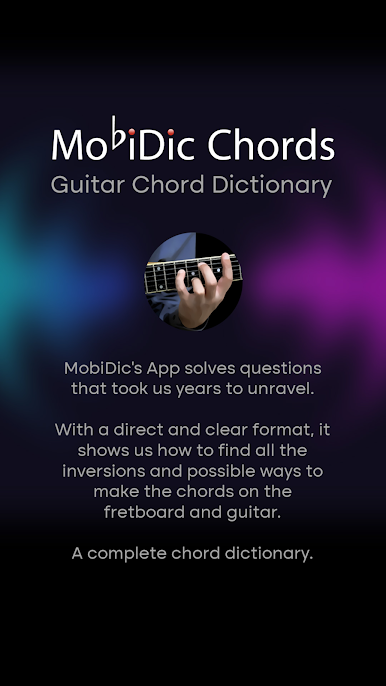
Ever struggled to remember that weird F#m7 chord shape? With MobiDic Guitar Chords, that’s not a problem anymore. This handy app from BrainSides acts like your personal chord encyclopedia, perfect for both acoustic and electric guitar players. It’s packed with thousands of chord diagrams, each one clearly illustrated, so you can focus on playing instead of searching.
App Features
-
Huge Chord Library
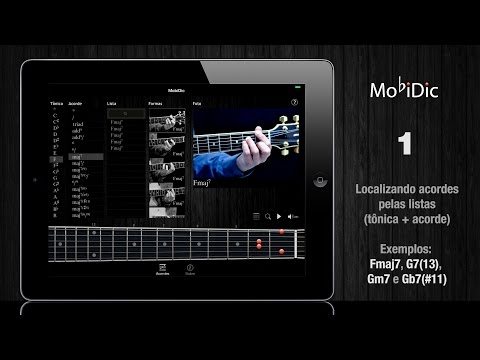
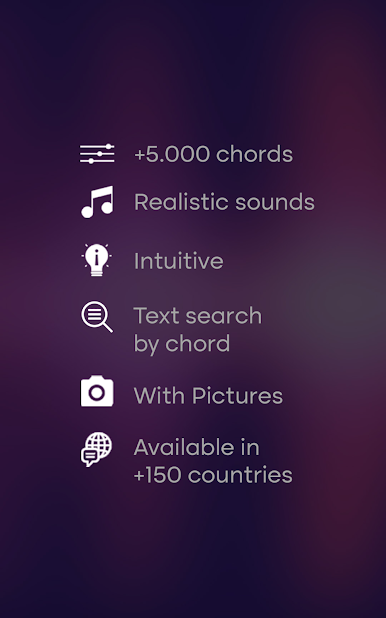
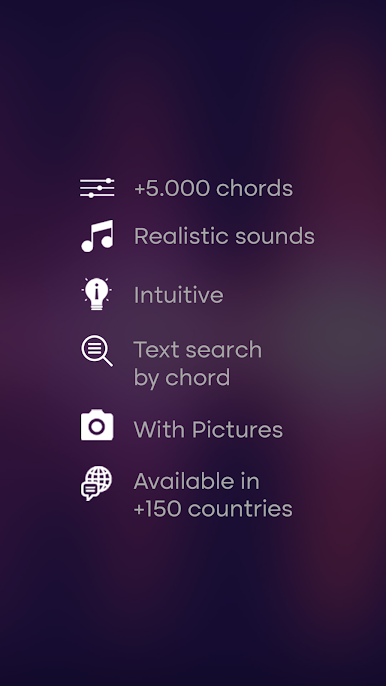
Looking for something specific? MobiDic Guitar Chords brings you about 5,000 chords, from the basics to the bizarre, all laid out with realistic sounds so you know exactly what each one should sound like. -
Clear Visuals
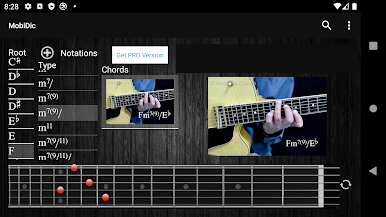
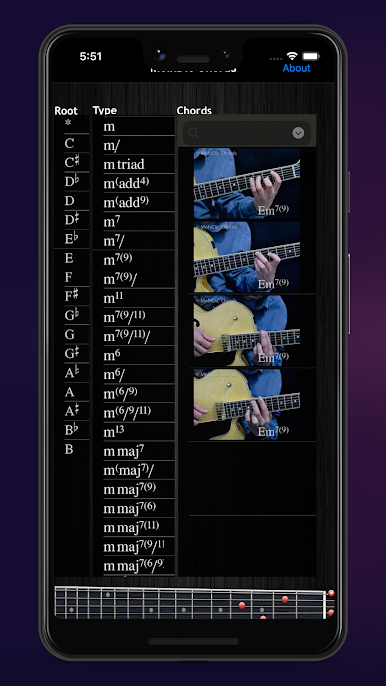
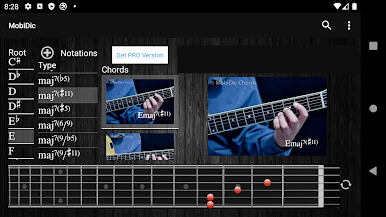
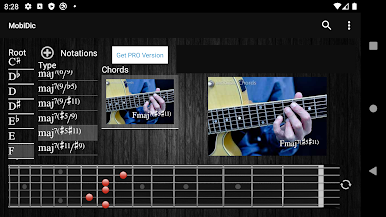
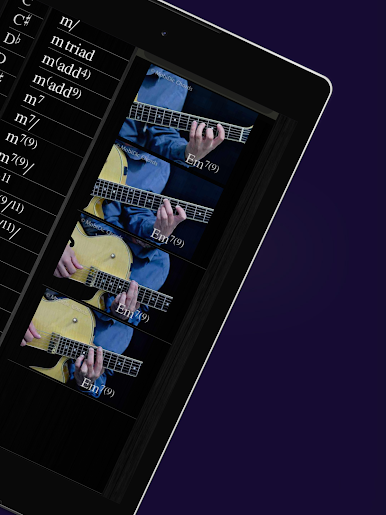
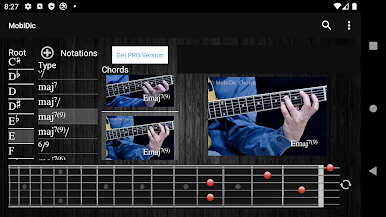
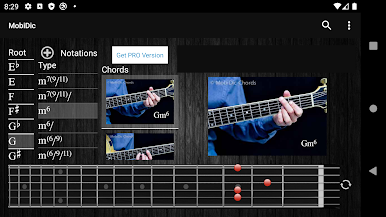
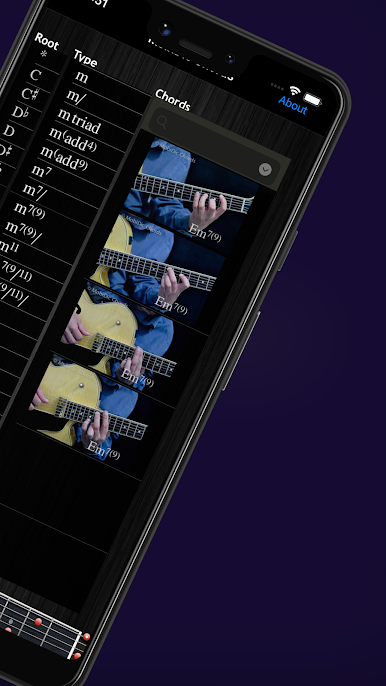
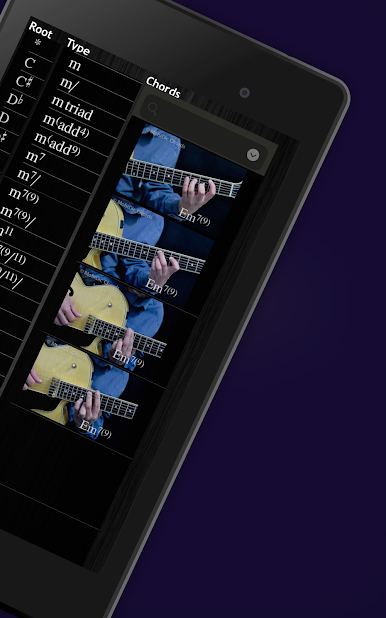
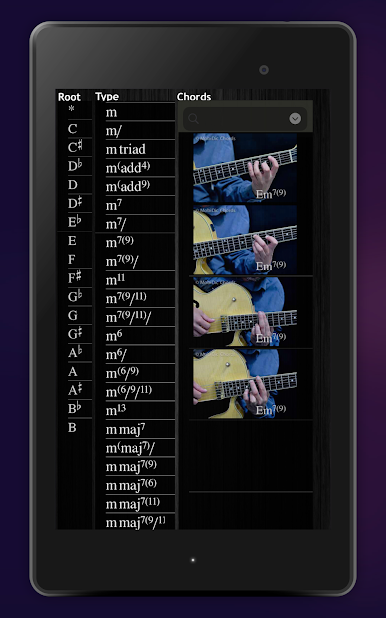
No more squinting at blurry diagrams. Every chord comes with a crisp picture, making finger placement way easier—just a quick glance and you’re set. -
Easy Navigation
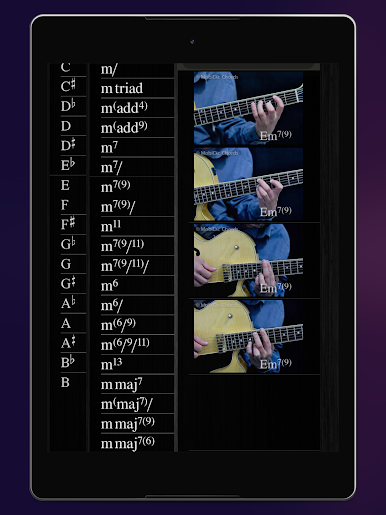
Want to find a particular chord fast? Use the lists sorted by tonic and chord type, or search directly. It’s all super intuitive, so you’re never digging around in menus. -
Guitarist-Approved
Tested by seasoned pros, this app feels made for musicians. You can trust that the chord shapes actually make sense for your fingers. -
Great for Practice
Since you can actually hear the chords, it’s a fantastic way to train your ear or quickly double-check if you’ve got your grip right before your next jam. -
Optimized for Different Setups
While you can use it on your smartphone, it works seamlessly with BlueStacks on your computer if you like having a bigger screen as you practice.
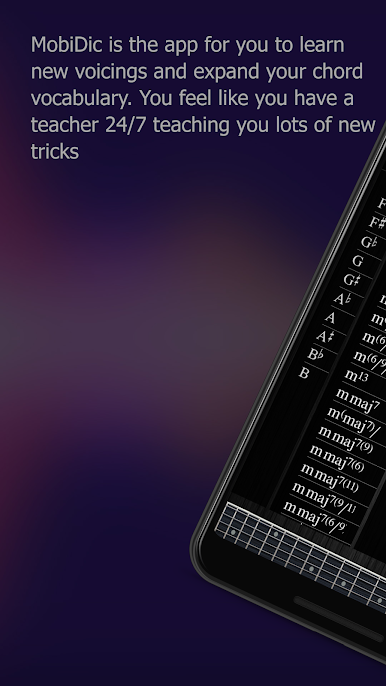
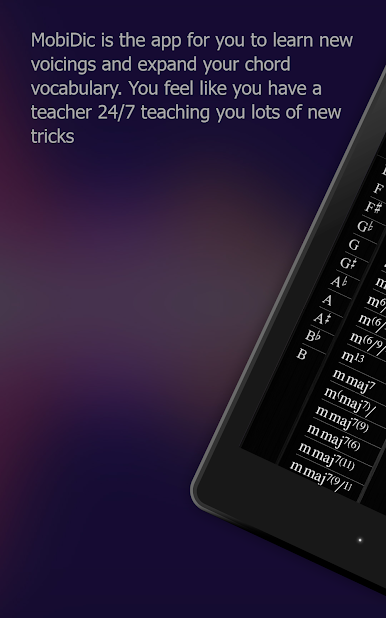
Whether you’re picking up your guitar for the first time or looking to expand your chord vocabulary, MobiDic Guitar Chords keeps everything at your fingertips—with just the right amount of detail to keep you learning and playing.
Ready to experience MobiDic Guitar Chords on a bigger screen, in all its glory? Download BlueStacks now.

Chơi Hợp âm Ghita MobiDic trên PC. Rất dễ để bắt đầu
-
Tải và cài đặt BlueStacks trên máy của bạn
-
Hoàn tất đăng nhập vào Google để đến PlayStore, hoặc thực hiện sau
-
Tìm Hợp âm Ghita MobiDic trên thanh tìm kiếm ở góc phải màn hình
-
Nhấn vào để cài đặt Hợp âm Ghita MobiDic trong danh sách kết quả tìm kiếm
-
Hoàn tất đăng nhập Google (nếu bạn chưa làm bước 2) để cài đặt Hợp âm Ghita MobiDic
-
Nhấn vào icon Hợp âm Ghita MobiDic tại màn hình chính để bắt đầu chơi

