

Additio App for teachers
BlueStacksを使ってPCでプレイ - 5憶以上のユーザーが愛用している高機能Androidゲーミングプラットフォーム

Run Teacher's Gradebook - Additio on PC or Mac
Why limit yourself to your small screen on the phone? Run Teacher’s Gradebook – Additio, an app by Didactic Labs, S.L., best experienced on your PC or Mac with BlueStacks, the world’s #1 Android emulator.
About the App
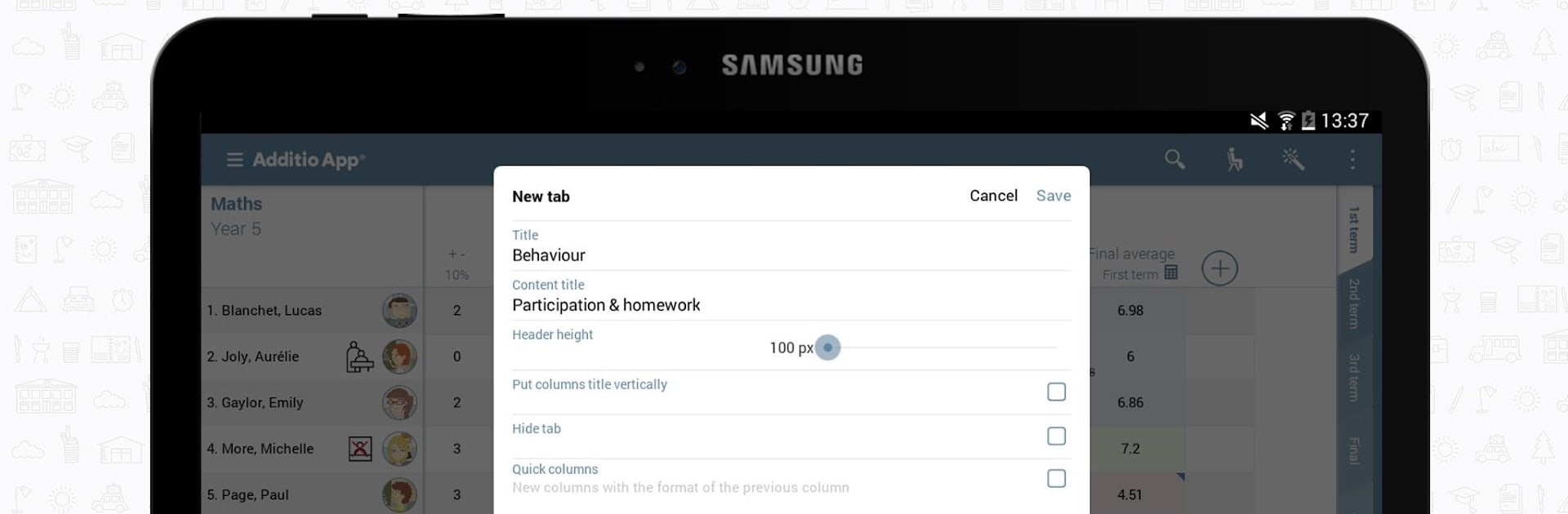
Teacher’s Gradebook – Additio makes life in the classroom (and outside of it) a whole lot smoother for teachers. It’s built for folks who like having everything in one place: lesson plans, grades, seating charts, attendance—you name it. Whether you’re always on the go or working from your desk with BlueStacks, this app puts all your classroom management tools right at your fingertips.
App Features
-
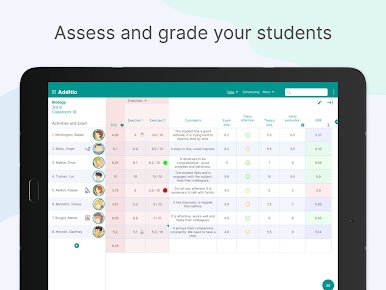
Flexible Digital Gradebook
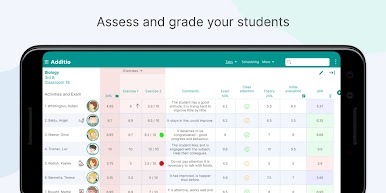
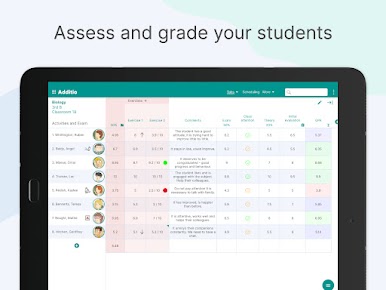
Track student progress with a straightforward gradebook that lets you add grades, calculate averages, and adjust everything as needed—without stacks of paper. -
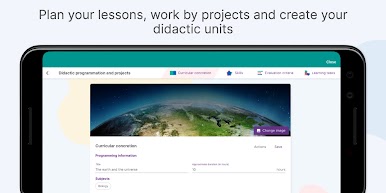
Lesson Planning Made Easy
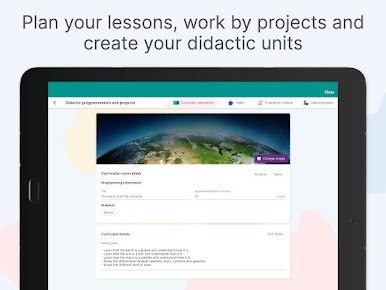
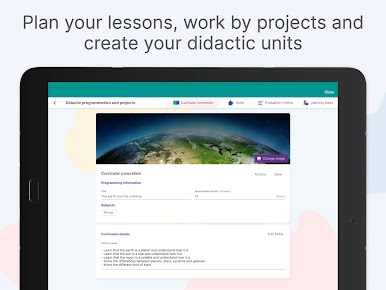
Build your lessons per session or by curricular unit. Use ready templates or create your own approach so every day is laid out just how you like it. -
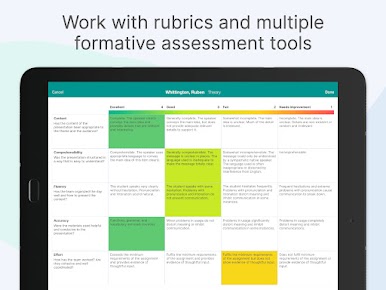
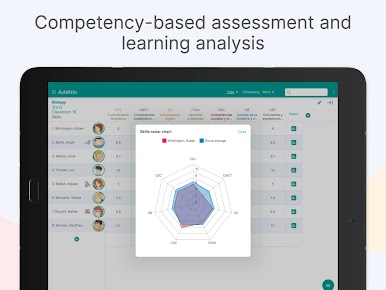
Customizable Rubrics & Assessments
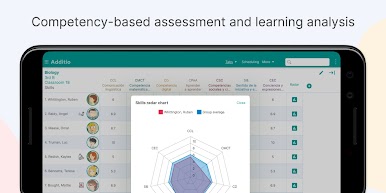
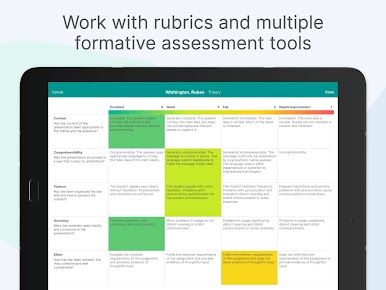
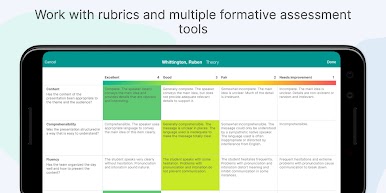
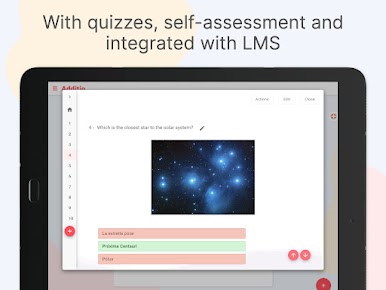
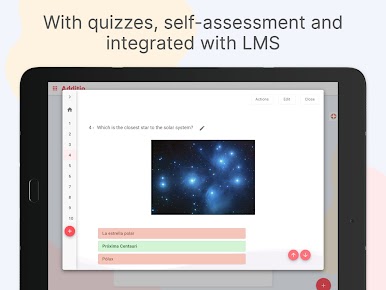
Set up detailed rubrics, including options for skill-based evaluations and even peer/self-assessment. This helps take the guesswork out of grading. -
Reports & Exports
Need reports? No problem—generate custom reports, export grades and attendance to Excel or PDF, and keep everything tidy and shareable. -
Student & Family Communication
Keep everyone in the loop with built-in messaging for both students and their families, making updates and feedback a simple click away. -
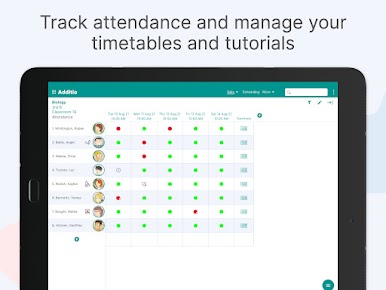
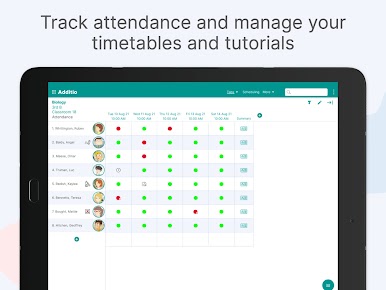
Attendance, Timetable, and Seating Plans
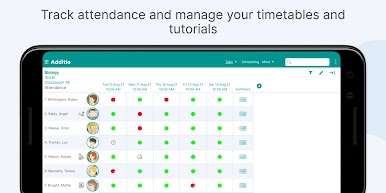
Stay organized by taking attendance, setting up timetables, and arranging your seating plans—all within the app. -
Multi-Device Sync
Access everything on your phone, tablet, Chromebook, or on your computer with BlueStacks. Your info syncs up whenever you’re online. -
Resource Organizer
Link and organize all types of resources, including files from Google Drive and Microsoft OneDrive, so you’re never hunting for what you need. -
Google Classroom & Microsoft Integration
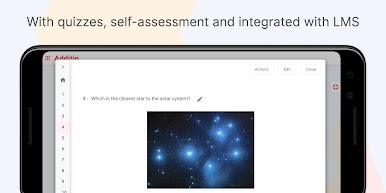
If you’re already using other platforms, Additio works right alongside them for a seamless workflow. -
Works Offline
No connection? You can still record grades and notes on mobile devices. Data will sync up once you’re back online. -
School-Wide Tools (for Schools Plan)
School admins get access to management panels, shared groups, incident tracking, and easy communication between teachers, students, and parents. -
GDPR Compliance
Built with privacy in mind—the app follows EU GDPR laws to help you feel secure about student data. -
Extra Teacher Tools
Need to round grades, adjust averages, or use one of the countless other time-saving features? Teacher’s Gradebook – Additio has a toolbox packed with options to make daily class life easier.
BlueStacks brings your apps to life on a bigger screen—seamless and straightforward.

Additio App for teachersをPCでプレイ
-
BlueStacksをダウンロードしてPCにインストールします。
-
GoogleにサインインしてGoogle Play ストアにアクセスします。(こちらの操作は後で行っても問題ありません)
-
右上の検索バーにAdditio App for teachersを入力して検索します。
-
クリックして検索結果からAdditio App for teachersをインストールします。
-
Googleサインインを完了してAdditio App for teachersをインストールします。※手順2を飛ばしていた場合
-
ホーム画面にてAdditio App for teachersのアイコンをクリックしてアプリを起動します。

