


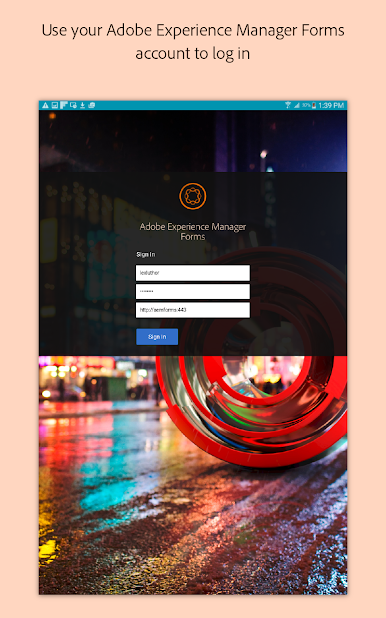
Adobe Experience Manager Forms
Chơi trên PC với BlueStacks - Nền tảng chơi game Android, được hơn 500 triệu game thủ tin tưởng.

Trang đã được sửa đổi vào: Dec 4, 2023
Play Adobe Experience Manager Forms on PC
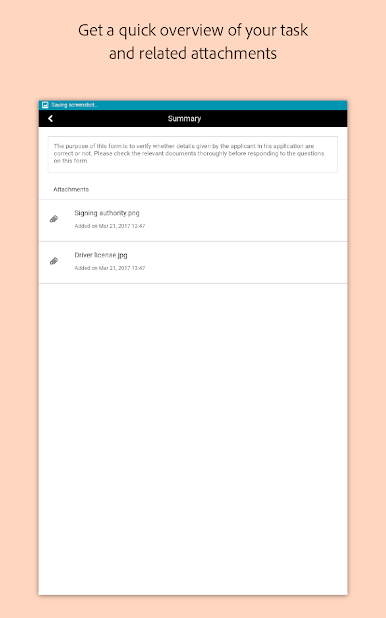
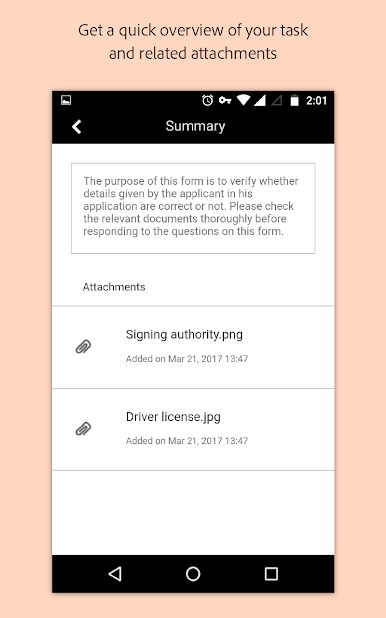
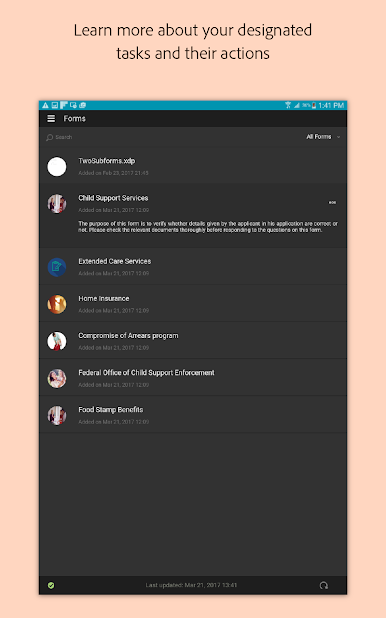
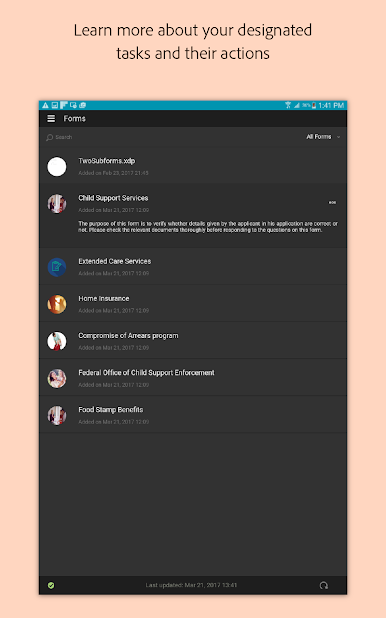
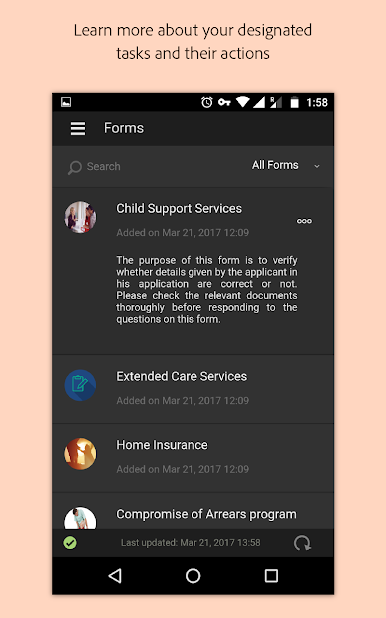
Organizations use the AEM Forms app to:
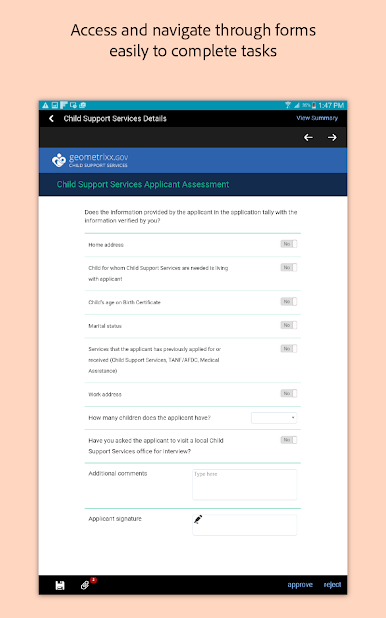
- Enroll customers for various services in-branch or in the field
- Conduct field inspections on the go
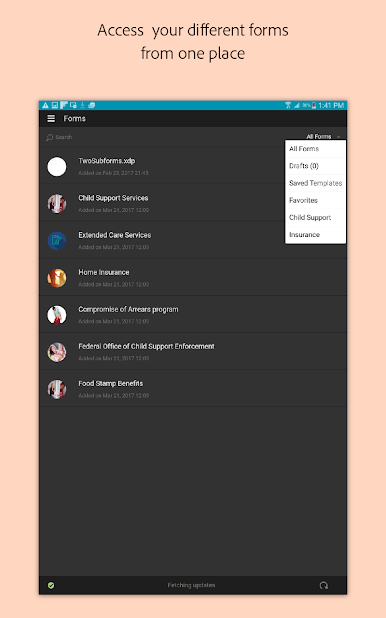
- Complete set of forms – sharing common data
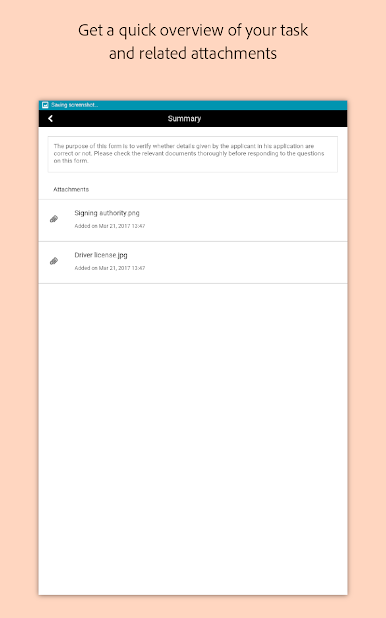
- Collect supporting data through rich media
- Conduct form-related workflows while out of the office
Special features:
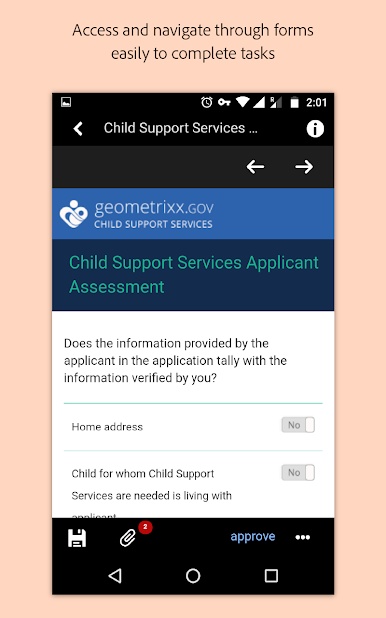
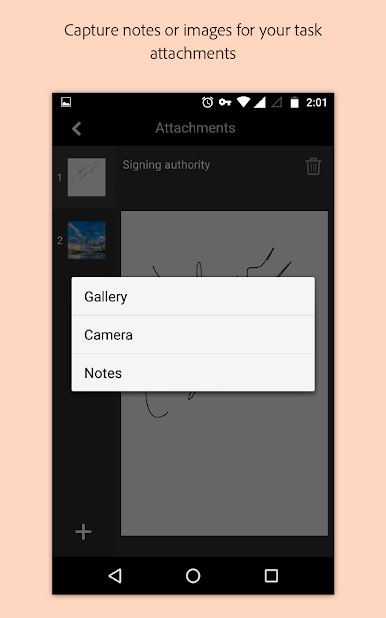
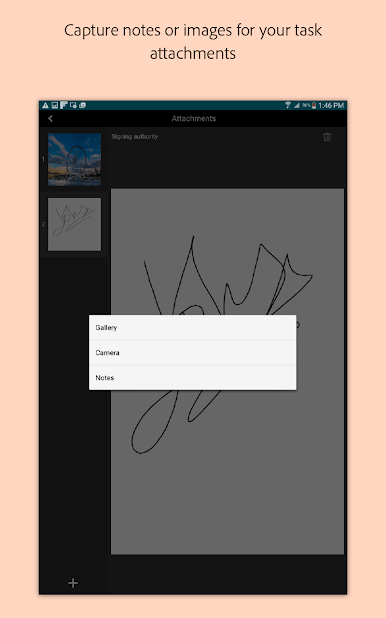
- Add electronic signatures and annotations— including photos, notes with timestamp and geo-location
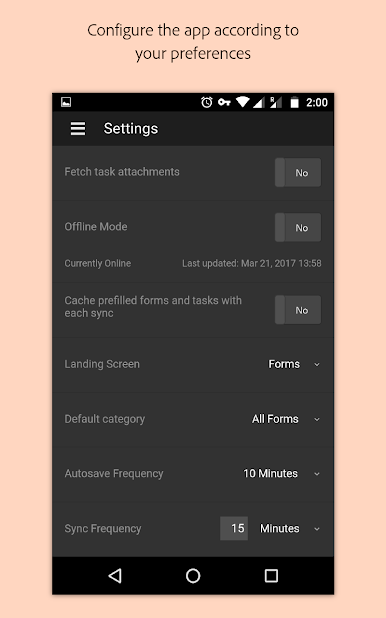
- Save snapshot of a form or task offline and retrieve at a later time when online
- Customize the app to match organizational branding
- Autosave feature prevents loss of critical data due to app failure or device reboot
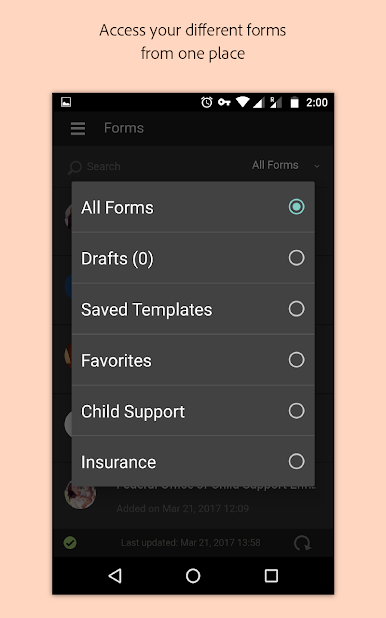
- Prefill form fields with templates feature for faster, efficient form filling
For more information on Experience Manager Forms, visit adobe.com/go/aemforms


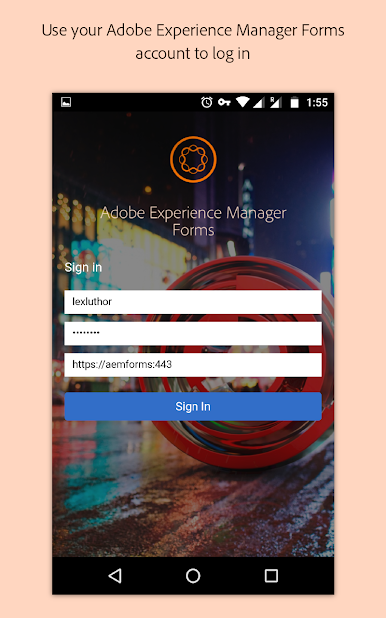
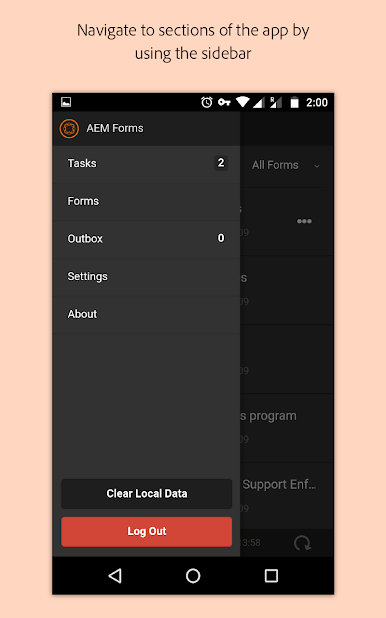
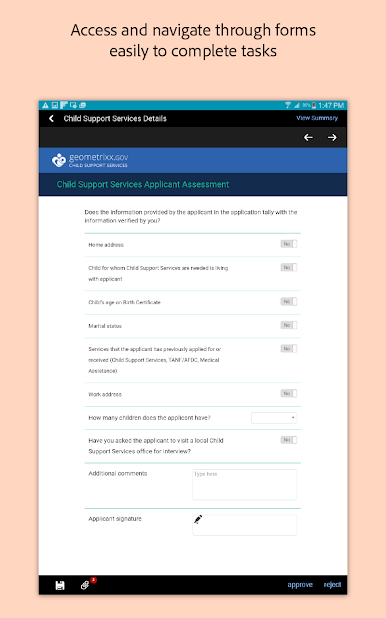

Chơi Adobe Experience Manager Forms trên PC. Rất dễ để bắt đầu
-
Tải và cài đặt BlueStacks trên máy của bạn
-
Hoàn tất đăng nhập vào Google để đến PlayStore, hoặc thực hiện sau
-
Tìm Adobe Experience Manager Forms trên thanh tìm kiếm ở góc phải màn hình
-
Nhấn vào để cài đặt Adobe Experience Manager Forms trong danh sách kết quả tìm kiếm
-
Hoàn tất đăng nhập Google (nếu bạn chưa làm bước 2) để cài đặt Adobe Experience Manager Forms
-
Nhấn vào icon Adobe Experience Manager Forms tại màn hình chính để bắt đầu chơi

