


3D Collection | Thingiverse
Spiele auf dem PC mit BlueStacks - der Android-Gaming-Plattform, der über 500 Millionen Spieler vertrauen.

Seite geändert am: Jun 3, 2025
Play 3D Collection | Thingiverse on PC
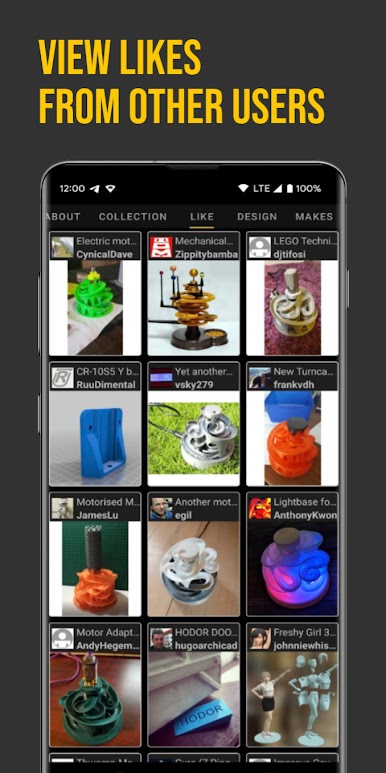
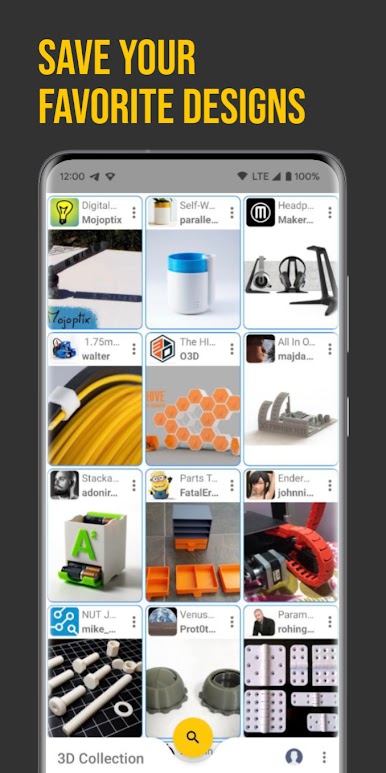
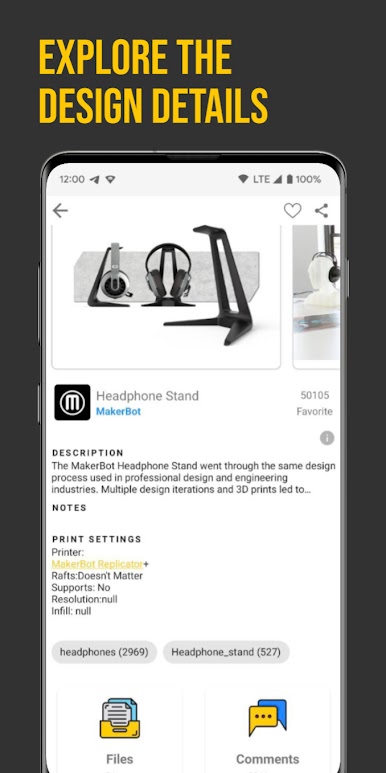
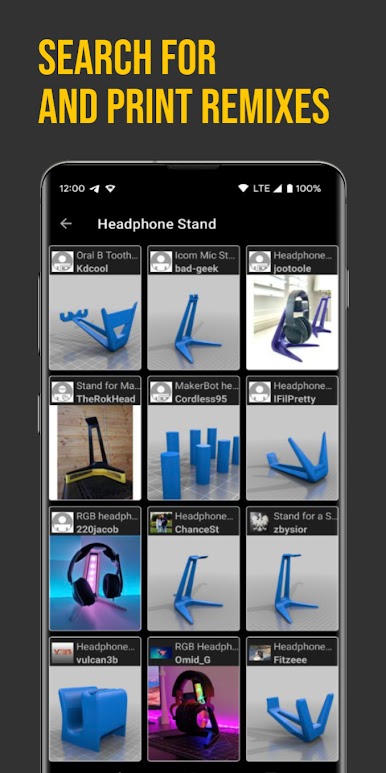
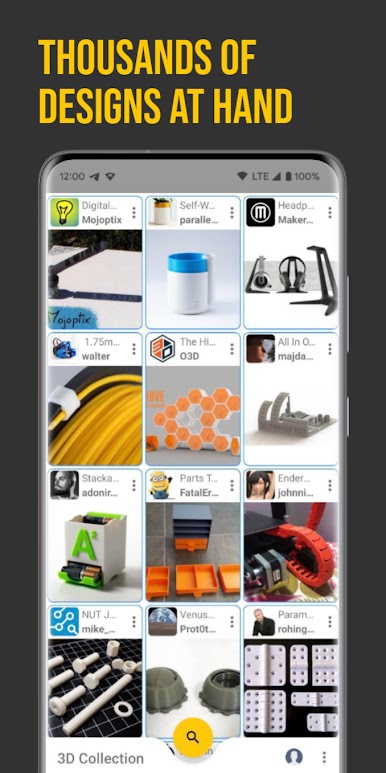
🌟 Find and view Thingiverse, MyMiniFactory, Cults designs
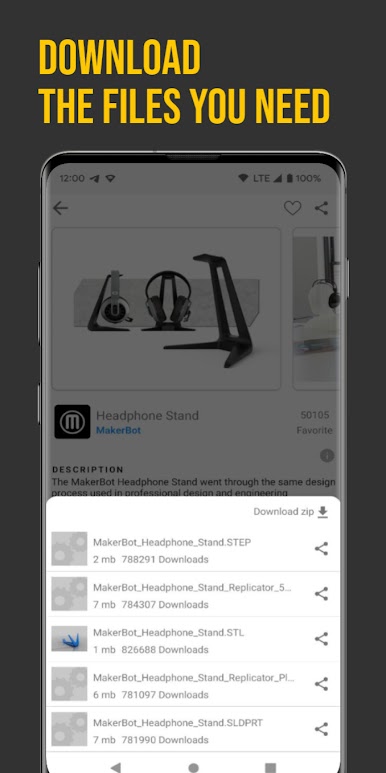
🌟 Download the STL files
🌟 Filter by category
🌟 Share the designs using other apps such as WhatsApp and Telegram
Soon the content of other 3D design platforms and other app functionalities will also be available!
If you want to help me with the translations of the app please send me an email -> adriandios@gmail.com
Spiele 3D Collection | Thingiverse auf dem PC. Der Einstieg ist einfach.
-
Lade BlueStacks herunter und installiere es auf deinem PC
-
Schließe die Google-Anmeldung ab, um auf den Play Store zuzugreifen, oder mache es später
-
Suche in der Suchleiste oben rechts nach 3D Collection | Thingiverse
-
Klicke hier, um 3D Collection | Thingiverse aus den Suchergebnissen zu installieren
-
Schließe die Google-Anmeldung ab (wenn du Schritt 2 übersprungen hast), um 3D Collection | Thingiverse zu installieren.
-
Klicke auf dem Startbildschirm auf das 3D Collection | Thingiverse Symbol, um mit dem Spielen zu beginnen

