

Dark Strokes: Hidden Object
Play on PC with BlueStacks – the Android Gaming Platform, trusted by 500M+ gamers.

Page Modified on: Oct 26, 2025
Play Dark Strokes: Hidden Object Game on PC or Mac
Bring your A-game to Dark Strokes: Hidden Object Game, the Adventure game sensation from Alawar Entertainment, Inc.. Give your gameplay the much-needed boost with precise game controls, high FPS graphics, and top-tier features on your PC or Mac with BlueStacks.
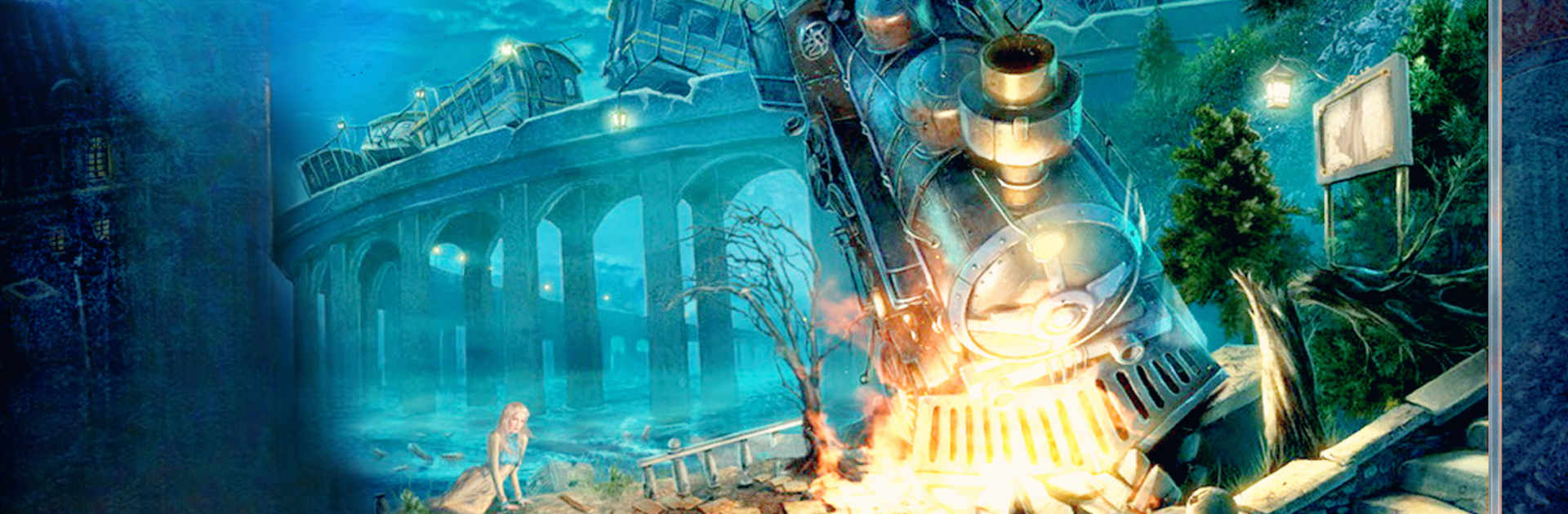
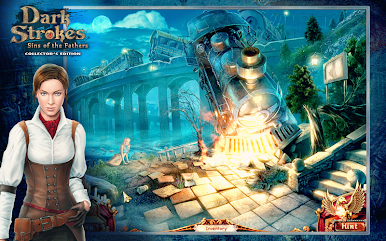
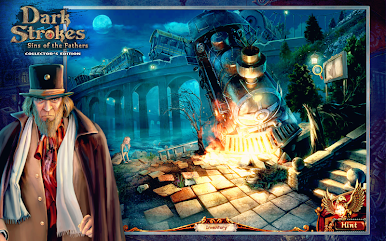
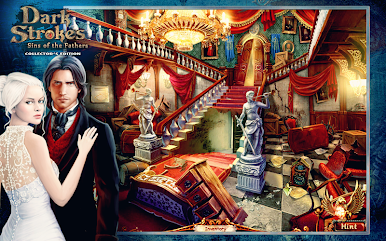
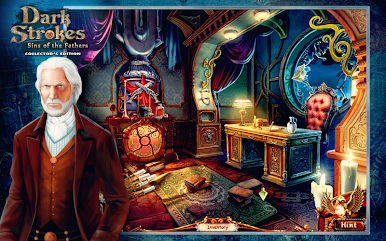
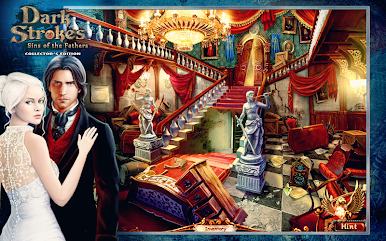
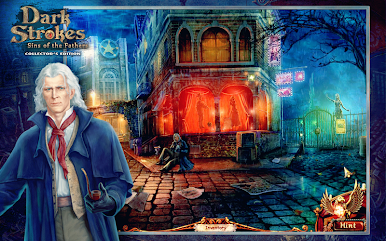
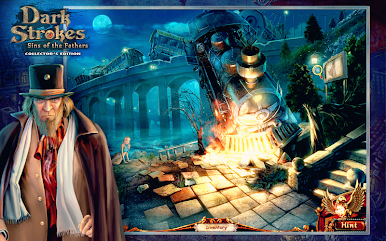
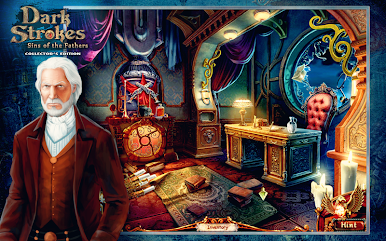
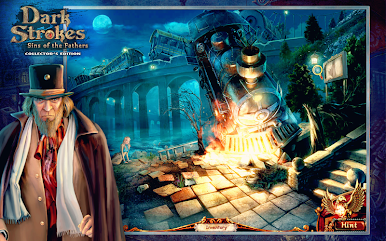
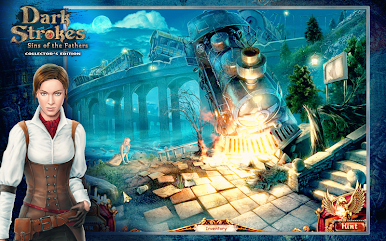
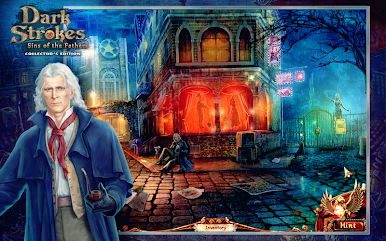
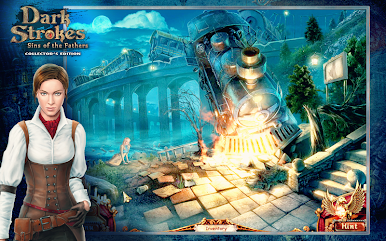
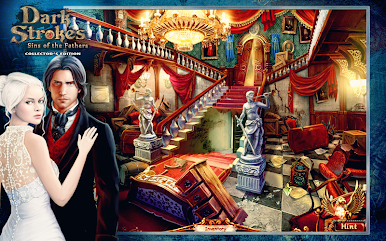
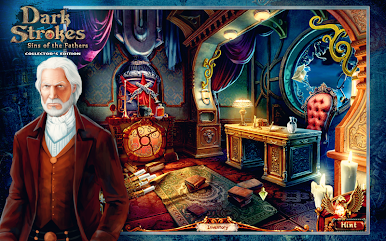
Dark Strokes: Hidden Object Game is one of those story-driven games where you get wrapped up in a mix of mystery and supernatural weirdness. It starts out with this guy Ethan whose fiancée suddenly gets taken by these creepy figures called the Faceless Ones, and from there, it’s all about exploring a city that’s been totally wrecked. Players have to look for clues, talk to the few people still around, and try to untangle what actually happened — there’s a lot of atmosphere, and the story gets darker the deeper it goes. It’s not just about finding things on a list, either. There are lots of small puzzles and little games that fill in the spaces between the big hidden object scenes, so it doesn’t get repetitive.
The art is really detailed — every location feels carefully drawn, so looking for hidden objects doesn’t feel too easy or unfair. There’s plenty of moody music and little effects that make the story feel more real. If you get stuck, there’s a hint system and even a step-by-step guide tucked in, so things never hit a wall for too long. Playing on PC with BlueStacks makes the whole process smoother, especially when combing through a scene with a mouse — it’s just easier to spot everything. The game goes pretty heavy on the mystery and drama, and there’s an odd mix of magic, old secrets, and a sense that something is always close behind. For anyone who likes searching for stuff and getting pulled into a good spooky story, this one feels like a solid choice.
Slay your opponents with your epic moves. Play it your way on BlueStacks and dominate the battlefield.

Play Dark Strokes: Hidden Object on PC. It’s easy to get started.
-
Download and install BlueStacks on your PC
-
Complete Google sign-in to access the Play Store, or do it later
-
Look for Dark Strokes: Hidden Object in the search bar at the top right corner
-
Click to install Dark Strokes: Hidden Object from the search results
-
Complete Google sign-in (if you skipped step 2) to install Dark Strokes: Hidden Object
-
Click the Dark Strokes: Hidden Object icon on the home screen to start playing

