


Graphing Calculator - Algeo
Play on PC with BlueStacks – the Android Gaming Platform, trusted by 500M+ gamers.

Page Modified on: Oct 30, 2025
Run Graphing Calculator - Algeo on PC or Mac
Get freedom from your phone’s obvious limitations. Use Graphing Calculator – Algeo, made by Marton Veges, a Education app on your PC or Mac with BlueStacks, and level up your experience.
About the App
Graphing Calculator – Algeo makes math feel less like a chore and more like a smooth, hands-on tool you can actually enjoy using. It’s a clean, fast graphing calculator that lets you write and explore functions the way you’d sketch them on paper. Built for Education and created by Marton Veges, it’s great for homework, lectures, or quick problem checks—online or offline.
App Features
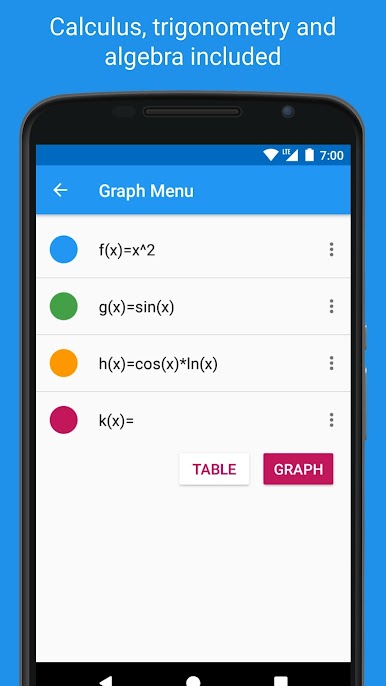
- Paper-like input: Type functions in a natural, readable format, so you’re not cramming everything onto one line.
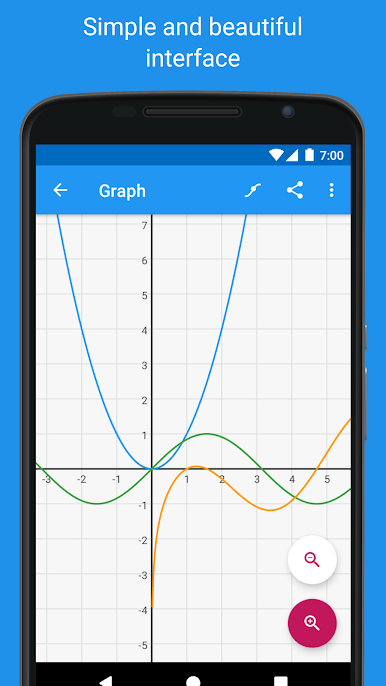
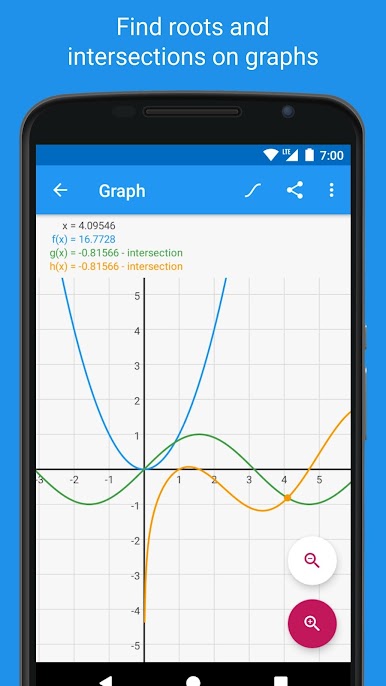
- Fast plotting: Graph up to four functions at once and see changes instantly as you tweak expressions.
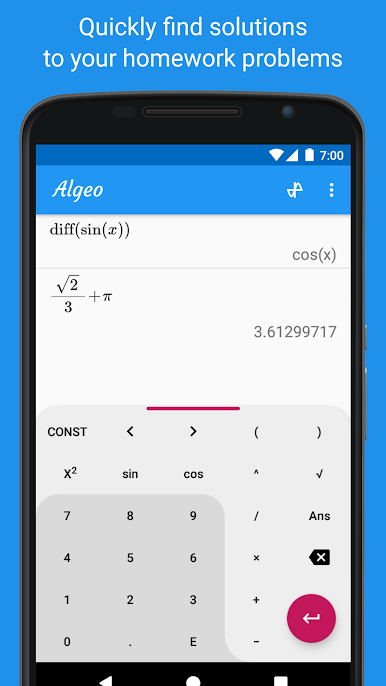
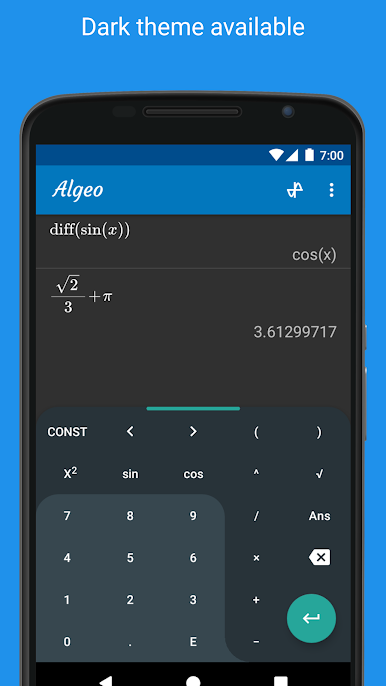
- Calculus toolkit: Do symbolic differentiation, compute definite integrals, and generate Taylor series when you need deeper insight.
- Equation solving: Solve equations and automatically find roots and intersections right from the graph.
- Function analysis: Inspect behavior, trace points, and reveal key details without manual guesswork.
- Tables of values: Create an ongoing table for any function to spot patterns or verify results.
- Scientific essentials: Trig and hyperbolic functions, radians/degrees, logarithms, scientific notation, and variables are all built in.
- Combinatorics and number theory: Use nCr/nPr, modulo, greatest common divisor, and more for discrete math tasks.
- History you can reuse: Keep past results handy, recall them, and plug them back into new calculations.
- Gesture-friendly graphs: Pinch to zoom and pan smoothly to focus on the parts of the graph that matter.
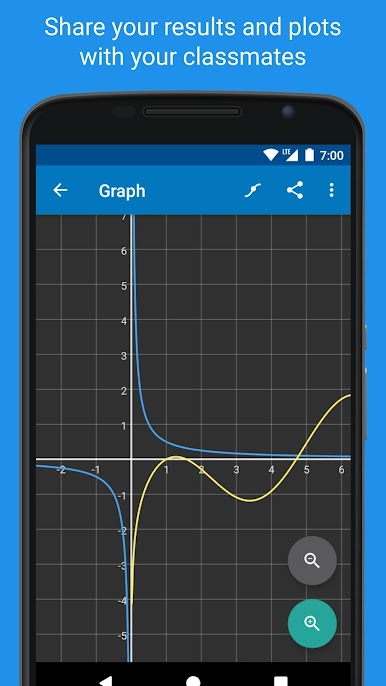
- Shareable plots: Send clean, readable graphs to classmates or drop them into your notes.
- Works offline: No connection required, so it’s reliable in class, during exams that allow calculators, or on the go.
- Big-screen option: Prefer a larger canvas? Run it on your PC with BlueStacks for more room to explore graphs.
BlueStacks brings your apps to life on a bigger screen—seamless and straightforward.
Play Graphing Calculator - Algeo on PC. It’s easy to get started.
-
Download and install BlueStacks on your PC
-
Complete Google sign-in to access the Play Store, or do it later
-
Look for Graphing Calculator - Algeo in the search bar at the top right corner
-
Click to install Graphing Calculator - Algeo from the search results
-
Complete Google sign-in (if you skipped step 2) to install Graphing Calculator - Algeo
-
Click the Graphing Calculator - Algeo icon on the home screen to start playing

