

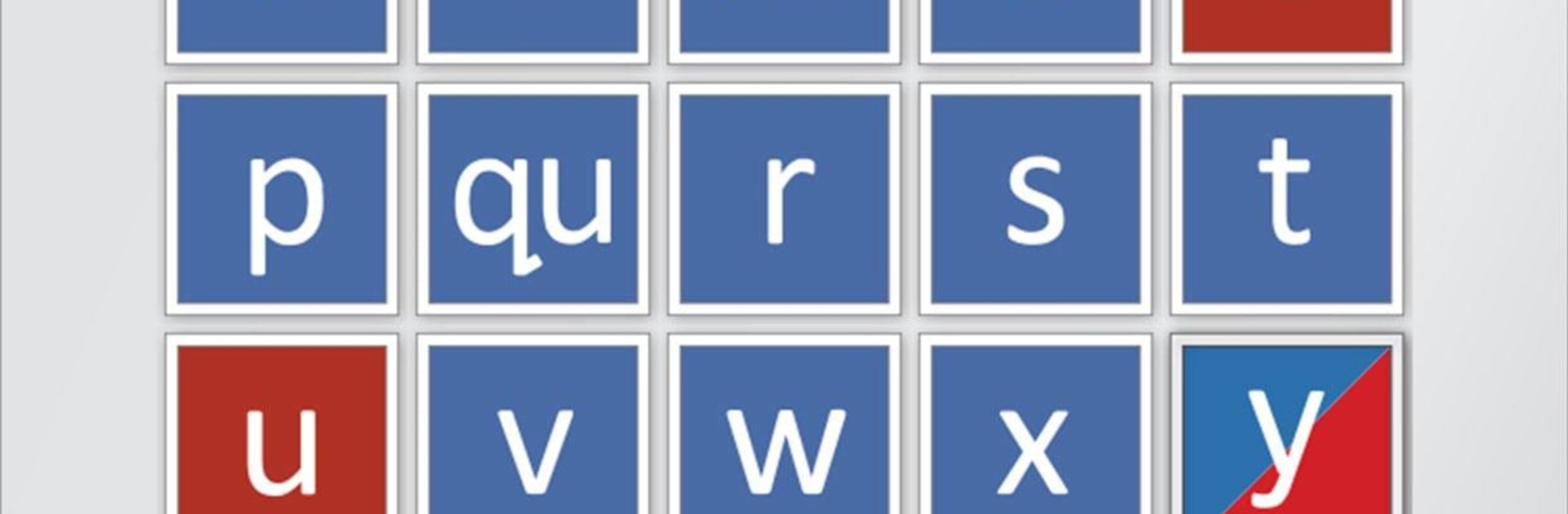
Phonogram Sounds
5억명 이상의 게이머가 신뢰하는 안드로이드 게임 플랫폼 BlueStacks으로 PC에서 플레이하세요.

Run Phonogram Sounds on PC or Mac
Let BlueStacks turn your PC, Mac, or laptop into the perfect home for Phonogram Sounds, a fun Education app from All About Learning Press.
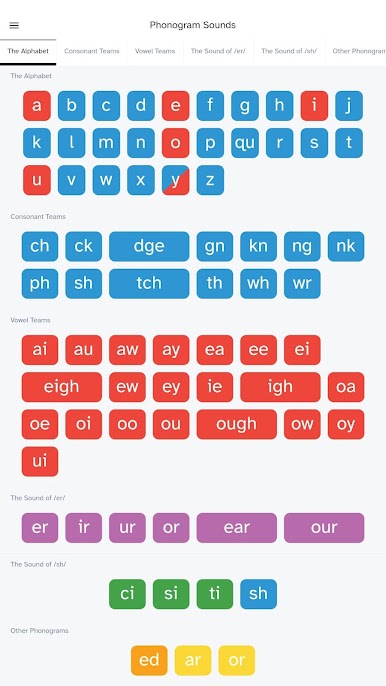
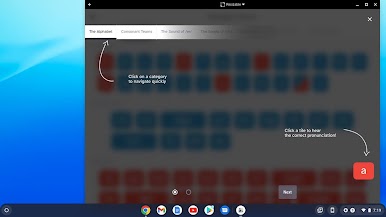
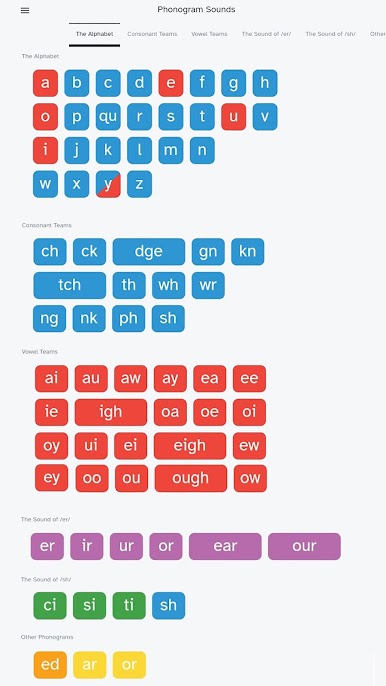
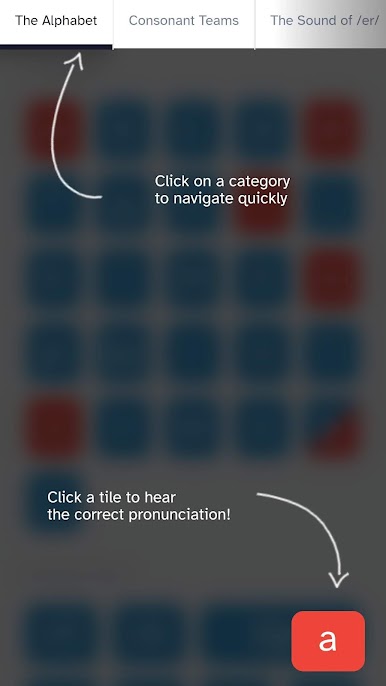
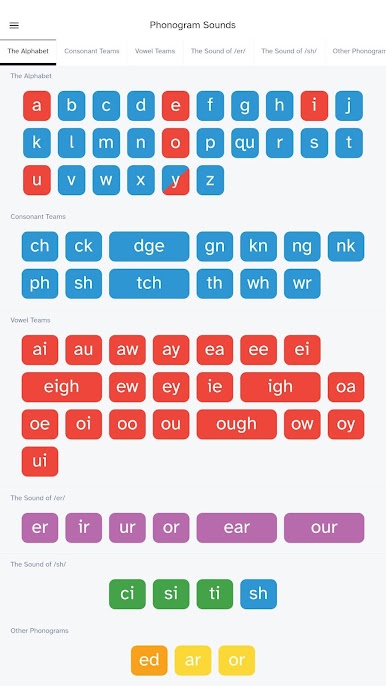
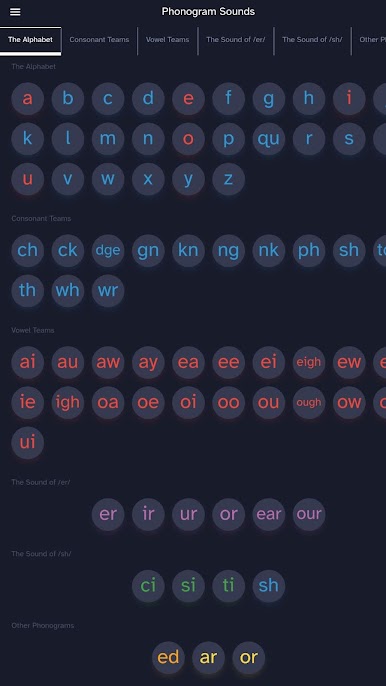
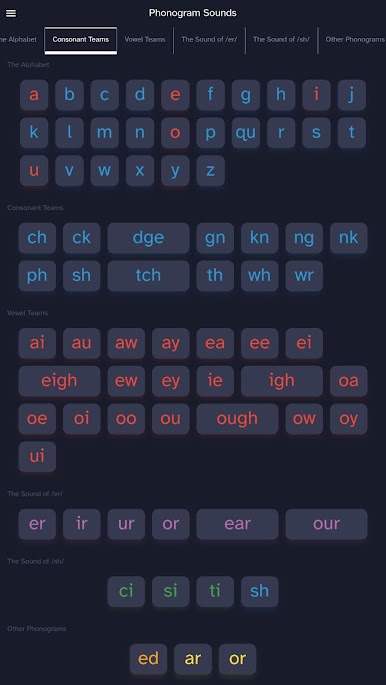
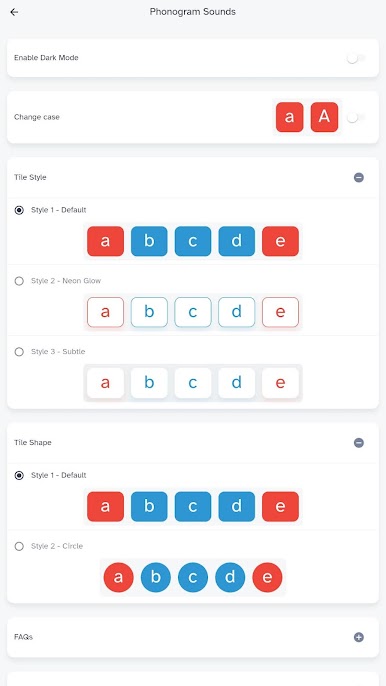
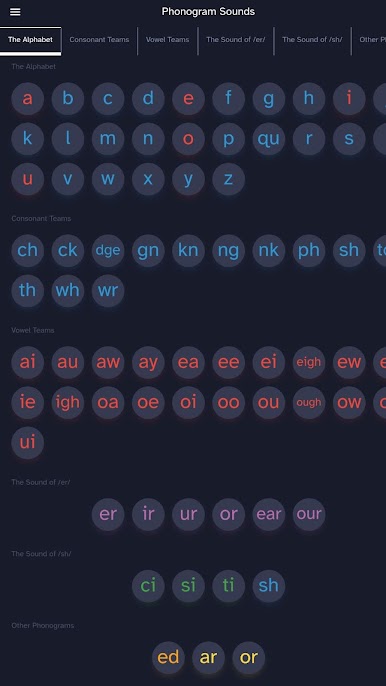
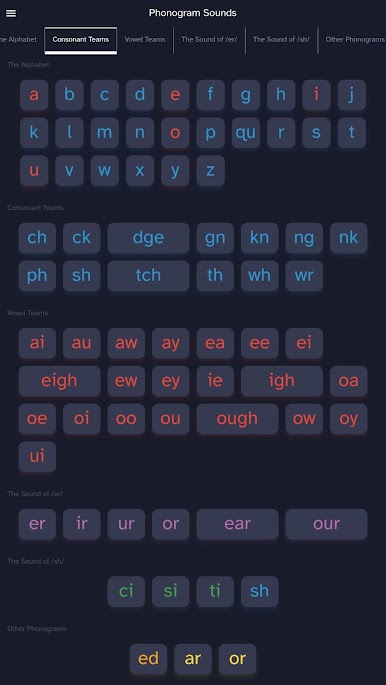
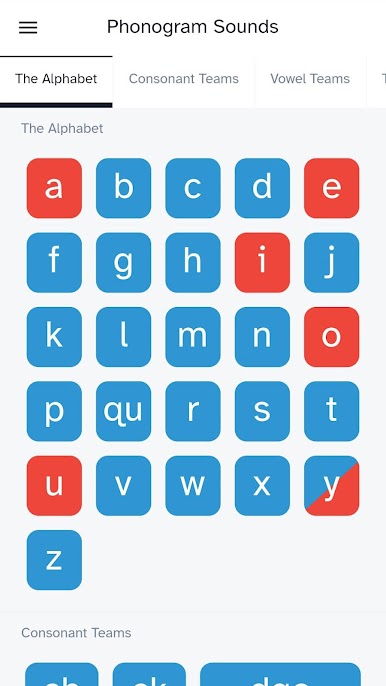
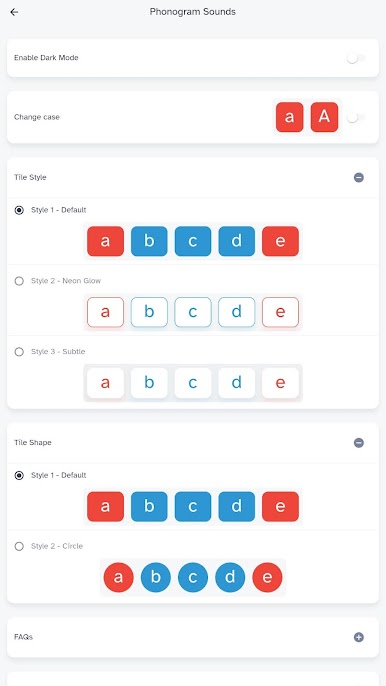
Phonogram Sounds is basically a clean little soundboard for learning phonics. Tap a tile, hear how that letter or letter combo is supposed to sound, tap it again if it needs to sink in. The voice is clear and steady, no fluff, which makes it easy to focus. It includes the full set of 72 common phonograms that the All About Reading and All About Spelling programs use, so it feels very organized and complete rather than random. There is no game layer or points system here, just quick access to the exact sounds, which is kind of the point. Great for someone who wants a straight tool for practice and reference.
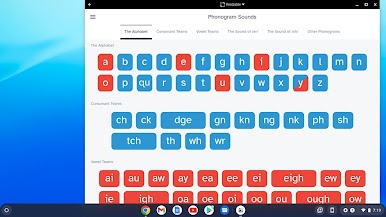
On a PC with BlueStacks it feels even more straightforward. The tiles get nice and big, clicking is quick, and the speakers help the enunciation pop. It suits a mix of ages because nothing is cutesy or complicated, and it works for different learning styles since it combines seeing the letters with hearing them right away. For families using the All About Reading or All About Spelling curriculum, it slots right in as the sound helper during lessons. For anyone else, it stands alone as a simple way to check and repeat those tricky sounds without guessing. Simple layout, fast feedback, repeat as needed, done.
Ready to experience Phonogram Sounds on a bigger screen, in all its glory? Download BlueStacks now.
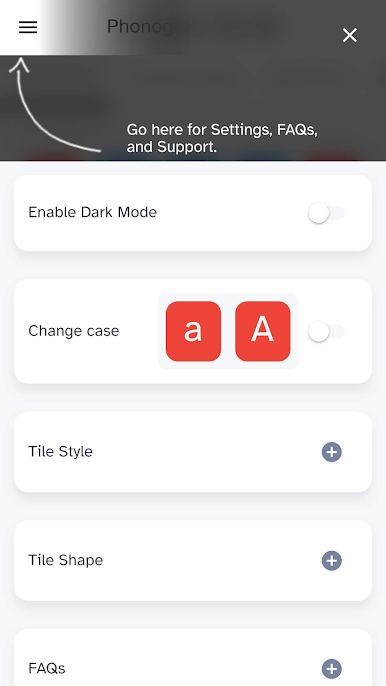
PC에서 Phonogram Sounds 플레이해보세요.
-
BlueStacks 다운로드하고 설치
-
Google Play 스토어에 로그인 하기(나중에 진행가능)
-
오른쪽 상단 코너에 Phonogram Sounds 검색
-
검색 결과 중 Phonogram Sounds 선택하여 설치
-
구글 로그인 진행(만약 2단계를 지나갔을 경우) 후 Phonogram Sounds 설치
-
메인 홈화면에서 Phonogram Sounds 선택하여 실행

